Music Info — Song Metadata

Music Info — Song Metadata

Download on App Store
Logo of Music Info — Song Metadata

Music Info — Song Metadata: The Missing ‘Get Info’ Button for Your iPhone and iPad

Bring the power of the desktop music experience to your pocket. Access hidden play counts, skip dates, BPM, and lyrics for every song in your library. No ads, no tracking, and no subscriptions—just the data you deserve.

Download on App Store

Publisher

Jordan Hipwell

Category

Music

Downloads

13K+

User Rating

4.9/5

Total Ratings

100

Locales

1

Beyond the Cover Art

Discover the interface used by 13K+ users.
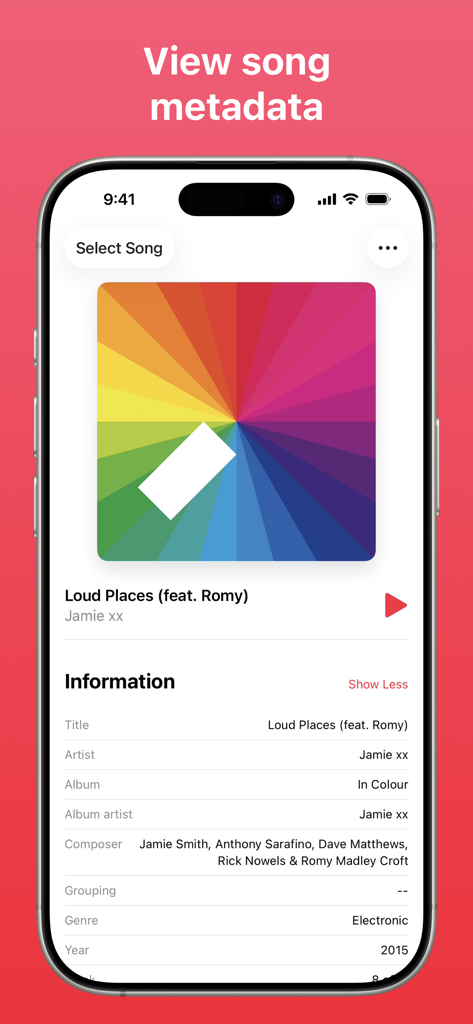
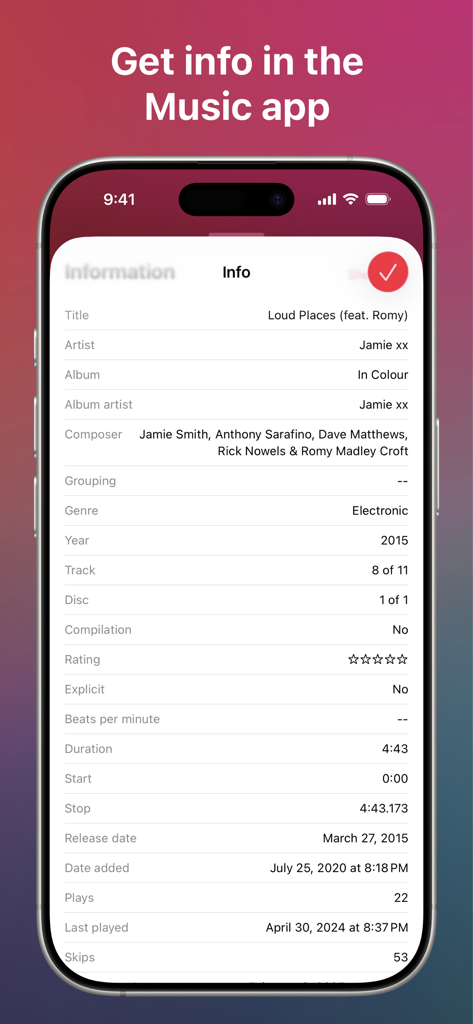
Music Info app screen showing song metadata like composer and genre

Music Info app screen showing song metadata like composer and genre

iPhone screen displaying detailed song metadata including artist composer play counts and release dates

iPhone screen displaying detailed song metadata including artist composer play counts and release dates

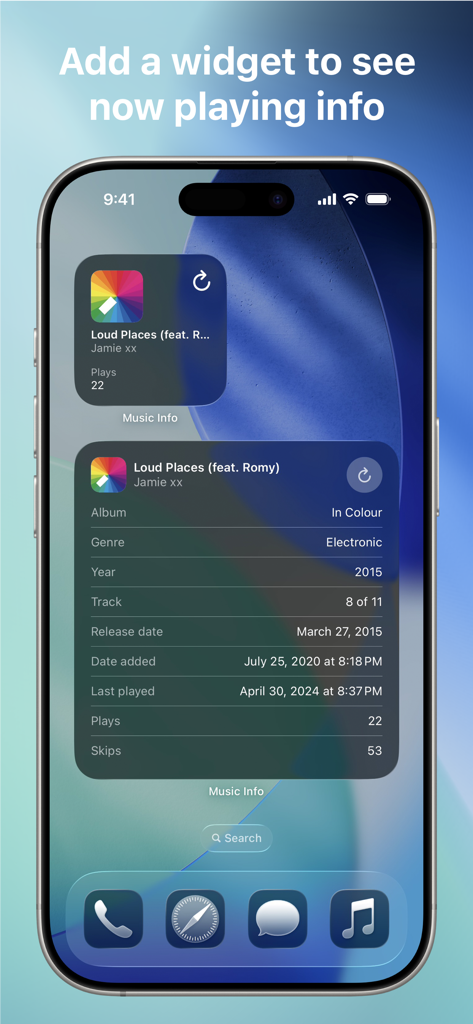
iPhone home screen displaying Music Info widgets with detailed song metadata like play counts and release dates

iPhone home screen displaying Music Info widgets with detailed song metadata like play counts and release dates

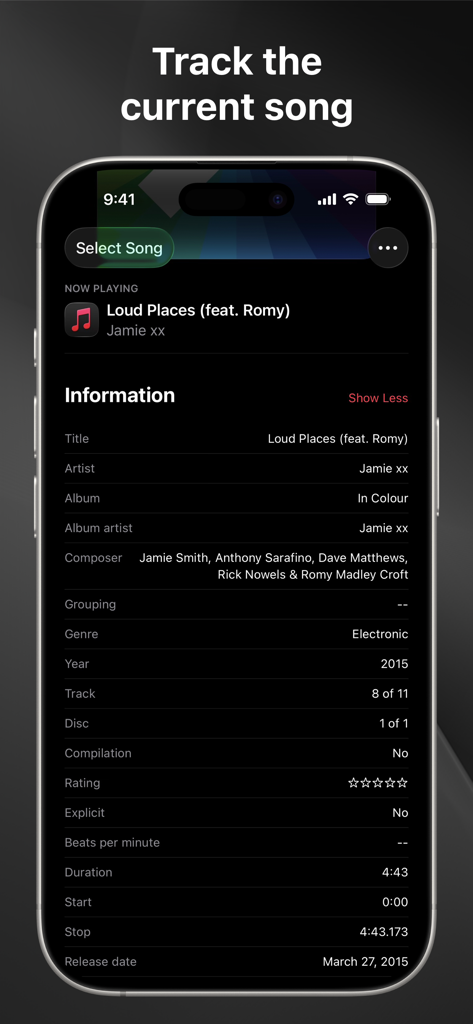
A mobile interface displaying detailed metadata for the current song including artist album and composer information

A mobile interface displaying detailed metadata for the current song including artist album and composer information

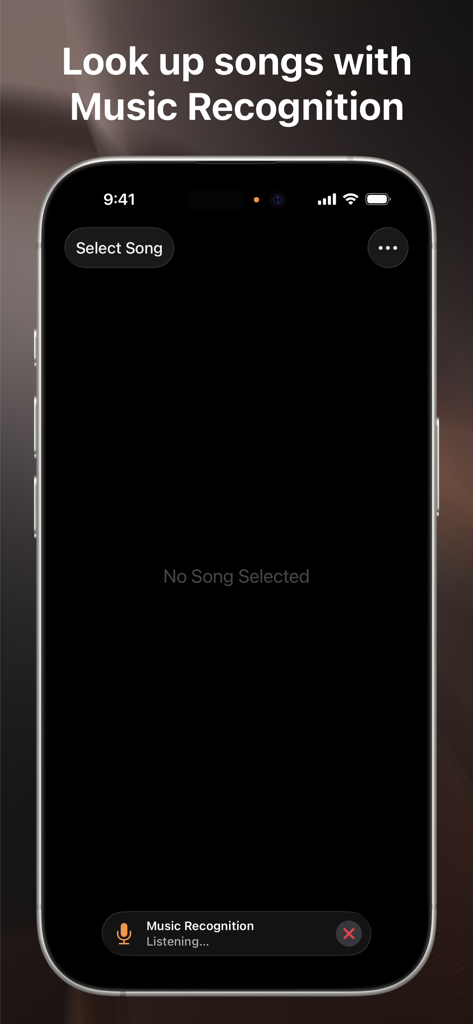
A smartphone showing the Music Info app interface with a music recognition feature active and listening for a song.

A smartphone showing the Music Info app interface with a music recognition feature active and listening for a song.

Reclaim Your Music Metadata

The tools that make this app stand out, trusted by 13K+ users.

📊

Deep Listening Analytics

Dive into the data that matters. View play counts, skip dates, BPM, and composer info to truly understand your personal listening habits.

🔗

Seamless 'Get Info' Integration

Bridge the gap between mobile and desktop. Access full metadata directly within the native Music app using a custom-built share sheet action.

💎

Pure Utility, No Subscriptions

Built for the digital archivist. Enjoy a clean, ad-free experience with zero tracking and no recurring fees—just a powerful tool that works.

About the app

Everything you need to know about Music Info — Song Metadata.

Description

Music Info allows you to view information about songs in your library, including play count, skip count, release date, date added, album artist, composer, genre, year, comments, lyrics, and more.* "Apple's Music app on macOS surfaces all kinds of information about the songs you're listening to … But for reasons unknown, that isn't the case with the iOS version of Music. But as Apple likes to say, there's an app for that." —iMore Convenient ways to view info -- Open the app to see the song that’s currently playing in the Music app, and it will automatically update when the song changes -- Select a song from your library -- Look up a song using Music Recognition powered by Shazam -- Drag and drop a song from Music into the app -- Get info directly in the Music app from the share sheet — yes, this app adds the missing Get Info button! -- Add the widget to view info about the song currently playing in the Music app, and edit it to customize which song properties are visible — available for your Home Screen, iPad lock screen, CarPlay, and StandBy More features -- Reorder or hide information -- Tap and hold to copy information or artwork -- Select words in lyrics to look up, translate, copy, or share -- Play the selected song in the app -- Light and dark mode -- App Shortcuts -- Home Screen quick actions -- Menu bar, keyboard shortcuts, and multiple windows on iPad -- No ads, no tracking, no subscriptions How it works -- The Music app, like iTunes before it, saves metadata for each song you have in your library. Music Info reveals this information that otherwise isn’t accessible on iPhone and iPad. -- All songs in your library can be accessed in the Music Info app, no matter if they were added via Apple Music, purchased, matched, uploaded, or otherwise synced to your device. Songs in Apple Music that haven’t been added to your library have limited information available. -- The share sheet action is available when sharing a song in the Music app. Note that only songs that are available on Apple Music can be shared. Music Info will try to look up that song in your library which may require an internet connection. It’s possible it may not be able to find the right song, for example, if you’ve renamed it. If that is the case, you can still use the app to access its information even without an internet connection. Things to note -- Song metadata cannot be edited on iOS and iPadOS -- You do not need to be an Apple Music subscriber to use the app -- Music Info does not work with any third-party music services -- Lyrics must be added to your songs via Music or iTunes on your Mac or PC *All available metadata: -- Artwork -- Title -- Artist -- Album -- Album artist -- Composer -- Grouping -- Genre -- Year -- Track -- Disc -- Compilation -- Rating -- Explicit -- Beats per minute -- Duration -- Start -- Stop -- Release date -- Date added -- Plays -- Last played -- Skips -- Last skipped -- Comments -- Lyrics

Latest Version

1.8

Size

2.8 MB

First Released

Jul 14, 2020

The 'Get Info' Button Your iPhone Was Missing

Join thousands of music archivists viewing play counts, release dates, and deep metadata. No ads, no tracking, and no subscriptions.

Download on App Store

App information, icons, screenshots, and descriptions displayed on this page are sourced from the Apple App Store and are the property of their respective developers. Download estimates and rankings are based on MWM's proprietary models and may not reflect actual figures. This page is provided for informational and analytical purposes only.

Believe this page infringes your intellectual property? File a dispute