MX Deposit

MX Deposit

Download on App Store
Logo of MX Deposit

MX Deposit: Precision Field Data Entry for Geologists and Miners

Eliminate manual data entry and paper logs. Capture accurate drill hole and sample data anywhere—even offline—with a mobile-native platform built for the rugged demands of field exploration.

Download on App Store

Publisher

Minalytix Inc.

Category

Business

Downloads

600

User Rating

1.0/5

Total Ratings

0

Locales

1

Built for the Field

Discover the interface used by 600 users.
MX Deposit app login screen with Seequent ID sign in button and geometric logo

MX Deposit app login screen with Seequent ID sign in button and geometric logo

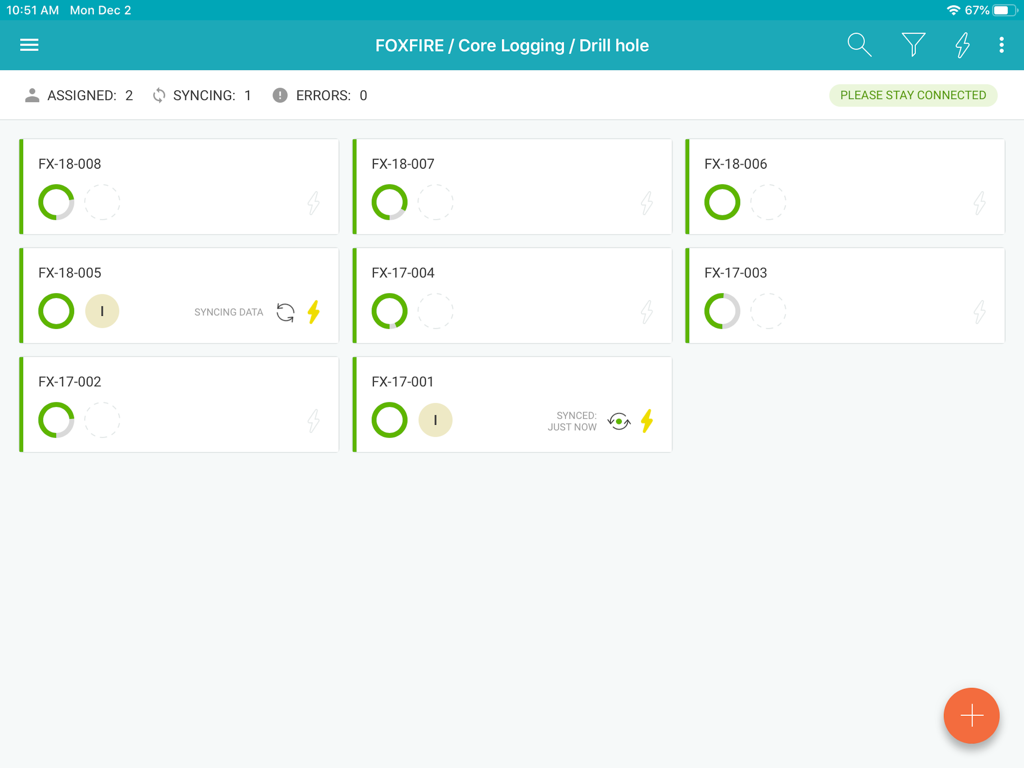
MX Deposit app dashboard showing drill hole core logging records and synchronization status

MX Deposit app dashboard showing drill hole core logging records and synchronization status

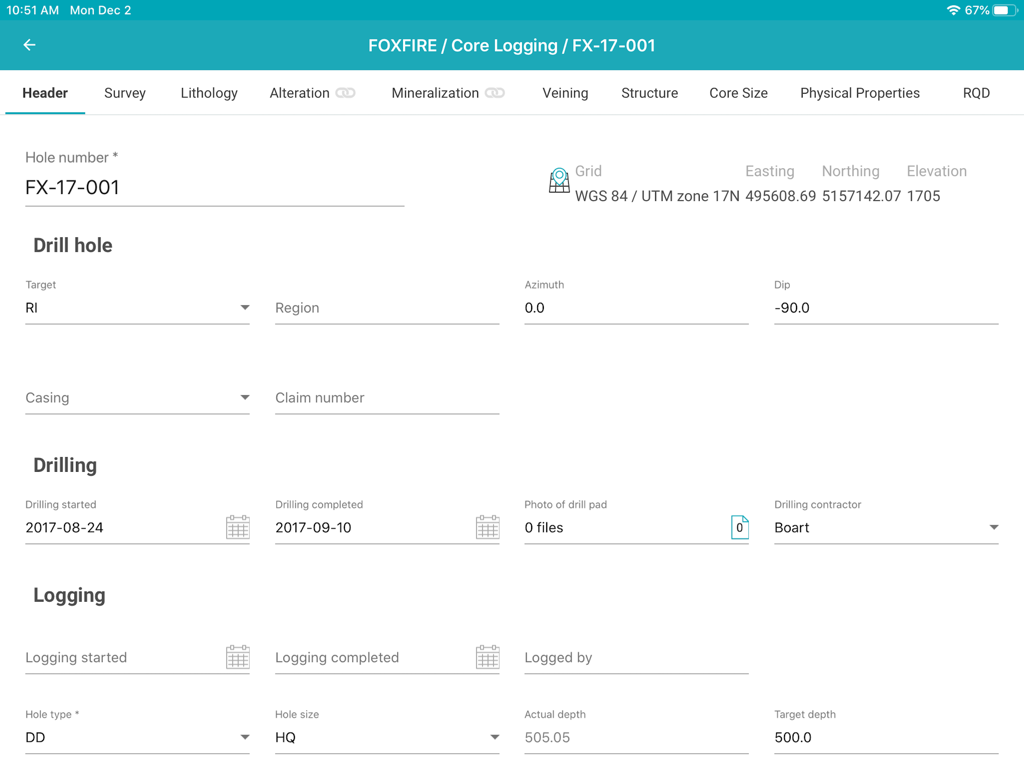
MX Deposit app interface showing a header form for geological drill hole core logging data entry

MX Deposit app interface showing a header form for geological drill hole core logging data entry

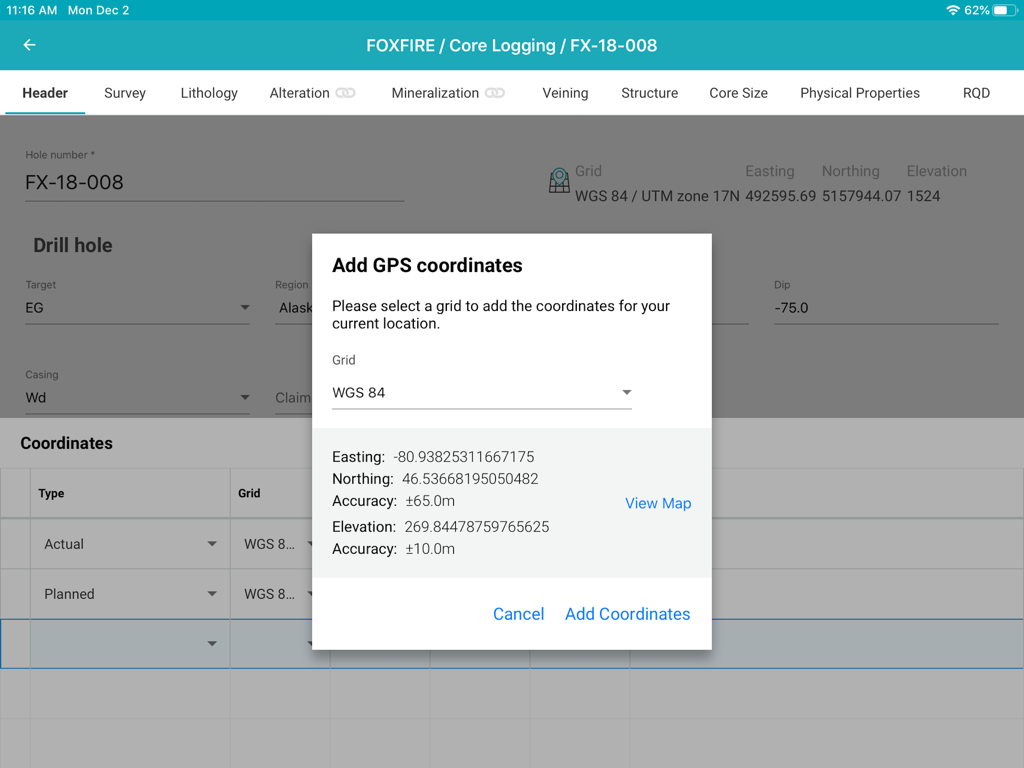
Interface of the MX Deposit app showing a popup window for adding GPS coordinates to a drill hole during core logging on an iPad.

Interface of the MX Deposit app showing a popup window for adding GPS coordinates to a drill hole during core logging on an iPad.

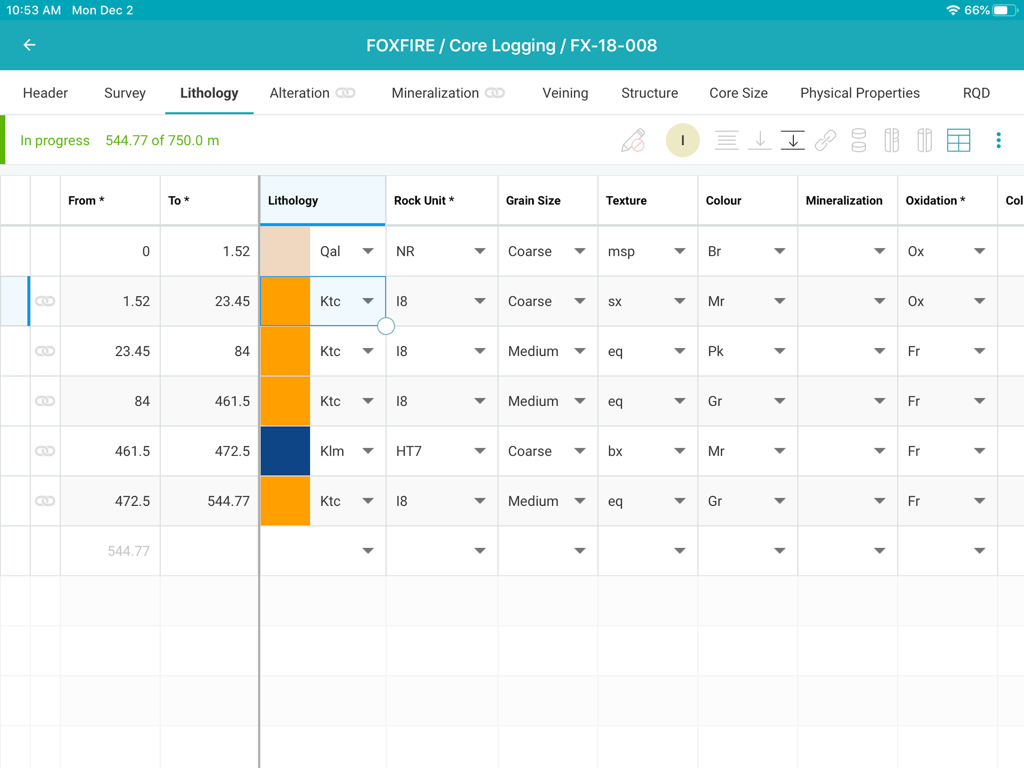
MX Deposit core logging app interface showing a detailed lithology data entry table for a mining project

MX Deposit core logging app interface showing a detailed lithology data entry table for a mining project

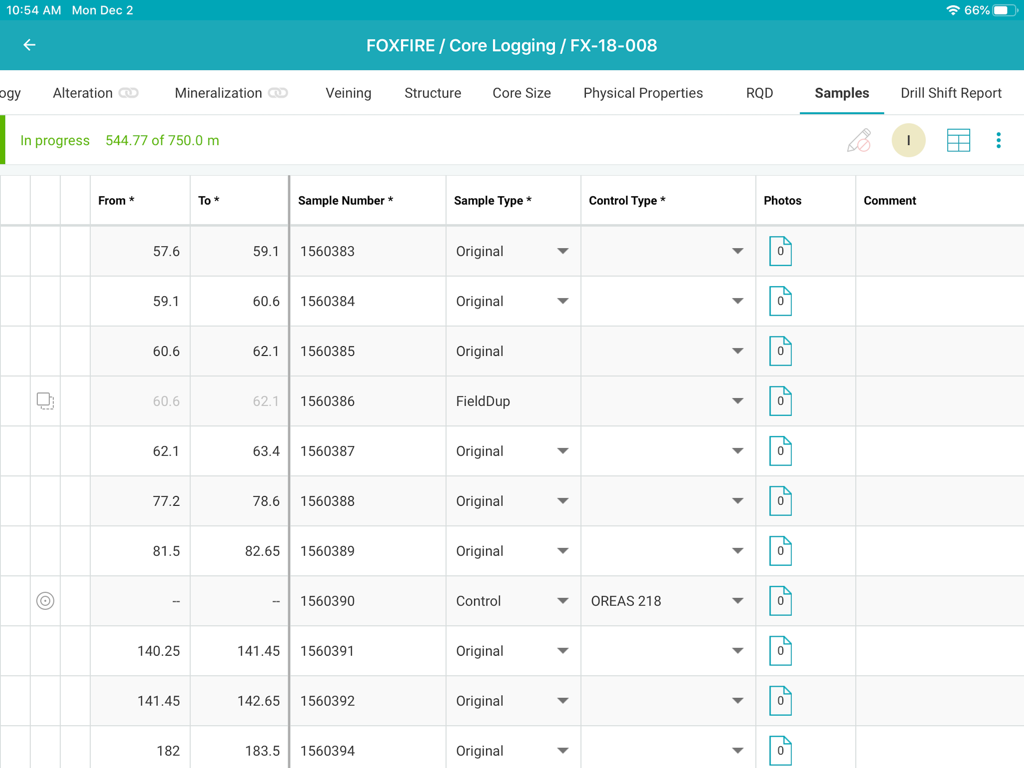
MX Deposit core logging interface showing a samples data table

MX Deposit core logging interface showing a samples data table

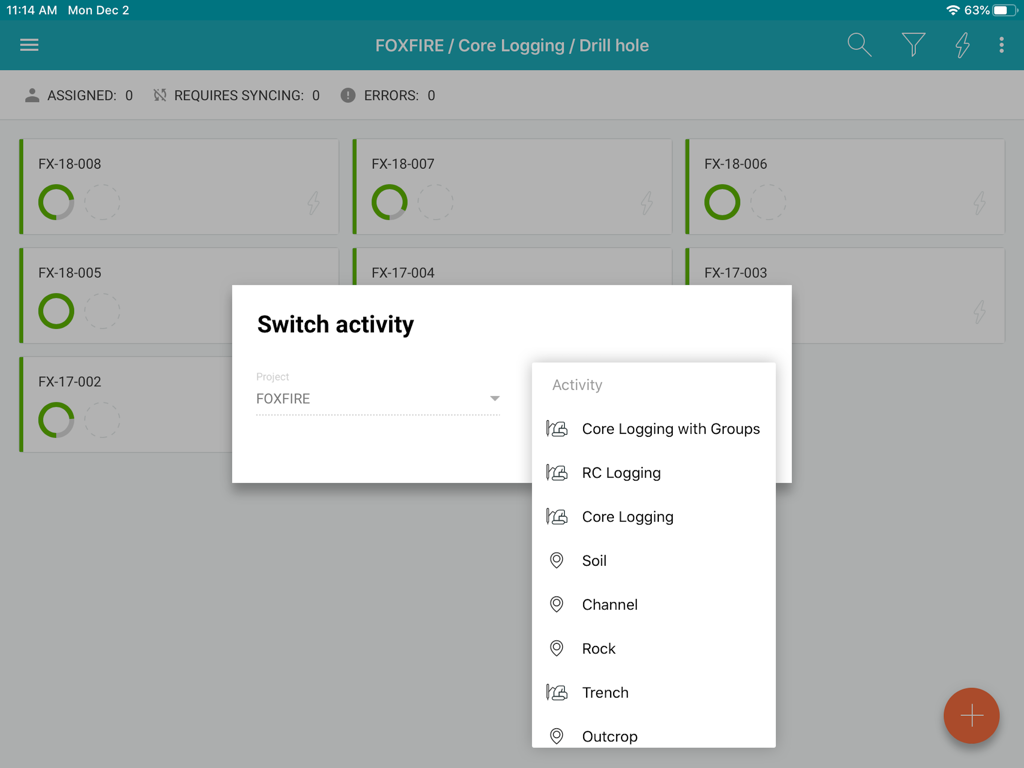
MX Deposit app interface showing logging activity options for a mining project

MX Deposit app interface showing logging activity options for a mining project

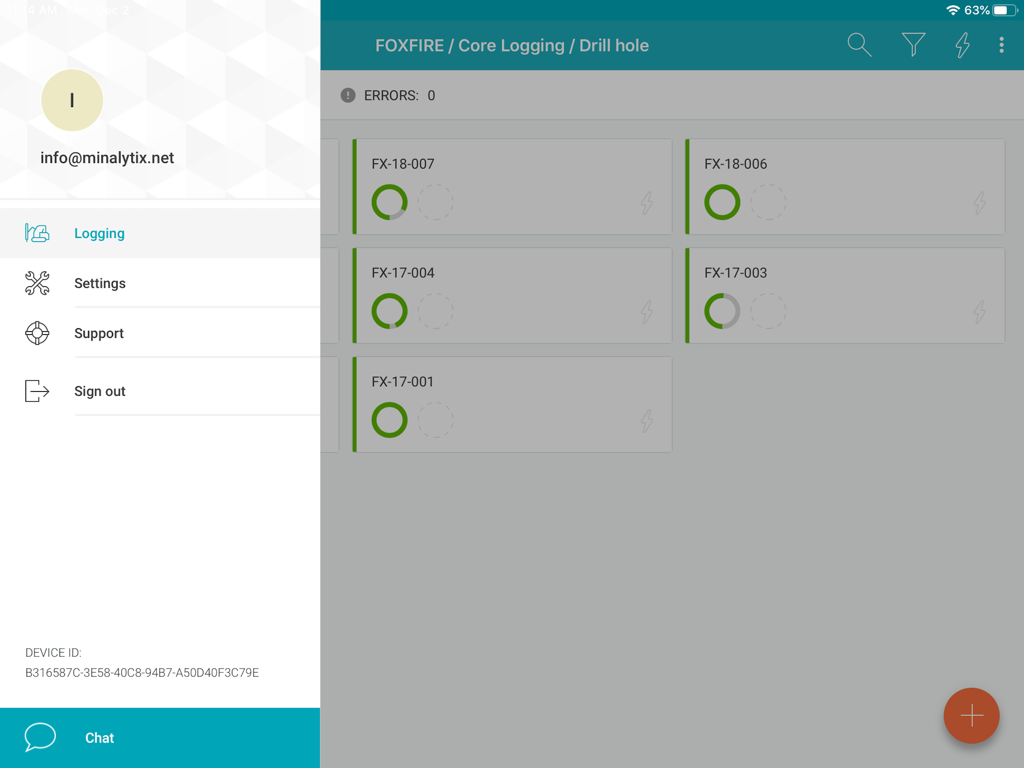
MX Deposit app interface showing a list of drill holes with progress status and a sidebar menu

MX Deposit app interface showing a list of drill holes with progress status and a sidebar menu

Streamline Your Field Data Collection

The tools that make this app stand out, trusted by 600 users.

🛰️

True Offline-First Performance

Work in the most remote locations without worrying about connectivity. Assign drill holes to download data locally and sync automatically when you return to camp.

✍️

Designed for the Field Professional

Ditch the clunky desktop ports. Use intuitive gestures and stylus support on your iPad to log data quickly, even while standing in a core shed or drill site.

🛡️

Eliminate Costly Entry Errors

Ensure data integrity with real-time validation rules. Catch mistakes at the source so your team always has a single, accurate version of the truth.

About the app

Everything you need to know about MX Deposit.

Description

The MX Deposit app was built with you in mind so that field data entry is efficient and accurate. It’s not a desktop app disguised as a mobile app, it was designed to be used with mobile gestures using your finger or a stylus. With so many useful features, you’ll never want to use anything else. Your drill hole and sample data can go where you go, with or without an Internet connection. Working offline with the MX Deposit app is as easy as simply tapping a drill hole (or point) to download the data and start working on a local copy. Assigning the hole ensures that you are the only one making changes at any time. Changes are synchronized as you go, or you can switch to Offline Mode if you’re working in the field or otherwise without Internet. When you get back to the office, all the data you captured will be synchronized to the cloud and immediately available to the rest of the team. Some of the key features you’ll find in the app: **Works with your MX Deposit account Leverage all of the projects and drill hole or point activities that have been configured in the MX Deposit web app (headers, tables, pick-lists, validation rules, etc.). Any changes made to the activities or tables (through the web app) are propagated down to every device automatically. Users only see the projects & activities that they have access to when they log in to the app, and users can flip between projects & activities easily. **Continue logging a hole, or create new holes Users can “assign” out drill holes and points to download the data, work offline, and prevent other users from working on the same hole at the same time. Users can also “assign” out parts of a drill hole so that other users can work on the same hole at the same time (e.g. geology tables vs. geotech tables). Users can also create new drill holes and/or points, even when offline. All changes are synchronized to the web when the device is connected to the Internet. **Capture your data in the field Set the app to “offline mode” to continue working when in the field or the core shed. All logging templates are preloaded on the device, and all validation rules are applied as the data is being entered. Once the device gets back online, the app will automatically synchronize any changes up to the MX Deposit web app, where it is immediately available to the rest of the team. **Made for mobile Designed for mobile devices, users can easily navigate through tables and forms using intuitive gestures that are expected when working with mobile devices. Capture coordinates using the device GPS, or increase the accuracy with a bluetooth GPS. GPS coordinates can be converted into any grid system, even when offline (e.g. WGS84 lat/long to UTM northing/easting). Snap pictures of core, outcrops, drill site, etc. directly through the app, which will be immediately available to all users after sync. This app requires an active MX Deposit subscription.

Latest Version

1.66

Size

30.3 MB

First Released

Feb 4, 2020

Move Your Field Logging from Core to Cloud

Download the MX Deposit app for iPad and start capturing accurate, validated data anywhere—no internet connection required.

Download on App Store

App information, icons, screenshots, and descriptions displayed on this page are sourced from the Apple App Store and are the property of their respective developers. Download estimates and rankings are based on MWM's proprietary models and may not reflect actual figures. This page is provided for informational and analytical purposes only.

Believe this page infringes your intellectual property? File a dispute