My Fasting Timer: IF Clock

My Fasting Timer: IF Clock

Logo of My Fasting Timer: IF Clock

My Fasting Timer: IF Clock – The Simple, Private Way to Track Your Fast

Start your fast with one tap, build your streak, and keep your data 100% private. No accounts, no cloud, and no noise—just the minimalist tool you need for 16:8, OMAD, and beyond.

Publisher

Blas Prieto

Category

Health & Fitness

Downloads

0

User Rating

1.0/5

Total Ratings

0

Locales

1

Simplicity in Motion

Discover the interface used by 0 users.
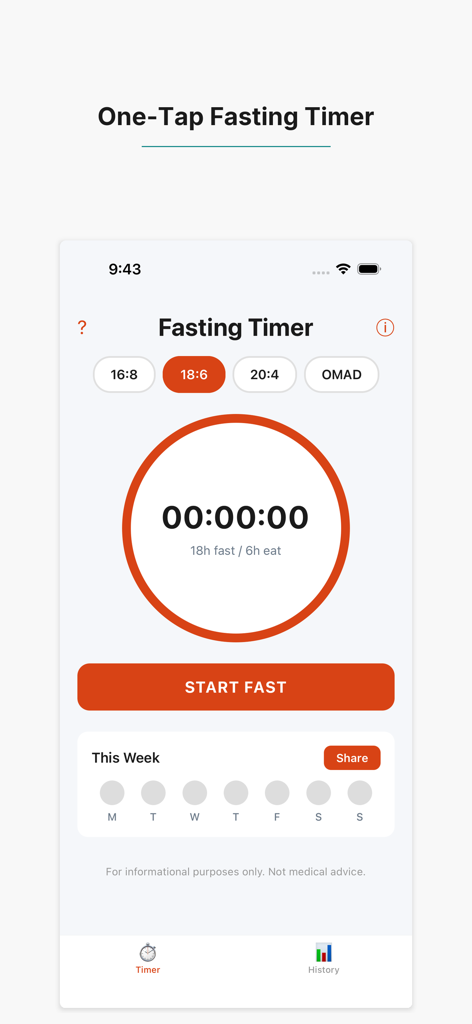
Main interface of the My Fasting Timer app showing the 18 to 6 fasting protocol and start button

Main interface of the My Fasting Timer app showing the 18 to 6 fasting protocol and start button

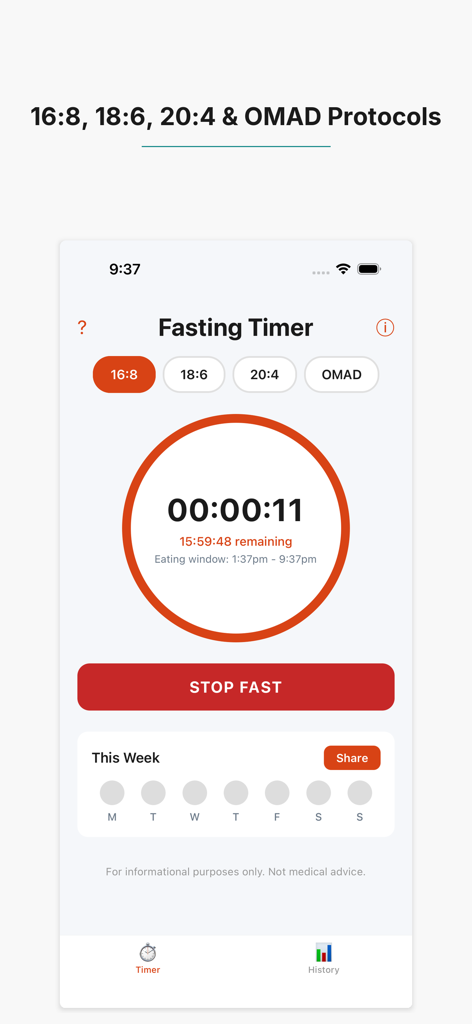
My Fasting Timer app interface showing 16-8, 18-6, 20-4, and OMAD protocols with an active countdown timer.

My Fasting Timer app interface showing 16-8, 18-6, 20-4, and OMAD protocols with an active countdown timer.

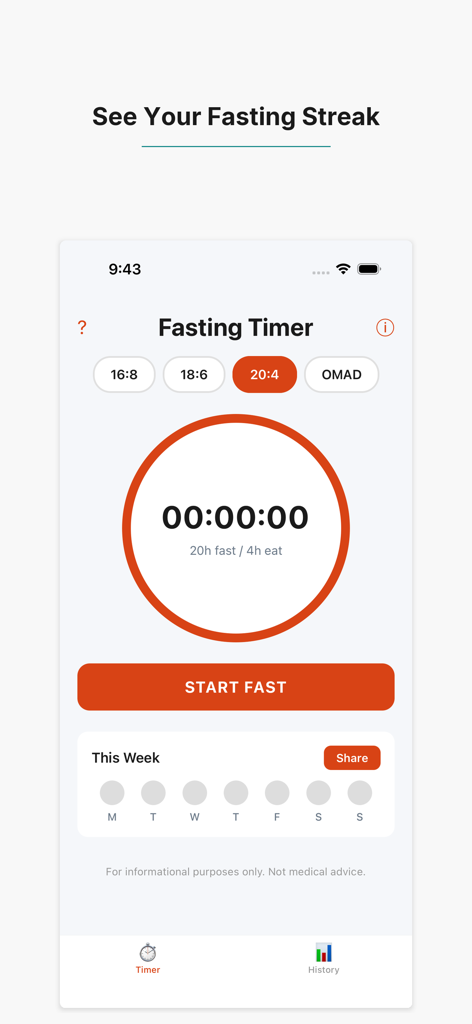
My Fasting Timer app interface showing a 20 to 4 fasting protocol timer and a weekly streak tracker.

My Fasting Timer app interface showing a 20 to 4 fasting protocol timer and a weekly streak tracker.

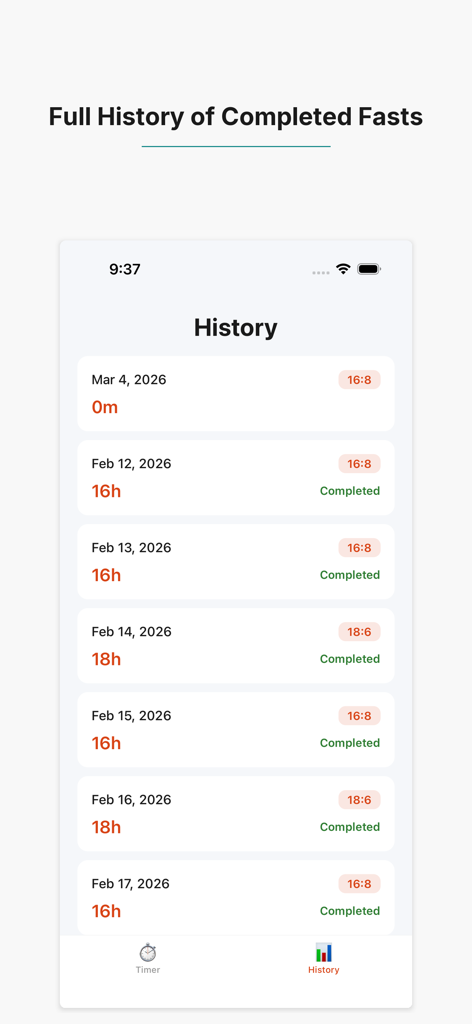
A list of completed fasts in the history log showing dates durations and intermittent fasting protocols like 16-8 and 18-6

A list of completed fasts in the history log showing dates durations and intermittent fasting protocols like 16-8 and 18-6

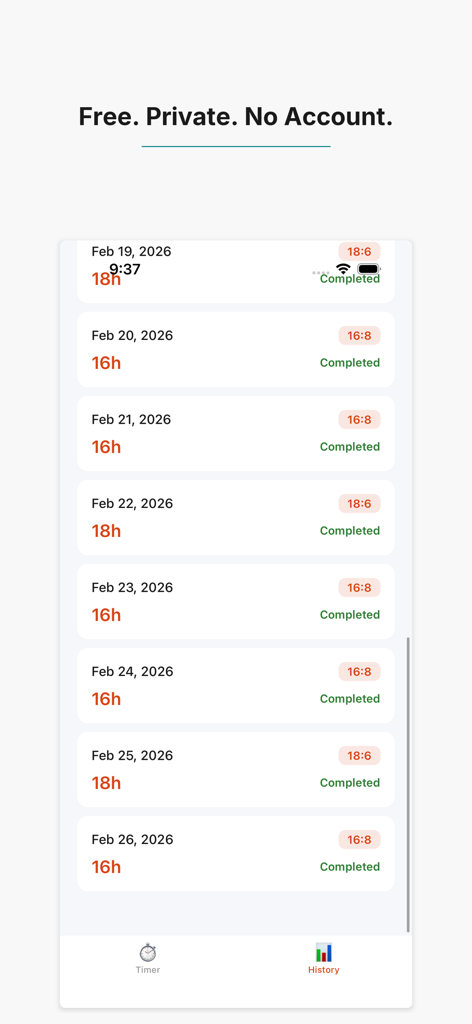
Mobile app screen displaying a history log of completed intermittent fasting sessions with durations and dates.

Mobile app screen displaying a history log of completed intermittent fasting sessions with durations and dates.

Fasting Made Effortless

The tools that make this app stand out, trusted by 0 users.

One-Tap Simplicity

Start and stop your fast instantly with a single tap—no complex setup or account creation required.

🛡️

100% Private & Secure

Your data stays on your device. We never use cloud storage or track your personal health information.

🔥

Visual Streak Tracking

Stay motivated with daily streaks and weekly progress dots that help you build lasting health habits.

About the app

Everything you need to know about My Fasting Timer: IF Clock.

Description

Start your fast with one tap. The timer counts up, shows your eating window, and tracks your streak — so you can focus on your day, not the clock. Choose from popular protocols: 16:8, 18:6, 20:4, or OMAD. Or create your own custom fasting window. Build consistency with daily streak tracking and weekly progress dots. KEY FEATURES - One-tap fast start and stop - Built-in protocols: 16:8, 18:6, 20:4, OMAD - Custom fasting window support - Eating window countdown and notifications - Daily streak tracking with weekly view - Fasting history log - 100% private — no account, no cloud, all data on your device Disclaimer: This app is for personal tracking purposes only. Intermittent fasting is not suitable for everyone. Consult your physician before starting any fasting regimen, especially if you have diabetes, are pregnant, or have a history of eating disorders.

Latest Version

1.0.5

Size

26.3 MB

First Released

Mar 5, 2026

Start Fasting in One Tap — No Account Required

Join the community of privacy-conscious fasters who value simplicity. No cloud, no data tracking—just the tools you need to build your streak and hit your goals, 100% on your device.

App information, icons, screenshots, and descriptions displayed on this page are sourced from the Apple App Store and are the property of their respective developers. Download estimates and rankings are based on MWM's proprietary models and may not reflect actual figures. This page is provided for informational and analytical purposes only.

Believe this page infringes your intellectual property? File a dispute