
MyBell



Join millions who manage their Mobility, Internet, and TV with ease. Skip the wait times by tracking usage, paying bills, and troubleshooting issues instantly with our award-winning self-serve tools.
Publisher
Category
UtilitiesDownloads
5M+User Rating
Total Ratings
615K+Locales
2Discover the interface used by 5M+ users.
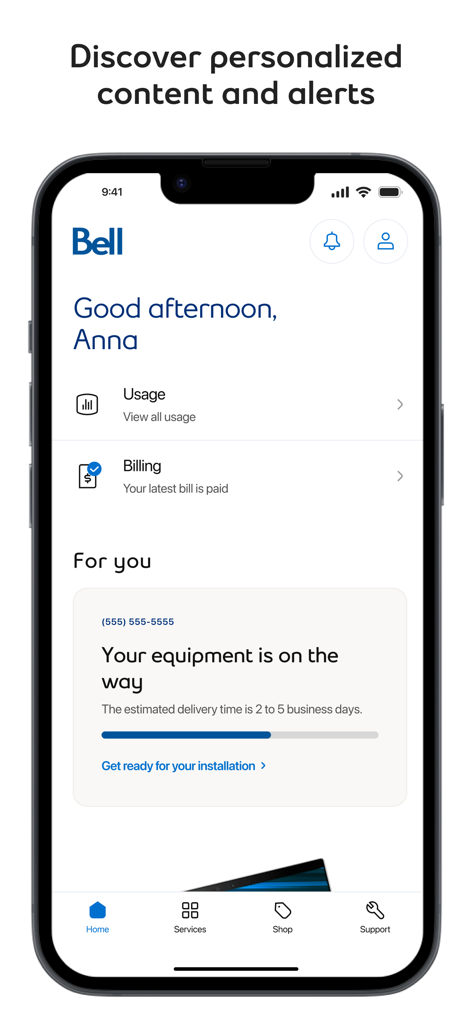
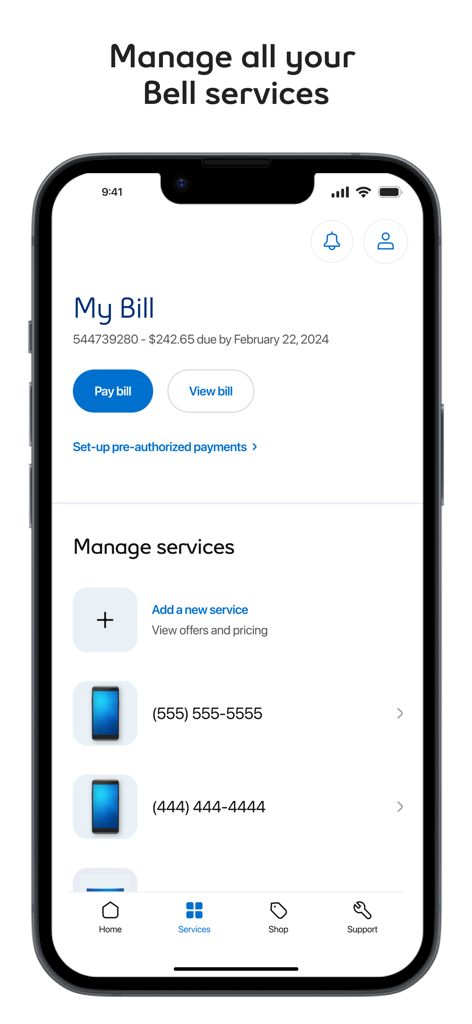
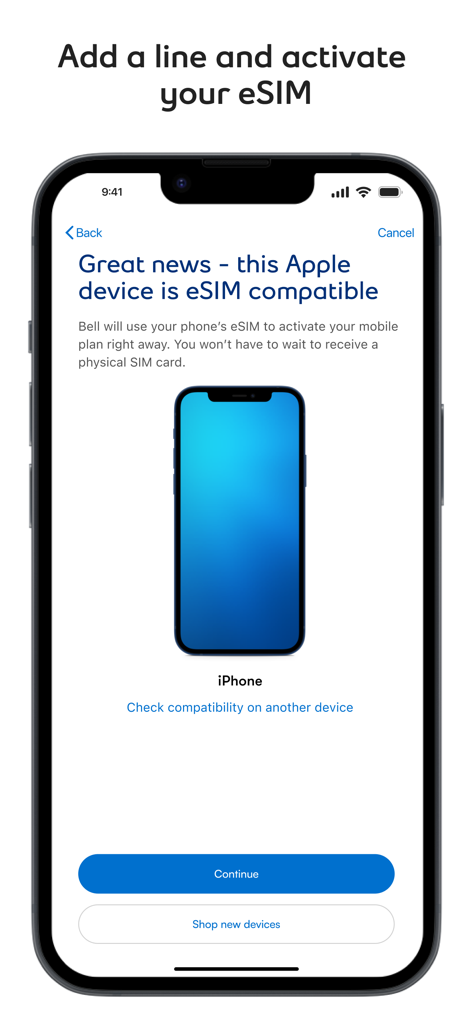
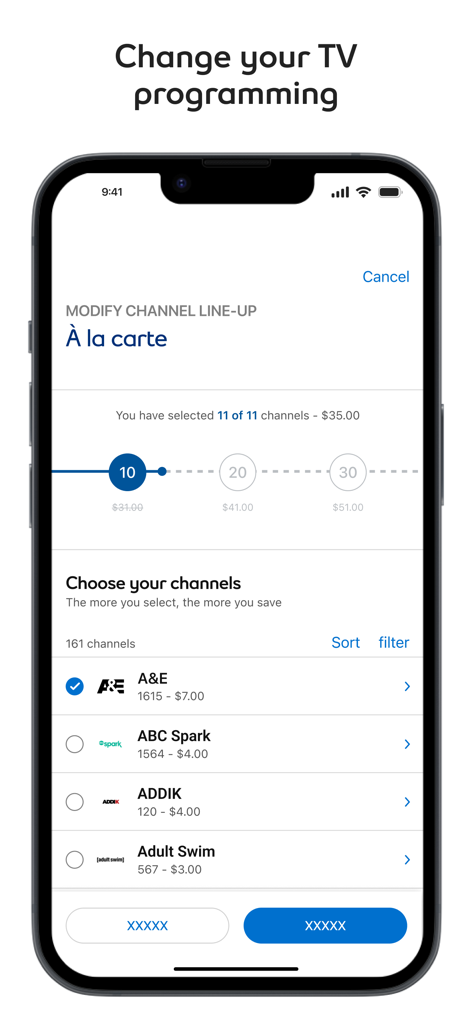
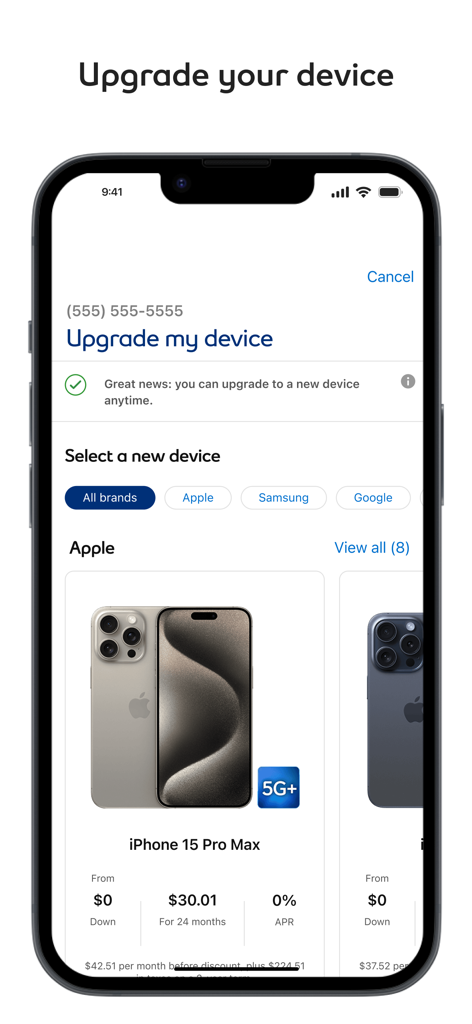
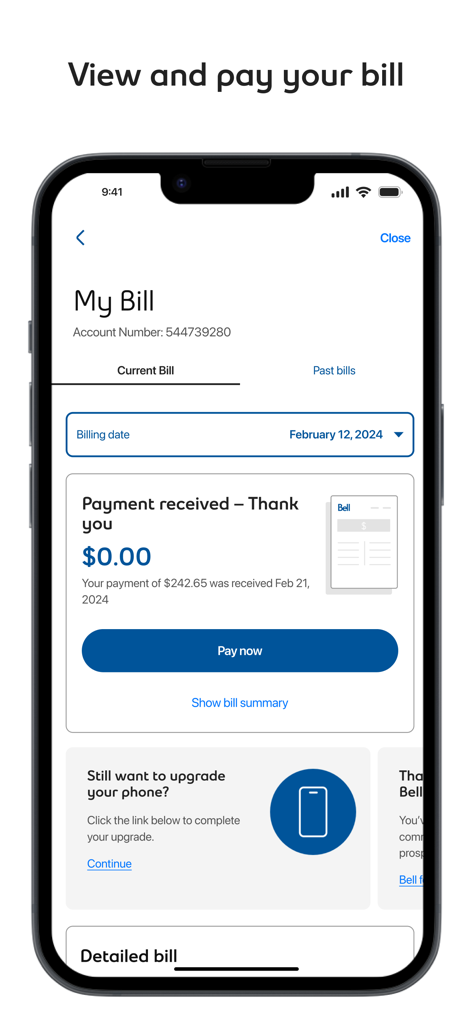
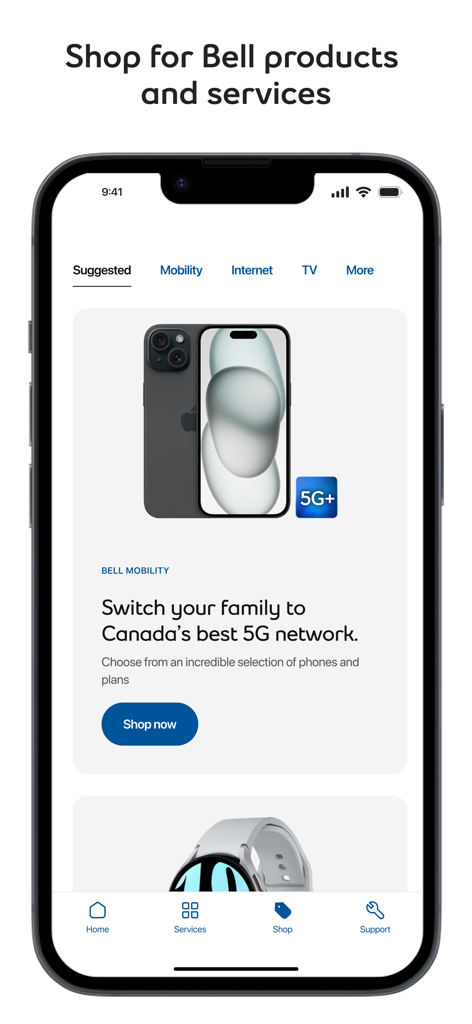
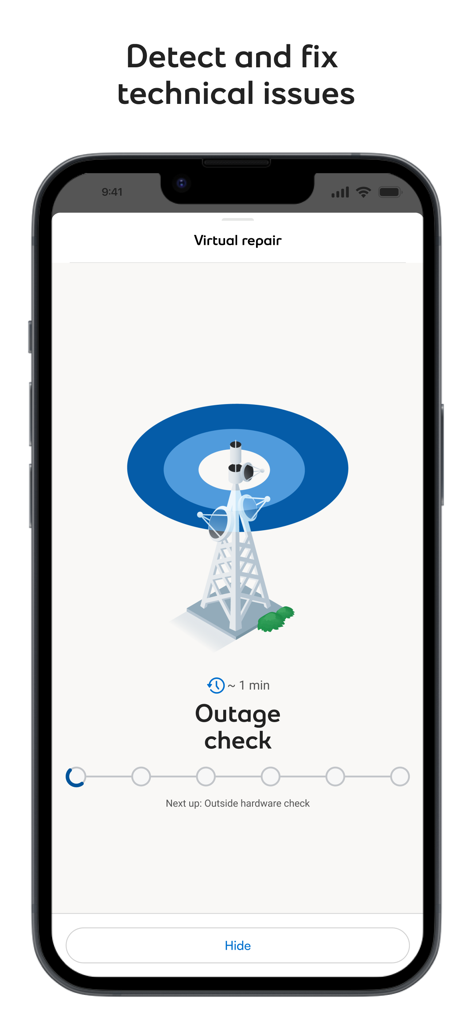
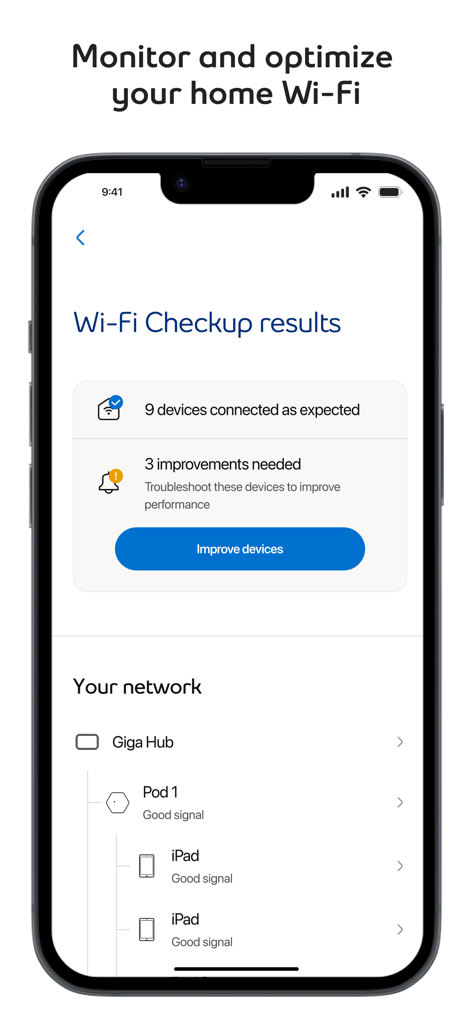
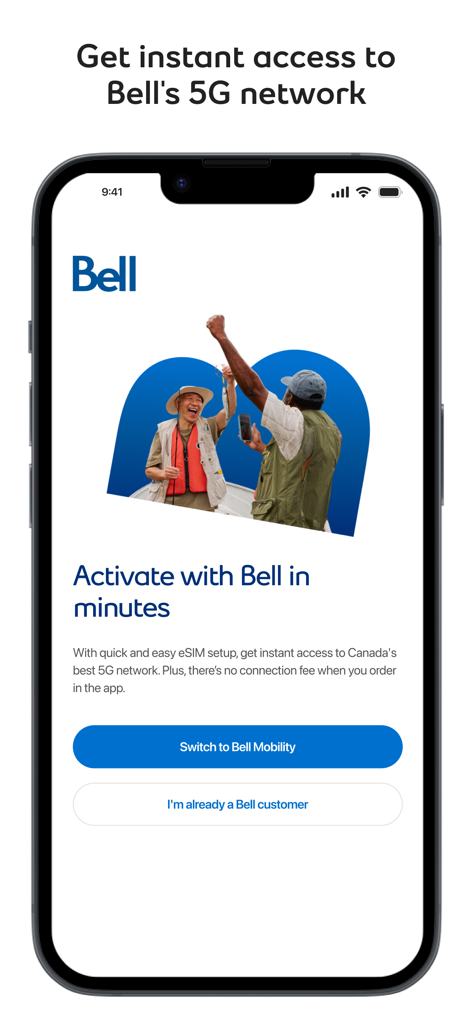
The tools that make this app stand out, trusted by 5M+ users.
Monitor your data in real-time and pay bills securely in seconds to stay on top of your household expenses without the stress.
Skip the hold music. Use our advanced diagnostic tools to fix internet issues or manage technician appointments on your own schedule.
Upgrade your device, add travel roaming, or change your TV package instantly from anywhere without visiting a store.
Insights from user reviews.
Sentiment Score
Summary
Users report an overwhelmingly negative experience with this mobile app, primarily due to persistent login and authentication difficulties, including excessive verification and forgotten credentials after updates. Significant complaints also target widespread billing and payment issues, such as failed automatic transactions, inaccurate charges, and a cumbersome payment process. Multiple reviews indicate that recent app updates have introduced critical bugs, specifically breaking login functionality and causing issues with displaying correct past billing information. While there was some appreciation for professional service technicians, the general sentiment reflects deep dissatisfaction with the app's core functionality, reliability, and overall customer service.
Common Themes
Everything you need to know about MyBell.
Description
Latest Version
11.17.4
Size
643.0 MB
First Released
Nov 18, 2014
Join over 5 million users who skip the wait and manage mobility, internet, and TV on their own schedule. Download the award-winning MyBell app and experience seamless self-service today.
Everything you need to know about MyBell
The MyBell app allows you to manage Bell Mobility, TV, Internet, and Home Phone services. You can view usage, change programming, upgrade devices, pay bills, and activate lines.
Yes, the MyBell app allows you to view and pay your bill, and set up pre-authorized payments directly within the application. You can access current and past bills.
Yes, you can upgrade your device directly using the MyBell app. The app allows you to select new devices from various brands like Apple, Samsung, and Google.
Yes, the MyBell app enables you to modify your TV channel line-up through an 'À la carte' selection process. You can choose and add channels with associated pricing.
Yes, the MyBell app includes a Virtual Repair tool to detect and fix issues with your Internet, TV, or Home phone services. It also features a Wi-Fi Checkup for optimization.
Yes, the MyBell app allows you to activate a Mobility line and supports quick eSIM setup for compatible devices. There is no connection fee when ordering in the app.
You can contact support for the MyBell app or troubleshooting by emailing mybellappsupport@bell.ca. The app also provides in-app support options accessible from any screen.
Yes, the MyBell app allows you to change your Internet package and run a speed test. It also offers a step-by-step guide for self-installation of Bell Internet services.
Apps with similar features and user experience

T-Mobile USA, Inc.

Charter Communications Operating, LLC

TRUE CORPORATION PUBLIC COMPANY LIMITED

Etihad Etisalat Company

Mobile Telecom-Service TOO

TELECOMMUNICATION LAB,CHUNGHWA TELECOM CO., LTD

Vodafone Enabler Espana, S.L.

Liberty Cablevision of Puerto Rico Ltd

China Mobile Online Services Co., Ltd.
App information, icons, screenshots, and descriptions displayed on this page are sourced from the Apple App Store and are the property of their respective developers. Download estimates and rankings are based on MWM's proprietary models and may not reflect actual figures. This page is provided for informational and analytical purposes only.
Believe this page infringes your intellectual property? File a dispute
