MyMon Personal Monitor Mixer

MyMon Personal Monitor Mixer

Download on App Store
Logo of MyMon Personal Monitor Mixer

MyMon Personal Monitor Mixer: Take Total Command of Your Stage Sound

The ultimate wireless monitor mixing app for the eMotion LV1. Empower every performer with independent control over their own IEM mix and immersive sound—no signals to the FOH engineer required.

Download on App Store

Publisher

Waves Inc

Category

Music

Downloads

31K+

User Rating

4.5/5

Total Ratings

0

Locales

1

Your Stage, Your Mix

Discover the interface used by 31K+ users.
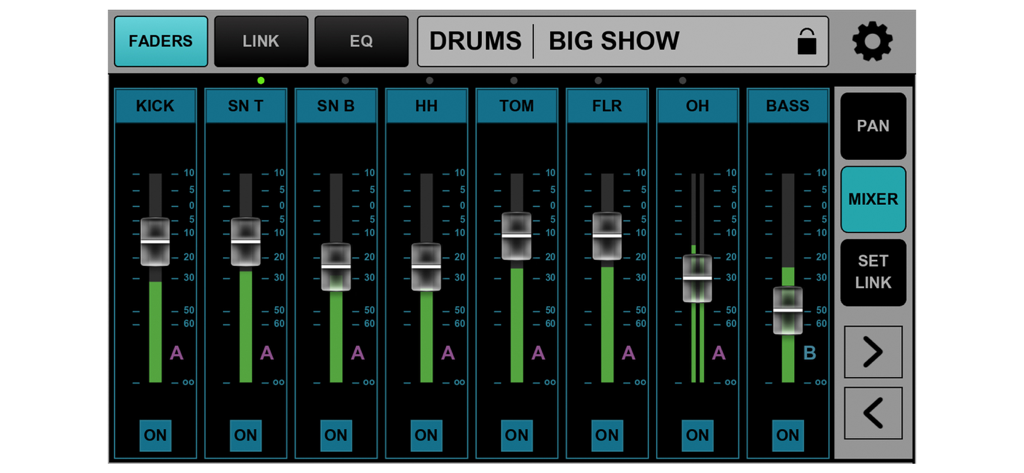
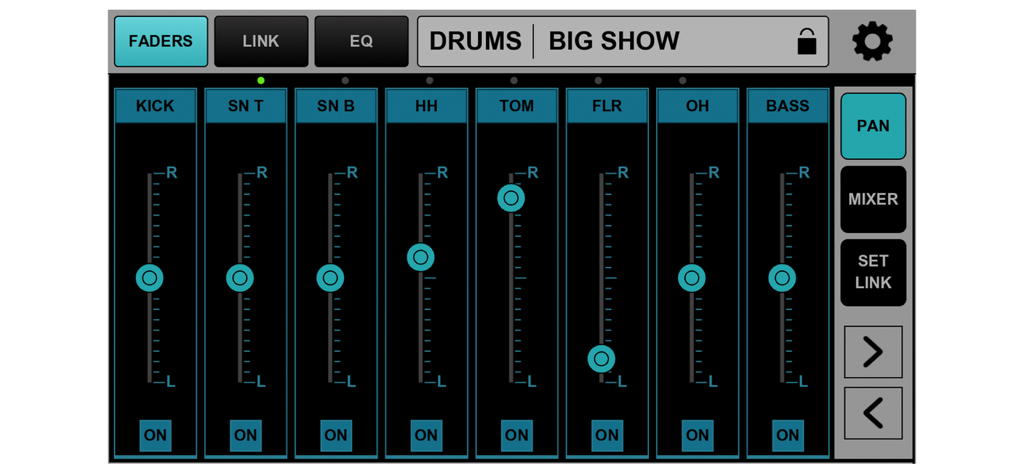
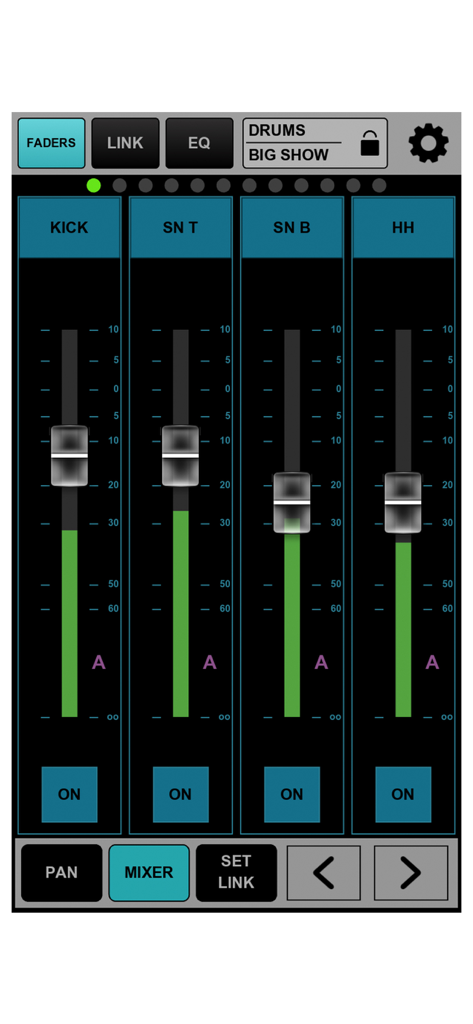
Interface of MyMon Personal Monitor Mixer app with faders for drums and bass

Interface of MyMon Personal Monitor Mixer app with faders for drums and bass

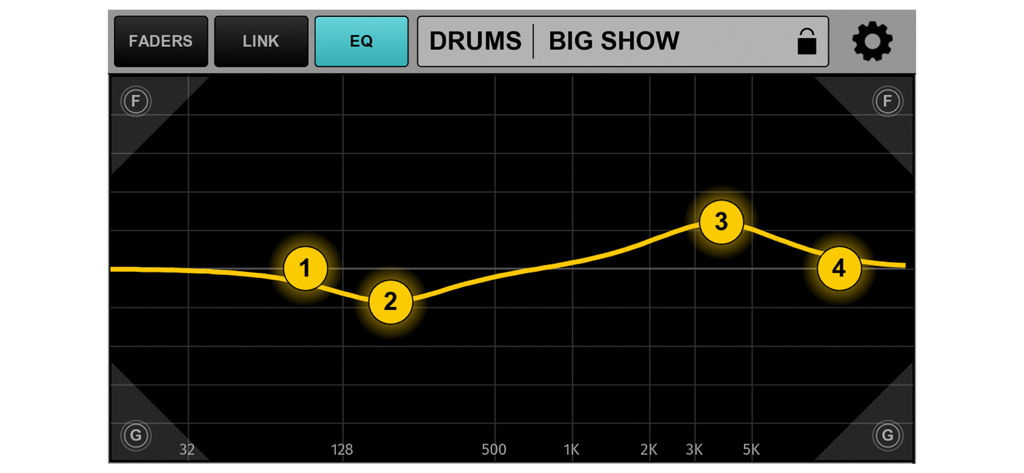
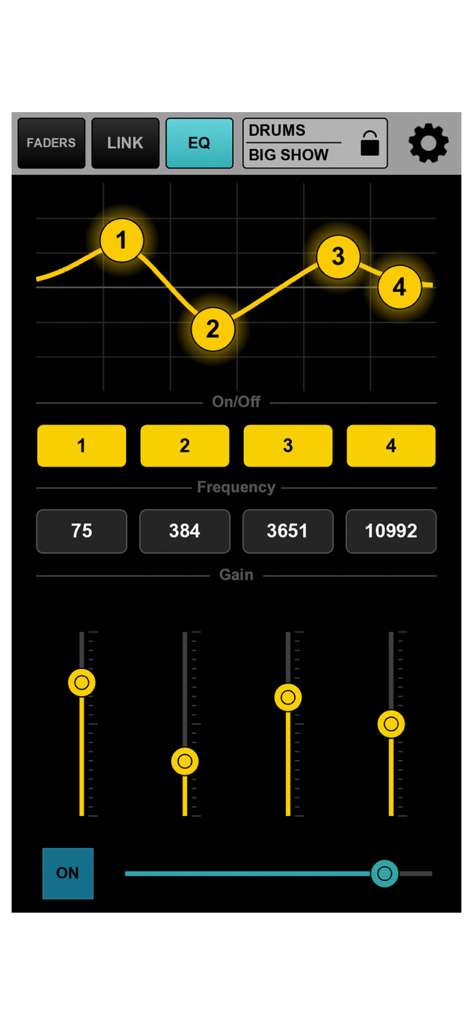
EQ interface of MyMon Personal Monitor Mixer showing frequency adjustments for drums.

EQ interface of MyMon Personal Monitor Mixer showing frequency adjustments for drums.

MyMon app interface showing pan controls for drum and bass channels

MyMon app interface showing pan controls for drum and bass channels

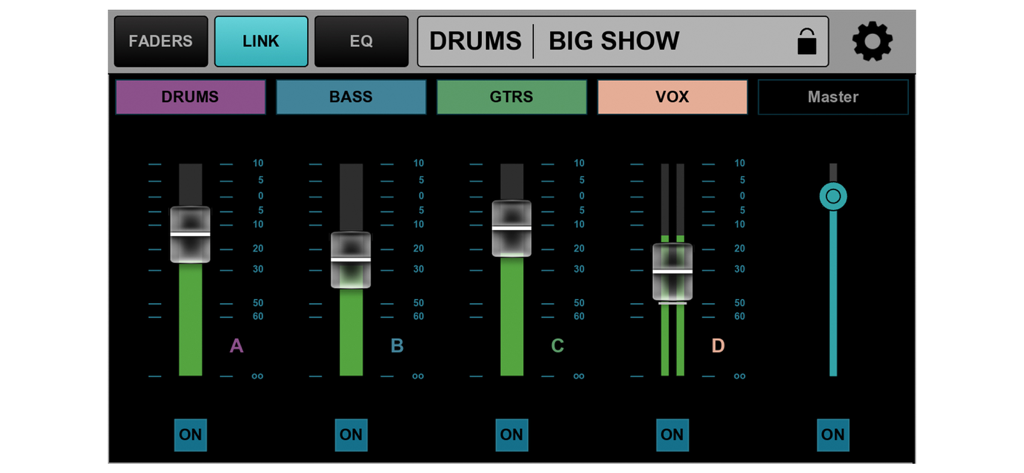
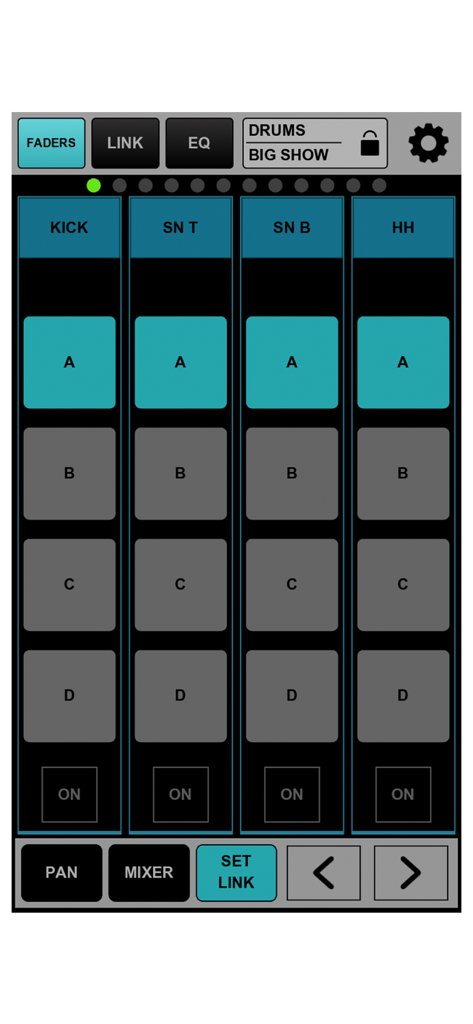
MyMon app interface showing volume faders for drums bass guitars and vocals in the link tab

MyMon app interface showing volume faders for drums bass guitars and vocals in the link tab

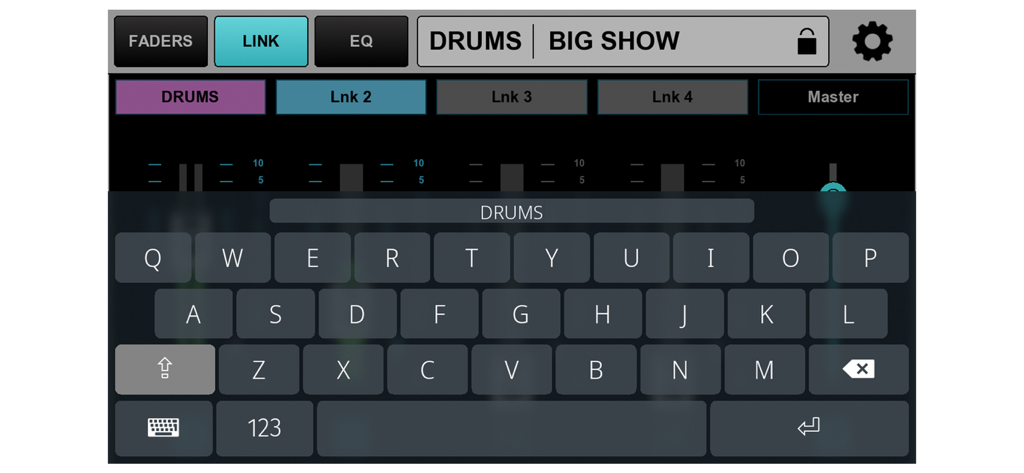
A musician uses a keyboard within the MyMon app to name a custom monitor mix link group

A musician uses a keyboard within the MyMon app to name a custom monitor mix link group

equalizer settings screen in the mymon app showing frequency curve and gain sliders for personal monitor mixing

equalizer settings screen in the mymon app showing frequency curve and gain sliders for personal monitor mixing

MyMon mobile app interface showing volume faders for drum mix channels

MyMon mobile app interface showing volume faders for drum mix channels

MyMon app interface for adjusting drum channel monitor levels

MyMon app interface for adjusting drum channel monitor levels

Master Your Personal Stage Mix

The tools that make this app stand out, trusted by 31K+ users.

🎸

Total Mix Autonomy

Stop signaling the sound booth. Adjust your own volume, panning, and FX in real-time to create the perfect "more me" environment.

💡

Built for the Spotlight

A high-contrast, musician-friendly interface with swipe navigation designed for quick adjustments under low light and high pressure.

🎧

Immersive IEM Control

Take your monitoring to the next level with full support for immersive 3D mixes and individual master bus EQ for a studio-quality stage sound.

About the app

Everything you need to know about MyMon Personal Monitor Mixer.

Description

Designed exclusively for the eMotion LV1 live mixer, MyMon allows up to 16 mobile devices individual wireless control of their own aux/monitor mix without affecting FOH sound over dedicated Wi-Fi network. • Musician-friendly app interface: Easy Swipe Navigation, double-tap reset • Landscape and Portrait screen modes • Control individual channel pan, mute, and volume • Control groups and FX returns (LV1 32/64-channel configurations only) • Control post-mix (master bus) monitor EQ • Assign any combination of channels to four LINK masters; each with volume level and mute toggles • Give unique names for Links • Save and store Link names and assignments per session • Lock individual devices for security * Control immersive IEM mix Requirements • eMotion LV1 Live Mixer running v11 firmware. • A robust 5GHz Wi-Fi router positioned on stage • An Ethernet cable connecting the LV1 host computer with the Wi-Fi router. The MyMon Wi-Fi network must be independent of the SoundGrid network. • MyMon Mobile App installed on each iOS device. Please note: This app is for wireless remote control of a mix in the eMotion LV1 Live Mixer. It does not pass audio through your device. MyMon does not mix audio on its own; it requires an eMotion LV1 live mixer to fully function.

Latest Version

16.5.20

Size

37.2 MB

First Released

Dec 3, 2019

Take Full Control of Your Stage Sound

Empower your performance with the freedom to dial in your perfect monitor mix. Download MyMon today and experience seamless, wireless control for the eMotion LV1.

Download on App Store

App information, icons, screenshots, and descriptions displayed on this page are sourced from the Apple App Store and are the property of their respective developers. Download estimates and rankings are based on MWM's proprietary models and may not reflect actual figures. This page is provided for informational and analytical purposes only.

Believe this page infringes your intellectual property? File a dispute