Omnitracs Mobile Manager

Omnitracs Mobile Manager

Download on App Store
Logo of Omnitracs Mobile Manager

Omnitracs Mobile Manager: Total Fleet Visibility in the Palm of Your Hand

Stop reacting to delays and start leading with precision. Track real-time routes, monitor driver performance benchmarks, and manage your entire operation from anywhere—because your business doesn't stop at the desk.

Download on App Store

Publisher

Omnitracs LLC

Category

Business

Downloads

300

User Rating

4.4/5

Total Ratings

100

Locales

6

Command at a Glance

Discover the interface used by 300 users.
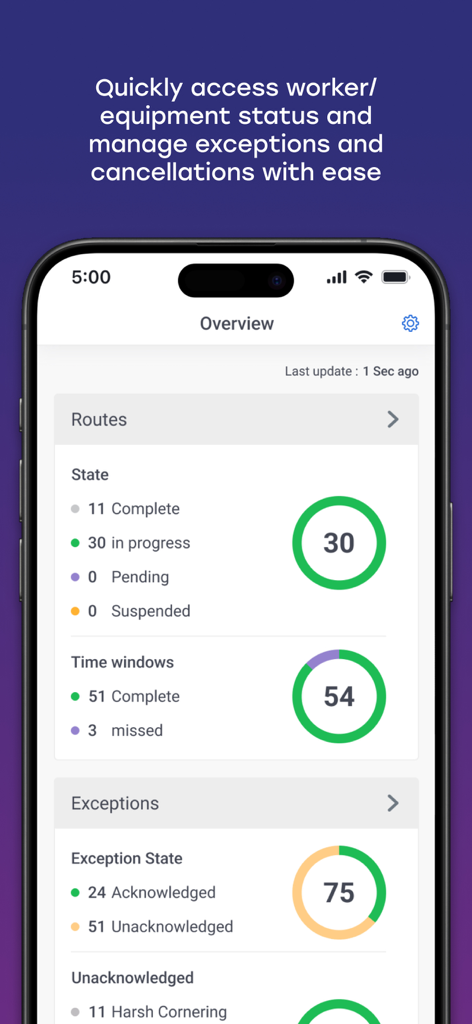
Omnitracs Mobile Manager app overview screen showing route status and fleet exceptions.

Omnitracs Mobile Manager app overview screen showing route status and fleet exceptions.

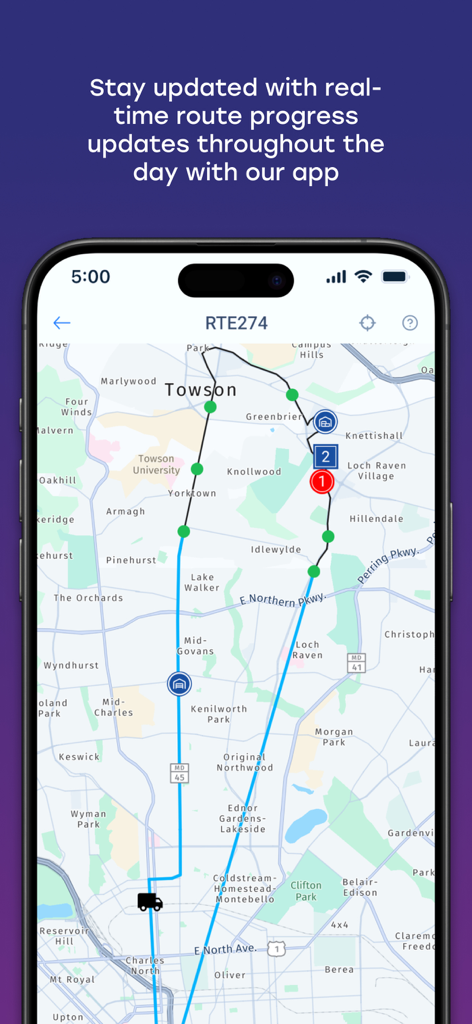
Real-time route progress and fleet tracking map in the Omnitracs Mobile Manager app

Real-time route progress and fleet tracking map in the Omnitracs Mobile Manager app

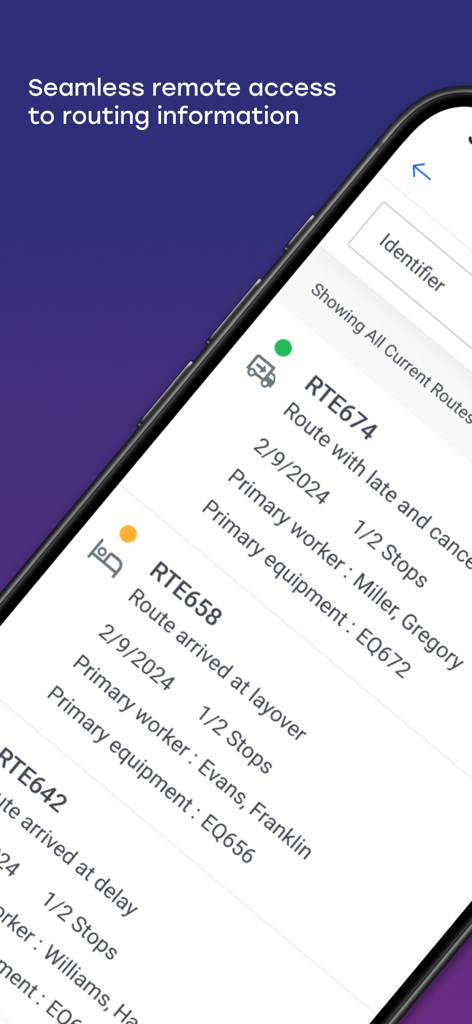
Omnitracs Mobile Manager app interface showing a list of active vehicle routes with worker and equipment details.

Omnitracs Mobile Manager app interface showing a list of active vehicle routes with worker and equipment details.

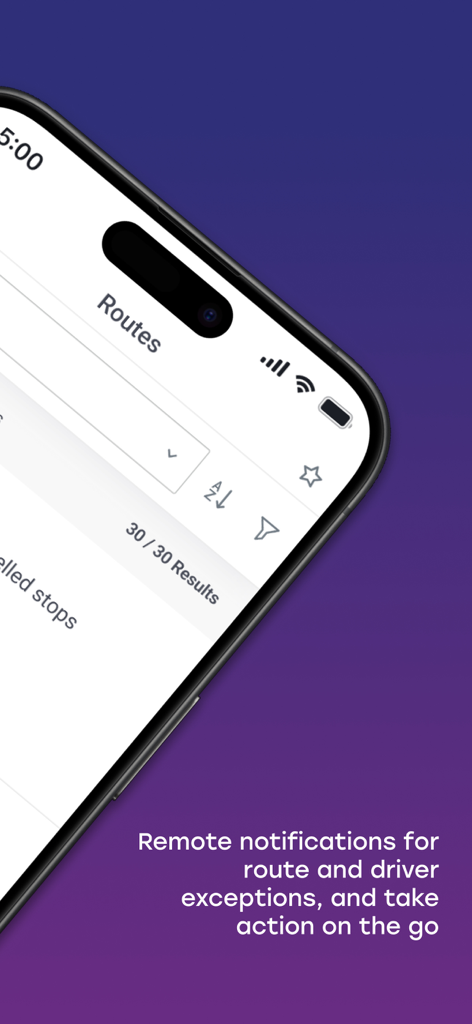
Omnitracs Mobile Manager routes screen with notifications for driver exceptions

Omnitracs Mobile Manager routes screen with notifications for driver exceptions

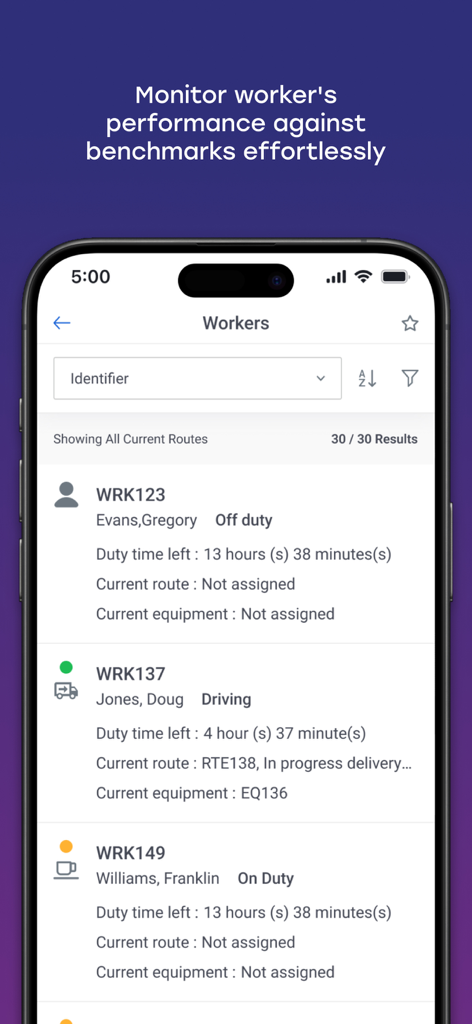
Omnitracs Mobile Manager dashboard displaying a list of workers with their current status and duty time left

Omnitracs Mobile Manager dashboard displaying a list of workers with their current status and duty time left

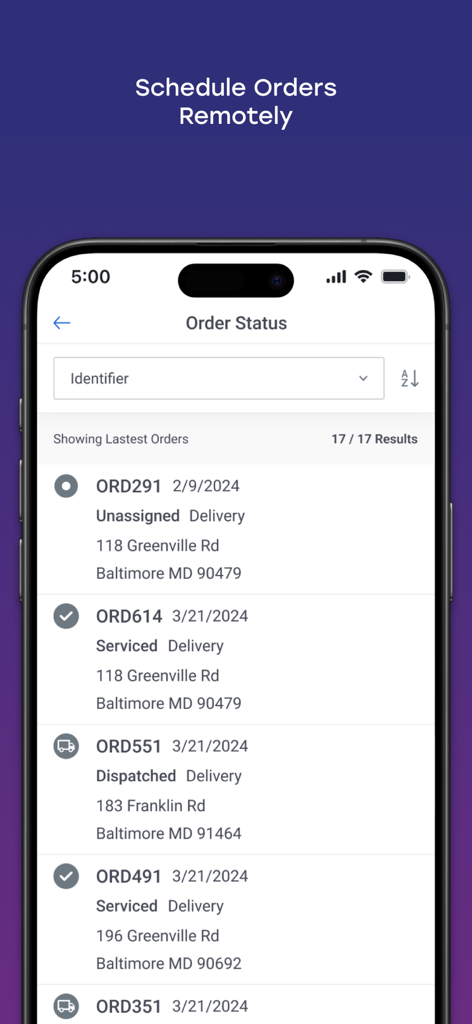
Interface of the Omnitracs Mobile Manager app showing a list of delivery orders with status updates and addresses

Interface of the Omnitracs Mobile Manager app showing a list of delivery orders with status updates and addresses

Total Fleet Control from Anywhere

The tools that make this app stand out, trusted by 300 users.

📍

Real-Time GPS Visibility

Instantly visualize your entire fleet on a live map. Know exactly where your drivers are, where they have been, and where they are headed without making a single call.

📊

Actionable Performance Tracking

Monitor stop-by-stop progress and see who is meeting your performance benchmarks. Manage by exception and address inefficiencies before they impact your bottom line.

📱

Desktop Power on Your Phone

Break free from your desk. Access your back-office data and manage routes, orders, and equipment directly from your smartphone while you are in the field or on the move.

About the app

Everything you need to know about Omnitracs Mobile Manager.

Description

Omnitracs Mobile Manager - the day at your fingertips Whether you deliver products or have mobile technicians or sales people in the field, you will always know where they are and how they’re performing with Omnitracs Mobile Manager. Omnitracs Mobile Manager is a mobile application that seamlessly integrates with your back-office Omnitracs web application and gives you the key information you need to manage your mobile resources while you’re on the go. You’ll have visibility into the day’s routes, orders, equipment and worker performance at your fingertips. Isn’t it time to be proactive and not reactive? With Omnitracs Mobile Manager, you can: • Quickly visualize on a map where workers are, where they are going, and where they’ve been throughout the day • Drill down to see stop by stop what work has been accomplished • See who is or isn’t meeting performance standards with regards to set benchmarks

Latest Version

7.4.1

Size

134.7 MB

First Released

Sep 17, 2018

Take Total Control of Your Fleet Performance

Stop reacting to delays and start managing your day with precision. Download Omnitracs Mobile Manager to keep your routes, equipment, and team performance right at your fingertips.

Download on App Store

App information, icons, screenshots, and descriptions displayed on this page are sourced from the Apple App Store and are the property of their respective developers. Download estimates and rankings are based on MWM's proprietary models and may not reflect actual figures. This page is provided for informational and analytical purposes only.

Believe this page infringes your intellectual property? File a dispute