
Open-LMS


Stay ahead of deadlines and access your courses on the go. Download content for offline study, track your grades, and manage assignments from anywhere.
Publisher
Category
EducationDownloads
622K+User Rating
Total Ratings
100Locales
1Discover the interface used by 622K+ users.

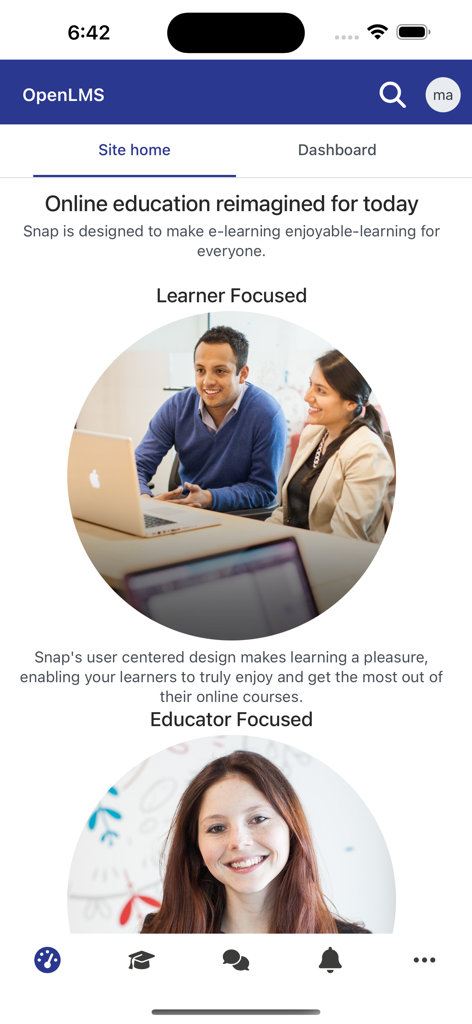
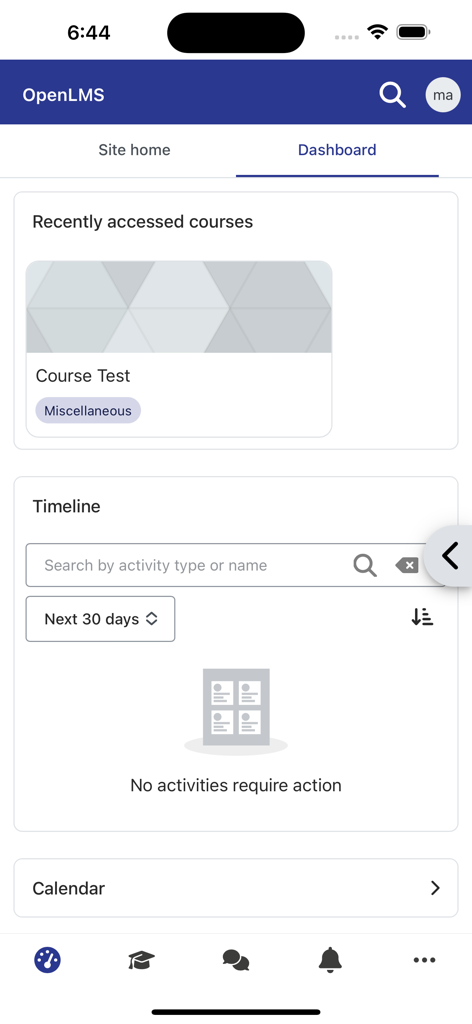
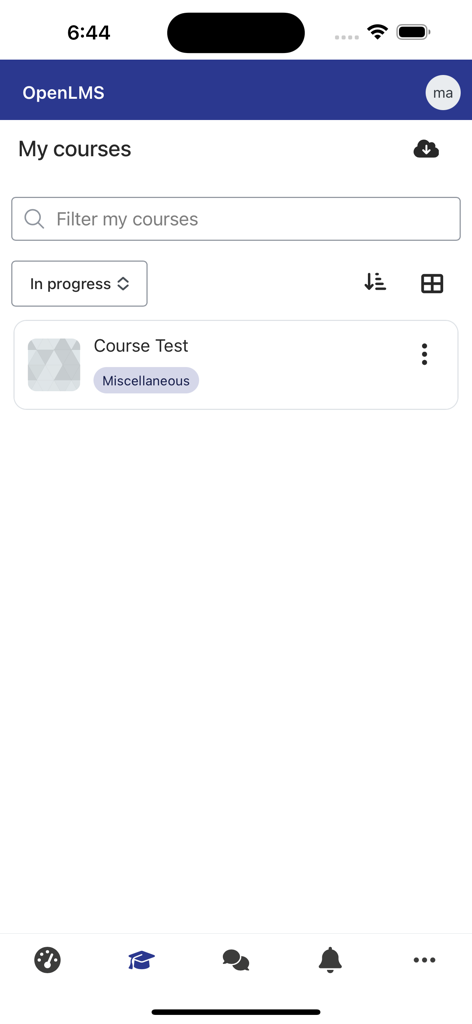
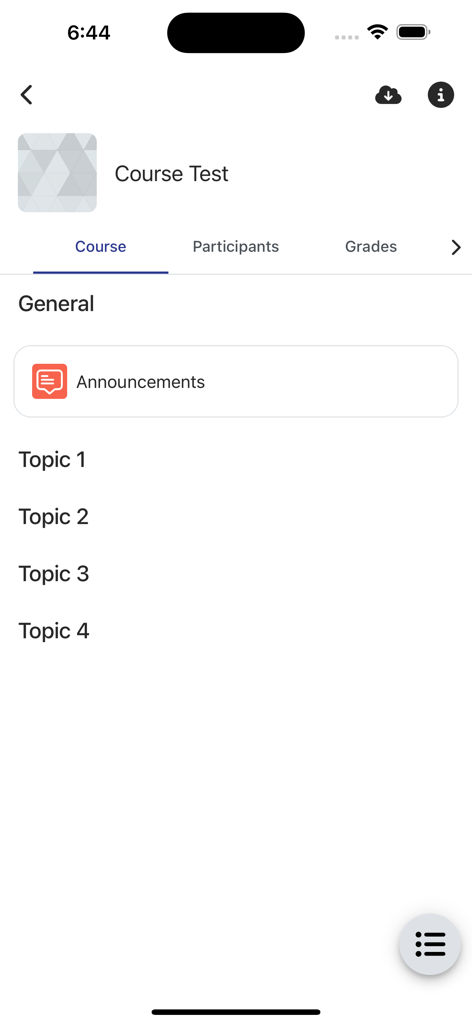
The tools that make this app stand out, trusted by 622K+ users.
Download lectures and course materials to keep learning during your commute or in areas with spotty Wi-Fi. Your progress syncs automatically once you are back online.
Eliminate deadline anxiety with real-time push notifications. Get notified the moment a grade is posted, a message is sent, or a course announcement is made.
A seamless experience for both sides of the classroom. Students can track badges and progress, while teachers can grade assignments from anywhere, even without a laptop.
Insights from user reviews.
Sentiment Score
Summary
The mobile app receives predominantly negative feedback due to significant performance issues, frequently described as "incredibly slow" and "laggy," with many users experiencing prolonged loading times or blank screens. A major point of frustration is persistent login problems, including difficulties with QR code access, invalid certificate errors (particularly on iPhones), and frequent session expirations. Multiple users report that recent updates, specifically version 4.4.1, have exacerbated these issues, leading to broken functionality, crashes, and a general decline in usability, with one user noting a device rotation bug on iPhone 13 Pro. While some users appreciate the app's overall convenience for consolidating courses, its improved assignment upload feature, and functional mobile notifications, the overwhelming sentiment suggests that the app is unreliable and often prompts users to resort to using a web browser for a better experience.
Common Themes
Everything you need to know about Open-LMS.
Description
Latest Version
5.0.1
Size
73.5 MB
First Released
Feb 17, 2021
Join over 600,000 learners and educators. Download Open LMS today to stay on top of your grades, access content offline, and never miss a deadline—no matter where your day takes you.
Everything you need to know about Open-LMS
The Open LMS Mobile App provides direct access to courses, allows content downloads for offline use, enables profile updates, and delivers course notifications directly to mobile devices.
Yes, the Open LMS Mobile App allows users to download course content for offline access. This feature ensures continuous learning capabilities without requiring an internet connection.
Users can update their profile information directly within the Open LMS Mobile App. This functionality ensures that personal details and academic records remain current and accurate.
Yes, the Open LMS Mobile App provides real-time course notifications and messages. Users receive these alerts directly on their mobile devices, staying informed about important updates and activities.
Yes, students can view their course grades and awarded badges on their profile within the Open LMS Mobile App. This provides a comprehensive overview of academic achievements and progress.
Yes, teachers can grade assignments both online and offline using the Open LMS Mobile App. This functionality offers flexibility for educators to manage and submit evaluations efficiently from anywhere.
The Open LMS Mobile App Dashboard displays recently accessed courses, a detailed timeline of activities, and a calendar. This central hub helps users track progress and upcoming events.
Users can view their courses in the "My courses" section, accessible from the bottom navigation or dashboard. The app also lists recently accessed courses on the main dashboard.
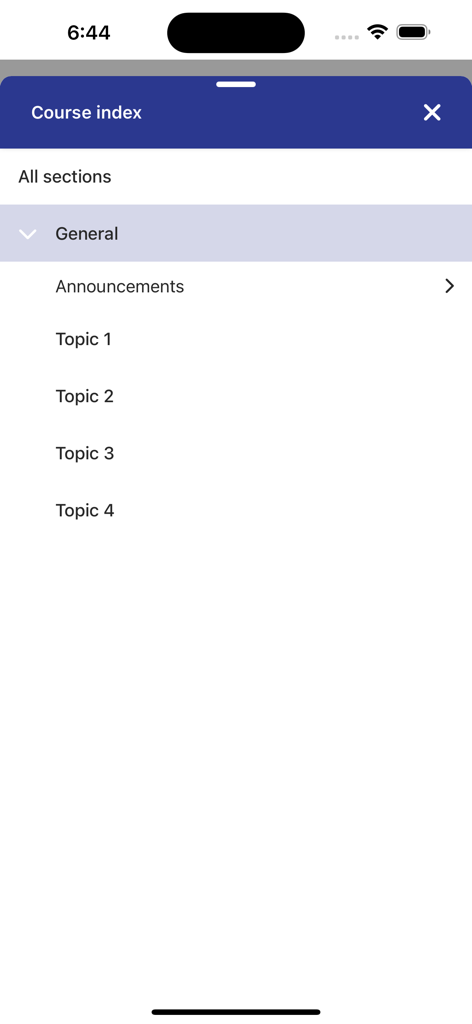
Users navigate course content through sections like "General," "Announcements," and numbered topics. An accessible "Course index" allows quick jumps to specific content within the Open LMS Mobile App.
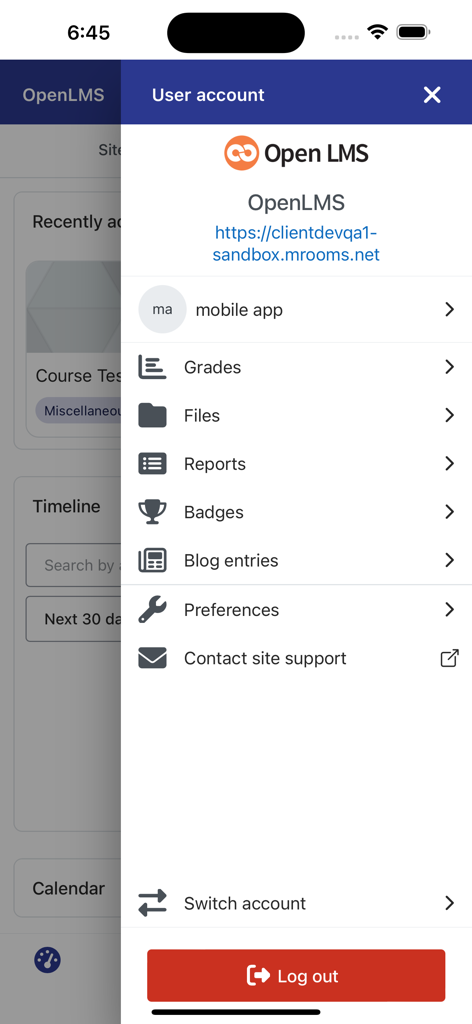
The Open LMS Mobile App user account menu offers options for viewing grades, files, reports, badges, blog entries, preferences, contacting support, switching accounts, and logging out.
Apps with similar features and user experience

Timur Karimbaev

COURSE KEY

Kude youth (tianjin) culture communication co. LTD

GAEC Educacao S/A

Hangzhou Kuozhi Network Technology Co., Ltd.

QUANTIC TECH SOLUTIONS FZC

Classera Inc.

Igor Furmanenko

Western Governors University
App information, icons, screenshots, and descriptions displayed on this page are sourced from the Apple App Store and are the property of their respective developers. Download estimates and rankings are based on MWM's proprietary models and may not reflect actual figures. This page is provided for informational and analytical purposes only.
Believe this page infringes your intellectual property? File a dispute