Passport Photo Maker Visa & ID

Passport Photo Maker Visa & ID


Download on App Store
Logo of Passport Photo Maker Visa & ID

Passport Photo Maker Visa & ID: Professional ID Photos in Seconds

Skip the pharmacy lines and expensive studio fees. Create perfectly aligned, government-compliant passport and visa photos with instant background removal—ready for digital submission or home printing.

Download on App Store

Publisher

CIPHERQ TECH LLP

Category

Graphics & Design

Downloads

600

User Rating

1.0/5

Total Ratings

0

Locales

11

The Studio Experience

Discover the interface used by 600 users.
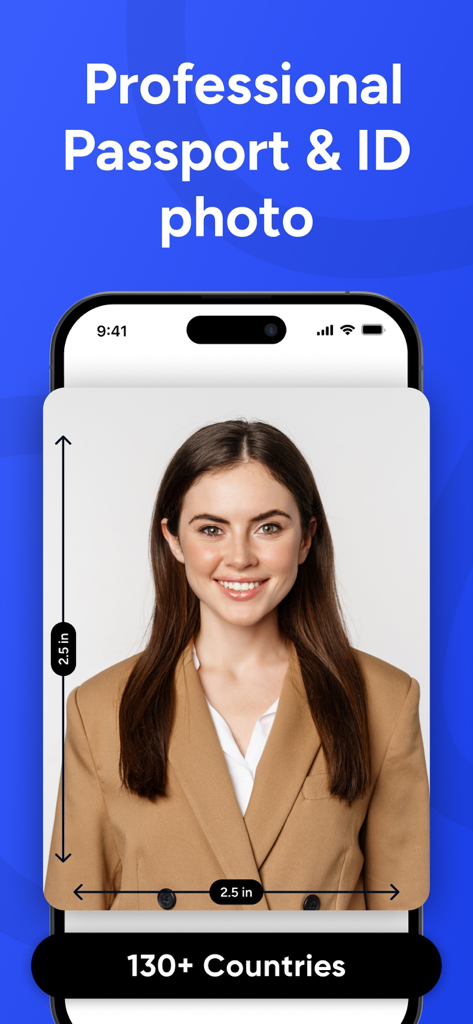
Professional passport and ID photo creator showing a portrait with 2.5x2.5 inch dimensions for various countries.

Professional passport and ID photo creator showing a portrait with 2.5x2.5 inch dimensions for various countries.

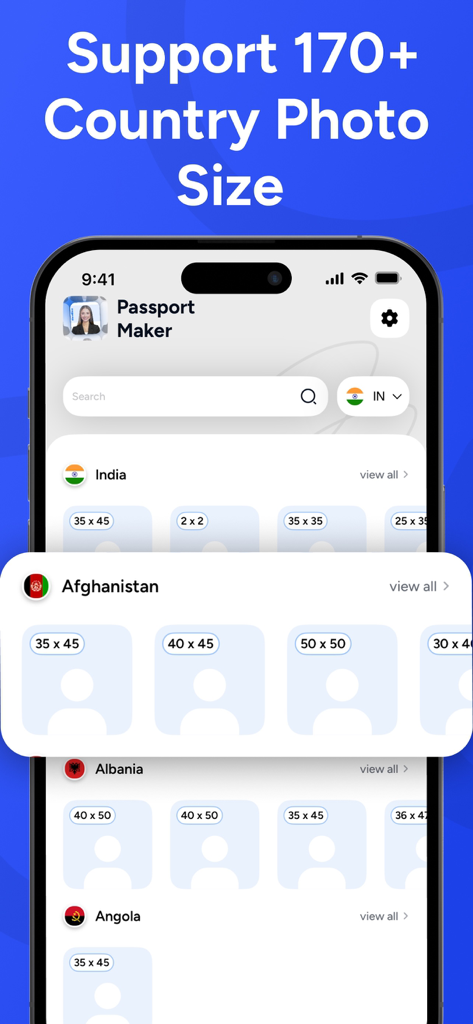
A list of international passport and visa photo dimensions for over 170 countries

A list of international passport and visa photo dimensions for over 170 countries

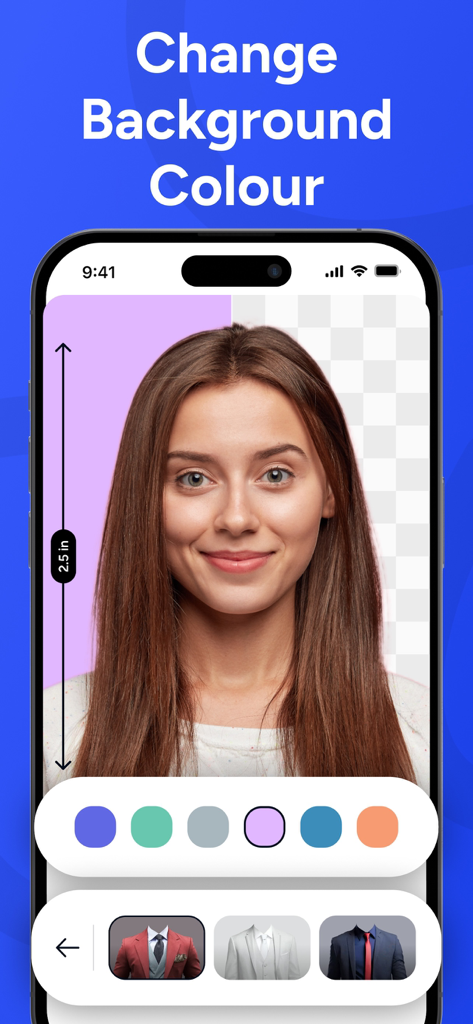
App interface showing a woman's portrait with options to change the photo background color and add formal attire.

App interface showing a woman's portrait with options to change the photo background color and add formal attire.

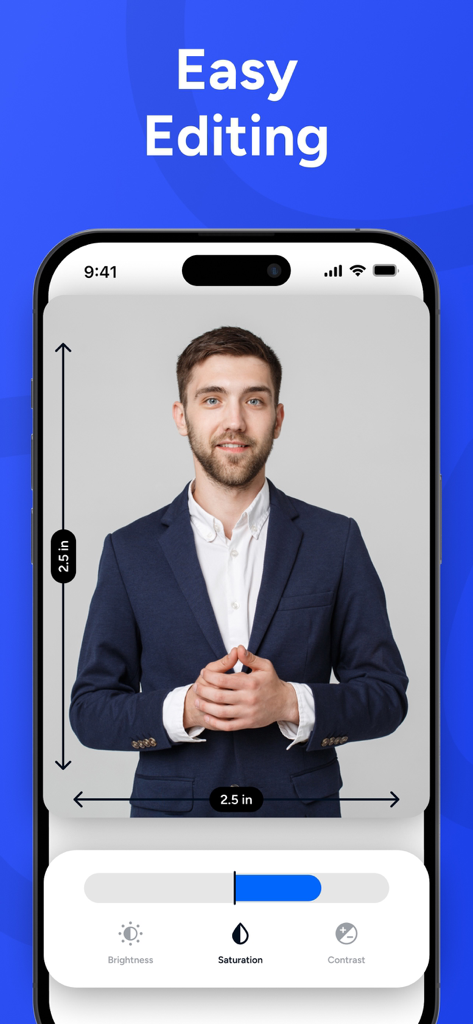
Smartphone displaying easy editing features for a professional ID photo in the Passport Photo Maker app

Smartphone displaying easy editing features for a professional ID photo in the Passport Photo Maker app

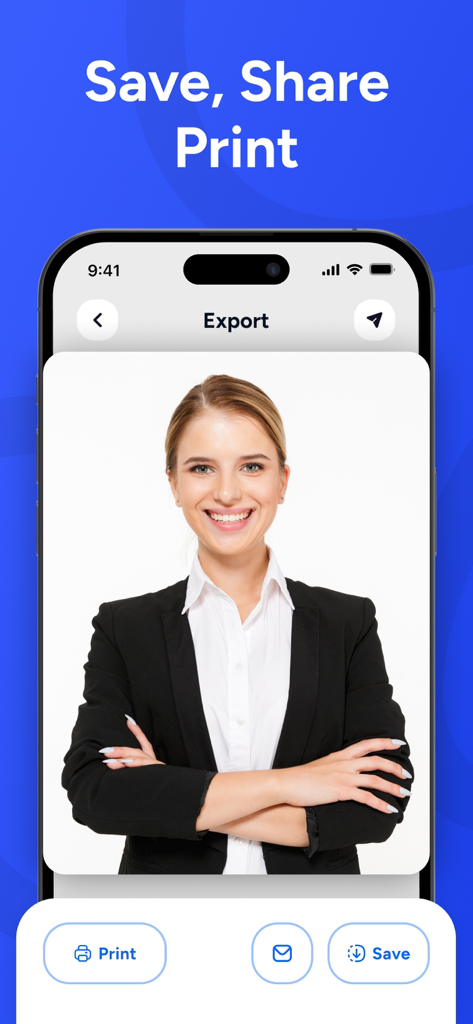
Export screen of the Passport Photo Maker app showing options to print save and share a professional ID photo.

Export screen of the Passport Photo Maker app showing options to print save and share a professional ID photo.

Professional ID Photos in Seconds

The tools that make this app stand out, trusted by 600 users.

AI Background Removal

No professional studio required. Our smart technology instantly replaces your background to meet strict official standards, no matter where you are.

📐

Official Size Presets

Get the perfect fit every time with built-in templates for US Passports, Visas, and IDs, ensuring your submission meets all dimension requirements.

📸

Unlimited Retakes

Stop settling for bad ID photos. Take as many shots as you need until you are happy with how you look, giving you total control over your digital image.

About the app

Everything you need to know about Passport Photo Maker Visa & ID.

Description

Looking for an app which can make Passport Size Photo Maker or ID Photo helps you create professional passport and ID photos directly from your iPhone. Easily prepare photos for passports and visas, and official IDs without visiting a photo studio. The app lets you create standard photo sizes such as passport or visa and 2x2 formats with proper alignment and background adjustments. You can preview your photo instantly and get it ready for printing at home or for digital submission. Designed for simplicity and speed this app makes it easy to generate clean, professional looking ID photos in just a few steps. Whether you need a passport photo, visa photo, or any other ID style image, everything can be done directly on your device. You can save your photos in high quality and reuse them whenever needed, making the app a convenient solution for everyday documentation needs. Disclaimer : Some features of Passport Size Photo Maker ID Photo are available for free. To unlock all tests advanced tools, and premium features, an in-app purchase or subscription is required. This app is intended for photo creation and formatting only. It does not guarantee acceptance by any government authority, embassy, or official organization. Please check the official photo requirements of the relevant authority before submission. Privacy policy : https://sites.google.com/view/cipherqtechllp/privacy-policy Term and conditions: https://sites.google.com/view/cipherqtechllp/terms-of-use

Latest Version

1.0.1

Size

29.7 MB

First Released

Jan 7, 2026

Skip the Pharmacy Line—Get Your Perfect ID Photo Now

Join thousands of smart travelers saving time and money. Create professional, compliant passport and visa photos from your iPhone in just a few taps.

Download on App Store

App information, icons, screenshots, and descriptions displayed on this page are sourced from the Apple App Store and are the property of their respective developers. Download estimates and rankings are based on MWM's proprietary models and may not reflect actual figures. This page is provided for informational and analytical purposes only.

Believe this page infringes your intellectual property? File a dispute