PDF Compressor App

PDF Compressor App

Download on App Store
Logo of PDF Compressor App

PDF Compressor App: Professional PDF & Image Compression for iOS

Stop worrying about "file too large" errors. Effortlessly shrink documents and photos with three compression levels and 100% offline security for complete privacy.

Download on App Store

Publisher

Kirti Arya

Category

Business

Downloads

300

User Rating

1.0/5

Total Ratings

0

Locales

1

Simplicity in Every Tap

Discover the interface used by 300 users.
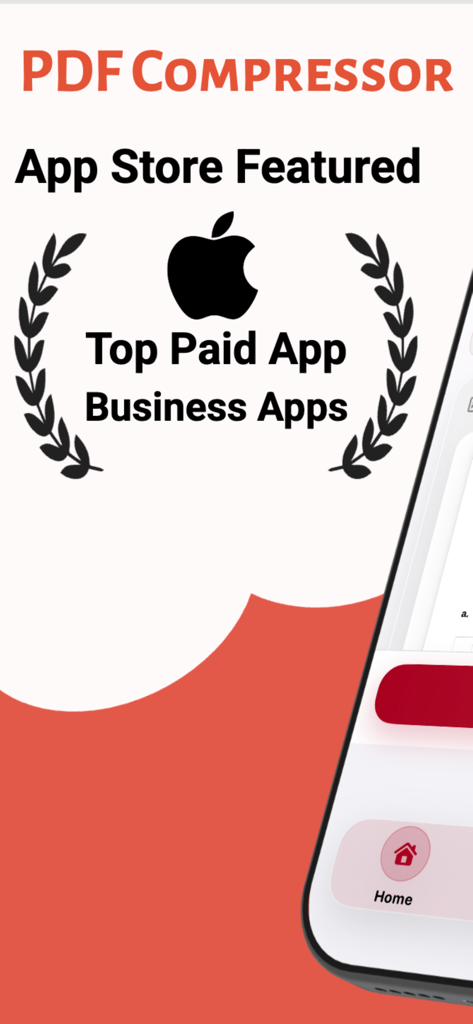
Promotional graphic for PDF Compressor app showing its status as a top paid business app in the App Store with the Apple logo.

Promotional graphic for PDF Compressor app showing its status as a top paid business app in the App Store with the Apple logo.

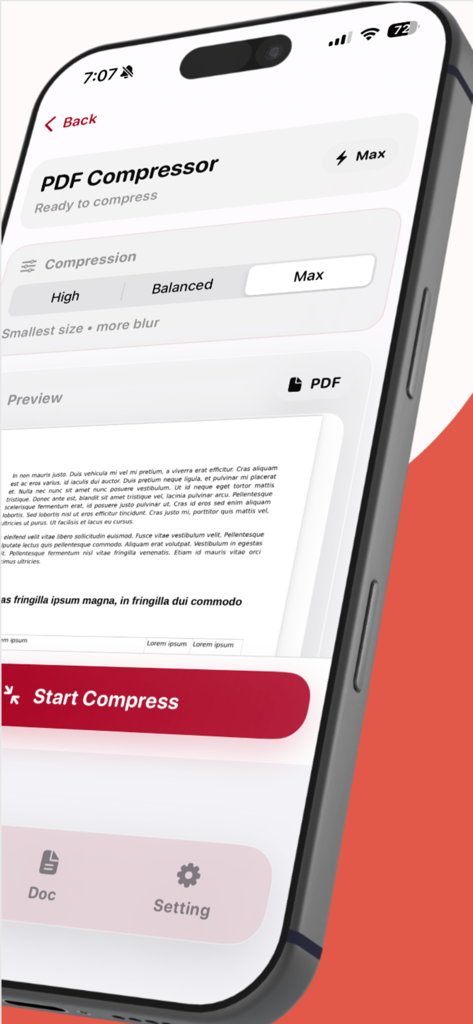
iPhone displaying the PDF Compressor app interface with compression options and document preview

iPhone displaying the PDF Compressor app interface with compression options and document preview

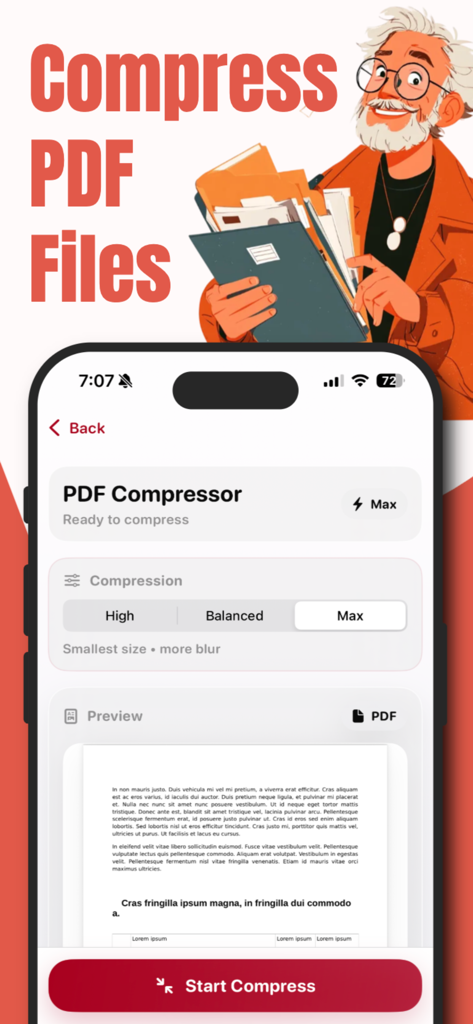
Interface of a PDF compressor app on an iPhone showing adjustable compression levels and a document preview

Interface of a PDF compressor app on an iPhone showing adjustable compression levels and a document preview

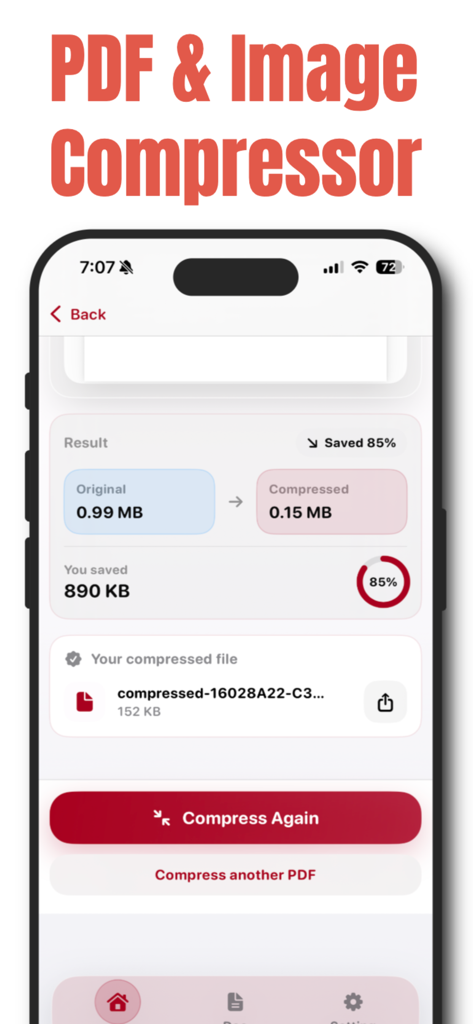
A mobile app screen showing a PDF file size reduction from 0.99 MB to 0.15 MB with 85 percent savings.

A mobile app screen showing a PDF file size reduction from 0.99 MB to 0.15 MB with 85 percent savings.

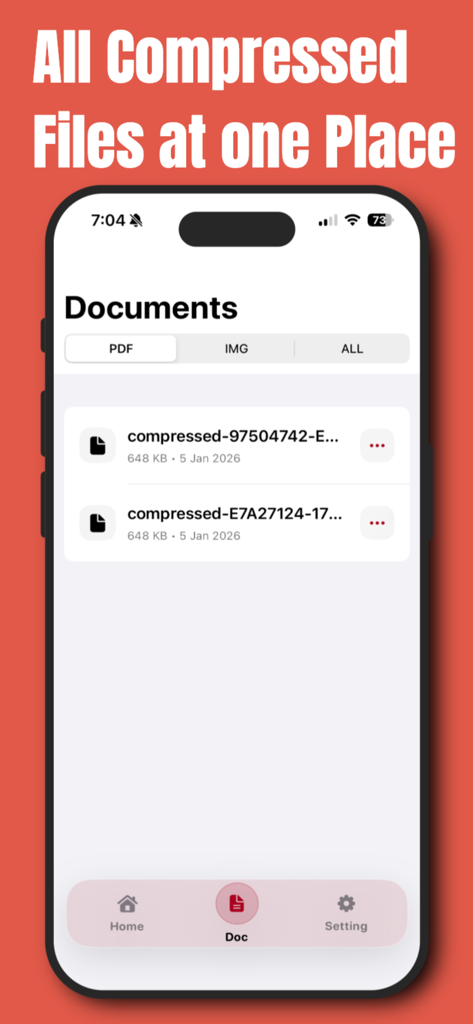
Screenshot of the PDF Compressor App showing a list of organized compressed documents on an iPhone

Screenshot of the PDF Compressor App showing a list of organized compressed documents on an iPhone

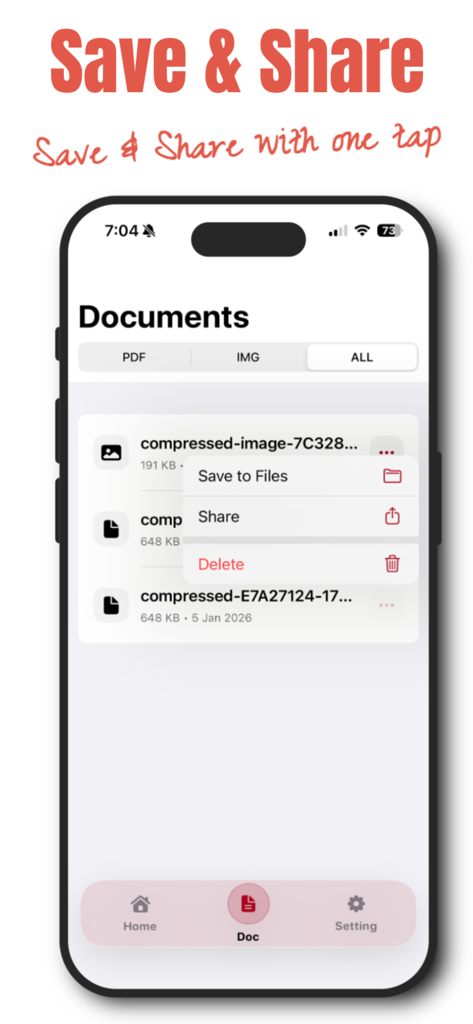
Screenshot of the PDF Compressor App showing the documents list with a menu to save to files or share a compressed document.

Screenshot of the PDF Compressor App showing the documents list with a menu to save to files or share a compressed document.

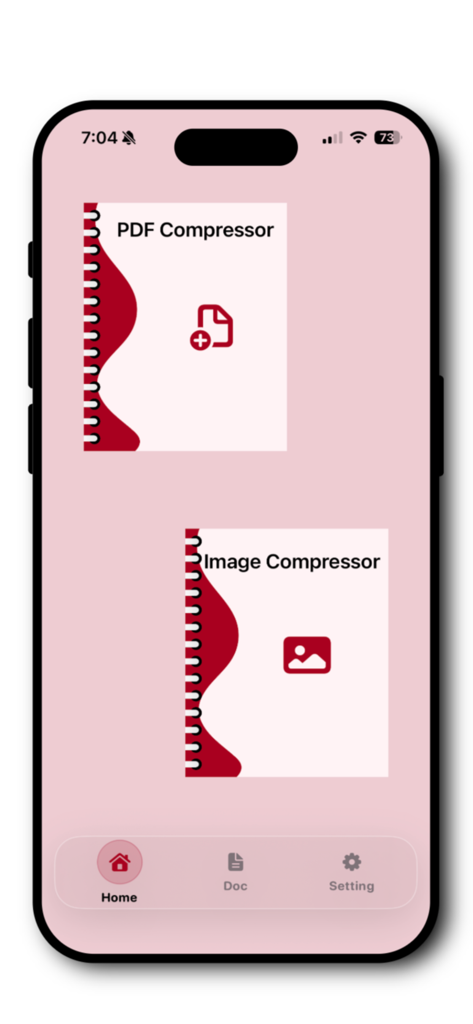
Home screen of the PDF Compressor App on iPhone showing PDF and Image compression options.

Home screen of the PDF Compressor App on iPhone showing PDF and Image compression options.

Streamline Your Professional Workflow

The tools that make this app stand out, trusted by 300 users.

🔒

Total Privacy, Zero Uploads

Process your sensitive contracts and documents locally on your iPhone. Your data never leaves your device, ensuring maximum security.

⚙️

Adaptive Compression Modes

Choose from three precision levels to perfectly balance file size and clarity, meeting strict upload limits for portals and email.

🚀

Bypass File Size Limits

Instantly compress and share high-quality PDFs via Slack, Gmail, or WhatsApp to eliminate 'file too large' errors forever.

About the app

Everything you need to know about PDF Compressor App.

Description

PDF Converter & Compressor – Fast, Smart & Secure Easily compress PDF files and images on your iPhone with PDF Converter & Compressor — a simple, powerful, and privacy-focused tool designed to reduce file size without compromising quality. Whether you need to share documents faster, save storage space, or upload files with size limits, this app helps you compress PDFs and images in just a few taps. Powerful PDF & Image Compression Reduce file size quickly with smart compression technology. You can compress: • PDF documents • Images (JPG, PNG, and more) • Scanned files and large documents Choose the compression level that fits your needs and get instant results. 3 Compression Levels – Full Control You decide how much to compress your files: • Maximum Compression – Best for sharing and saving space • Balanced Compression – Reduced size with good quality • Low Compression – Minimal size reduction with high quality Ideal for emails, cloud uploads, messaging apps, and professional use. All Compressed Files in One Place Never lose track of your documents. All compressed PDFs and images are automatically saved in a dedicated section, allowing you to: • View all compressed files • Preview documents anytime • Manage your files easily Everything stays organized and accessible. Save or Share Instantly Once compression is complete, you can: • Save files directly to the Files app • Share via WhatsApp, Mail, AirDrop, or any supported app • Send documents instantly without size issues No extra steps. No confusion. Fast, Offline & Secure • Lightning-fast processing • Works offline with no internet required • Files stay on your device • No uploads, no tracking, full privacy Your documents remain completely secure. Simple & Elegant iOS Design Designed specifically for iOS with a clean, modern interface that feels natural and easy to use. No technical knowledge needed — just select, compress, and share. Why Choose PDF Converter & Compressor? • Compress PDF and image files • Choose from three compression levels • Manage all compressed files in one place • Save to device or share instantly • Offline and privacy-friendly • Fast, simple, and reliable Privacy Poliy - https://compressedpdfimg.blogspot.com/2026/01/privacy-policy.html

Latest Version

1.0.4

Size

3.6 MB

First Released

Jan 10, 2026

Stop Worrying About File Size Limits

Compress your PDFs and images securely on your iPhone. No uploads and no internet required—just fast, professional results in seconds.

Download on App Store

App information, icons, screenshots, and descriptions displayed on this page are sourced from the Apple App Store and are the property of their respective developers. Download estimates and rankings are based on MWM's proprietary models and may not reflect actual figures. This page is provided for informational and analytical purposes only.

Believe this page infringes your intellectual property? File a dispute