PDF Converter & Creator: Merge

PDF Converter & Creator: Merge

Download on App Store
Logo of PDF Converter & Creator: Merge

PDF Converter & Creator: Merge: The All-in-One Professional PDF Toolkit

Effortlessly convert, merge, and manage documents offline. The fast, secure, and professional way to handle your PDFs on iPhone and iPad.

Download on App Store

Publisher

EMRE KOTUN

Category

Business

Downloads

0

User Rating

4.8/5

Total Ratings

0

Locales

1

Efficiency at a Glance

Discover the interface used by 0 users.
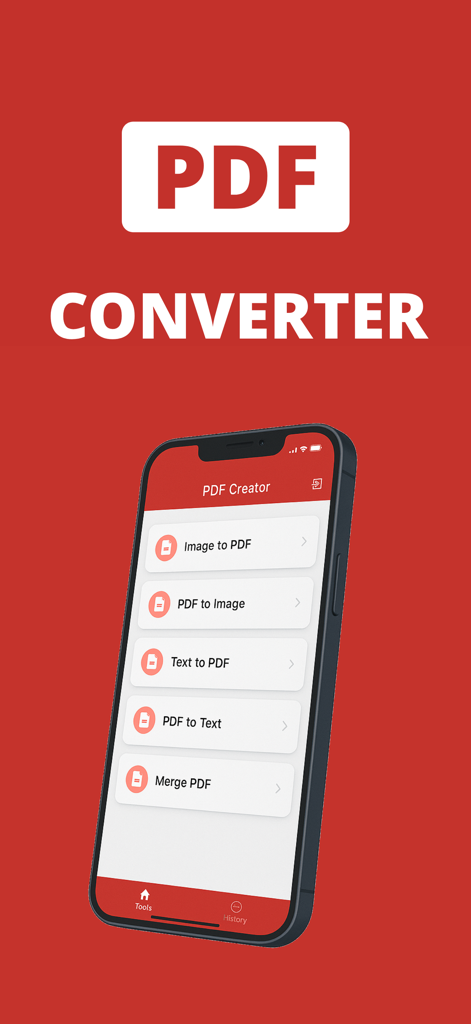
iPhone displaying the main menu of the PDF Converter and Creator app with options to merge PDF and convert images to PDF.

iPhone displaying the main menu of the PDF Converter and Creator app with options to merge PDF and convert images to PDF.

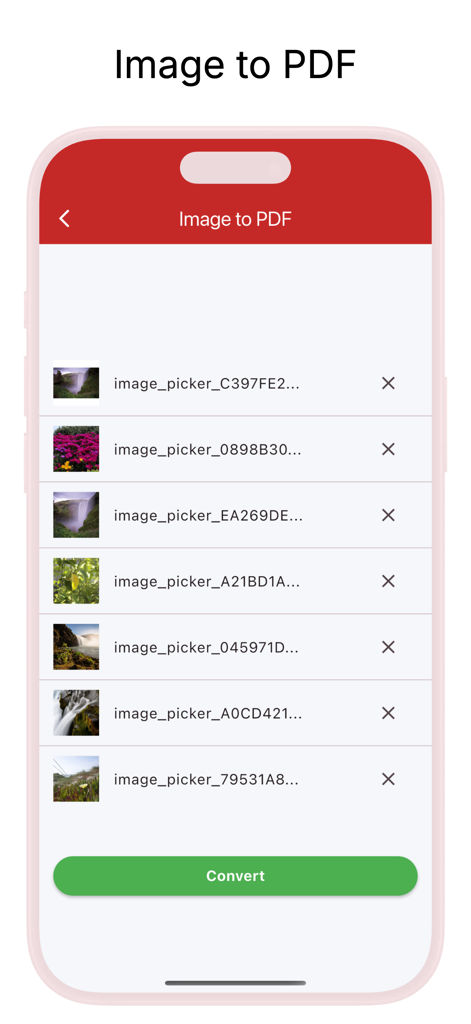
Mobile app interface for selecting and converting multiple photos to a PDF document

Mobile app interface for selecting and converting multiple photos to a PDF document

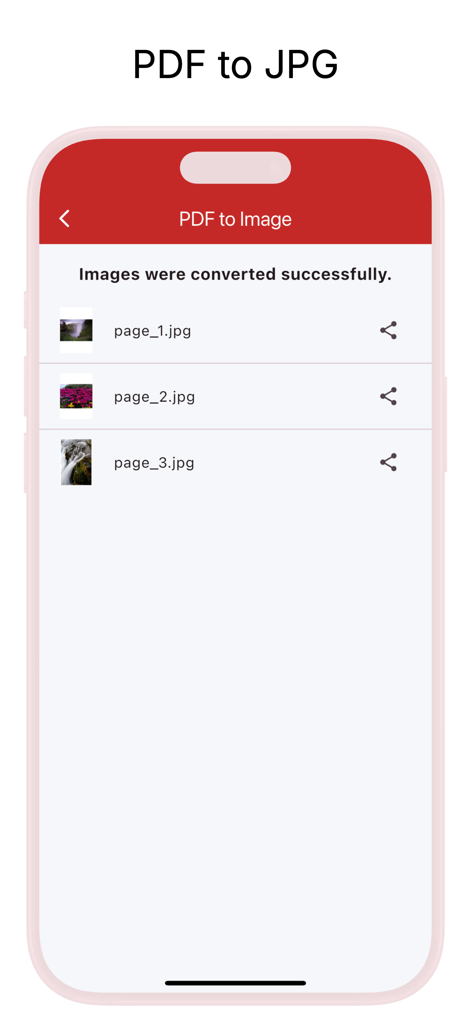
Smartphone screen showing successfully converted PDF pages to JPG files with sharing options.

Smartphone screen showing successfully converted PDF pages to JPG files with sharing options.

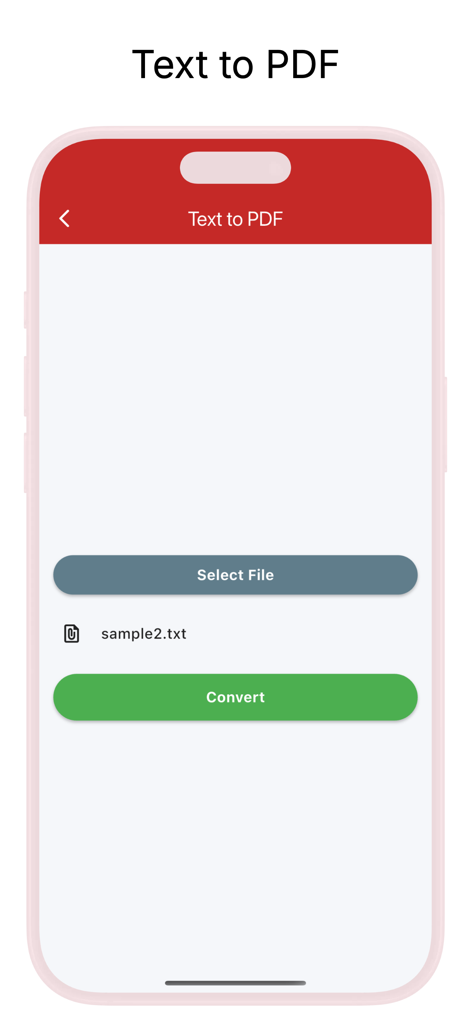
Smartphone screen showing the Text to PDF conversion feature with a selected text file and a green convert button.

Smartphone screen showing the Text to PDF conversion feature with a selected text file and a green convert button.

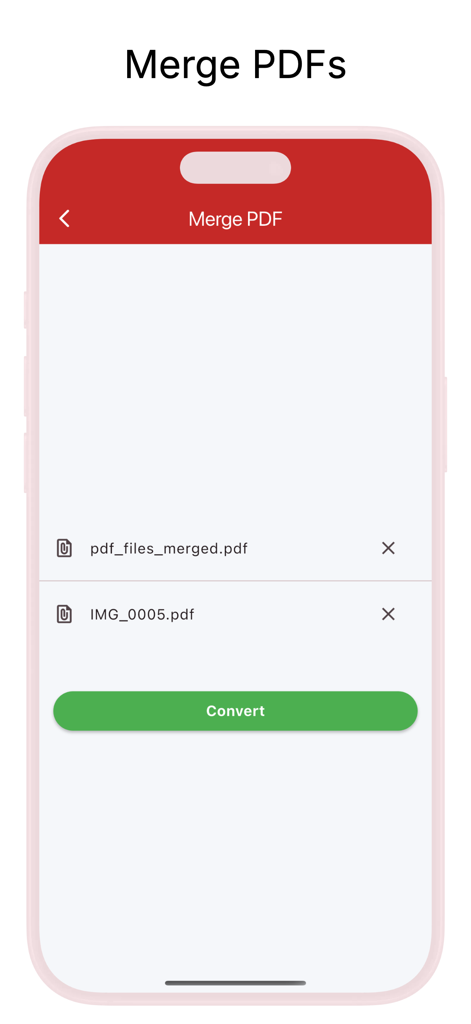
Mobile app interface showing the merge PDF feature with two selected files and a convert button

Mobile app interface showing the merge PDF feature with two selected files and a convert button

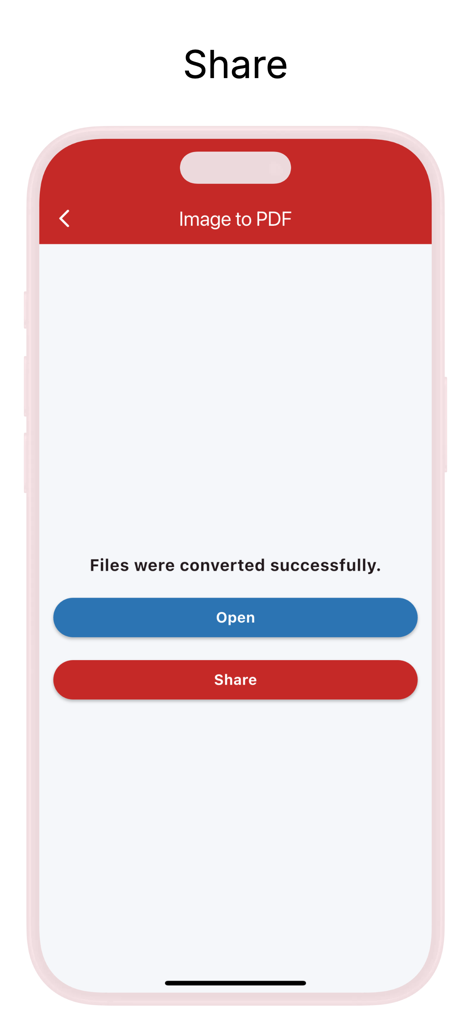
App screen showing successful image to PDF conversion with options to open or share the file

App screen showing successful image to PDF conversion with options to open or share the file

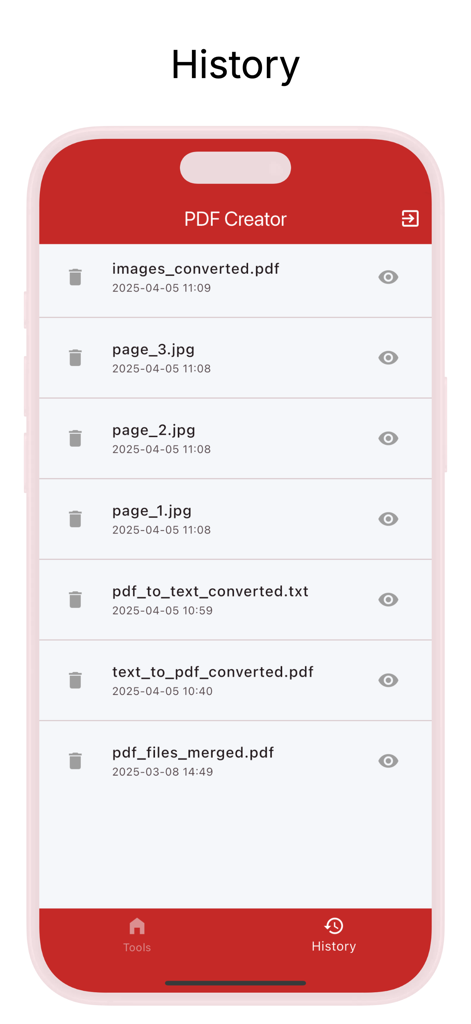
Screen showing the history of converted and merged PDF files within the application.

Screen showing the history of converted and merged PDF files within the application.

Professional PDF Tools for Your Mobile Lifestyle

The tools that make this app stand out, trusted by 0 users.

📄

Merge & Organize Instantly

Combine multiple reports, contracts, or study materials into one professional document. Perfect for keeping your digital files organized without a laptop.

📸

Turn Photos into Clean PDFs

Transform receipts, ID cards, or handwritten notes into high-quality PDFs. Easily arrange images to create polished files ready for submission or storage.

🔒

Secure Offline Processing

Handle sensitive business or personal data with total peace of mind. All conversions happen on your device, ensuring your documents never leave your hands.

About the app

Everything you need to know about PDF Converter & Creator: Merge.

Description

Transform the way you handle documents with PDF Converter & Creator: Merge. Designed for speed and simplicity, our app allows you to convert, merge, and manage PDF files directly from your iPhone or iPad. Whether you are a student submitting assignments, a professional managing contracts, or simply need to digitize receipts, this is the only PDF tool you will ever need. No internet connection required for most operations—work securely anytime, anywhere. KEY FEATURES Text to PDF Converter Convert TXT, DOCX, or any text file into a professional PDF document in seconds. Ideal for turning notes into shareable reports. Image to PDF Maker Turn JPG, PNG, and HEIC photos into high-quality PDFs. Arrange images in your desired order to create polished documents from receipts, ID cards, or whiteboard photos. Advanced PDF Merge & Combiner Select multiple PDF files and combine them into a single, organized document. Perfect for merging separate reports, contracts, or study materials into one easy-to-read file. Smart Extraction Tools Need to get text or images out of a PDF? PDF to Text: Effortlessly extract text from PDFs for editing, copying, or repurposing. PDF to Image: Extract specific pages or images from a PDF and save them as JPG or PNG files. PDF History & File Management Keep track of all your created PDFs in one place. View, organize, rename, and manage your files with ease. Delete & Share Securely Securely delete unwanted PDFs or instantly share them via email, cloud storage, or messaging apps. WHY CHOOSE US? User-Friendly Interface: Simple and intuitive design for seamless PDF management. Fast & Reliable: No complicated steps, just quick results. High-Quality Output: Maintains original resolution and formatting. Works Offline: Perform conversions and merging anytime, without data usage. WHO IS IT FOR? Students: Perfect for compiling assignments and research papers. Professionals: Essential for managing business documents and contracts. Everyday Users: Easily convert images and notes into PDFs for storage. Download PDF Converter & Creator: Merge today! The best PDF tool is just a tap away. Start creating and organizing your documents professionally. Terms of Use: https://www.apple.com/legal/internet-services/itunes/dev/stdeula/

Latest Version

1.2.0

Size

30.5 MB

First Released

Mar 6, 2025

Ready to Simplify Your Document Workflow?

Join thousands of students and professionals who convert, merge, and manage PDFs securely—all from your iPhone or iPad. Download now and start working smarter, even offline.

Download on App Store

App information, icons, screenshots, and descriptions displayed on this page are sourced from the Apple App Store and are the property of their respective developers. Download estimates and rankings are based on MWM's proprietary models and may not reflect actual figures. This page is provided for informational and analytical purposes only.

Believe this page infringes your intellectual property? File a dispute