PDF Converter | Image to PDF

PDF Converter | Image to PDF

Download on App Store
Logo of PDF Converter | Image to PDF

PDF Converter | Image to PDF: Your All-in-One Mobile Document Studio

Empower your workflow with 14 professional tools to convert, compress, and manage files instantly from your iPhone. Seamless productivity for students and professionals—no desktop required.

Download on App Store

Publisher

CLIXADE LTD

Category

Business

Downloads

0

User Rating

1.0/5

Total Ratings

0

Locales

64

Efficiency at a Glance

Discover the interface used by 0 users.
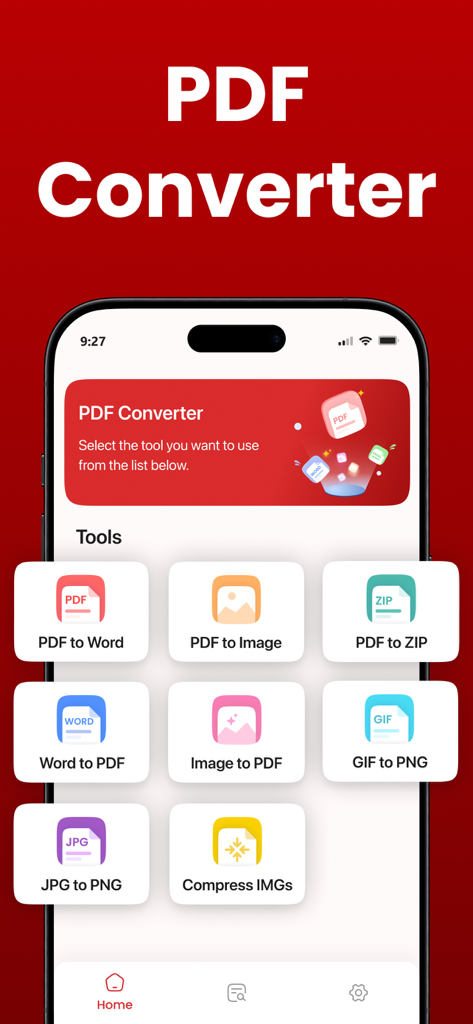
Interface of the PDF Converter app showing document conversion tools like Word to PDF and Image to PDF

Interface of the PDF Converter app showing document conversion tools like Word to PDF and Image to PDF

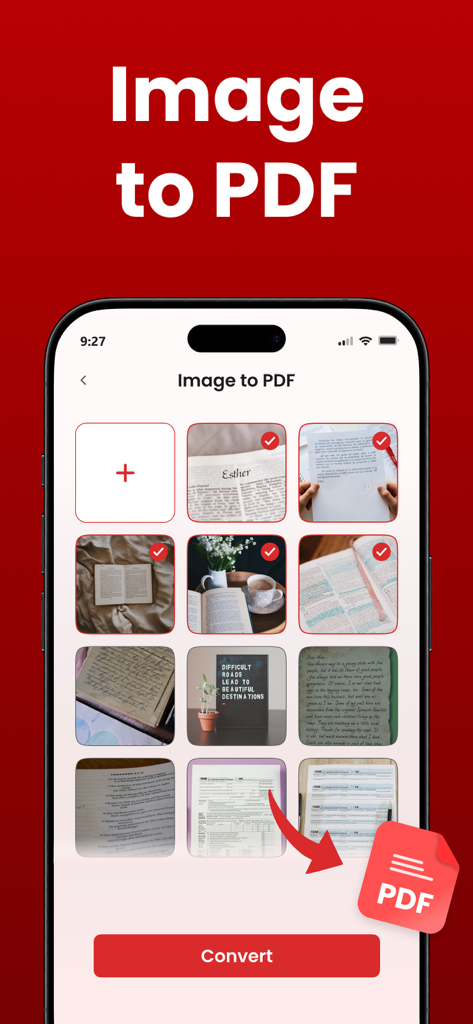
Mobile app interface showing multiple photos selected for batch conversion into a PDF document

Mobile app interface showing multiple photos selected for batch conversion into a PDF document

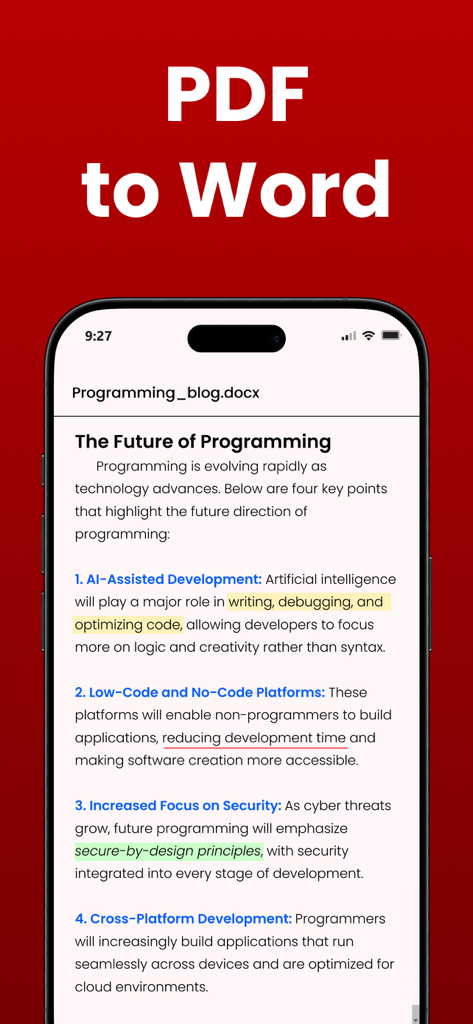
Interface of the PDF Converter app showing a PDF to Word document conversion on an iPhone screen

Interface of the PDF Converter app showing a PDF to Word document conversion on an iPhone screen

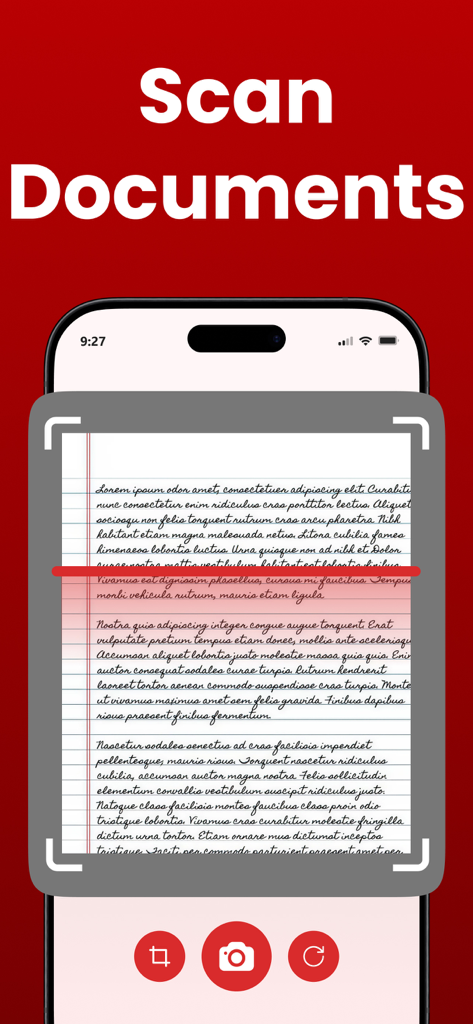
Mobile app interface showing a document scanner capturing a handwritten page.

Mobile app interface showing a document scanner capturing a handwritten page.

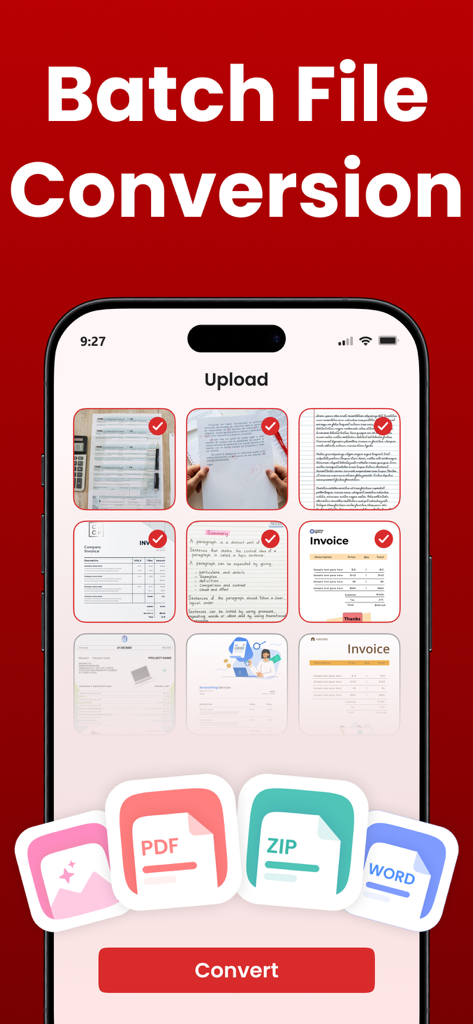
Mobile app screen showing batch file conversion feature with multiple selected documents and a convert button

Mobile app screen showing batch file conversion feature with multiple selected documents and a convert button

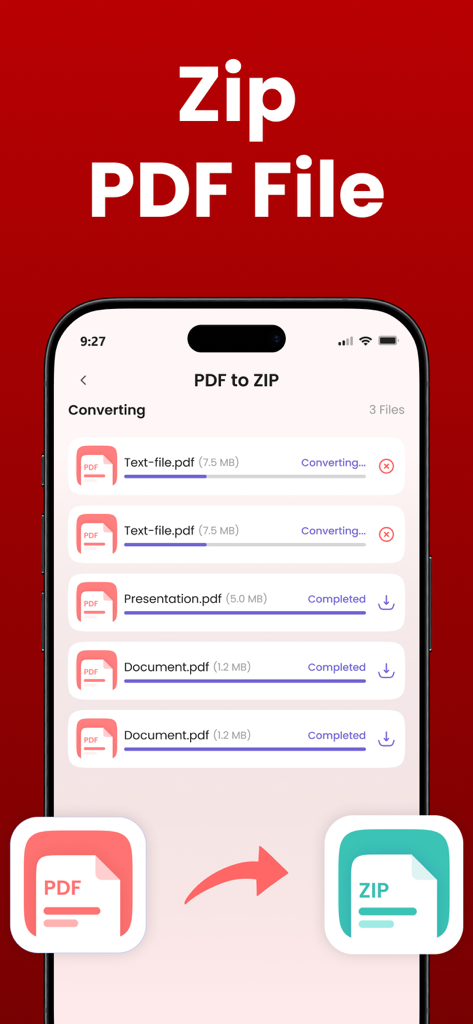
Mobile app interface showing multiple PDF files being converted and compressed into a ZIP file archive.

Mobile app interface showing multiple PDF files being converted and compressed into a ZIP file archive.

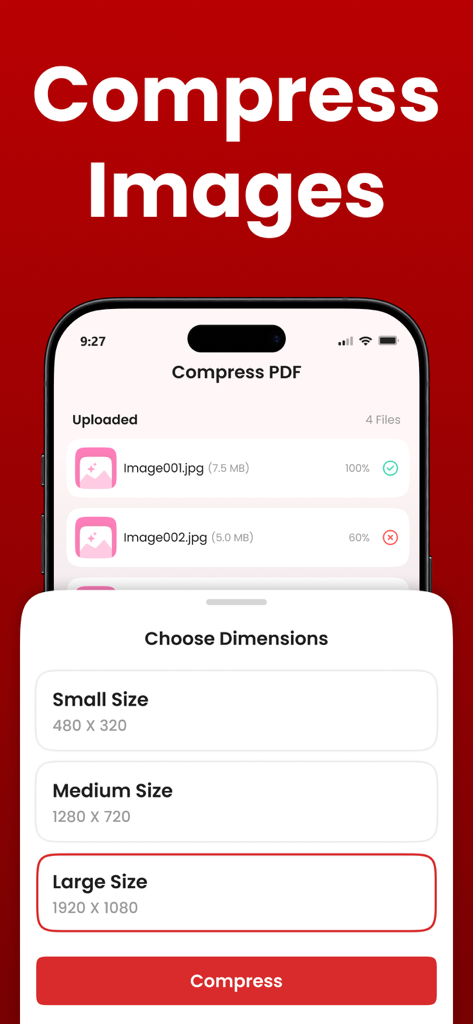
A mobile screen interface showing options to compress images by choosing dimensions like small medium or large size

A mobile screen interface showing options to compress images by choosing dimensions like small medium or large size

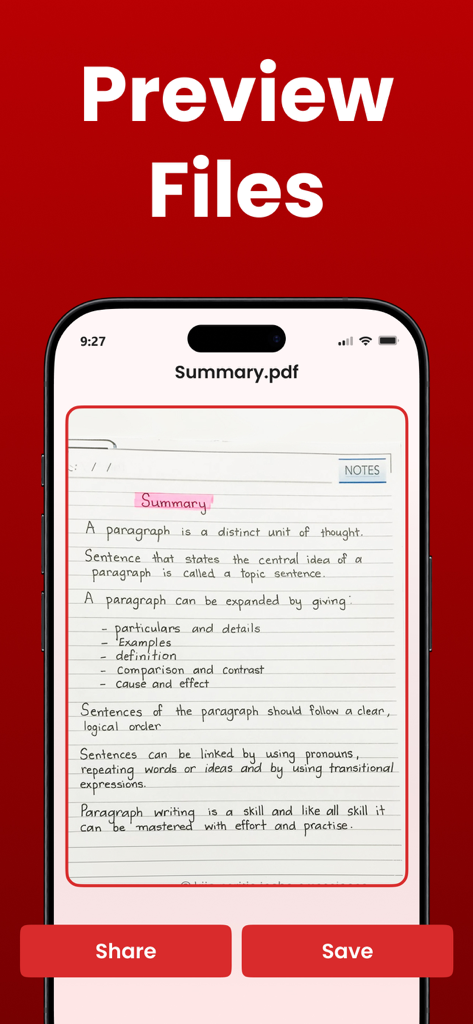
Mobile app screen showing a preview of a PDF document with share and save options

Mobile app screen showing a preview of a PDF document with share and save options

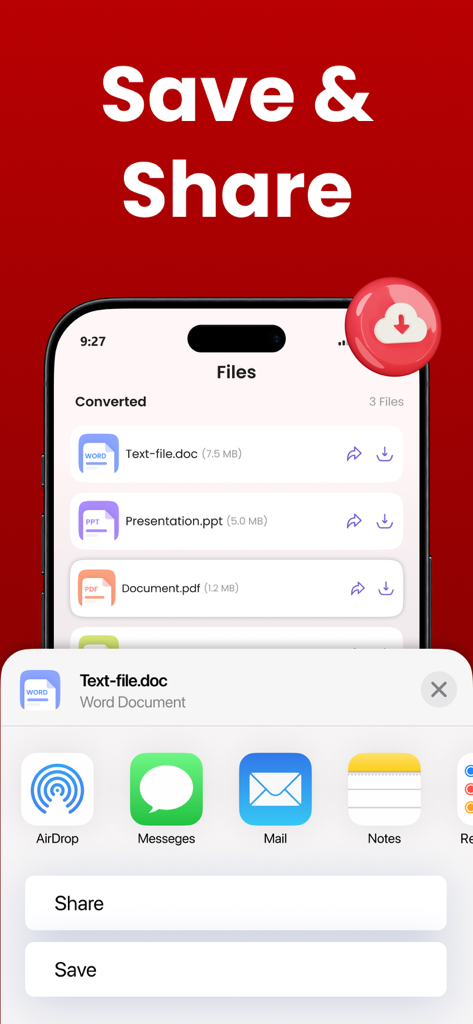
iPhone interface showing a list of converted documents and a share menu for easy file management

iPhone interface showing a list of converted documents and a share menu for easy file management

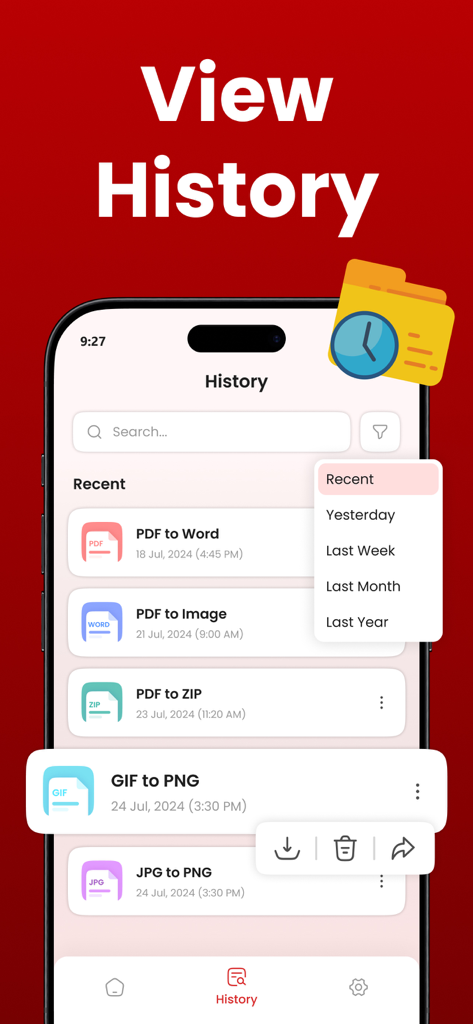
A list of recent file conversions shown on the History tab of the PDF Converter mobile app

A list of recent file conversions shown on the History tab of the PDF Converter mobile app

Your All-in-One Mobile Productivity Hub

The tools that make this app stand out, trusted by 0 users.

🚀

Instant Multi-Format Conversion

Swiftly transform Word, PPT, Excel, and Web pages into high-quality PDFs to keep your workflow seamless and professional.

📸

Pro-Grade Image to PDF

Turn photos of contracts, sketches, or assignments into polished PDF documents that make a professional impression in any inbox.

📦

Batch Processing & Compression

Save time by converting multiple files at once and shrink large documents to breeze past email and Slack attachment limits.

About the app

Everything you need to know about PDF Converter | Image to PDF.

Description

Our PDF Converter is an all-in-one PDF Converter solution. It can help you to automatically transform PDF to Word, Image, PPT, and ZIP files and convert Word, Images, Text, PPT, Web, and Excel to PDF files. Additionally, our PDF converter toolkit can do GIF to PNG, and JPG to PNG conversions, and compress the size of images and PDFs. No need to look for separate apps for conversions, we’ve brought a single solution to meet your different file conversion needs. Different Tools Offered by Our PDF Converter App for Users Our PDF Maker offers 14 different tools for users to streamline their file conversion productivity: 1. Word to PDF 2. Image to PDF 3. Text to PDF 4. PPT to PDF 5. Web to PDF 6. Excel to PDF 7. Compress PDF 8. PDF to Word 9. PDF to Image 10. PDF to ZIP 11. GIF to PNG 12. PDF to PPT 13. JPG to PNG 14. Compress Image How to Use Our PDF Converter App? Here are a few steps to use our file converter: * Choose any file conversion tool according to your needs. * Upload one or more files into the app. * Click the “Convert” button to start the file conversion. * After conversion, download files to your device. Features of the PDF Creator - It allows you to convert PDF to many different formats, such as PDF to Word, PDF to Image or JPG, PDF to PPT, and PDF to ZIP. - The PDF Converter can also convert Word or Docx, Text, PPT, Web, Excel, and Image to PDF files. - It also offers image file conversion for optimization. - Use the PDF Maker app to convert files in batches. - The PDF converter is easy to use. - The file converter has an easier and simpler interface, making PDF conversion effortless. - Our PDF Creator allows you to access the previous file conversions. - High-quality file Conversion. Download the Convert PDF app to experience the freedom of converting and managing all your files in one platform. Privacy Policy: https://clixade.com/privacy-policy Terms & Conditions: https://clixade.com/terms-and-conditions

Latest Version

1.2.0

Size

80.6 MB

First Released

Apr 16, 2022

Master Your Documents On the Go

Join thousands of professionals and students who use our all-in-one toolkit to convert, compress, and share files instantly from their pocket.

Download on App Store

App information, icons, screenshots, and descriptions displayed on this page are sourced from the Apple App Store and are the property of their respective developers. Download estimates and rankings are based on MWM's proprietary models and may not reflect actual figures. This page is provided for informational and analytical purposes only.

Believe this page infringes your intellectual property? File a dispute