PDF Converter - PDF to Word *

PDF Converter - PDF to Word *


Download on App Store
Logo of PDF Converter - PDF to Word *

PDF Converter - PDF to Word *: Your All-in-One Workspace for Fast, Secure Document Conversion

Stop overpaying for bloated subscriptions. Effortlessly transform Word, HEIC, and images into professional PDFs with unlimited conversions, advanced signing tools, and total data privacy built for your Mac.

Download on App Store

Publisher

TROSTUN LTD

Category

Business

Downloads

51K+

User Rating

4.6/5

Total Ratings

200

Locales

49

A Professional Preview

Discover the interface used by 51K+ users.
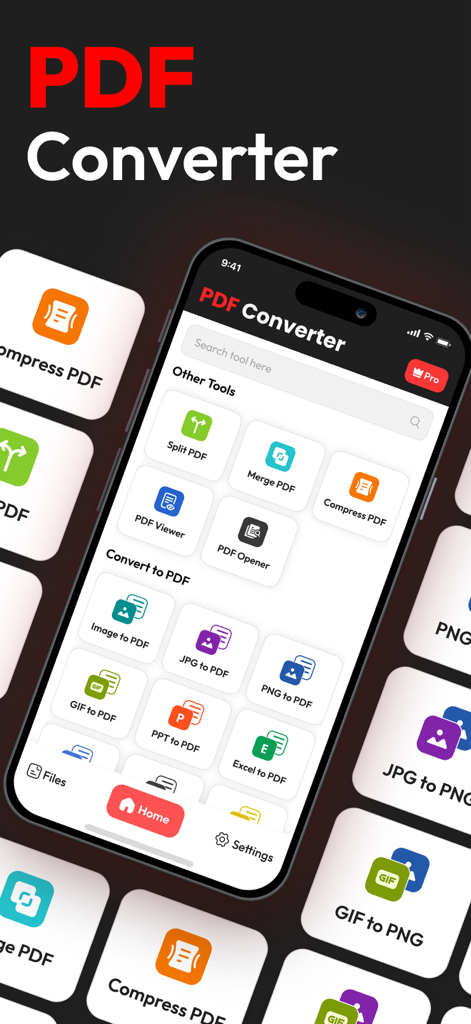
Interface of the PDF Converter app on a smartphone showing tools to split merge and convert files to PDF

Interface of the PDF Converter app on a smartphone showing tools to split merge and convert files to PDF

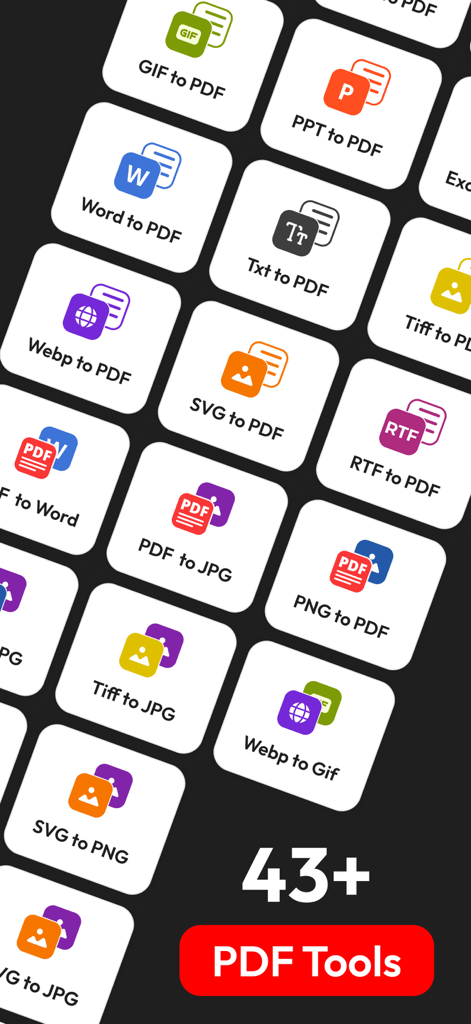
A grid of icons representing over 43 file conversion tools including Word to PDF and image formats.

A grid of icons representing over 43 file conversion tools including Word to PDF and image formats.

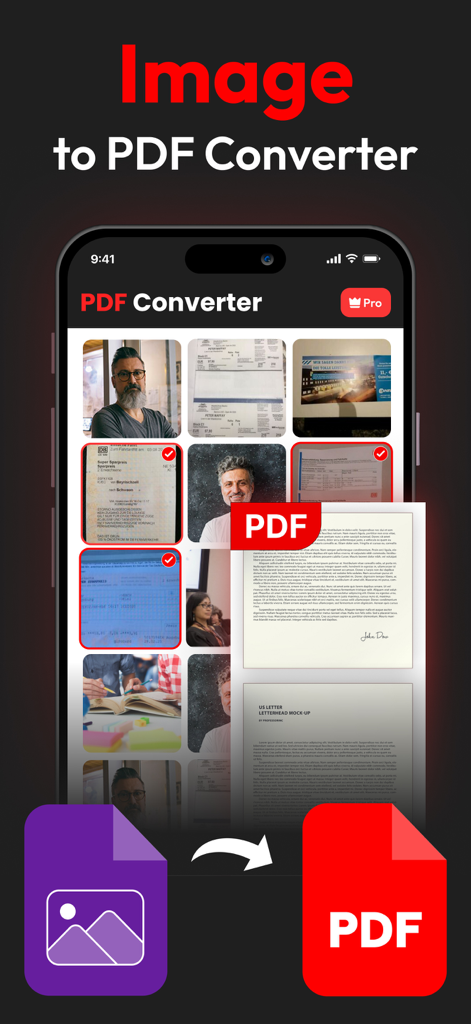
A mobile app interface showing a selection of photos being converted into a professional PDF document

A mobile app interface showing a selection of photos being converted into a professional PDF document

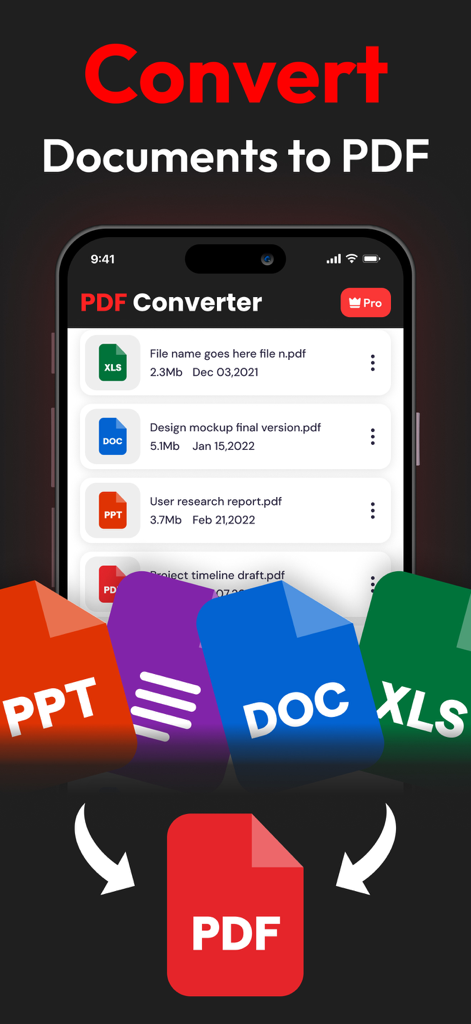
PDF Converter app interface showing Word Excel and PowerPoint files being converted to PDF

PDF Converter app interface showing Word Excel and PowerPoint files being converted to PDF

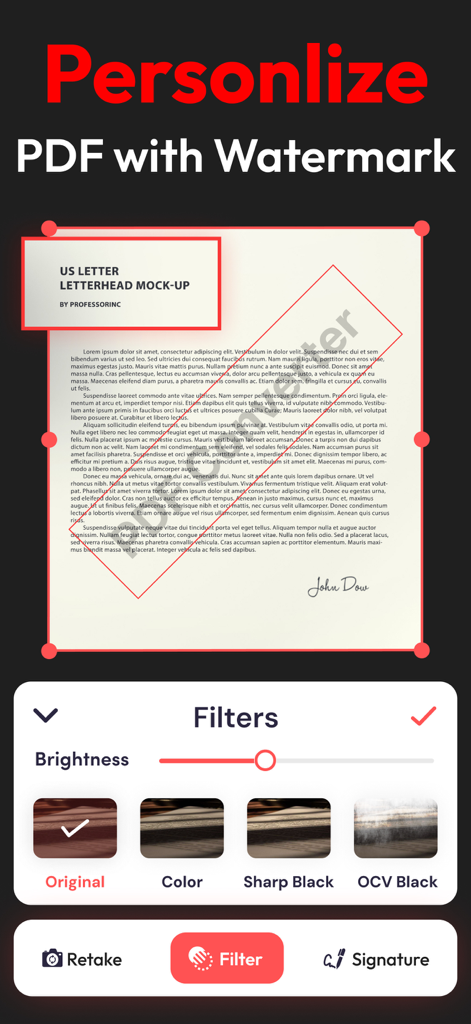
Mobile app interface showing how to personalize a PDF with a watermark and document filters

Mobile app interface showing how to personalize a PDF with a watermark and document filters

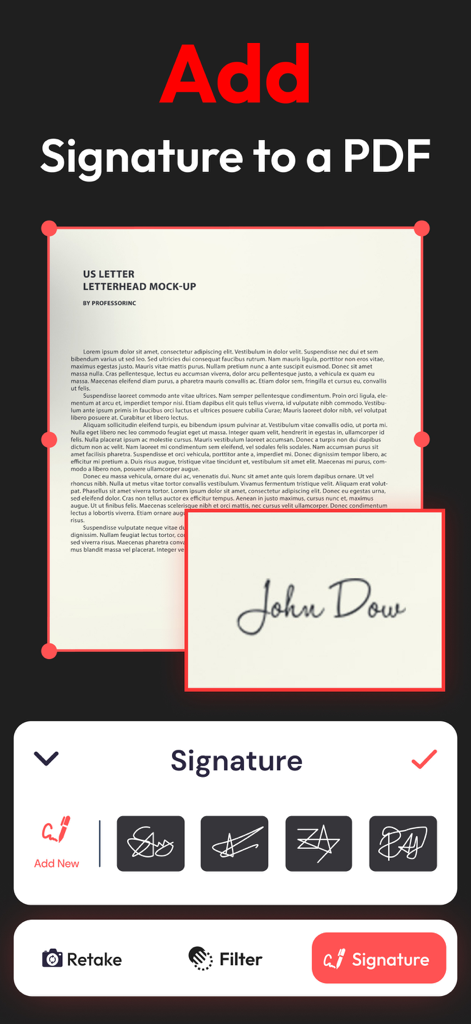
A user interface showing how to add a digital signature to a PDF document

A user interface showing how to add a digital signature to a PDF document

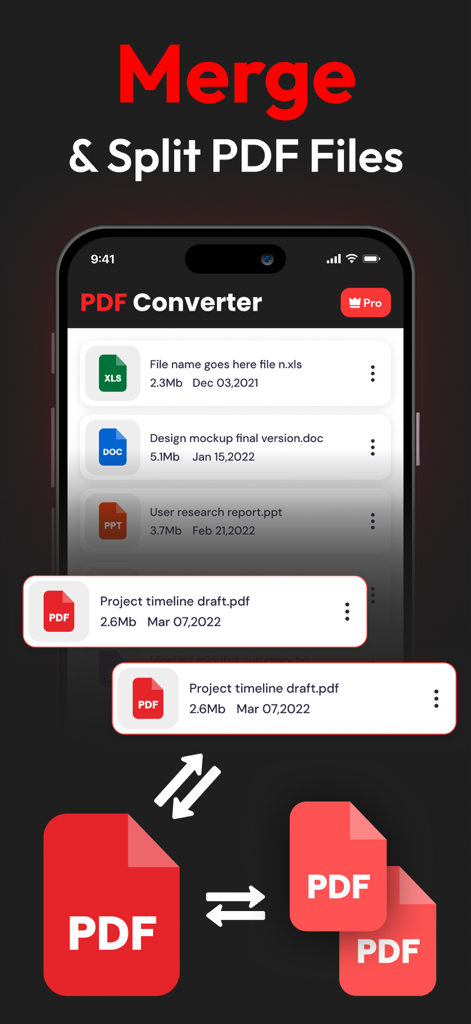
Interface of the PDF Converter app displaying the feature to merge and split PDF documents on a mobile device.

Interface of the PDF Converter app displaying the feature to merge and split PDF documents on a mobile device.

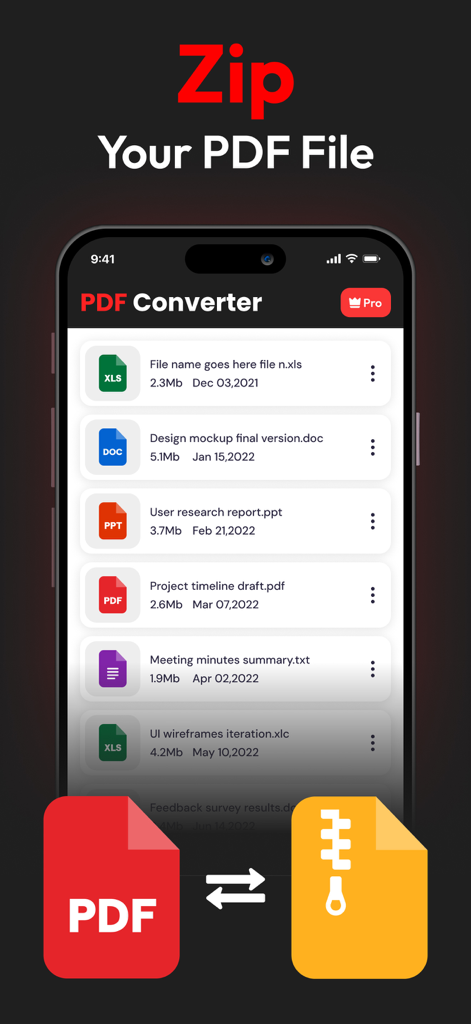
Mobile app interface showing the zip feature for PDF documents with a list of various file types

Mobile app interface showing the zip feature for PDF documents with a list of various file types

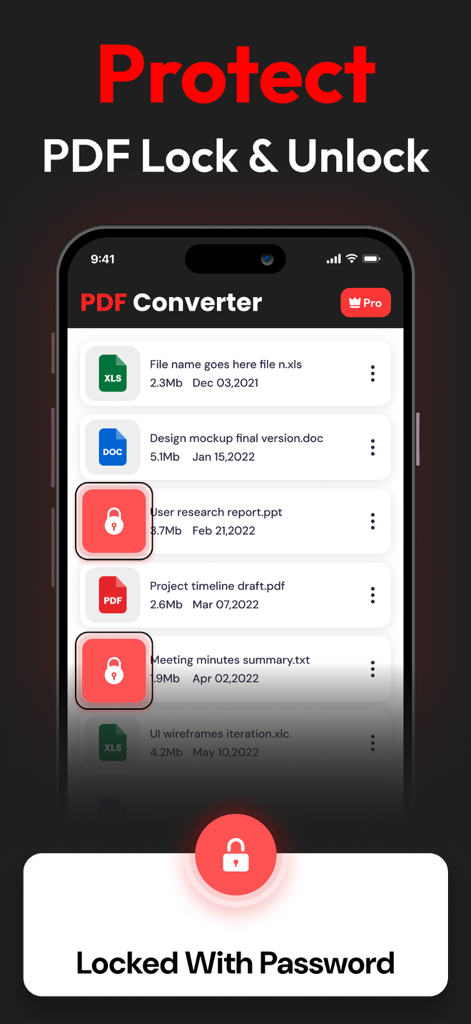
PDF Converter app interface showing document lock and password protection features

PDF Converter app interface showing document lock and password protection features

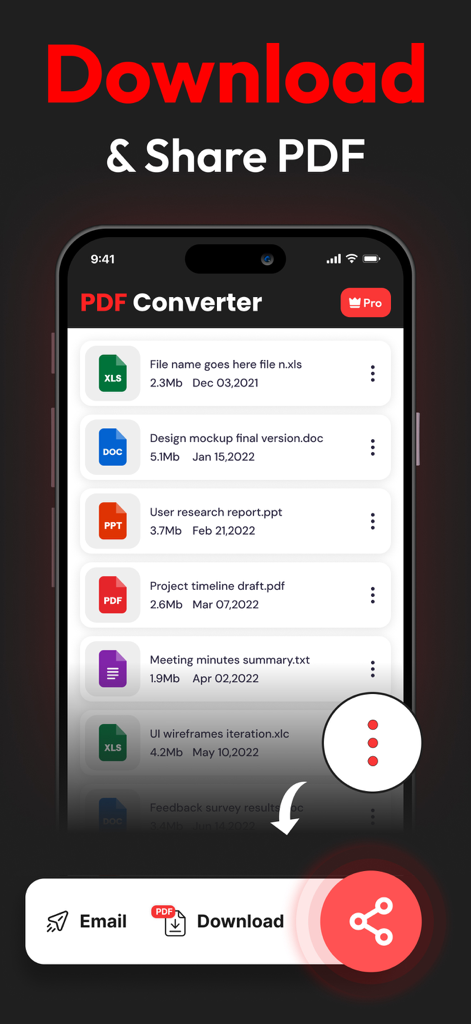
A mobile screen showing a list of converted documents with options to download or share via email

A mobile screen showing a list of converted documents with options to download or share via email

Professional Document Management Made Easy

The tools that make this app stand out, trusted by 51K+ users.

🔒

Privacy-First Architecture

Avoid the risks of online converters. Your sensitive files are processed locally and never stored on a server, ensuring your data stays 100% private.

🚀

Unlimited Universal Conversion

Ditch the caps and convert everything from Word and Excel to Apple-specific HEIC images. No daily limits and no file size restrictions on your Mac.

✍️

Sign, Merge, and Finalize

Skip the printer. Add digital signatures, combine multiple reports into one PDF, or compress large files for email in seconds—all within one app.

About the app

Everything you need to know about PDF Converter - PDF to Word *.

Description

PDF CONVERTER & PDF TO WORD: THE ALL-IN-ONE MACOS CONVERSION TOOL If you frequently work with PDFs, the PDF Converter & PDF to Word app for macOS is an essential tool. Available on the Mac App Store, this all-in-one conversion utility allows quick and efficient file conversions to PDF, making it a must-have for anyone working with digital documents. KEY CONVERSION TOOLS AVAILABLE: Document Conversions: • WORD to PDF: Easily convert Word documents into secure, uneditable PDFs while preserving formatting. • EXCEL to PDF: Transform Excel spreadsheets into PDF format to prevent tampering or edits. • PPT to PDF: Convert PowerPoint presentations to PDFs, perfect for standardized sharing. • TEXT to PDF: Convert simple text files into PDFs for professional management. Image to PDF Conversion: • PNG to PDF: Convert PNG images to professional, shareable PDFs. • JPG to PDF: Save JPG images as PDFs, making them easy to share securely. • SVG to PDF: Ideal for designers to convert vector graphics to PDF. • GIF to PDF: Turn animated GIFs into PDFs for secure storage and sharing. FEATURES OF PDF CONVERTER & PDF MAKER: • Easy to Use: The app features a simple, user-friendly interface, allowing users of all experience levels to convert files with ease. • No Conversion Limits: Convert as many files as you need, with no daily restrictions. • Secure and Private: Your files are never stored after conversion, ensuring your data remains secure and private. • Additional PDF Tools: Compress, encrypt, watermark, and sign PDFs for added security and professionalism. OTHER USEFUL TOOLS: • HEIC to PDF: Convert HEIC image files from Apple devices to PDF format. • Split PDF: Split large PDF files into smaller, manageable sections. • Merge PDF: Combine multiple PDFs into a single document for easier sharing. • Sign PDF: Add digital signatures for authenticity and verification. HOW TO USE: 1. Open the App: Launch the app on your Mac. 2. Choose Your Tool: Select the conversion option that fits your needs. 3. Upload Your File: Drag and drop or upload your file. 4. Convert: Tap “Convert to PDF” and download the result instantly. PDF Converter & PDF Maker streamlines document management for Mac users by offering all the essential tools for converting, securing, and sharing PDFs. Whether you’re converting images, presentations, or text, this app ensures professional results every time. For more information, you can check out our Terms of Use here: https://www.trostun.com/terms-of-use/

Latest Version

1.3.8

Size

38.8 MB

First Released

Jan 27, 2023

Ready to Master Your Document Workflow?

Join 51,000+ professionals who trust our secure, all-in-one utility. Convert, sign, and merge on your Mac with total privacy and zero conversion limits.

Download on App Store

App information, icons, screenshots, and descriptions displayed on this page are sourced from the Apple App Store and are the property of their respective developers. Download estimates and rankings are based on MWM's proprietary models and may not reflect actual figures. This page is provided for informational and analytical purposes only.

Believe this page infringes your intellectual property? File a dispute