PDF Editor Reader: Form Filler

PDF Editor Reader: Form Filler

Download on App Store
Logo of PDF Editor Reader: Form Filler

PDF Editor Reader: Form Filler: Your All-in-One Mobile Document Studio

Scan, edit, sign, and secure PDFs with professional-grade tools. From filling complex forms to e-signatures, handle your entire workflow instantly from your iPhone or iPad.

Download on App Store

Publisher

Muhammad Qasim Wali

Category

Business

Downloads

2K+

User Rating

4.0/5

Total Ratings

0

Locales

34

A Glimpse of Efficiency

Discover the interface used by 2K+ users.
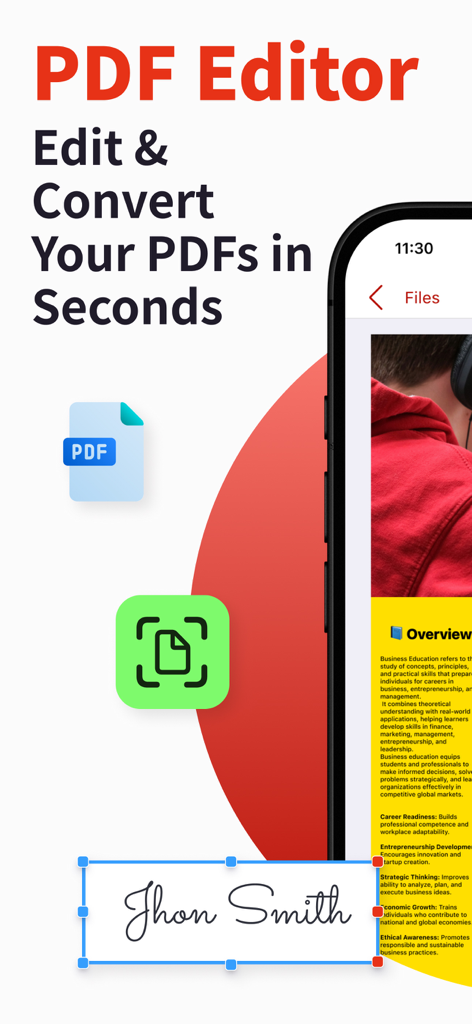
Mobile app interface showing how to edit and sign a PDF document with an e-signature

Mobile app interface showing how to edit and sign a PDF document with an e-signature

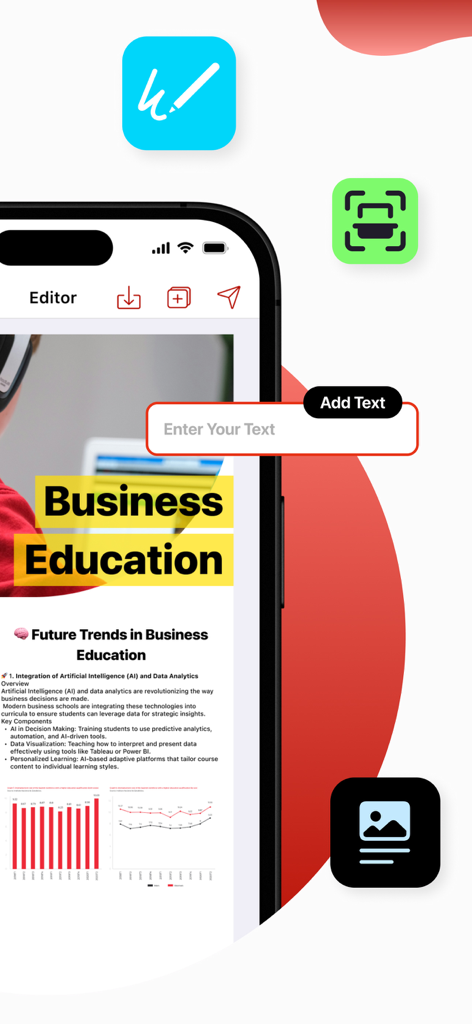
Smartphone screen showing a user adding text to a business document in the PDF editor app

Smartphone screen showing a user adding text to a business document in the PDF editor app

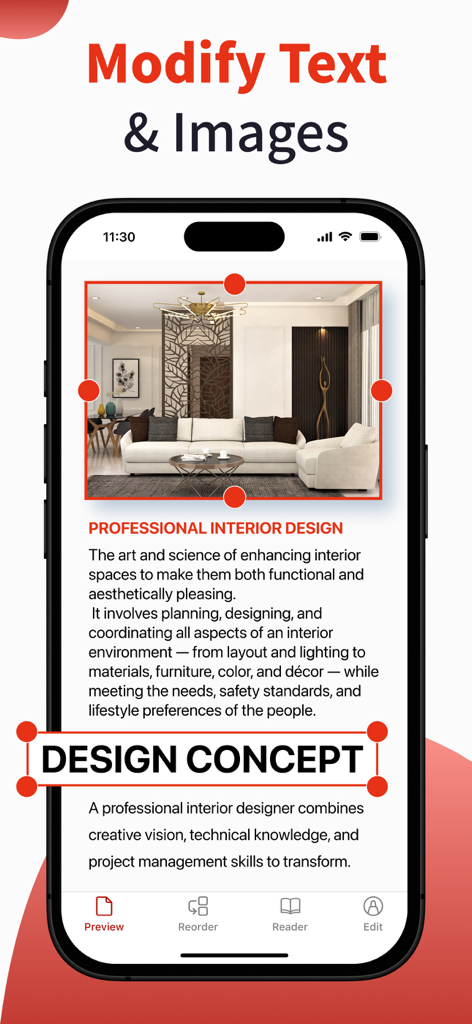
Mobile interface showing text and image editing tools in the PDF Editor app.

Mobile interface showing text and image editing tools in the PDF Editor app.

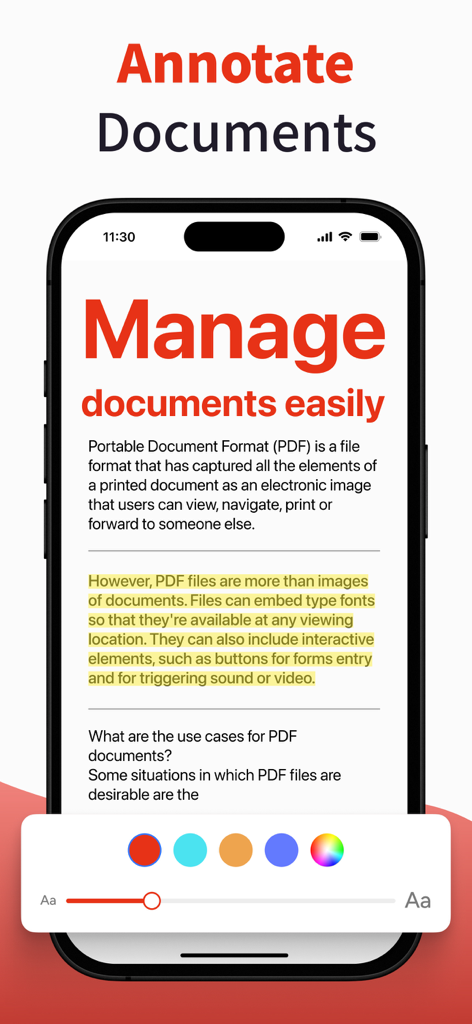
Interface of a PDF editor app for annotating and highlighting documents

Interface of a PDF editor app for annotating and highlighting documents

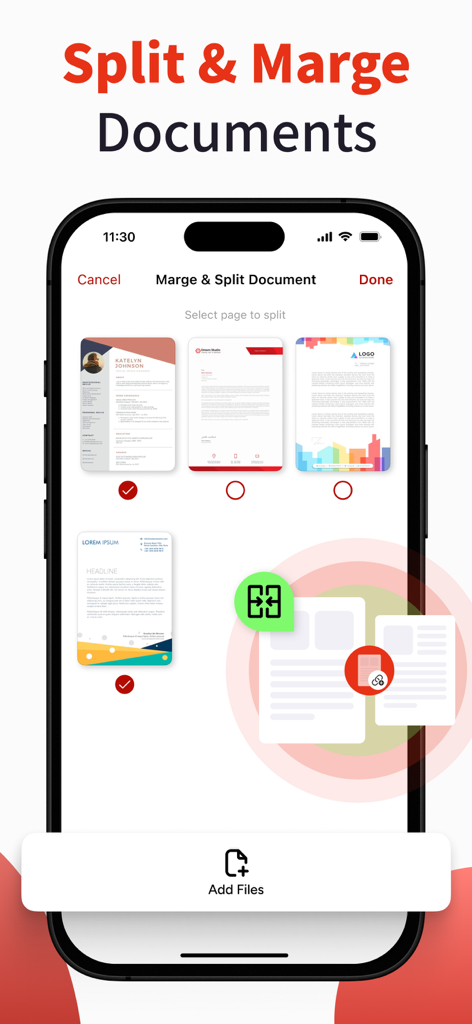
Mobile app interface showing pages of a PDF document with options to split and merge files

Mobile app interface showing pages of a PDF document with options to split and merge files

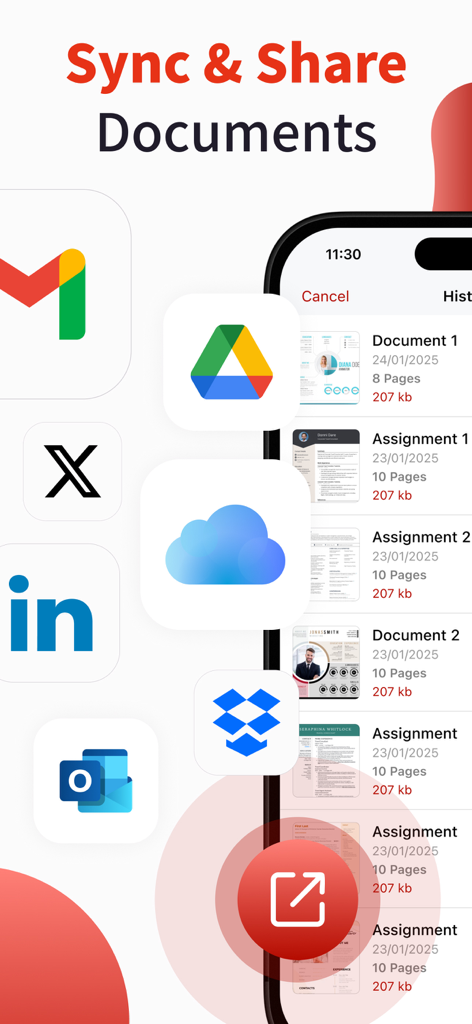
Mobile app interface displaying document sync and share options with cloud storage and social media icons

Mobile app interface displaying document sync and share options with cloud storage and social media icons

Everything You Need to Handle Documents Like a Pro

The tools that make this app stand out, trusted by 2K+ users.

✍️

Sign & Edit on the Go

Add legal e-signatures, fill out complex forms, and modify text directly from your device without needing a printer.

πŸ”„

Convert Anything to PDF

Turn Office docs, photos, or physical paper into professional PDFs with high-quality OCR and file conversion tools.

πŸ›‘οΈ

Secure & Sync Anywhere

Protect sensitive data with encryption and watermarks while keeping your documents synced across all devices via iCloud.

About the app

Everything you need to know about PDF Editor Reader: Form Filler.

Description

All-in-One PDF Editor & Converter – Scan, Edit, Merge & Secure! Need a powerful PDF editor, scanner, and converter in one app? Look no further! Our feature-rich PDF app makes it easy to scan, edit, merge, split, convert, fill forms, reorder pages, and secure your PDFs in just a few taps. Whether you’re managing documents, filling out forms, or creating professional PDFs, this app has everything you need! Key Features: - PDF Protection & Access – Secure PDFs with a password or unlock restricted files. - Cloud Sync (iCloud) – Easily access and save PDFs directly from iCloud. - Excel & PPT to PDF – Convert Excel sheets and PowerPoint slides into PDFs effortlessly. - Custom Watermark – Add personalized watermarks to protect your documents. - Scan to PDF – Turn paper documents into digital PDFs with high-quality scanning. - New PDF Creator – Create blank or customized PDFs for any purpose. - Form Builder & Designer – Design and create professional forms easily. - Form Sharing & Printing – Share or print completed forms with a single tap. - Fill & Submit Forms – Enter data into PDF forms quickly and efficiently. - Advanced PDF Editor – Modify text, add elements, and refine PDFs as needed. - PDF Splitter – Separate large PDFs into smaller, more manageable files. - PDF Merger – Combine multiple PDFs into one organized document. - Page Organizer – Reorder pages within a PDF for better structure. - PDF Print & Share – Print or share your PDFs directly from the app. - Page Remover – Delete unnecessary pages from PDFs instantly. - E-Signature Tool – Digitally sign documents with ease. - Insert Text Box – Add text boxes anywhere in your PDF. - Image Adder – Insert images into your PDF documents. - OCR Scanner (Image to Text) – Extract text from images using optical recognition. - Secure & Encrypt PDF – Ensure document safety with encryption features. - Photo to PDF Converter – Convert images into professional PDFs. - Text to PDF Creator – Convert plain text files into well-formatted PDFs. - File Converter (Pro Feature) – Convert various file formats to and from PDF. - Multi-Language Support – Use the app in multiple languages for global accessibility. Why Choose This PDF Editor App? Fast & Easy – Intuitive interface for effortless PDF management. High-Quality Output – Preserve document clarity and formatting. Secure & Private – Your documents stay safe with advanced encryption. Lightweight & Efficient – Optimized for smooth performance on all devices. Download Now & Simplify Your PDF Workflow! Whether you’re a student, professional, or business user, this PDF editor & scanner helps you manage documents like a pro. Scan, edit, convert, and secure PDFs in seconds. Try it now and enhance your productivity! Privacy Policy: https://sites.google.com/view/muhammadqasimwali/privacy-policy Terms and Conditions: https://sites.google.com/view/muhammadqasimwali/terms-of-use End-User License Agreement(EULA): https://sites.google.com/view/muhammadqasimwali/eula

Latest Version

2.3

Size

29.9 MB

First Released

Apr 8, 2025

Ready to Master Your Documents on the Go?

Join thousands of agile professionals who scan, sign, and edit PDFs in seconds. Stop paying for expensive subscriptions and carry the power of a full office in your pocket today.

Download on App Store

App information, icons, screenshots, and descriptions displayed on this page are sourced from the Apple App Store and are the property of their respective developers. Download estimates and rankings are based on MWM's proprietary models and may not reflect actual figures. This page is provided for informational and analytical purposes only.

Believe this page infringes your intellectual property? File a dispute