PDF Scanner-Document Scanner

PDF Scanner-Document Scanner

Download on App Store
Logo of PDF Scanner-Document Scanner

PDF Scanner-Document Scanner: Your Professional Mobile Office

Transform your iPhone into a high-speed scanner. Instantly capture, OCR, and sign documents to stay organized and productive, whether you are at the office, on campus, or on the go.

Download on App Store

Publisher

Asad Ahsan

Category

Business

Downloads

800

User Rating

4.4/5

Total Ratings

0

Locales

33

Your Office in Your Pocket

Discover the interface used by 800 users.
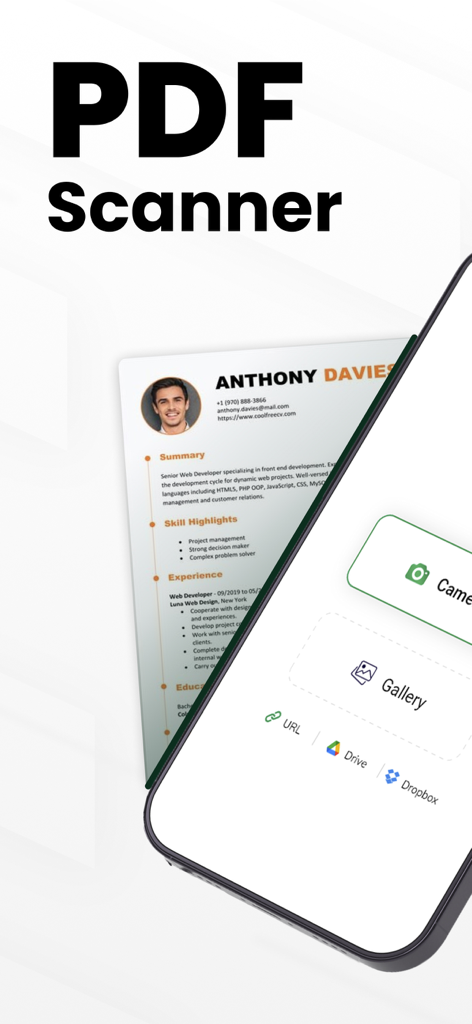
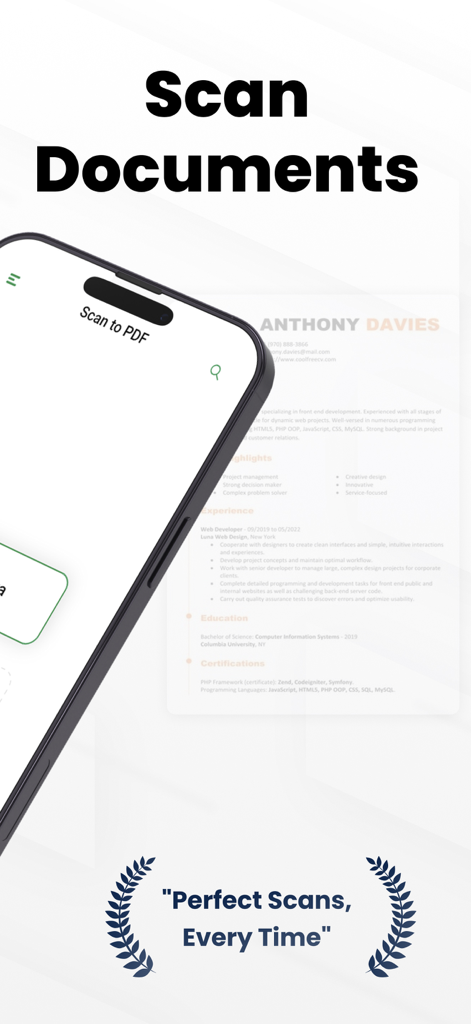
iPhone interface of PDF Scanner app scanning a professional resume with cloud storage options

iPhone interface of PDF Scanner app scanning a professional resume with cloud storage options

A smartphone screen displaying the PDF Scanner app interface over a scanned document with the text perfect scans every time

A smartphone screen displaying the PDF Scanner app interface over a scanned document with the text perfect scans every time

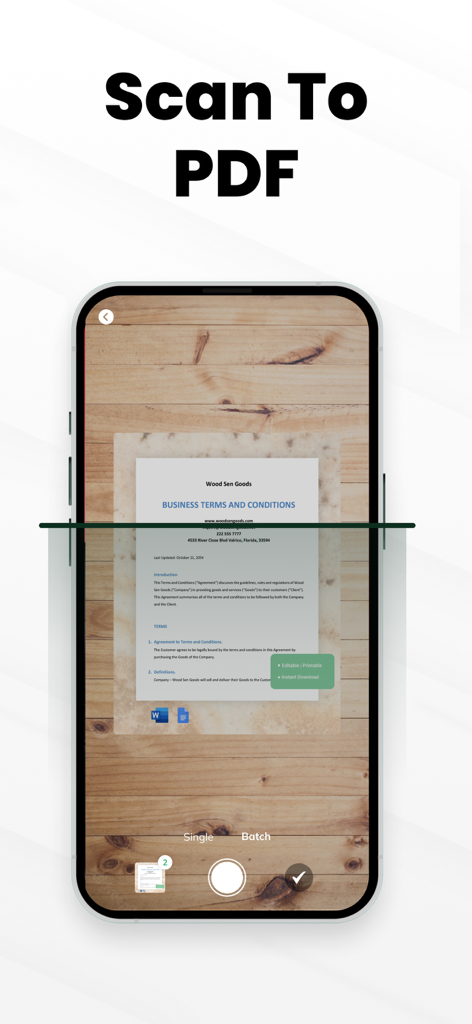
A smartphone using the PDF Scanner app to scan a business terms and conditions document placed on a wooden surface.

A smartphone using the PDF Scanner app to scan a business terms and conditions document placed on a wooden surface.

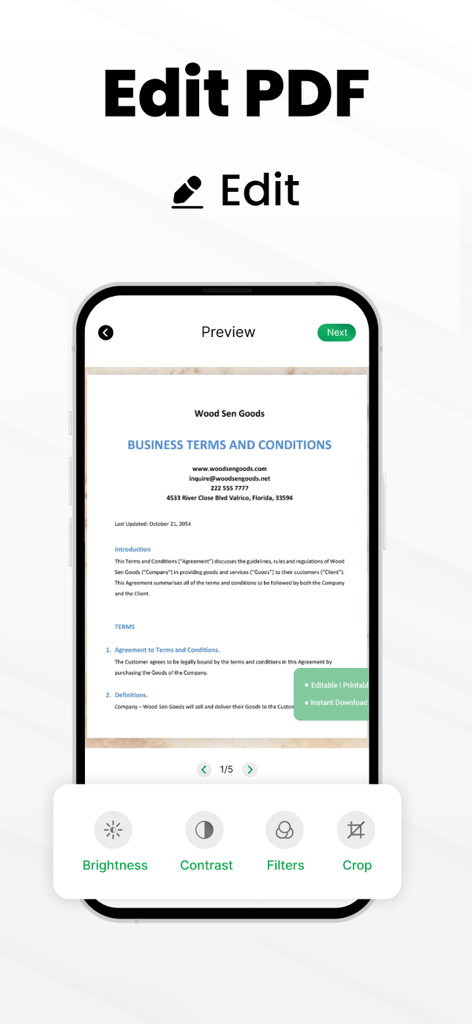
Interface of the PDF Scanner app showing document editing options like brightness contrast filters and crop

Interface of the PDF Scanner app showing document editing options like brightness contrast filters and crop

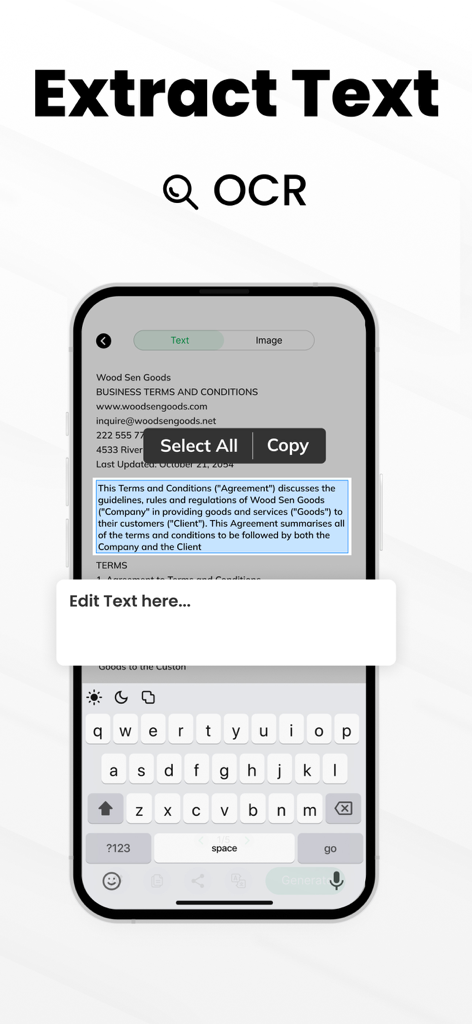
Mobile app interface demonstrating OCR text extraction from a scanned business document with options to select and copy text.

Mobile app interface demonstrating OCR text extraction from a scanned business document with options to select and copy text.

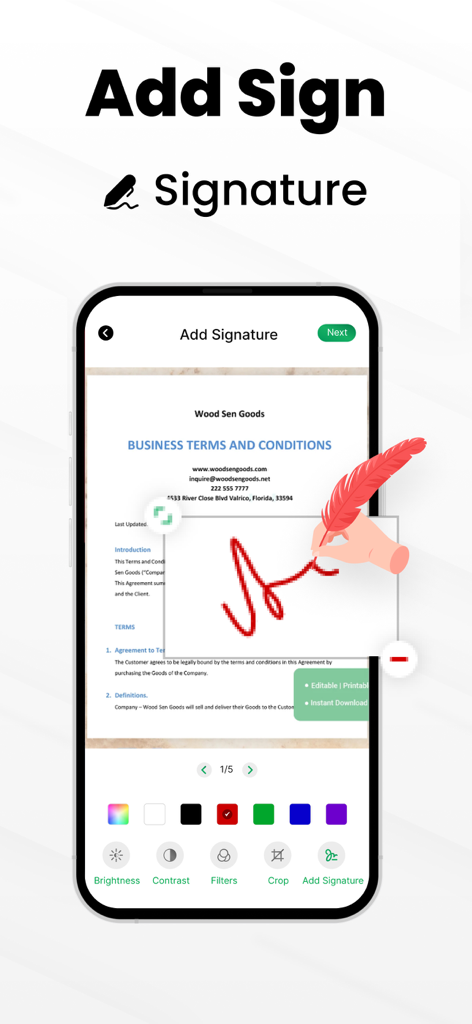
A mobile app interface showing a user adding a digital signature to a business document

A mobile app interface showing a user adding a digital signature to a business document

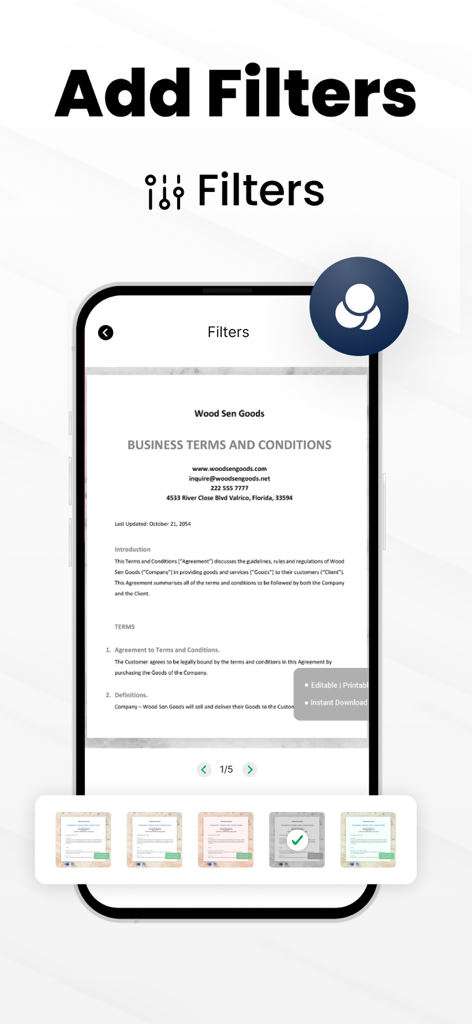
Interface of the PDF Scanner app showing the add filters feature for a scanned business document

Interface of the PDF Scanner app showing the add filters feature for a scanned business document

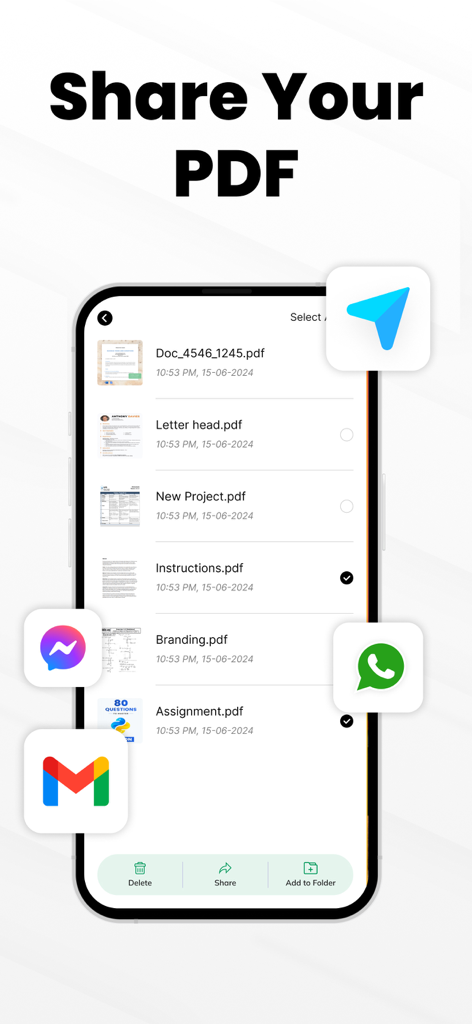
A mobile app screen showing a list of scanned PDF documents with options to share via Telegram, WhatsApp, Messenger, and Gmail.

A mobile app screen showing a list of scanned PDF documents with options to share via Telegram, WhatsApp, Messenger, and Gmail.

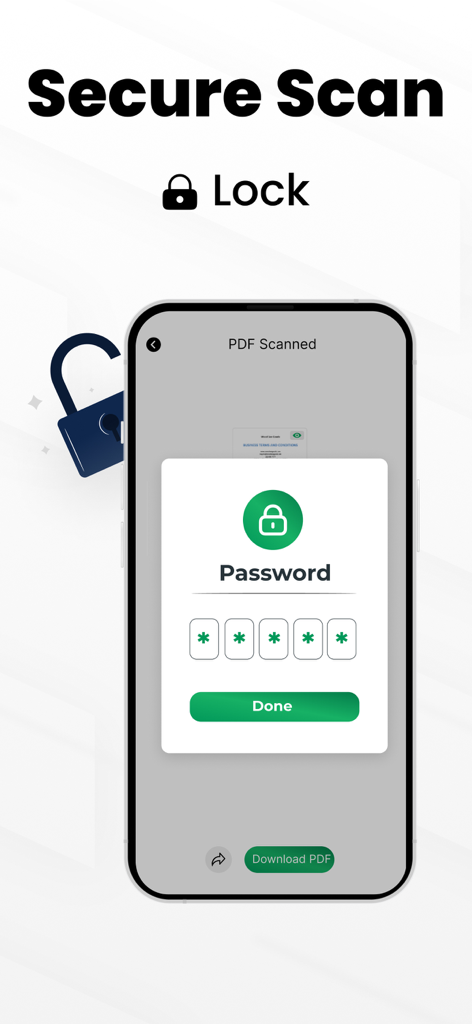
iPhone screen displaying a password protection prompt for a scanned document in the PDF scanner app

iPhone screen displaying a password protection prompt for a scanned document in the PDF scanner app

Powerful Scanning at Your Fingertips

The tools that make this app stand out, trusted by 800 users.

🚀

Pro-Grade Mobile Scanning

Turn your iPhone into a high-performance scanner. Capture receipts, contracts, and notes with crystal-clear quality instantly.

💡

Advanced OCR Technology

Extract text from any image automatically. Convert physical documents into searchable, editable digital files to save hours of manual typing.

🖋️

Sign and Merge on the Go

Add your electronic signature and combine multiple pages into a single PDF. Handle your legal and business paperwork without ever needing a printer.

About the app

Everything you need to know about PDF Scanner-Document Scanner.

Description

You can turn your phone into a scanner for ease! PDF Scanner - scan to PDF app lets you take pictures of papers, documents and change them into digital files. OCR scanner can even read the words on the paper and save them as a searchable file. Forget about big, heavy copy machines! PDF Scanner - scan to PDF is a super fast app that turns your phone into a document scanner. You can use it to easily PDF scan papers and save them as digital files. Best of all, it's free! With OCR scanner you can scan all sorts of things, like receipts, notes, or even business cards. Then, you can keep these digital copies on your phone, tablet, or Mac. DOCUMENT SCANNER: This PDF scanner app is perfect for students and people who work in offices! Whether you're a student, accountant, realtor, manager, or lawyer, you can use it to scan all sorts of documents. From receipts and contracts to notes and books, you can turn them into digital files and save them together in one document or folder. SMART PDF SCANNER Features: * PDF Scan documents and photos. * Save files as PDFs, or text. * Combine multiple pages into one file. * Copy text from images. * Add your own electronic signature. SCAN DOCUMENTS: * With this OCR Scanner Quickly turn any DOCUMENTS into a PDF file or image. * Choose the best camera scanner setting for your document file. * Control the quality and file size of your PDF scan. * Easily add existing photos to your scans for editing. Edit Your PDF SCAN: * Fix your scans by cropping, straightening, and adjusting the look. * Rearrange the pages of your scan documents to suit your needs. Scan Anytime, Anything, Anywhere: Scan anywhere, anytime, anything with PDF Scanner - scan to PDF. Easily capture multiple pages of documents in a single tap and transform lengthy legal papers into searchable, editable PDFs with this document scanner. Save Time with Smart Text Recognition: Quickly turn scanned images and PDF Scanner - scan to PDF into editable text. Our advanced OCR scanner accurately converts documents into searchable and editable formats, so you can spend less time typing and more time working. Take control of your documents on the go! Our PDF Scanner - scan to PDF app lets you access your files anytime, anywhere. No more paper clutter! Easily organize and manage your documents with our PDF scanner app. Download now and simplify your life. Privacy policy https://www.itspdf.com/policy Terms of Services https://www.itspdf.com/termsandconditions Support Email eclix.suport@gmail.com

Latest Version

1.0.4

Size

24.8 MB

First Released

Aug 31, 2024

Ready to Go Paperless?

Join thousands of professionals and students who have turned their iPhone into a powerful mobile office. Scan, sign, and share your documents in seconds—all for free.

Download on App Store

App information, icons, screenshots, and descriptions displayed on this page are sourced from the Apple App Store and are the property of their respective developers. Download estimates and rankings are based on MWM's proprietary models and may not reflect actual figures. This page is provided for informational and analytical purposes only.

Believe this page infringes your intellectual property? File a dispute