PDF Scanner: Scan Dox

PDF Scanner: Scan Dox

Logo of PDF Scanner: Scan Dox

PDF Scanner: Scan Dox — Scan, Sign, and Send Documents in Seconds

Transform your iPhone into a high-quality pocket office. Capture receipts, sign contracts on the go, and share polished PDFs instantly with the ultimate efficiency tool for busy professionals.

Publisher

Hermen Beld

Category

Business

Downloads

1K+

User Rating

1.0/5

Total Ratings

0

Locales

7

The Pocket Office in Action

Discover the interface used by 1K+ users.
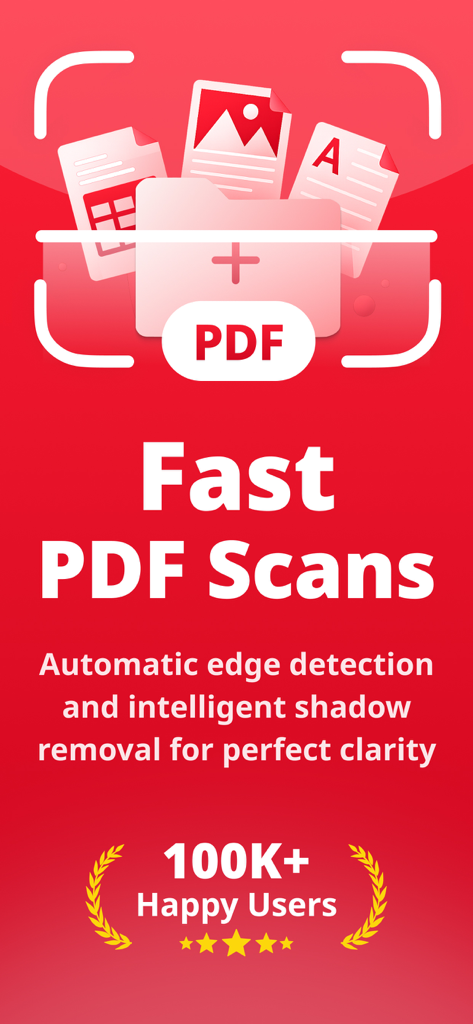
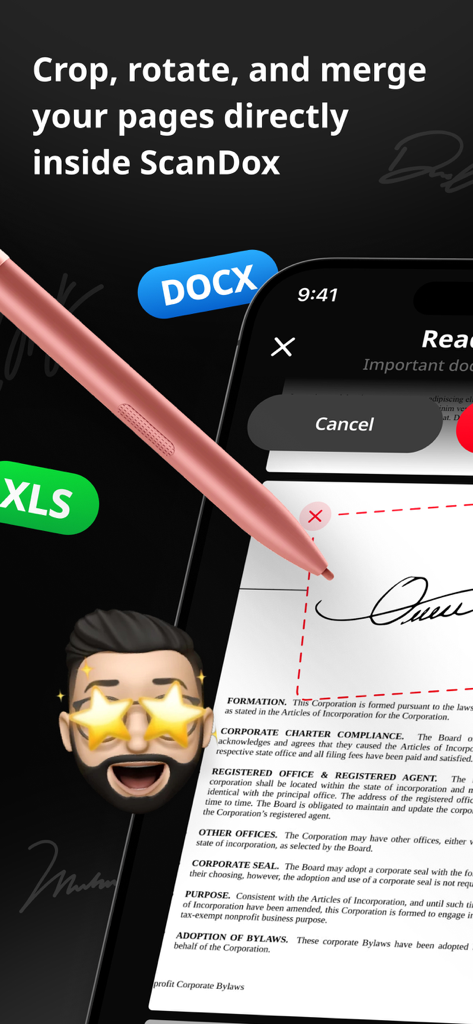
Marketing screen for Scan Dox highlighting fast PDF scans with automatic edge detection and shadow removal.

Marketing screen for Scan Dox highlighting fast PDF scans with automatic edge detection and shadow removal.

Mobile app interface showing document editing and digital signature features for PDF files

Mobile app interface showing document editing and digital signature features for PDF files

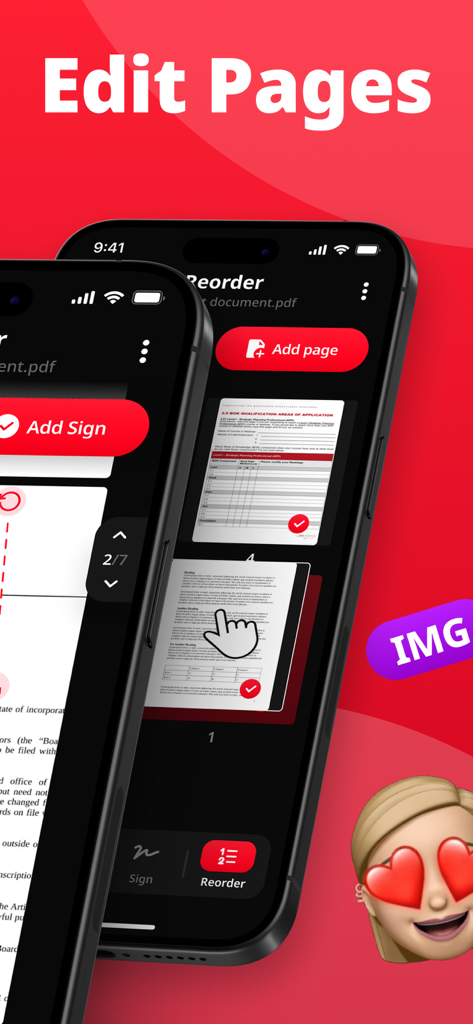
Mobile app screen for Scan Dox showing PDF page reordering and editing tools.

Mobile app screen for Scan Dox showing PDF page reordering and editing tools.

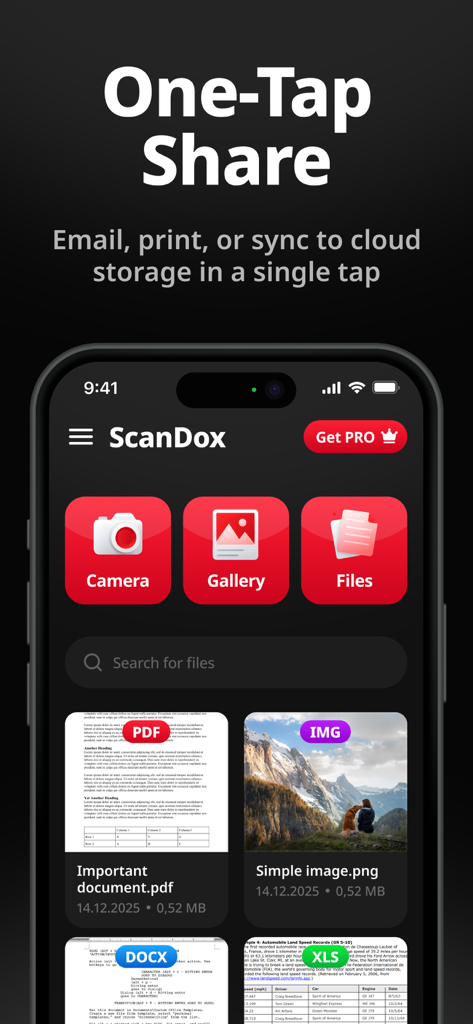
PDF Scanner Scan Dox app interface showing one-tap share options and a digital document library.

PDF Scanner Scan Dox app interface showing one-tap share options and a digital document library.

Your Professional Pocket Office

The tools that make this app stand out, trusted by 1K+ users.

📄

High-Definition Scanning

Automatically convert paper records into crisp, professional PDFs that look better than the original.

✍️

E-Sign & Annotate

Skip the printer. Sign contracts and add notes directly on your screen to keep your business moving fast.

📤

One-Tap Distribution

Instantly export to iCloud, Slack, or email to collaborate with clients and colleagues without missing a beat.

About the app

Everything you need to know about PDF Scanner: Scan Dox.

Description

ScanDox transforms your mobile device into a reliable document scanner so you can capture paper records and convert them to clear, shareable PDFs. Quickly scan receipts, contracts, forms, and notes, then finish your workflow by editing, signing, and distributing documents directly from your phone. Core Features: 1. Scan to PDF — Capture documents with your device and convert them into high-quality PDF files. 2. Edit documents — Trim, rotate, and rearrange pages to prepare polished PDFs. 3. Sign and annotate — Add signatures and annotations to complete and authorize documents on the go. 4. Share and export — Send PDFs via email, messaging, or upload to cloud services for easy collaboration. Subscription plans: 1. Weekly subscription 2. Annual subscription Legal & Data: Privacy Policy: https://scandox.click/privacy Terms of Use: https://scandox.click/terms

Latest Version

1.0

Size

51.5 MB

First Released

Dec 9, 2025

Ready to Close the Deal from Anywhere?

Join thousands of professionals using Scan Dox to turn paperwork into polished PDFs. Scan, sign, and send in seconds—all from your pocket.

App information, icons, screenshots, and descriptions displayed on this page are sourced from the Apple App Store and are the property of their respective developers. Download estimates and rankings are based on MWM's proprietary models and may not reflect actual figures. This page is provided for informational and analytical purposes only.

Believe this page infringes your intellectual property? File a dispute