
Phenix Smart Waiter



The professional mobile extension for Phenix ERP users. Boost efficiency, reduce order errors with visual menus, and manage your dining floor directly from your iPhone or iPad.
Publisher
Category
Food & DrinkDownloads
500User Rating
Total Ratings
0Locales
1Discover the interface used by 500 users.
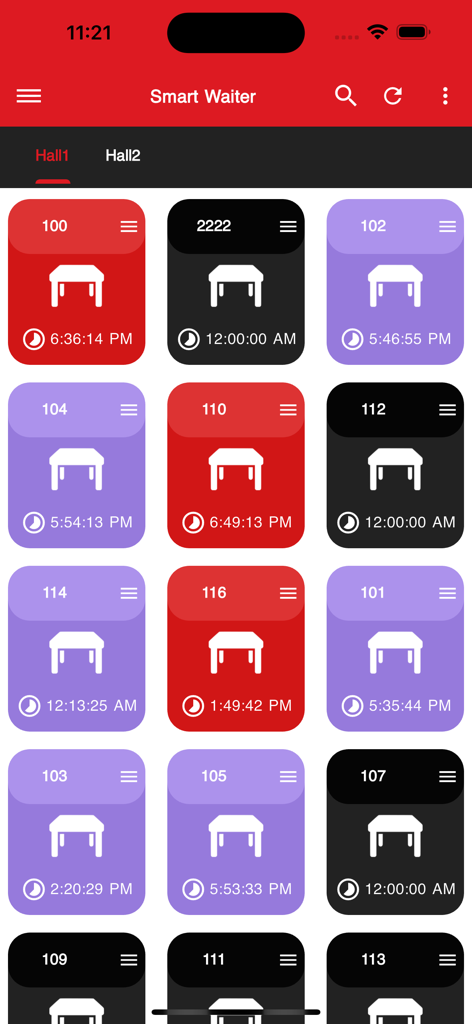
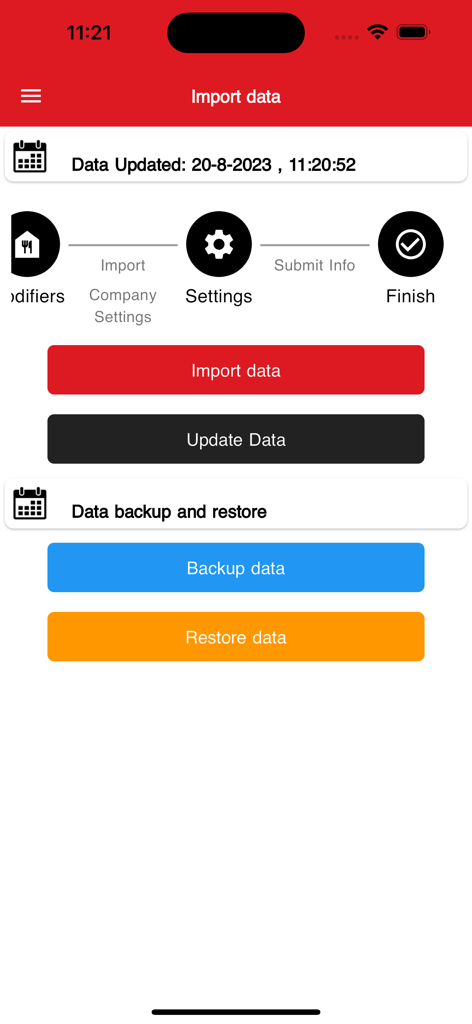
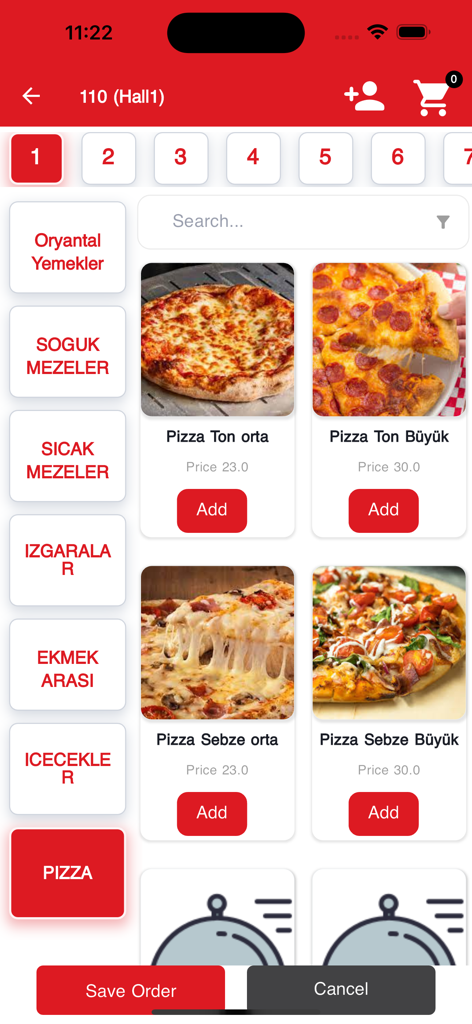
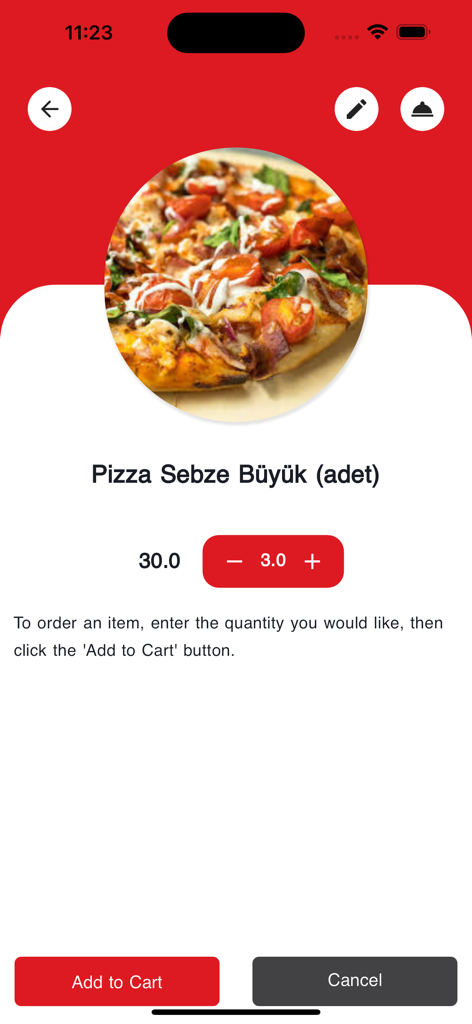
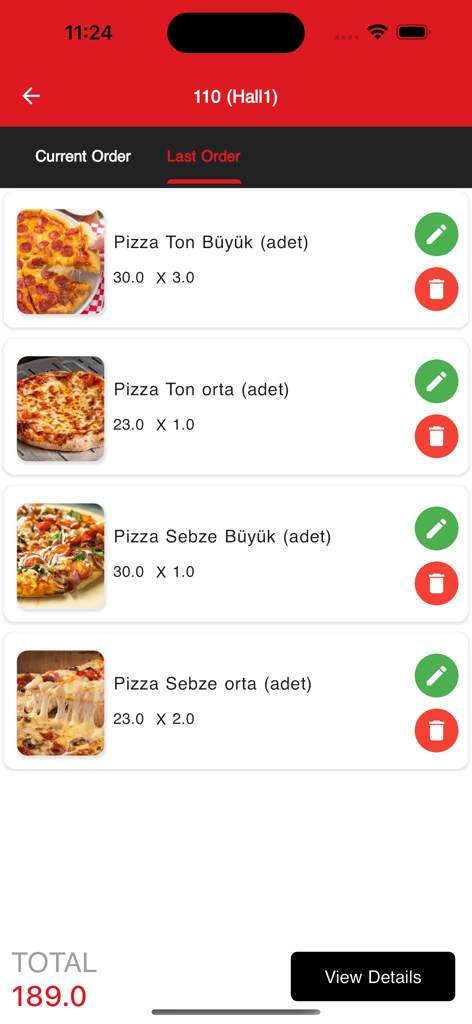
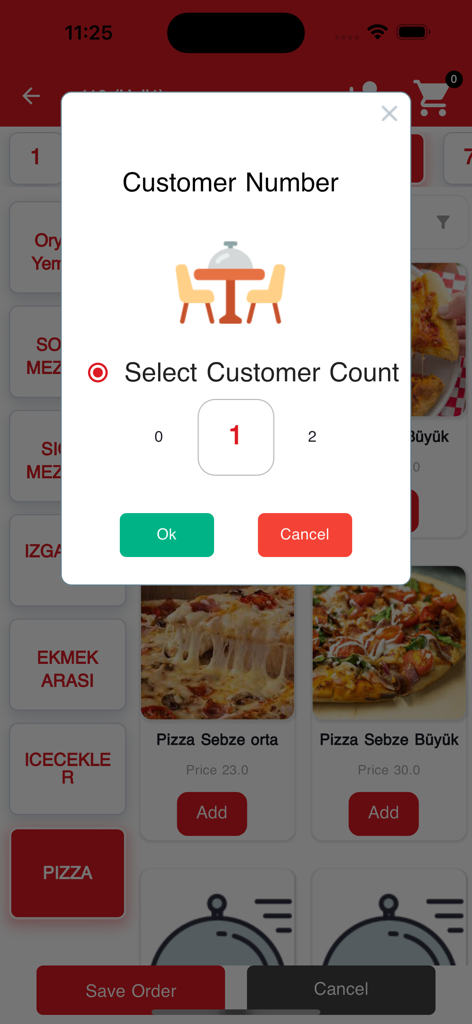
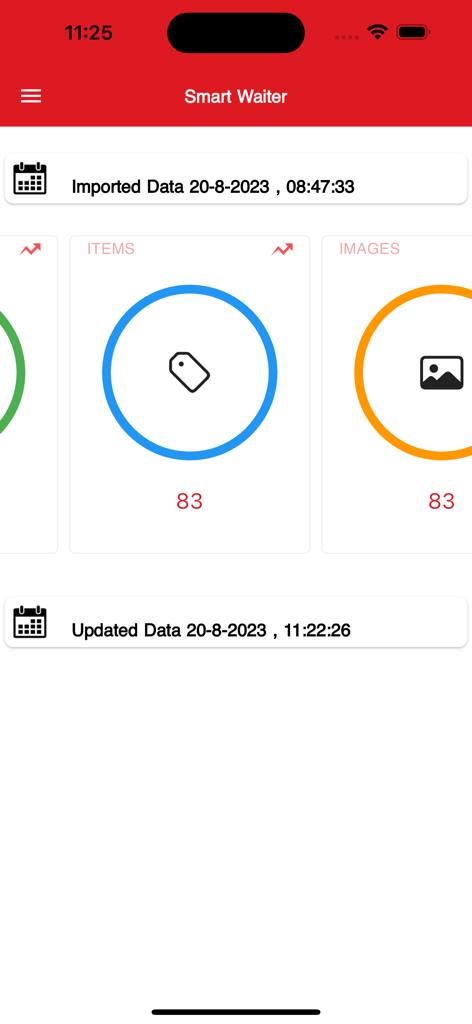
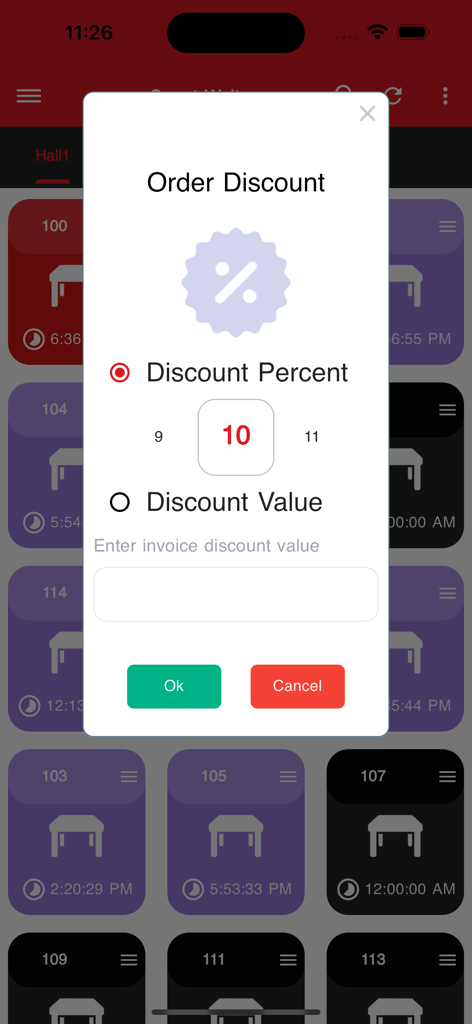
The tools that make this app stand out, trusted by 500 users.
Send orders directly to the kitchen and Phenix server in real-time, cutting out the back-and-forth walks to stationary terminals.
Empower servers with high-res item images and live pricing data, ensuring every guest gets exactly what they ordered every time.
Manage the entire guest lifecycle—from adding tables to applying discounts and printing final bills—without ever leaving the floor.
Everything you need to know about Phenix Smart Waiter.
Description
Latest Version
4.9
Size
60.8 MB
First Released
Aug 22, 2023
Join the next generation of hospitality. Seamlessly sync your front-of-house with your Phenix Accounting System and empower your team to deliver faster, error-free service directly from their mobile devices.
Everything you need to know about Phenix Smart Waiter
Phenix Smart Waiter connects directly to the Phenix system, enabling waiters to manage customer orders, access item details including images and prices, and perform various operations like closing tables, printing bills, and applying discounts.
Waiters log in to the Phenix Smart Waiter application using their assigned password. This grants them access to the system for taking and submitting customer orders.
Yes, Phenix Smart Waiter displays comprehensive item information including the item name, image, and price. This data is directly sourced and synchronized from the Phenix system.
Yes, waiters can take customer orders through the Phenix Smart Waiter application and directly submit them to the Phenix Server for processing.
Phenix Smart Waiter manages data synchronization by allowing users to import, update, backup, and restore data. It syncs information from the accounting system to mobile users.
Waiters can perform multiple table operations, including closing existing tables, adding new tables, and associating orders with specific tables within different hall sections.
Yes, Phenix Smart Waiter allows waiters to apply discounts to orders. Discounts can be configured and applied either as a percentage or as a specific value.
Yes, Phenix Smart Waiter provides a clear view of order details. It shows both the "Current Order" and "Last Order," including items, quantities, and the total price.
Yes, Phenix Smart Waiter supports specifying the customer count for an order. A dedicated feature allows users to select the number of customers associated with an order.
Top-ranked apps in the same category

DoorDash, Inc.

Shanghai Heli Network Technical Service Co., Ltd.

Uber Technologies, Inc.

Too Good To Go ApS

Kangaroo Limited

McDonald's (China) Co., Ltd.

McDonald's Global Markets LLC

McDonalds USA LLC

Sankuai Technology Co., Ltd.
App information, icons, screenshots, and descriptions displayed on this page are sourced from the Apple App Store and are the property of their respective developers. Download estimates and rankings are based on MWM's proprietary models and may not reflect actual figures. This page is provided for informational and analytical purposes only.
Believe this page infringes your intellectual property? File a dispute
