Photo Editor: AI Magic Eraser

Photo Editor: AI Magic Eraser

Download on App Store
Logo of Photo Editor: AI Magic Eraser

Photo Editor: AI Magic Eraser – Your Pro-Level Studio for Flawless Social Content

Effortlessly erase photobombers, swap backgrounds, and apply trending filters with one tap. Elevate your aesthetic and turn every snapshot into a viral-ready masterpiece.

Download on App Store

Publisher

TS Technology

Category

Graphics & Design

Downloads

2K+

User Rating

1.0/5

Total Ratings

0

Locales

1

Witness the Magic

Discover the interface used by 2K+ users.
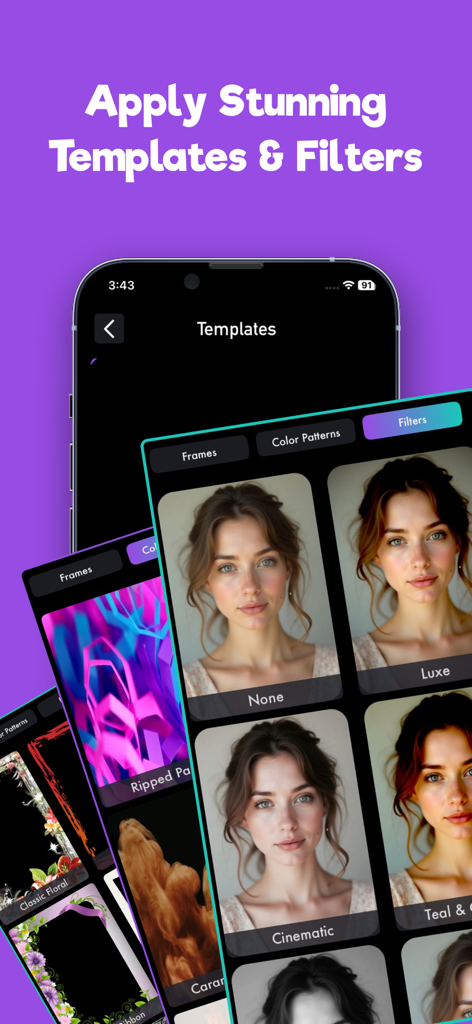
Mobile app interface displaying various photo filters and templates applied to a portrait including cinematic and luxe effects

Mobile app interface displaying various photo filters and templates applied to a portrait including cinematic and luxe effects

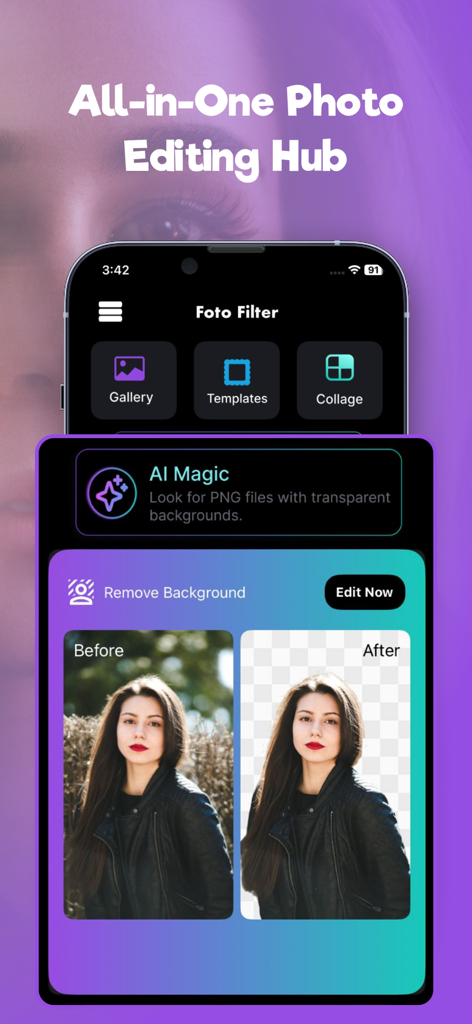
App interface showing the AI background removal feature with a before and after comparison of a portrait photo

App interface showing the AI background removal feature with a before and after comparison of a portrait photo

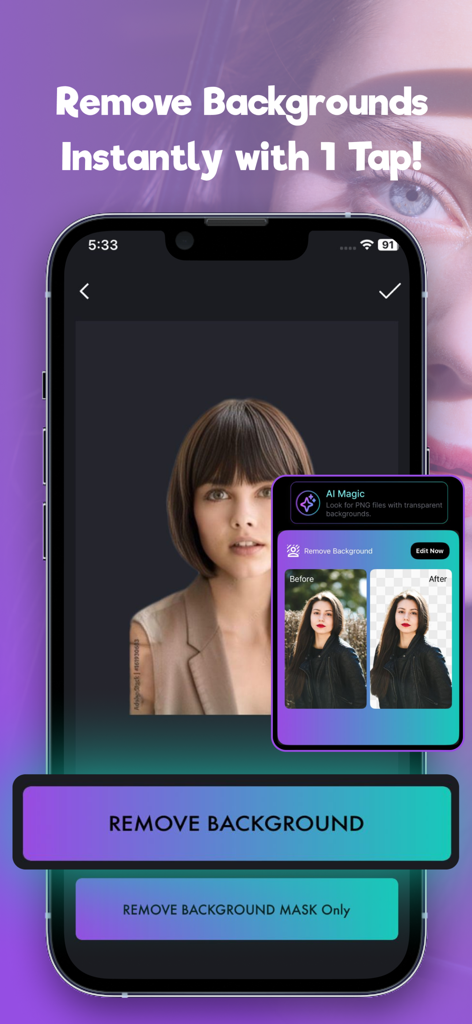
IPhone screen showing the AI background removal feature of the Photo Editor app

IPhone screen showing the AI background removal feature of the Photo Editor app

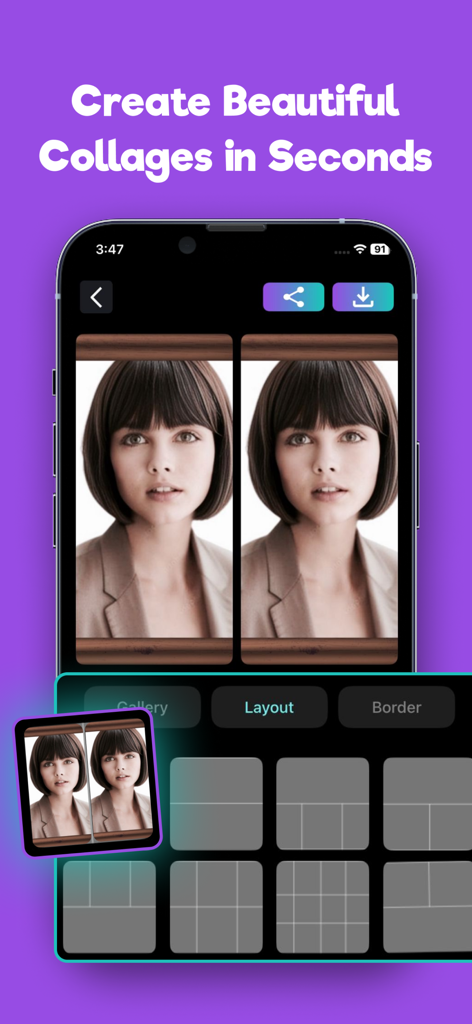
A mobile app interface showing a photo collage creator with various grid layout options.

A mobile app interface showing a photo collage creator with various grid layout options.

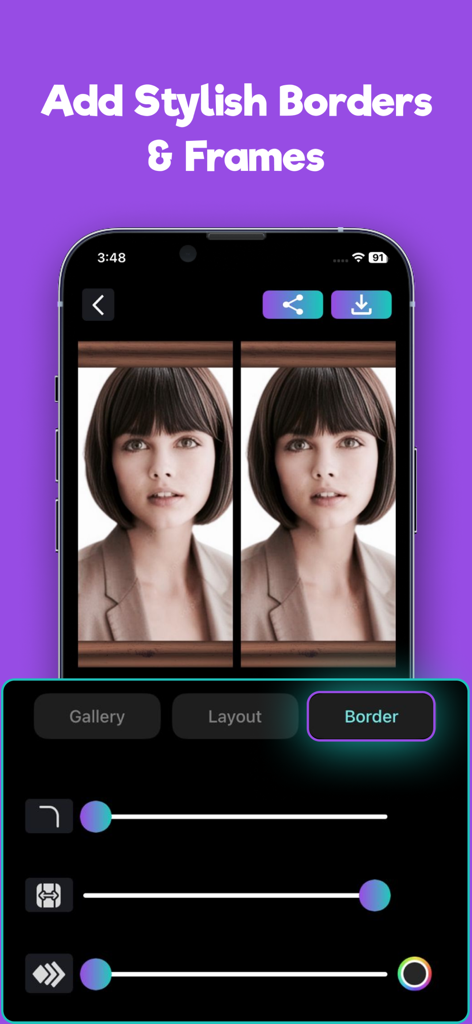
A mobile app interface showing a side-by-side photo comparison with adjustable border and frame settings

A mobile app interface showing a side-by-side photo comparison with adjustable border and frame settings

Elevate Your Aesthetic in Seconds

The tools that make this app stand out, trusted by 2K+ users.

AI Magic Eraser

Instantly remove photobombers, distracting objects, or watermarks. Clean up your shots in one tap to keep the focus exactly where it belongs—on you.

🎨

Trending Visual Effects

Stay ahead of the curve with over 100+ stylish filters. From Y2K vintage and glitch looks to vibrant neon, give your feed a curated, professional aesthetic.

📸

Smart Background Swap

Cut out subjects with precision and replace messy backgrounds with clean, high-quality studio looks—perfect for professional portraits or viral product shots.

About the app

Everything you need to know about Photo Editor: AI Magic Eraser.

Description

Photo Editor - AI Background Eraser offers everything you want to edit pictures on this pics art tour. 100+ stylish effects, filters, photo collage, blur photo, grids, change background & beauty plus tools help you create photo art fun! With Photo Room, you can directly Save your artworks to desktop or in photo library. Unlock your creativity, and edit pictures like a pro! Photo Editor Features Photo Editor is a place where expression matters most. We offer creative photo editing tools, inspiration, and a place for you to be you. Take your photography to the next level with 16 free presets. Make your photos & videos pop with our on-trend editing tools, including: AI Background Eraser Cut out the subject of a photo and decorate it with a fun new background. Clean up anything you don’t want, like watermarks, LOGO, and passers-by. Erase sticker or text, erase whatever you feel is spoiling your photos Photo Effects Set your content with our vintage inspired Photo effects. Apply Neon, Glitch, Blur, Light FX, following the fashion trends. Photo Filter Easily get hundreds of free filters to decorate your photos Image Adjustments Easily rotate, zoom and flip your photos. You can crop, bright, contrast, saturate, warm and sharp your pics with photo editor. Photo Collage Maker Remix up to 10 picture into a photo collage instantly. Simple Collage maker with 100+ layouts and backgrounds, you can also adjust the border width, background color and transform your photos. Blur Photo Editor A must have blur photo editor free with advanced blur photo. It is used to blur parts of your photo to get DSLR blur photo effect. Note: STEP 1 - Payment will be charged to your iTunes account at confirmation of purchase. Your subscription will automatically renew unless auto-renew is turned off at least 24-hours before the end of the current subscription period. STEP 2 - Your account will be charged for renewal within 24-hours prior to the end of the current subscription period. Automatic renewals will cost the same price you were originally charged for the subscription. STEP 3 - You can manage your subscriptions and turn off auto-renewal by going to your Account Settings on the App Store after purchase. Read our terms of service and Privacy Policy for more information. Terms of Use https://tstechnology.org/terms.html Privacy Policy https://tstechnology.org/privacy.html

Latest Version

1.1

Size

38.4 MB

First Released

Dec 25, 2023

Unlock the Magic in Every Photo

Join thousands of creators using AI to erase distractions and apply viral filters in seconds. Download Photo Editor: AI Magic Eraser and make your feed stand out today.

Download on App Store

App information, icons, screenshots, and descriptions displayed on this page are sourced from the Apple App Store and are the property of their respective developers. Download estimates and rankings are based on MWM's proprietary models and may not reflect actual figures. This page is provided for informational and analytical purposes only.

Believe this page infringes your intellectual property? File a dispute