Photo to PDF Converter: JPEG

Photo to PDF Converter: JPEG

Download on App Store
Logo of Photo to PDF Converter: JPEG

Photo to PDF Converter: JPEG: Turn Photos into Professional Documents

Effortlessly merge, reorder, and convert your images into high-quality PDFs. The ultimate mobile solution for students, freelancers, and business professionals on the go.

Download on App Store

Publisher

Ashvin Ajadiya

Category

Business

Downloads

8K+

User Rating

1.0/5

Total Ratings

0

Locales

1

Efficiency at a Glance

Discover the interface used by 8K+ users.
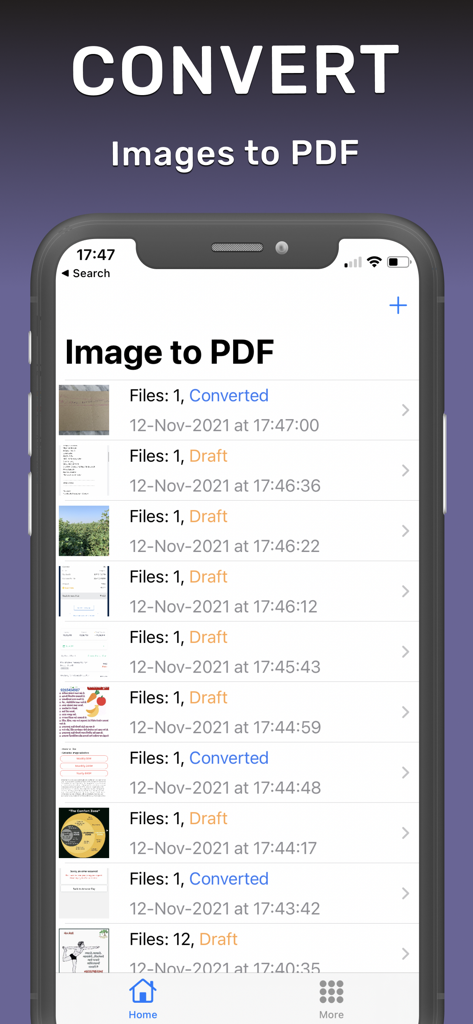
Photo to PDF Converter app interface showing a list of image files and their conversion status.

Photo to PDF Converter app interface showing a list of image files and their conversion status.

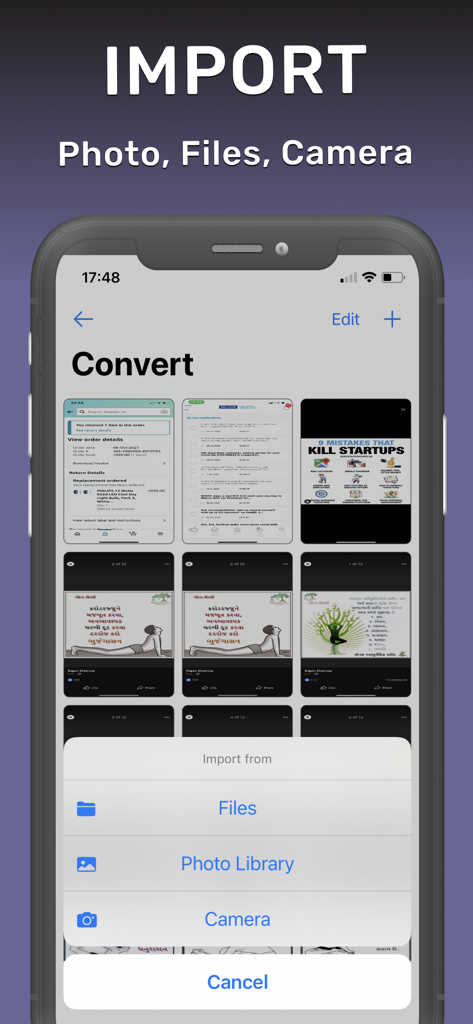
Import screen of Photo to PDF Converter app showing options to add files and photos

Import screen of Photo to PDF Converter app showing options to add files and photos

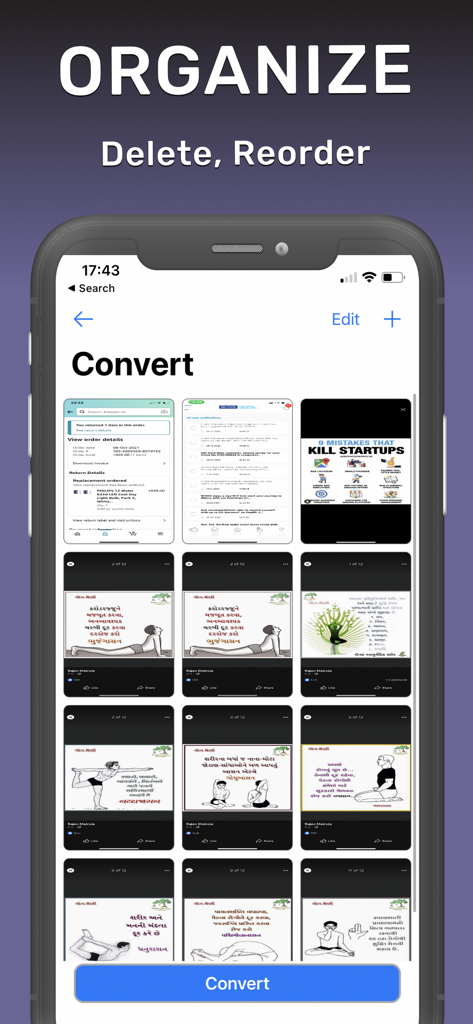
Interface for organizing images by deleting and reordering before PDF conversion

Interface for organizing images by deleting and reordering before PDF conversion

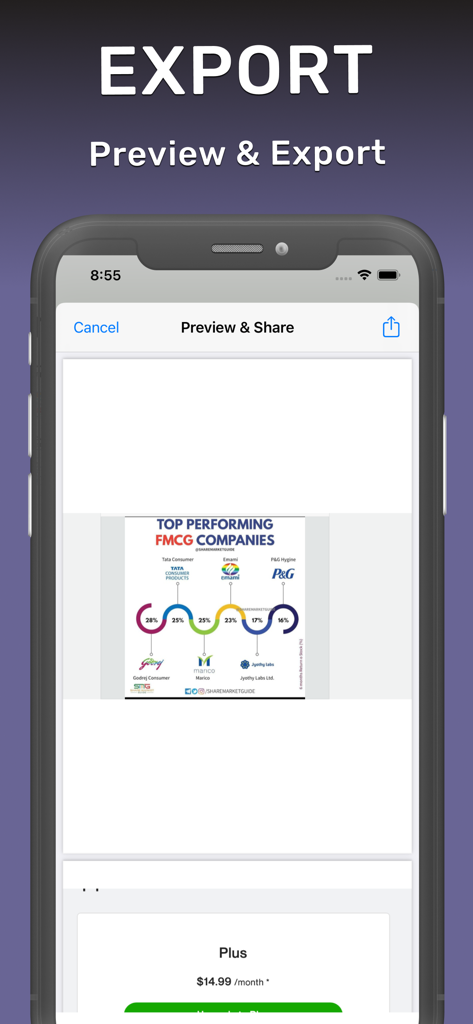
Preview and export interface of the photo to PDF converter app

Preview and export interface of the photo to PDF converter app

Professional PDF Power at Your Fingertips

The tools that make this app stand out, trusted by 8K+ users.

📑

Smart Merging & Sorting

Combine unlimited images into a single, clean document. Reorder or delete pages with a simple tap to ensure your report is perfectly sequenced.

💾

Seamless Draft Management

Never lose your progress. Save ongoing projects as drafts and return whenever you're ready to finalize and export your work.

☁️

Instant Cloud Integration

Export directly to iCloud, Google Drive, or professional apps. Share polished PDFs with clients and professors instantly from your device.

About the app

Everything you need to know about Photo to PDF Converter: JPEG.

Description

* PDF Converter Tool * Easy to convert images(JPG, JPEG, PNG) to PDF. Help to convert a bunch of images to PDF with organising pages. Once images are merged - export them to Cloud Drive or into other apps. You can always update exported documents if you want them later. Key Features: * Import unlimited images from Files(iCloud), Photos and Camera * Organise attached files: Delete & Reorder * List of Draft and Converted files * Export pdf of attached image to other apps Subscription terms: - No commitment; cancel anytime - Payment will be charged to iTunes Account at confirmation of purchase - Subscription automatically renews unless auto-renew is turned off at least 24-hours before the end of the period - Length of subscription: 1 week, 1 month & 1 year - An account will be charged for renewal within 24-hours prior to the end of the current period, and identify the cost of the renewal - Subscriptions may be managed by the user and auto-renewal may be turned off by going to the user's Account Settings after purchase - No cancellation of the current subscription is allowed during the active subscription period - If offered, will be forfeited when the user purchases a subscription to that publication. Privacy Policy: https://www.envisiontechnolabs.com/privacy_policy.html?utm_source=app_store&utm_medium=image_to_pdf_ios Terms of Service: https://www.envisiontechnolabs.com/terms.html?utm_source=app_store&utm_medium=image_to_pdf_ios Support: macd.developer@gmail.com

Latest Version

1.0.6

Size

13.2 MB

First Released

Sep 4, 2021

Ready to Professionalize Your Workflow?

Join over 8,000 users who turn their photos into organized, high-quality PDFs in seconds. Download the Photo to PDF Converter now and start streamlining your documents on the go.

Download on App Store

App information, icons, screenshots, and descriptions displayed on this page are sourced from the Apple App Store and are the property of their respective developers. Download estimates and rankings are based on MWM's proprietary models and may not reflect actual figures. This page is provided for informational and analytical purposes only.

Believe this page infringes your intellectual property? File a dispute