
Photo Up! Image Editor & Maker


Stop app-hopping and start creating. Elevate your aesthetic with pro-grade tools, AI enhancements, and stunning collages designed for your social lifestyle.
Publisher
Category
Photo & VideoDownloads
1M+User Rating
Total Ratings
4K+Locales
7Discover the interface used by 1M+ users.
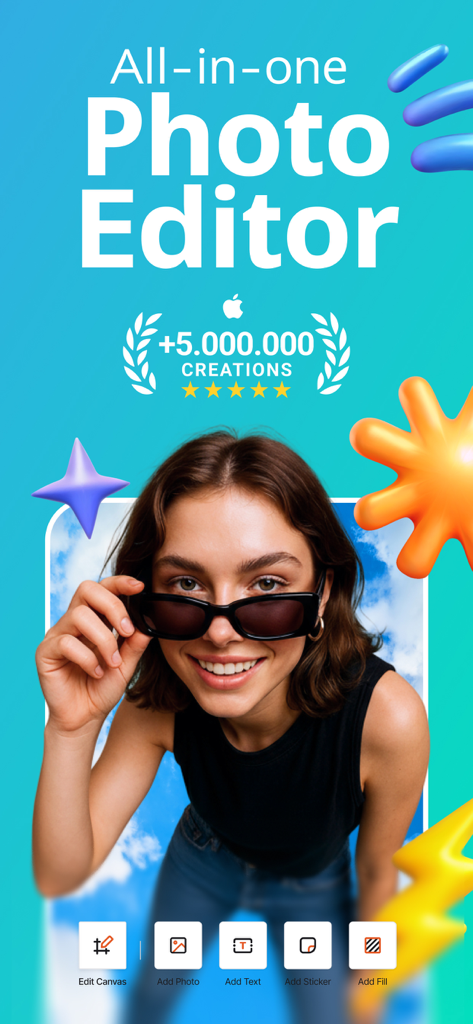
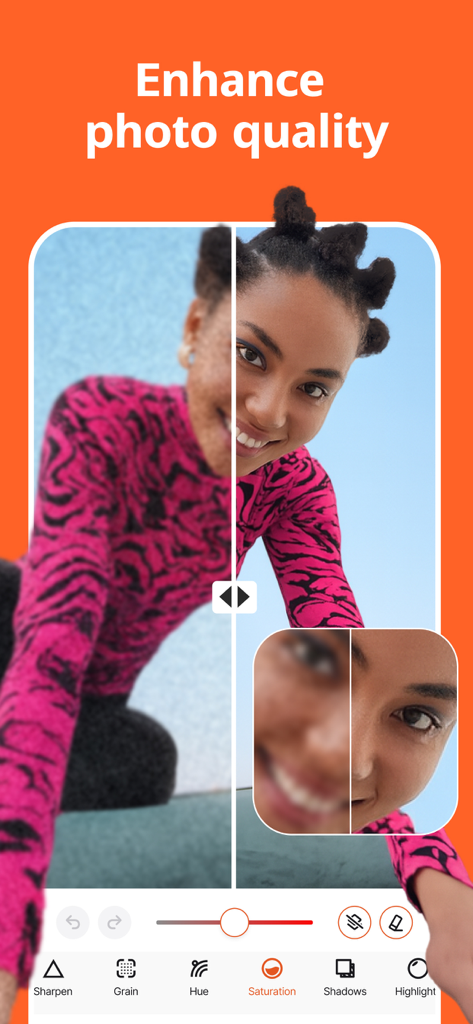
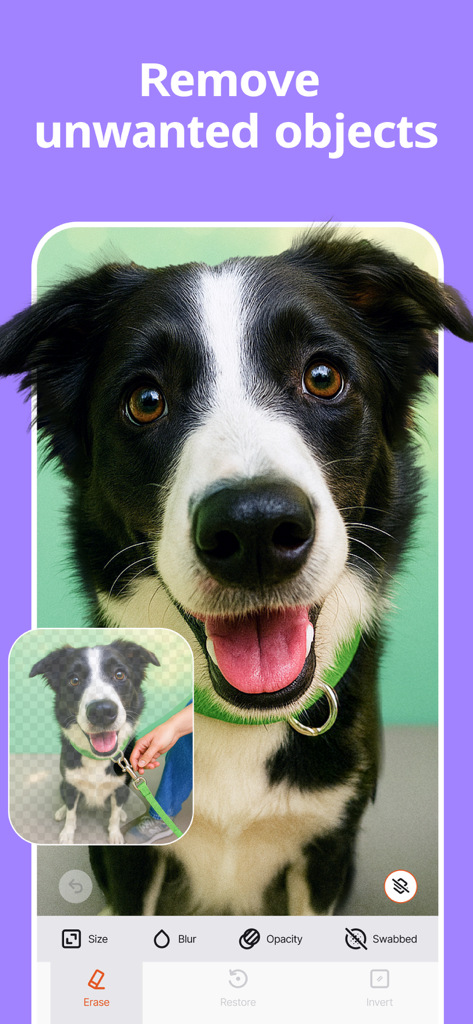
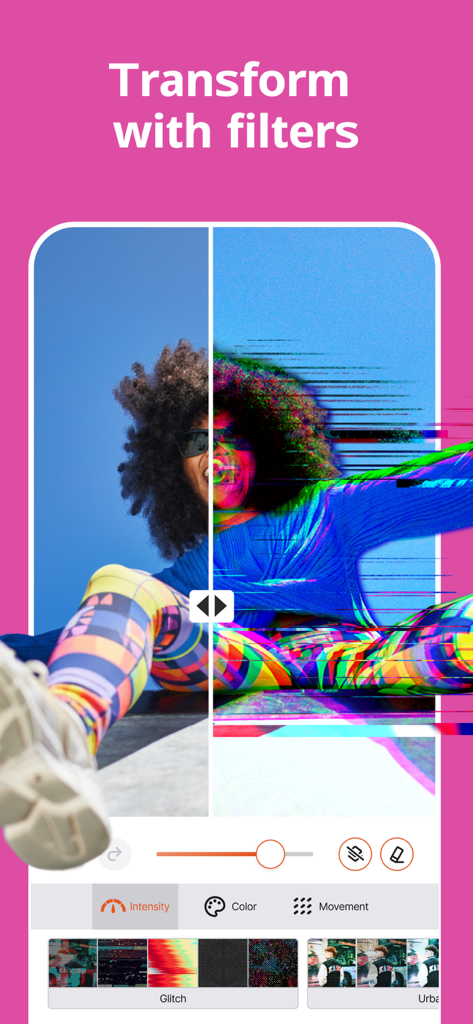
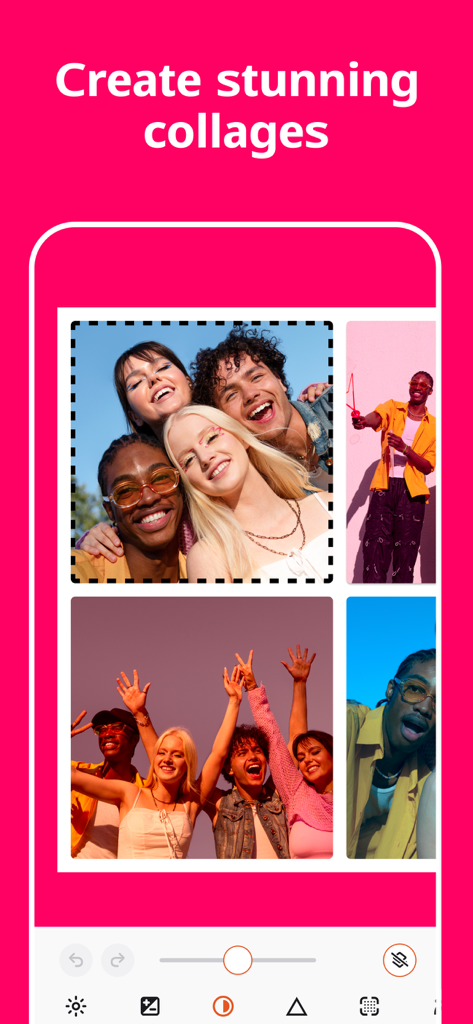
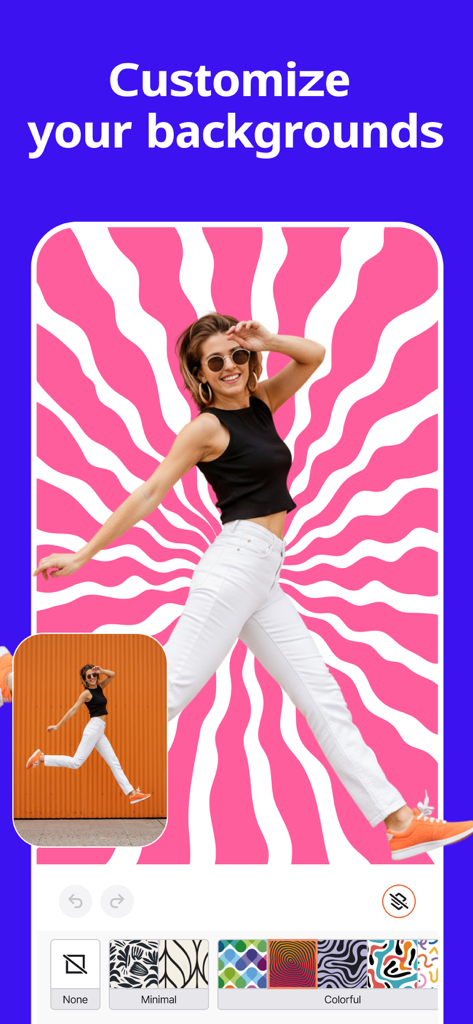
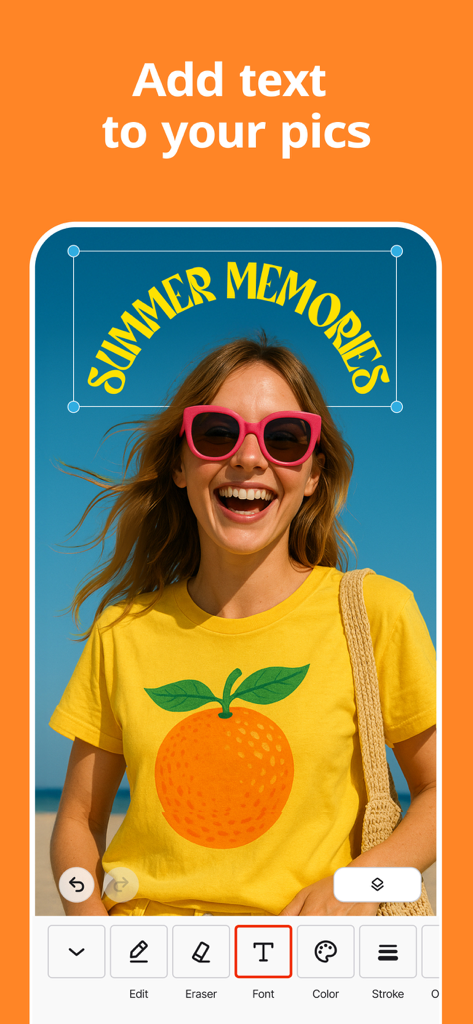
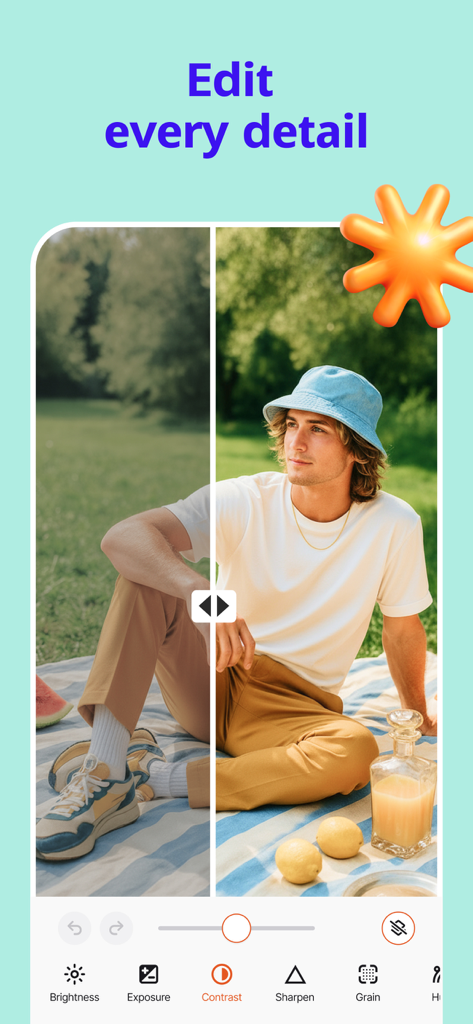
The tools that make this app stand out, trusted by 1M+ users.
Instantly rescue low-light shots and enhance image quality with one-touch AI, turning everyday snaps into studio-grade masterpieces.
Access advanced RAW editing, 16-bit depth, and non-destructive layers to achieve the high-end look your personal brand deserves.
Design stunning collages and use one-tap resizing to perfectly fit Instagram, TikTok, or Pinterest, ensuring your content is always feed-ready.
Insights from user reviews.
Sentiment Score
Summary
This app receives overwhelmingly negative feedback, primarily due to its core 'unblur' and 'enhance' features consistently failing or producing error messages, with one user specifically citing issues on iPhone 17. Many users feel misled by false advertising, finding the app's functionality basic and no better than free alternatives. A significant number of complaints revolve around billing issues, including unexpected charges, auto-renewals at higher prices, and extreme difficulty in canceling subscriptions or trials.
Common Themes
Everything you need to know about Photo Up! Image Editor & Maker.
Description
Latest Version
1.6.4
Size
489.1 MB
First Released
Aug 9, 2024
Stop app-hopping and unlock the all-in-one AI power suite. Get the pro-grade tools, trending filters, and lightning-fast speed you need to go viral today.
Everything you need to know about Photo Up! Image Editor & Maker
Photo Up! is an all-in-one photo editor. It offers tools for enhancing pictures, creating collages, applying filters, and performing advanced edits like background removal and object correction.
Yes, Photo Up! removes or blurs backgrounds with a single touch. It also allows users to swap backgrounds for inspirational patterns, offering creative control over images.
Yes, Photo Up! enhances photo quality through an automatic photo enhancer. An optional AI image enhancer also delivers studio-grade detail recovery for improved results.
Photo Up! includes a free collage maker with multiple layouts and picture grids. It also offers customizable templates, allowing users to quickly design stunning visual arrangements.
Yes, Photo Up! features an on-device photo enhancer that operates offline. Users can edit and enhance photos without requiring an internet connection.
Photo Up! supports exporting images in PNG, JPG, or TIFF formats without data loss. It also preserves metadata, ensuring seamless organization of files.
Watermarks are instantly removed in Photo Up! with a PRO subscription. This premium feature allows users to export clean, watermark-free images for professional use.
Yes, Photo Up! includes tools to remove blemishes and distractions from photos. Screenshot #3 demonstrates the erase function for unwanted object removal.
Users can contact Photo Up! support for assistance by emailing info@photo-up.app. This direct contact method ensures prompt resolution of queries.
The Photo Up! Privacy Policy is accessible at https://photo-up.app/privacy-policy. This ensures transparency regarding data handling and user privacy.
Apps with similar features and user experience

Eleven Labs Inc.

WarpEngine Canada Inc.

Beijing Kwai Technology Co., Ltd.

Leonardo Interactive Pty Ltd

NEOCORTEXT, INC.

DIRECT CURSUS COMPUTER SYSTEMS TRADING LLC

TAPUNIVERSE LLC

Turnip Media Private Limited

Paradot Corp.
App information, icons, screenshots, and descriptions displayed on this page are sourced from the Apple App Store and are the property of their respective developers. Download estimates and rankings are based on MWM's proprietary models and may not reflect actual figures. This page is provided for informational and analytical purposes only.
Believe this page infringes your intellectual property? File a dispute