
Pianoteq 8

Experience the soul of a grand piano with the realism of physical modeling. Trusted by Steinway & Sons and C. Bechstein, Pianoteq 8 brings professional, studio-quality sound to your iPad and iPhone with ultra-low latency and a compact footprint.
Publisher
Category
MusicDownloads
45K+User Rating
Total Ratings
400Locales
-Discover the interface used by 45K+ users.
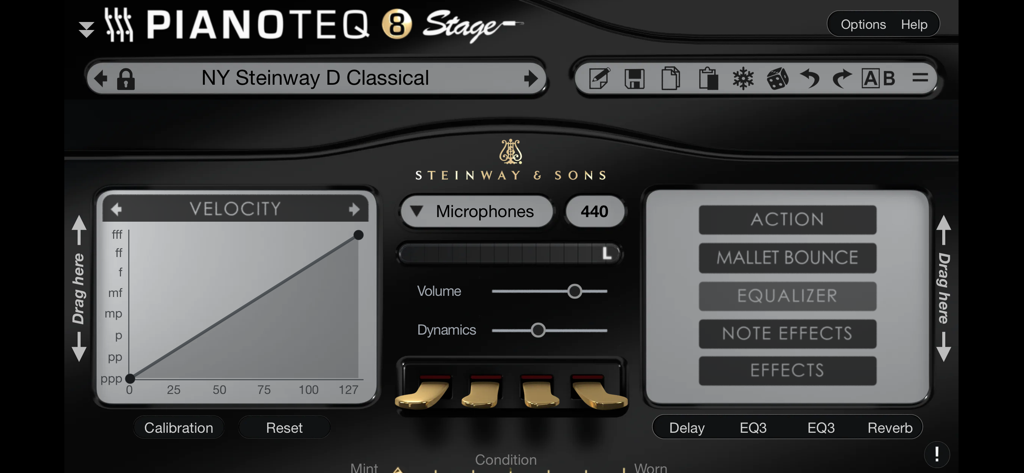
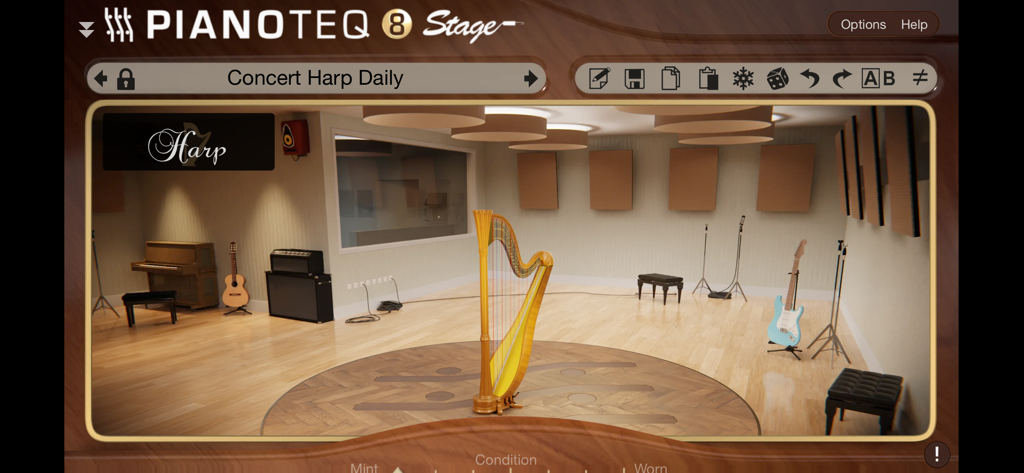
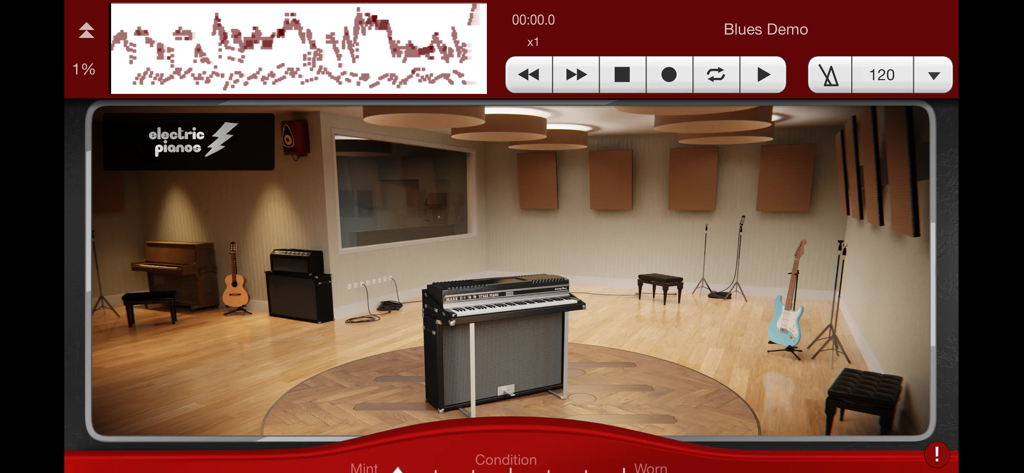
The tools that make this app stand out, trusted by 45K+ users.
Move beyond static samples with a real-time engine that simulates the complex physics of strings and soundboards for unparalleled expressivity.
Get studio-grade quality in just 57MB. Save your storage for projects while enjoying instant load times and flawless mobile performance.
Endorsed by Steinway & Sons and C. Bechstein. Use it as a standalone app or an AUv3 plugin in GarageBand, AUM, and Cubasis.
Everything you need to know about Pianoteq 8.
Description
Latest Version
8.4.4
Size
54.5 MB
First Released
May 3, 2023
Join the professionals and experience Steinway-endorsed physical modeling on your iOS device. Download Pianoteq 8 now and transform your mobile workflow with the world's most authentic virtual instruments.
Everything you need to know about Pianoteq 8
Pianoteq 8 is an award-winning virtual instrument that simulates a wide range of musical instruments using advanced physical modeling. It generates sounds in real-time by calculating the physics of sound production.
Pianoteq 8 generates sound in real-time by calculating the physics of how strings vibrate and how the soundboard radiates sound. It uses advanced physical modeling, not recorded samples.
Pianoteq 8 simulates instruments such as pianos, electric pianos, harpsichords, vibraphones, guitars, and steel drums. Screenshots also confirm harp instruments are simulated.
No, Pianoteq 8 does not require large sample libraries. It generates sounds through physical modeling, resulting in a much smaller file size compared to traditional virtual instruments.
To get started with Pianoteq 8, connect a MIDI device to your iOS device, then launch the app. You can then begin playing the simulated instruments.
Yes, Pianoteq 8 functions as a plugin within any Audio Unit host application. Compatible hosts include GarageBand, AUM, Cubasis, and Camelot.
No, Pianoteq 8 runs in demo mode with some keys disabled until a Pianoteq STAGE license is purchased. This license unlocks two instruments or links to an existing valid user account.
Yes, licenses for Pianoteq 8 purchased on the App Store are valid across other supported platforms. These platforms include macOS, Windows, and Linux.
Prominent brands endorse Pianoteq 8 for its faithful sound reproduction. These include Steinway, KAWAI, Bösendorfer, C. Bechstein, Petrof, Steingraeber, Grotrian, Blüthner, and Hohner.
Apps with similar features and user experience
Moog Music Inc.

Wizdom Music LLC

AudioKit Pro, LLC

Wizdom Music LLC

Lumbeat Ltd.
e-instruments lab GmbH

David Fu
hiroki sugimoto
Revontulet Soft Inc.
App information, icons, screenshots, and descriptions displayed on this page are sourced from the Apple App Store and are the property of their respective developers. Download estimates and rankings are based on MWM's proprietary models and may not reflect actual figures. This page is provided for informational and analytical purposes only.
Believe this page infringes your intellectual property? File a dispute