
Pixtable AI

Instantly transform old black-and-white photos into stunning, realistic color masterpieces. Preserve your family legacy with one-tap AI restoration that stays true to every detail.
Publisher
Category
Graphics & DesignDownloads
6K+User Rating
Total Ratings
0Locales
1Discover the interface used by 6K+ users.
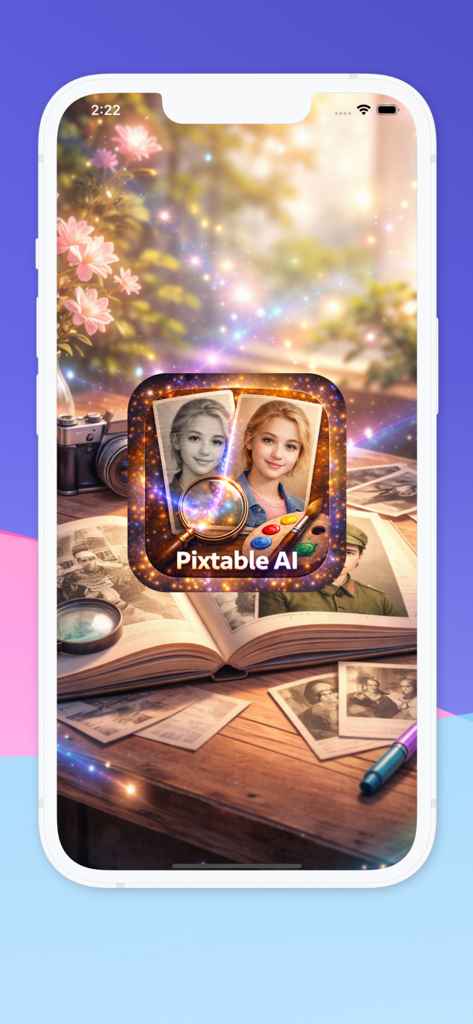
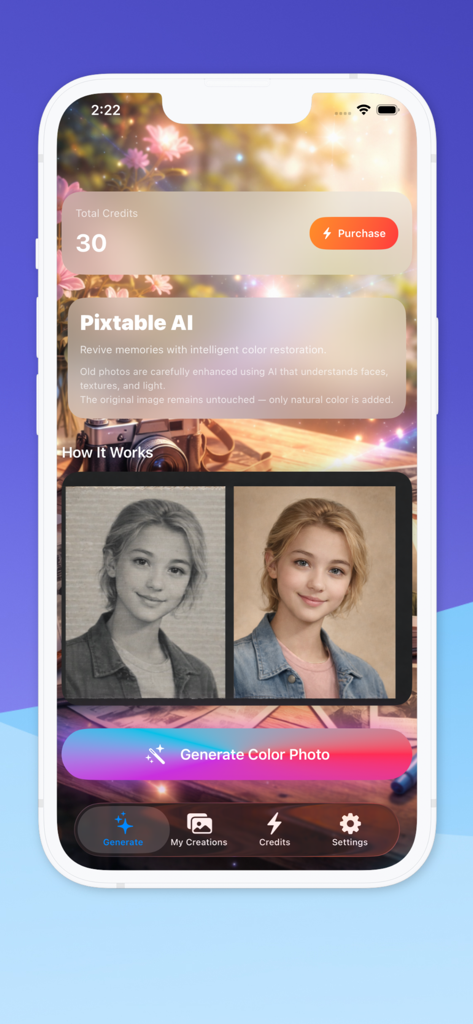
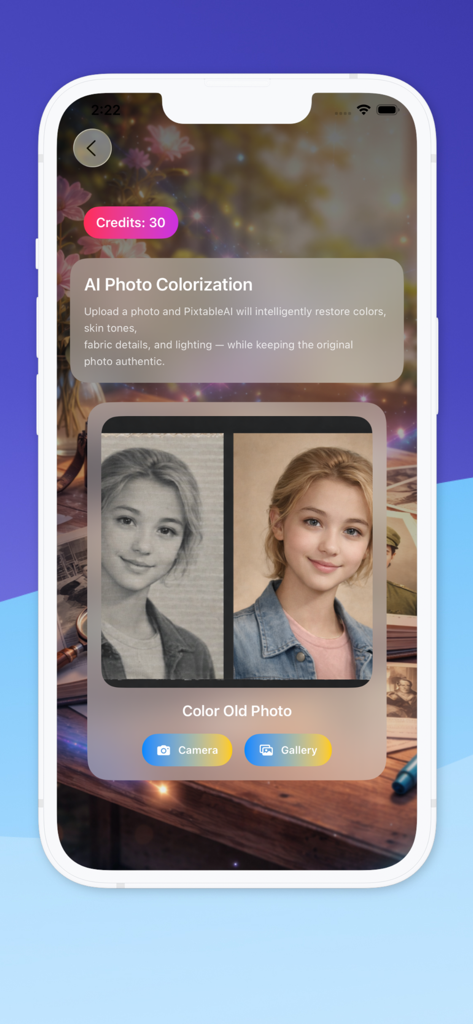
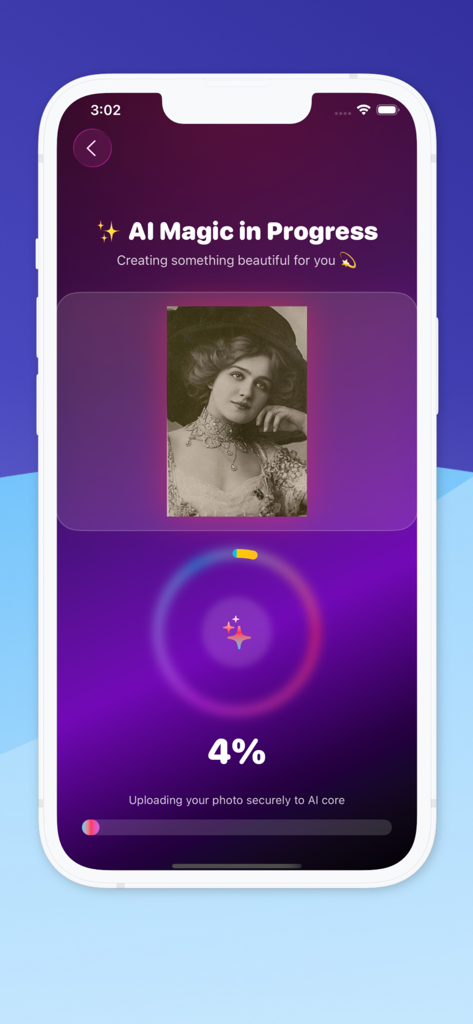
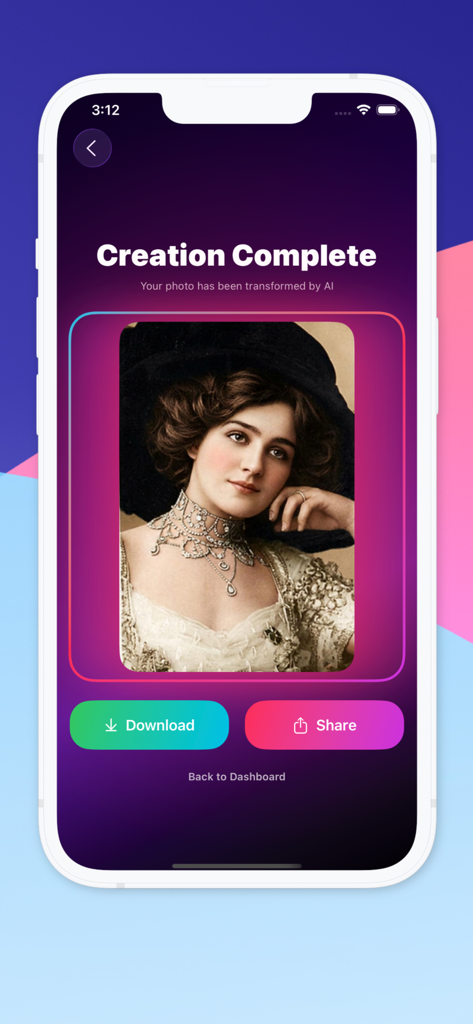
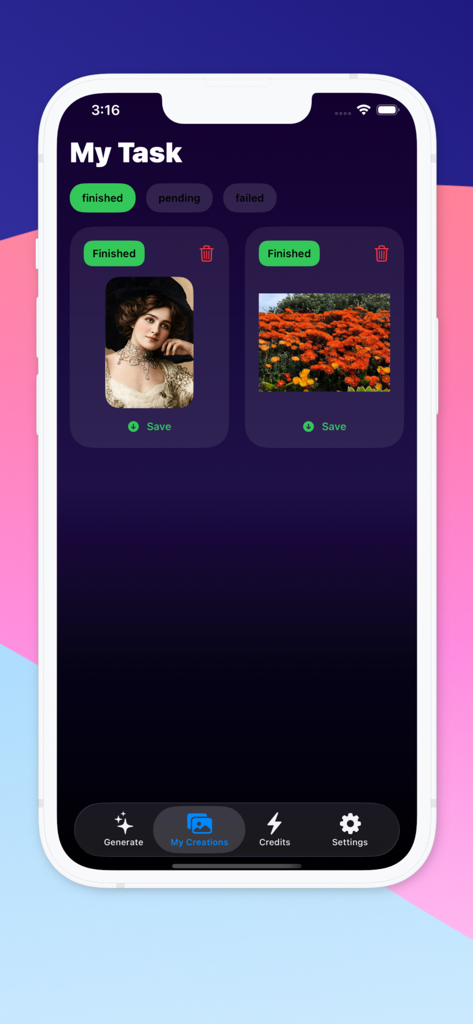
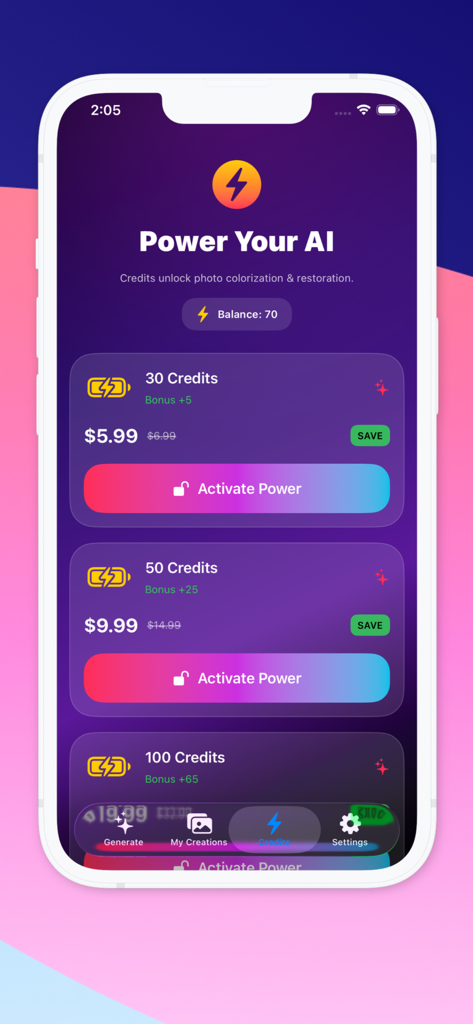
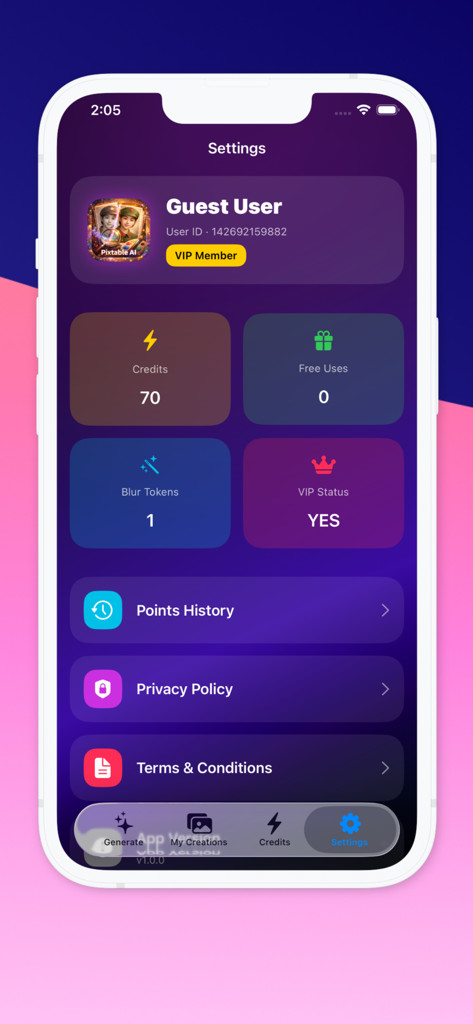
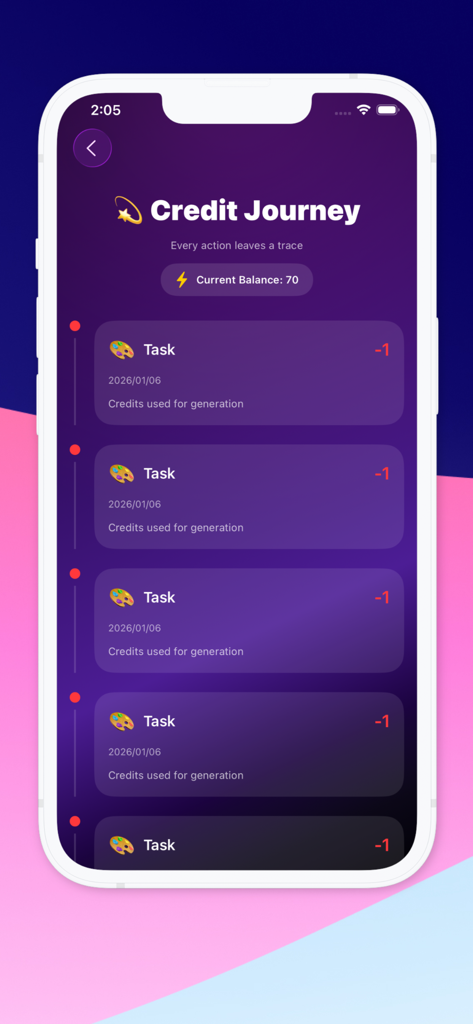
The tools that make this app stand out, trusted by 6K+ users.
Bring realistic skin tones and vivid colors to black-and-white images while keeping the original character of the photo.
Turn hours of professional restoration into seconds. Simply upload from your gallery and watch the AI magic happen instantly.
Maintain delicate facial features and lighting textures to ensure your family legacy stays sharp, natural, and true to life.
Everything you need to know about Pixtable AI.
Description
Latest Version
1.6
Size
12.4 MB
First Released
Jan 5, 2026
Join thousands of users preserving their most precious memories with one-tap AI restoration. Download Pixtable AI today and see your past like never before.
Everything you need to know about Pixtable AI
Pixtable AI is an advanced application that uses artificial intelligence to restore natural colors to old and black-and-white photos, preserving their authenticity and original details.
Pixtable AI processes images using advanced AI models. It analyzes facial features, skin tones, clothing, and lighting to intelligently restore colors while maintaining realism and avoiding over-saturation.
Yes, Pixtable AI allows users to upload photos directly from their camera or select images from their photo gallery. This provides flexibility for photo input.
Yes, Pixtable AI preserves the authenticity and original details of the photo. It focuses on accuracy, balancing color application to avoid over-saturation and maintain the original character.
Each photo colorization task in Pixtable AI consumes credits. For example, Screenshot #9 shows that each task costs 1 credit. Users can purchase credit packages within the app.
Pixtable AI offers various credit packages. Options include 30 credits for $5.99, 50 credits for $9.99, and 100 credits for $19.99, which is presented as a discounted price.
After Pixtable AI completes the colorization, users can save the restored photo directly to their device. A prominent "Download" button appears on the "Creation Complete" screen.
Yes, Pixtable AI includes natural skin tone, fabric, and lighting enhancement. The AI analyzes these elements to generate a realistic colorized result, keeping the image visually pleasing.
Pixtable AI stores previously restored photos in the "My Creations" section. Users can navigate there from the main menu to view and manage their finished tasks.
Yes, Pixtable AI provides a Privacy Policy. Users can access the Privacy Policy document directly through the "Settings" menu within the application.
Top-ranked apps in the same category

Xiamen ShenZhuo Information Technology Co., Ltd.

LOHAS GAMES PTE. LTD.

HUBX YAZILIM HIZMETLERI ANONIM SIRKETI

ibis inc.

BYTEDANCE PTE. LTD.

Woohoo Tech. Ltd.

Guangzhou ZHIFENG Information Technology Co.,Ltd.

Sketchbook, Inc.

Digital Solutions Technologies Limited
App information, icons, screenshots, and descriptions displayed on this page are sourced from the Apple App Store and are the property of their respective developers. Download estimates and rankings are based on MWM's proprietary models and may not reflect actual figures. This page is provided for informational and analytical purposes only.
Believe this page infringes your intellectual property? File a dispute