
Raising Cane's Chicken Fingers


Join millions of Caniacs skipping the line. Order ahead, customize your favorites, and get your chicken fresh and hot in just a few taps.
Publisher
Category
Food & DrinkDownloads
8M+User Rating
Total Ratings
346K+Locales
1Discover the interface used by 8M+ users.
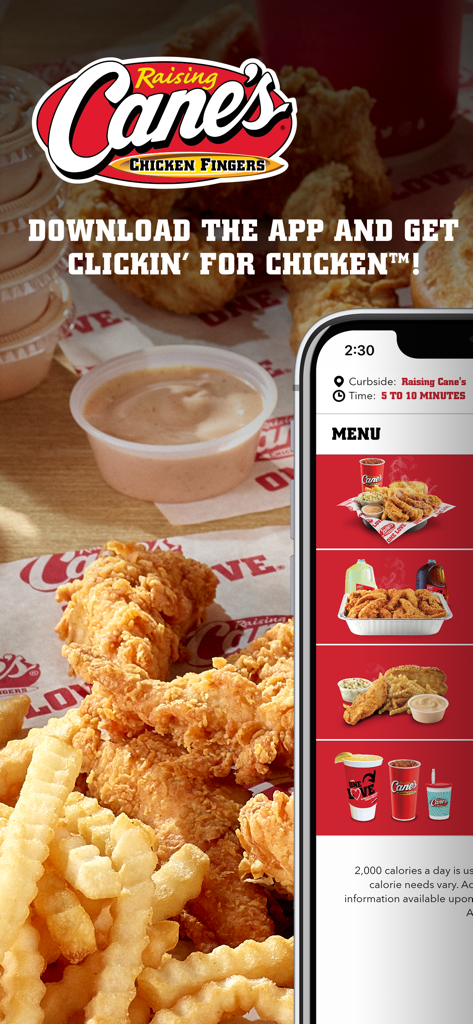
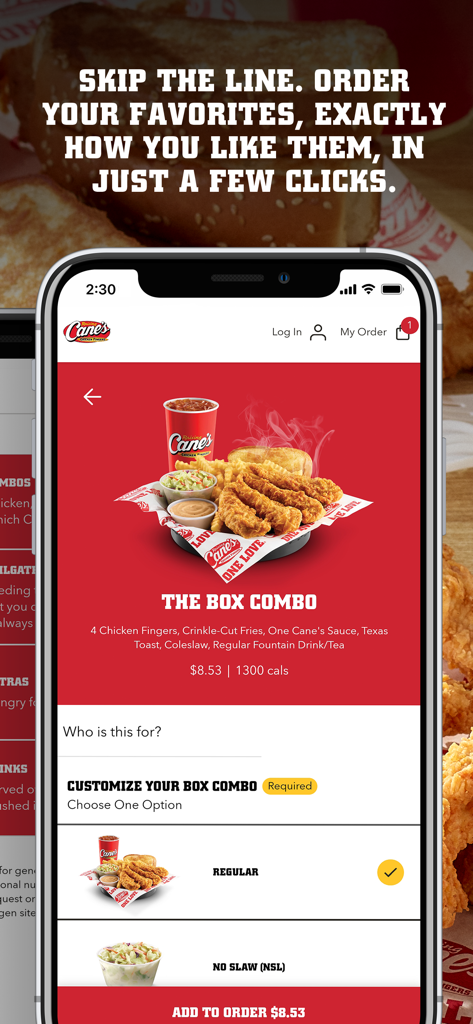
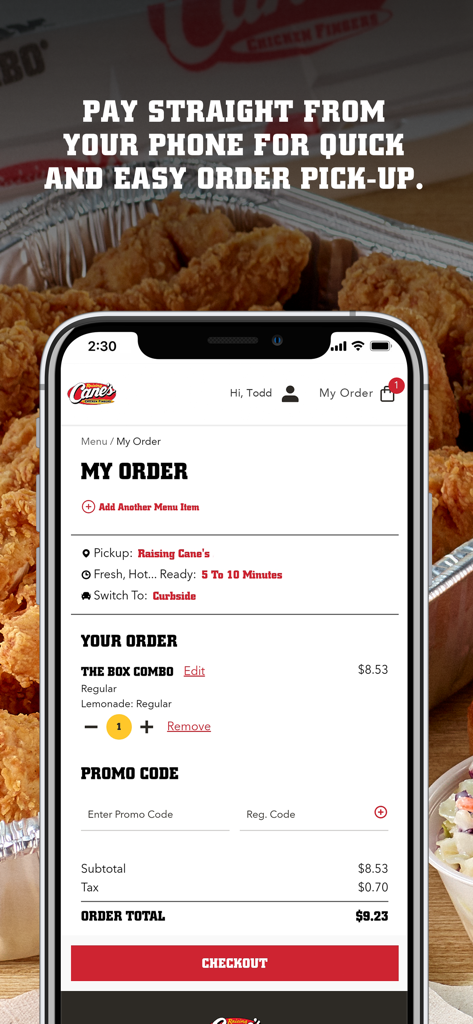
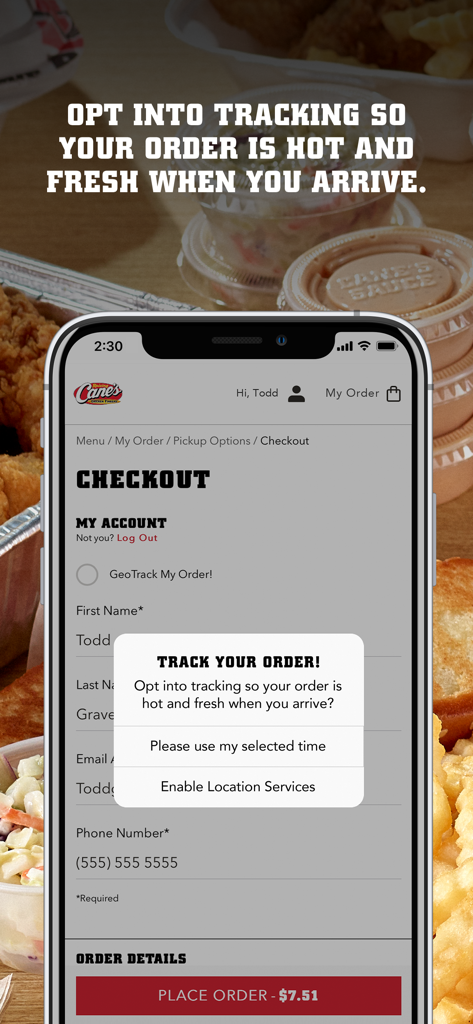
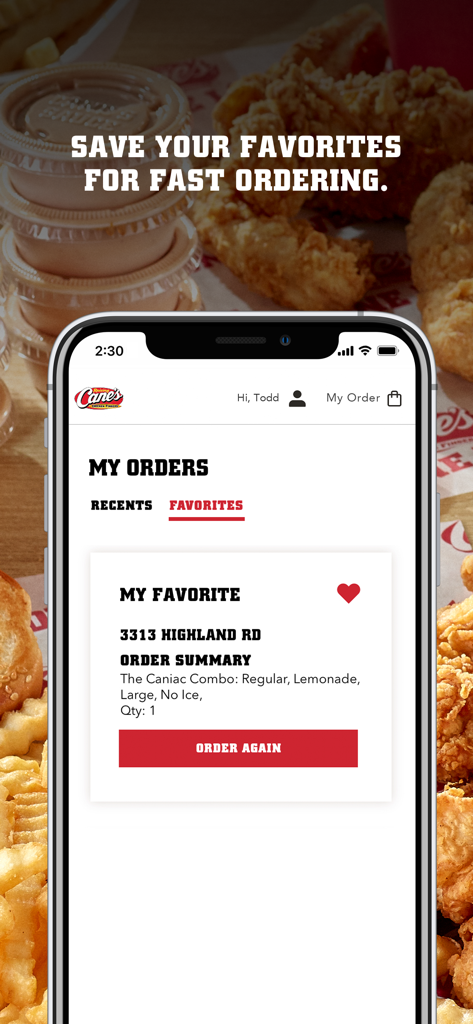
The tools that make this app stand out, trusted by 8M+ users.
Order ahead and bypass the rush. Your time is valuable; grab your Box Combo and go without the wait.
Save your custom 'no slaw, extra toast' favorites and reorder in seconds for ultimate convenience.
Monitor your meal from the kitchen to the counter so it's always served fresh, hot, and ready for you.
Everything you need to know about Raising Cane's Chicken Fingers.
Description
Latest Version
2.2.0
Size
68.2 MB
First Released
Oct 26, 2020
Join over 8 million Caniacs and get your fresh chicken finger meals faster. Order ahead, pay with a tap, and satisfy your craving in record time.
Everything you need to know about Raising Cane's Chicken Fingers
The Raising Cane's app is a mobile application for ordering One Love® chicken finger meals. It allows users to order ahead, pay ahead, track orders, and save favorites for quick reordering.
Yes, the Raising Cane's app allows users to order ahead. You can skip the line and customize your favorite chicken finger meals for pickup in just a few taps.
Yes, the Raising Cane's app includes a "PAY AHEAD" feature. Users pay straight from their phone for quick and easy order pick-up.
The Raising Cane's app offers "TASTY TRACKING." You can opt into tracking to ensure your order is fresh and hot when you arrive for pickup. This feature uses location services.
Yes, the Raising Cane's app provides "QUICK REORDERING." Users can save their favorite orders for fast reordering through the "My Orders" section.
The Raising Cane's app displays an estimated pickup time for your order. For example, the app shows an order ready in "5 TO 10 MINUTES."
You can customize your order by selecting specific options when viewing a menu item. For instance, the app allows customizing "THE BOX COMBO" with choices like "Regular" or "No Slaw (NSL)".
Yes, the Raising Cane's app includes a field to "Enter Promo Code" during the order checkout process. This allows users to apply discounts.
Apps with similar features and user experience

FAST SOFT, OOO

McDonald's (China) Co., Ltd.

McDonalds USA LLC

Chick-fil-A, Inc.

Little Caesar Enterprises, Inc.

Starbucks Coffee Company
Domino's Pizza LLC

Doctors Associates Inc

ARCOS DORADOS ARGENTINA S.A.
App information, icons, screenshots, and descriptions displayed on this page are sourced from the Apple App Store and are the property of their respective developers. Download estimates and rankings are based on MWM's proprietary models and may not reflect actual figures. This page is provided for informational and analytical purposes only.
Believe this page infringes your intellectual property? File a dispute