Receipt Scanner: Snap & Save

Receipt Scanner: Snap & Save

Download on App Store
Logo of Receipt Scanner: Snap & Save

Receipt Scanner: Snap & Save – Effortless Expense Tracking for Professionals

Ditch the manual entry. Automatically extract merchant details, categorize expenses with Smart OCR, and generate tax-ready reports in seconds—all securely synced to your iCloud.

Download on App Store

Publisher

Oliver App Studio Limited

Category

Finance

Downloads

200

User Rating

4.5/5

Total Ratings

0

Locales

17

Simplicity in Every Snap

Discover the interface used by 200 users.
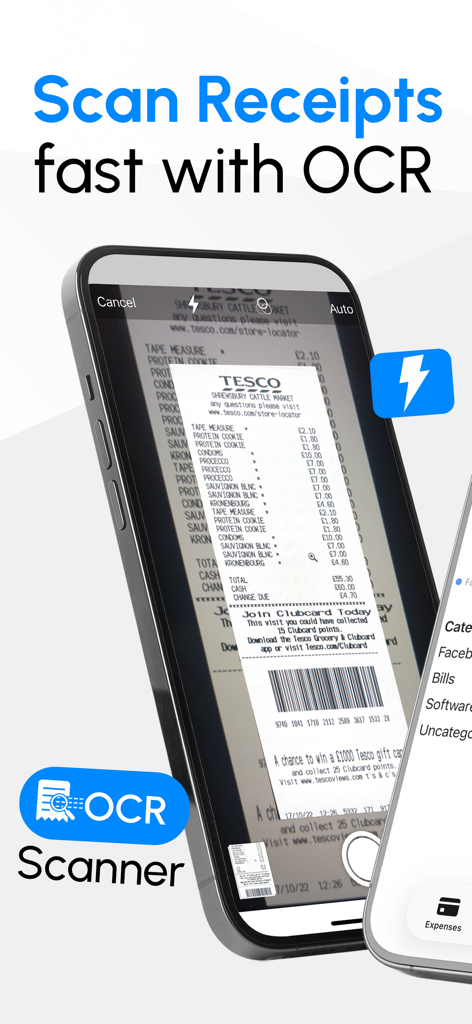
Smartphone camera scanning a grocery receipt using OCR technology for digital storage.

Smartphone camera scanning a grocery receipt using OCR technology for digital storage.

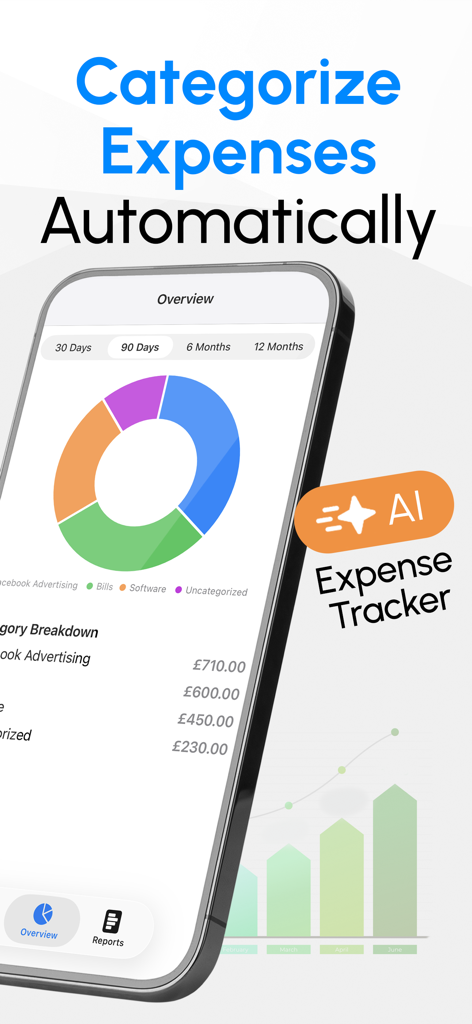
Receipt scanner app interface showing a donut chart of categorized expenses and an AI expense tracker badge.

Receipt scanner app interface showing a donut chart of categorized expenses and an AI expense tracker badge.

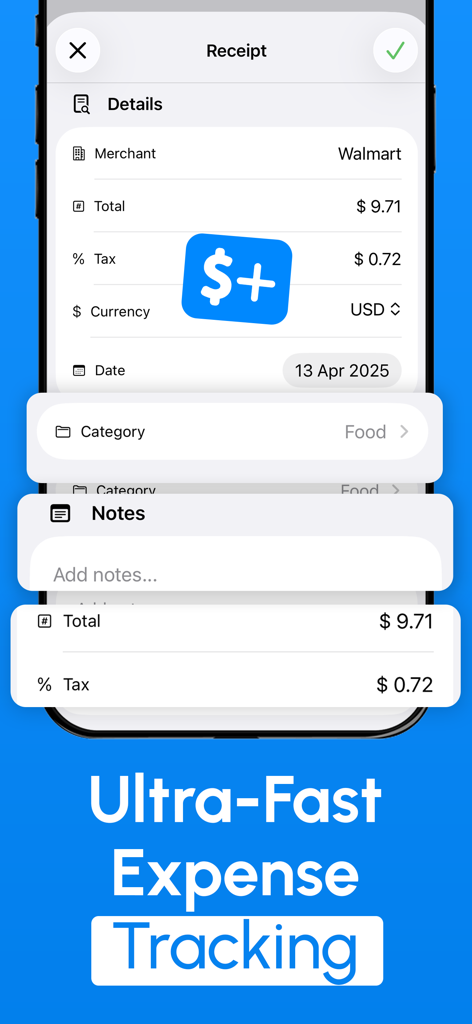
iPhone screenshot showing receipt details including merchant total and tax in the Receipt Scanner app

iPhone screenshot showing receipt details including merchant total and tax in the Receipt Scanner app

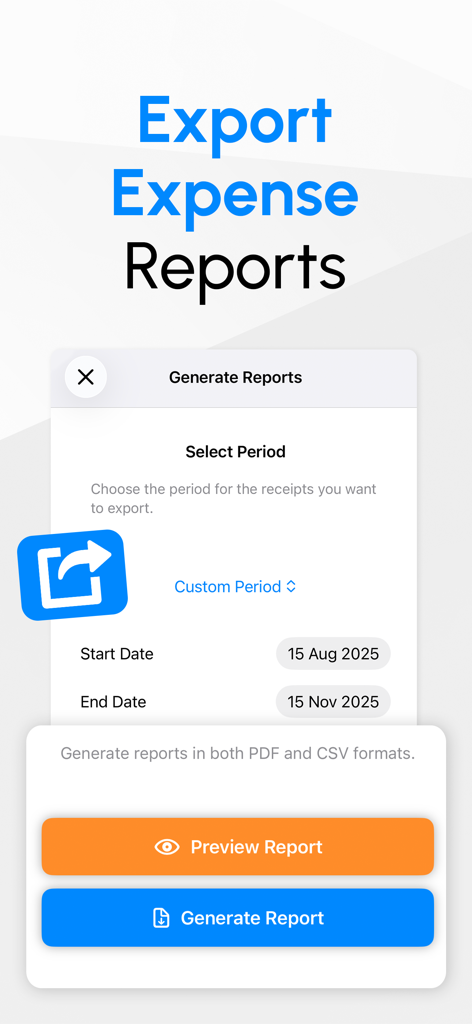
The app screen for generating and exporting expense reports in PDF and CSV formats with a date range selector.

The app screen for generating and exporting expense reports in PDF and CSV formats with a date range selector.

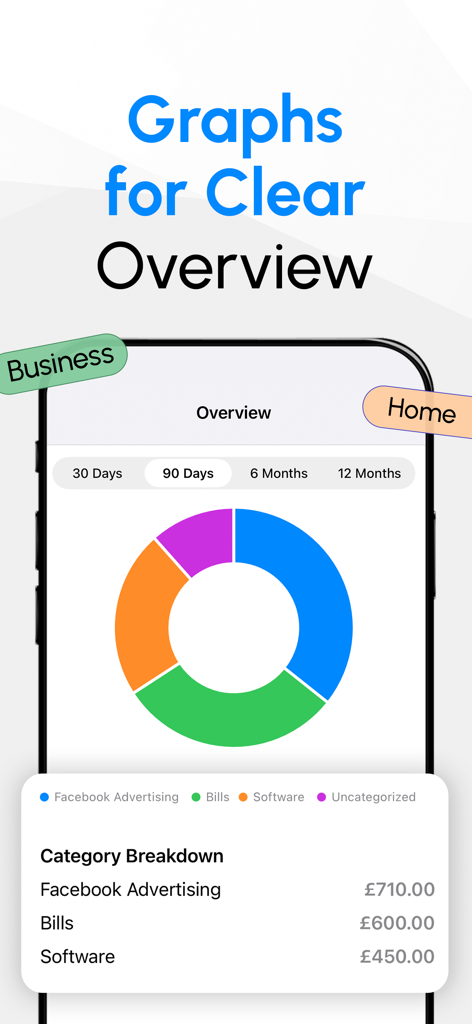
A mobile app interface displaying a donut chart for expense category breakdown with options for business and home overview.

A mobile app interface displaying a donut chart for expense category breakdown with options for business and home overview.

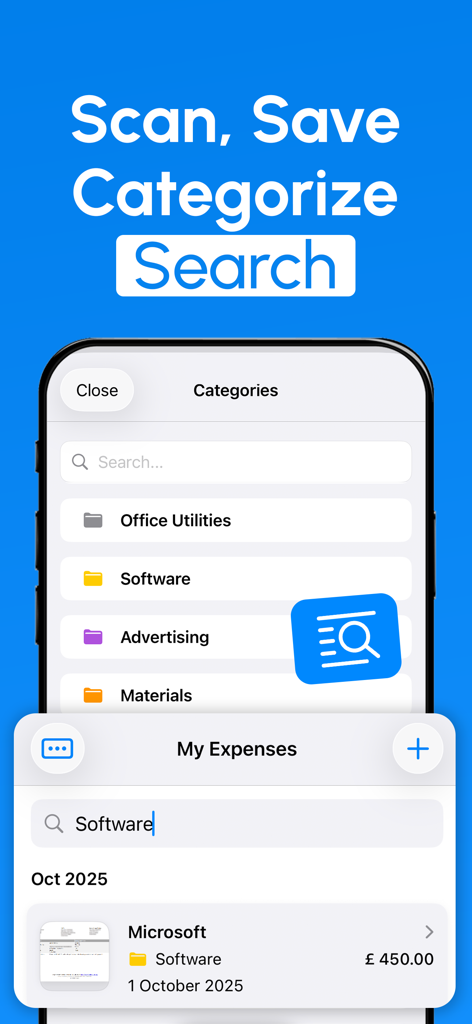
iPhone screenshot of Receipt Scanner app showing categorized expenses and a search bar for quick retrieval

iPhone screenshot of Receipt Scanner app showing categorized expenses and a search bar for quick retrieval

Master Your Expenses in Seconds

The tools that make this app stand out, trusted by 200 users.

Instant AI Scanning

Extract merchant names, dates, and totals automatically with high-precision OCR technology designed for speed.

📄

Tax-Ready Reports

Generate professional CSV or PDF reports in one tap to simplify your tax filings or speed up company reimbursements.

🔒

Private iCloud Sync

Keep your financial data safe and synchronized across all your Apple devices with end-to-end privacy you can trust.

About the app

Everything you need to know about Receipt Scanner: Snap & Save.

Description

Save time and avoid manual data entry. Simply scan your receipts and the app will automatically read the merchant, date, total, and other important details. Everything is organised instantly so you can stay on top of your expenses without the hassle. Key Features: • Smart OCR – Extracts totals, tax, dates, and merchant details with high accuracy. • Automatic Categorisation – Expenses are instantly sorted into clean, customisable categories. • Organised by Category – Filter by category, date, or amount for clear budgeting. • Searchable History – Quickly find any past receipt or transaction. • CSV & PDF Reports – Export detailed reports for accounting, taxes, or sharing. • iCloud Sync – Your receipts stay backed up and accessible across all devices. • Private & Secure – Your data stays yours. Nothing is shared or sold. Subscription: • This app offers auto-renewing subscriptions. Your iTunes account will be charged at confirmation of purchase and renewal. Manage your subscription or turn off auto-renewal anytime in your account settings. By using this app, you agree to our: - Terms of Service: https://oliverappstudio.com/terms-of-service - Privacy Policy: https://oliverappstudio.com/privacy-policy

Latest Version

3.8

Size

44.8 MB

First Released

Apr 10, 2025

Say Goodbye to Your Shoebox of Receipts

Join thousands of professionals who have eliminated manual data entry. Scan your receipts in seconds, stay tax-ready with secure iCloud sync, and get your time back for what really matters.

Download on App Store

App information, icons, screenshots, and descriptions displayed on this page are sourced from the Apple App Store and are the property of their respective developers. Download estimates and rankings are based on MWM's proprietary models and may not reflect actual figures. This page is provided for informational and analytical purposes only.

Believe this page infringes your intellectual property? File a dispute