
SAP Authenticator

Protect your sensitive corporate data with reliable one-time passwords. Enhance your SAP Single Sign-On security with a trusted second factor designed for the modern professional workflow.
Publisher
Category
BusinessDownloads
0User Rating
Total Ratings
0Locales
10Discover the interface used by 0 users.
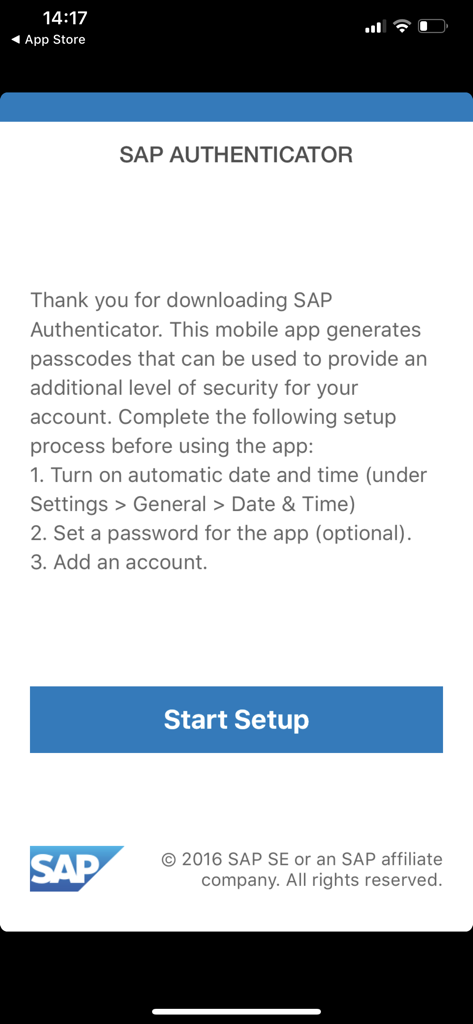
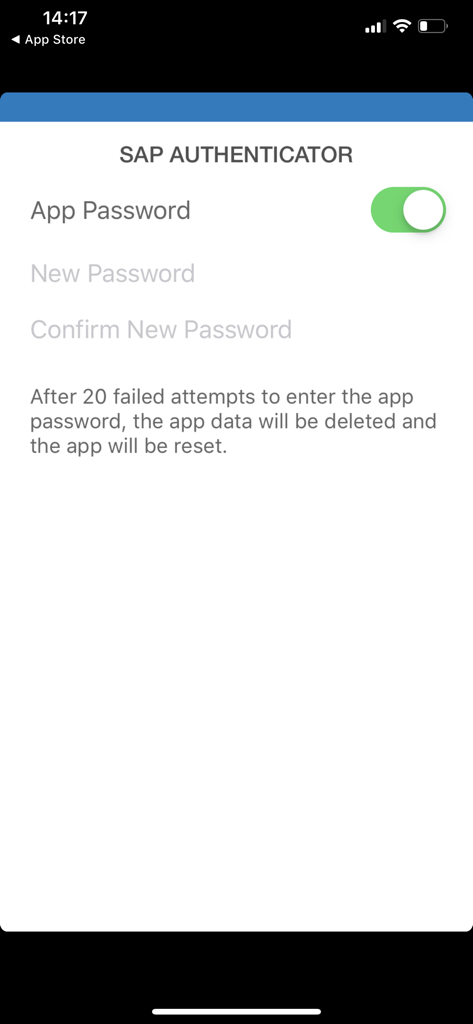
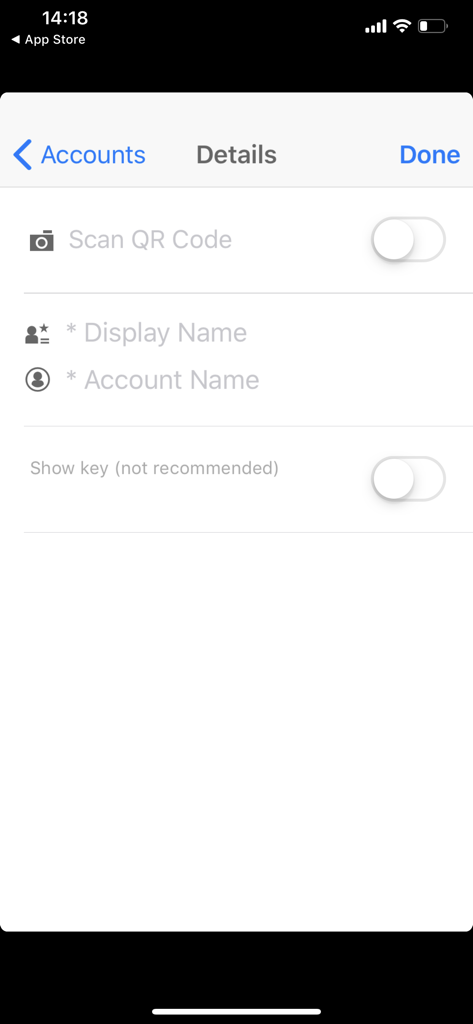
The tools that make this app stand out, trusted by 0 users.
Go beyond standard passwords with time-based one-time passwords (TOTP) that secure your sensitive systems against unauthorized access.
Efficiently manage multiple SAP environments within a single app, providing a centralized digital keychain for all your professional roles.
Generate secure passcodes anytime, anywhere—even without an internet connection—perfect for business travelers and secure on-site facilities.
Everything you need to know about SAP Authenticator.
Description
Latest Version
1.2.8
Size
2.7 MB
First Released
May 12, 2014
Join thousands of professionals protecting their SAP systems with reliable, offline-ready second-factor authentication.
Top-ranked apps in the same category

Microsoft Corporation

Zoom Communications, Inc.

WhatsApp Inc.

Indeed Inc.

LinkedIn Corporation

Adobe Inc.

DingTalk Technology Co., Ltd.

Tencent Technology (Shenzhen) Company Limited

Beijing China Product Bo Farce Network Technology Co., Ltd.
App information, icons, screenshots, and descriptions displayed on this page are sourced from the Apple App Store and are the property of their respective developers. Download estimates and rankings are based on MWM's proprietary models and may not reflect actual figures. This page is provided for informational and analytical purposes only.
Believe this page infringes your intellectual property? File a dispute
