
Sedona Hiking


Explore over 100 verified trails with real-time GPS tracking that works completely offline. Navigate with confidence using expert-mapped routes and visual cues designed for the ultimate Sedona adventure—no cell service required.
Publisher
Category
Health & FitnessDownloads
15K+User Rating
Total Ratings
100Locales
1Discover the interface used by 15K+ users.
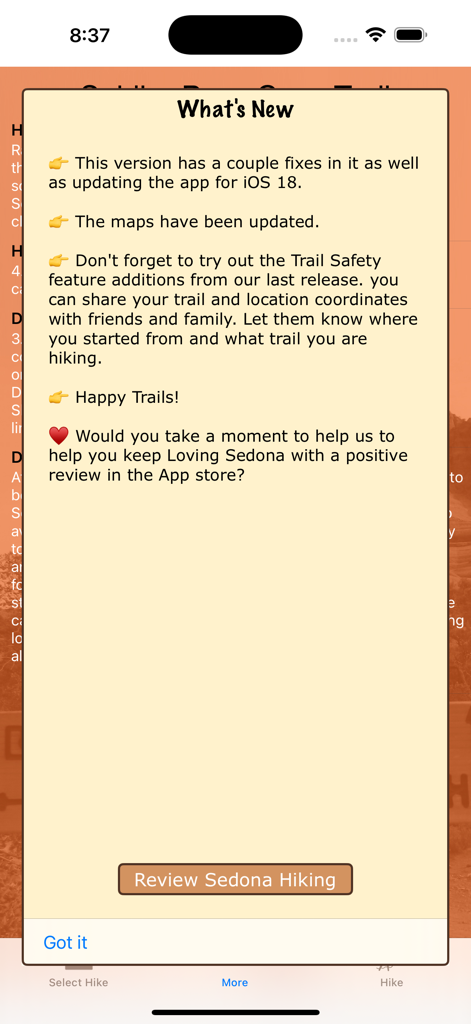
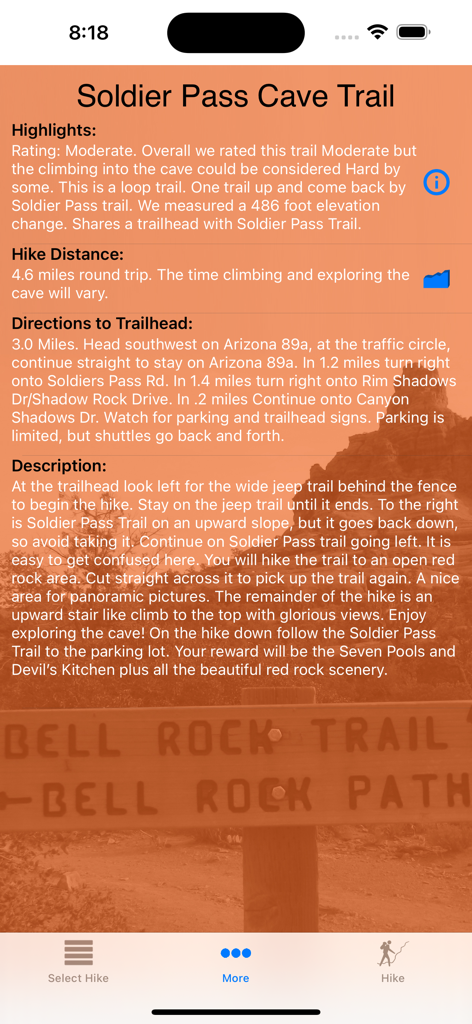
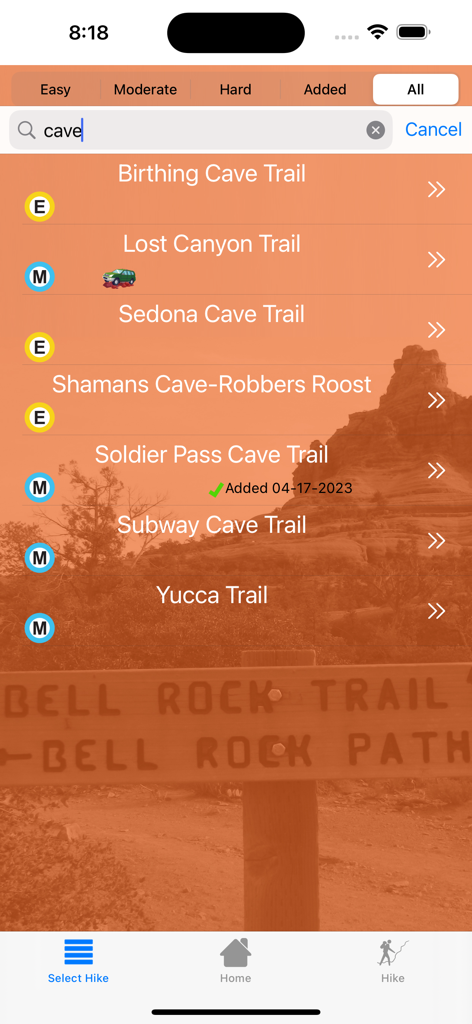
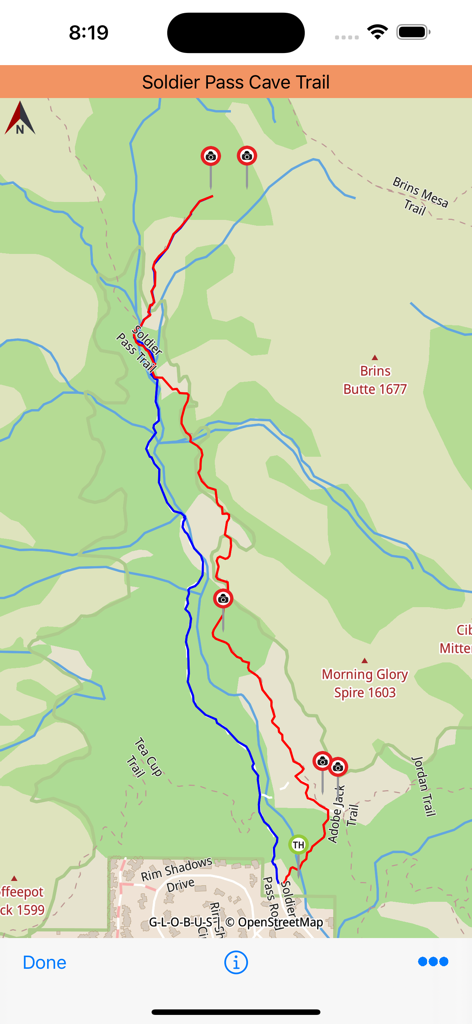
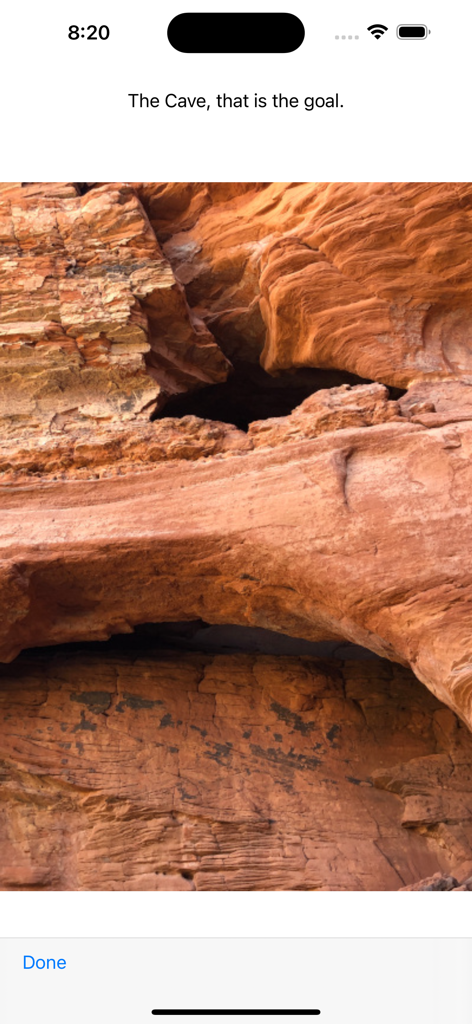
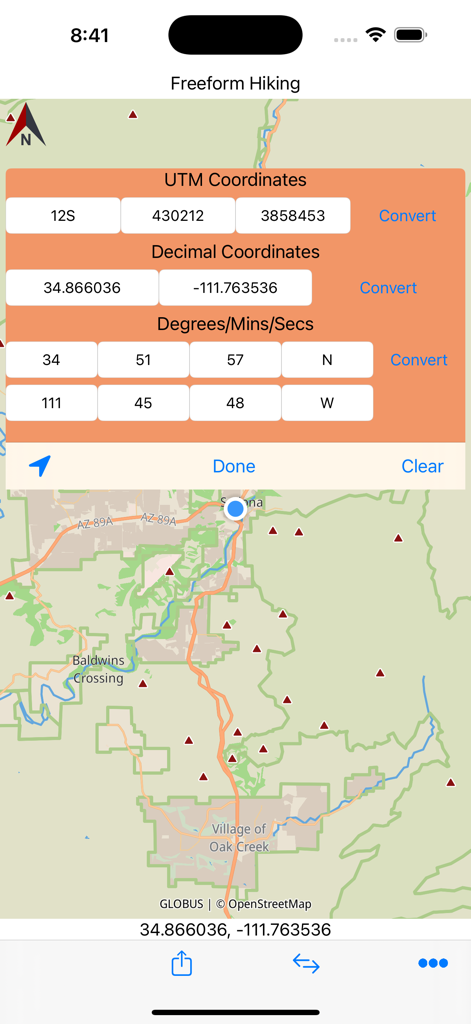
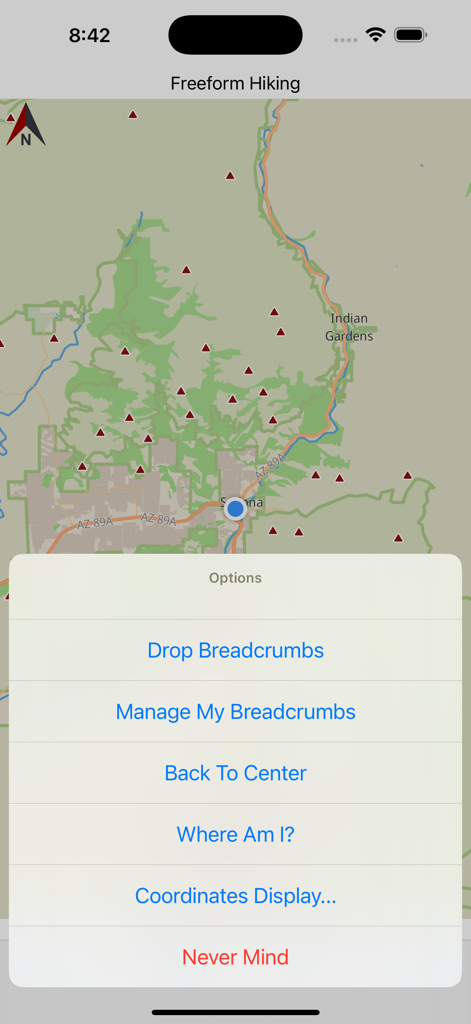
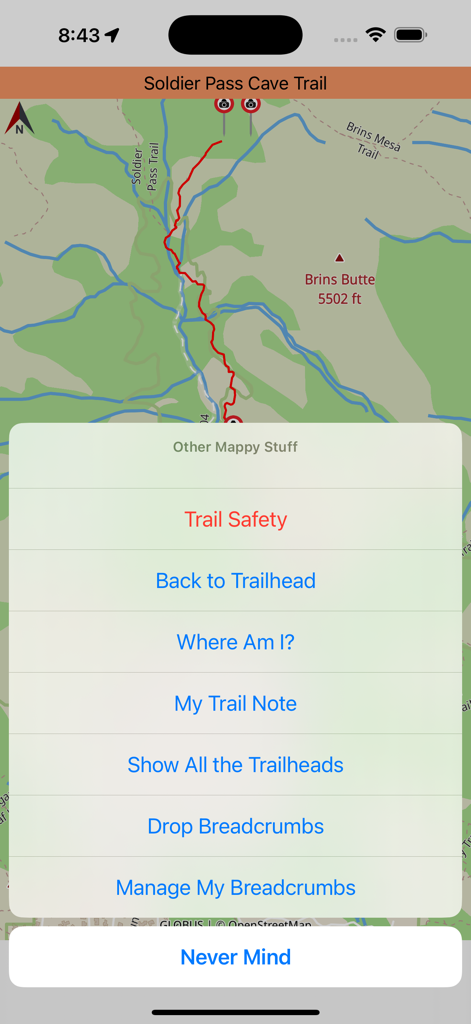
The tools that make this app stand out, trusted by 15K+ users.
Navigate with confidence using pre-loaded maps that track your exact location in real-time without any cellular network.
Avoid the errors of crowdsourced apps. Every trail is personally hiked, recorded, and verified by our team for your safety.
Never miss a turn with photos of key intersections and upcoming landmarks that keep you exactly where you need to be.
Everything you need to know about Sedona Hiking.
Description
Latest Version
2.32
Size
159.0 MB
First Released
Feb 27, 2013
Download 100+ expert-verified trails and real-time GPS maps that work anywhere—no cell service required. Join 15,000+ explorers and start your adventure today.
Everything you need to know about Sedona Hiking
Yes, the Sedona Hiking app works offline. Users download trail information, maps, and points of interest to their device beforehand. This allows for real-time location tracking and navigation without requiring cell service on the trail.
The Sedona Hiking app uses your device's GPS to show your location on the trail in real time. This feature functions without a network connection, ensuring you can follow your progress and stay on the correct path confidently.
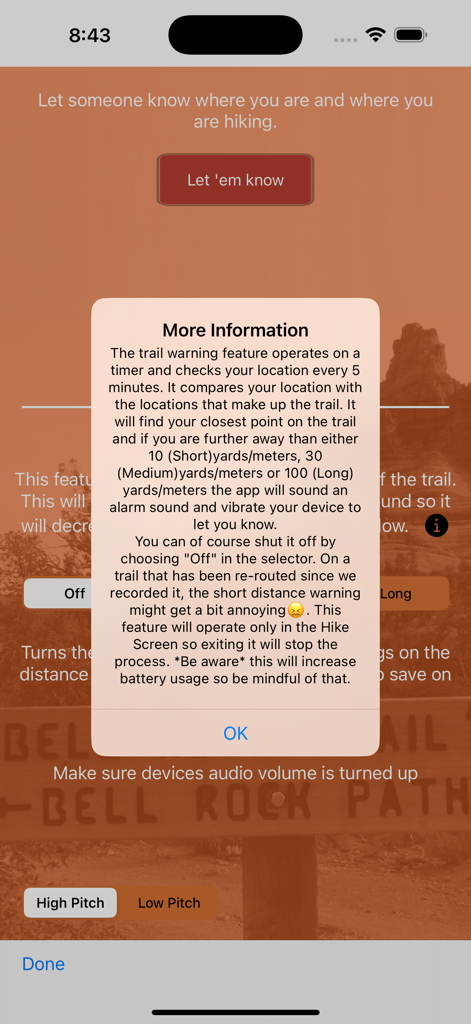
The Trail Safety feature in the Sedona Hiking app checks your location every five minutes against the trail path. If you deviate beyond a set distance (10, 30, or 100 yards/meters), the app alerts you with an alarm and vibration.
Yes, the Sedona Hiking app requires permission for location services to function correctly. This setting is found in the Privacy section of your device's Settings app, enabling real-time location tracking and accurate trail navigation.
You download trails onto your iPhone or iPad using a good network connection before your hike. After selecting desired trails, the Sedona Hiking app packages all necessary maps and information for offline use, ensuring access without cell service.
The Sedona Hiking app provides comprehensive details for each trail, including highlights, features, length, difficulty rating, a detailed description, and directions to the trailhead. It also shows points of interest and trail markers.
Yes, the Sedona Hiking app's Trail Safety feature allows you to share your current location coordinates, starting point, and the trail you are hiking with friends and family. This enhances safety during your outdoor activities.
Yes, the Sedona Hiking app includes a breadcrumb tracking feature. Users can "Drop Breadcrumbs" and "Manage My Breadcrumbs" to mark their path and retrace steps during their hikes, enhancing navigation and safety.
The Sedona Hiking app prides itself on accurate trail data. All trails are personally hiked, recorded, and verified by the app developers. They do not use crowd-sourced information, ensuring reliability for users.
Yes, the Sedona Hiking app allows users to filter trails by difficulty. Available filter options include "Easy", "Moderate", "Hard", and "All", helping users find suitable hikes based on their preference and experience level.
Yes, the Sedona Hiking app provides pictures of what is ahead on the trail, including sights that might be slightly off the main path. This helps hikers identify landmarks and not miss important views.
The Sedona Hiking app is compatible with iPhone or iPad devices that have GPS functionality. Users load trail information onto these devices to utilize its real-time tracking and offline navigation features effectively.
Top-ranked apps in the same category

Strava Inc.

FLO HEALTH UK LIMITED

YAZIO GmbH

MyFitnessPal, Inc.

Beijing Xiaomi Co., Ltd

Xiamen Meet You Co., Ltd.

Viral Development LLC

Yuca

REFACE LITHUANIA UAB
App information, icons, screenshots, and descriptions displayed on this page are sourced from the Apple App Store and are the property of their respective developers. Download estimates and rankings are based on MWM's proprietary models and may not reflect actual figures. This page is provided for informational and analytical purposes only.
Believe this page infringes your intellectual property? File a dispute