Shopping List - Simple & Easy

Shopping List - Simple & Easy

Download on App Store
Logo of Shopping List - Simple & Easy

Shopping List - Simple & Easy: The Stress-Free Way to Manage Every Store

Experience the simplicity of a paper notepad on your phone. Create reusable lists for your favorite shops, cross off items with a tap, and get your shopping done faster without the digital clutter.

Publisher

Opulogic Inc.

Category

Shopping

Downloads

16K+

User Rating

4.7/5

Total Ratings

1K+

Locales

5

Organized at a Glance

Discover the interface used by 16K+ users.
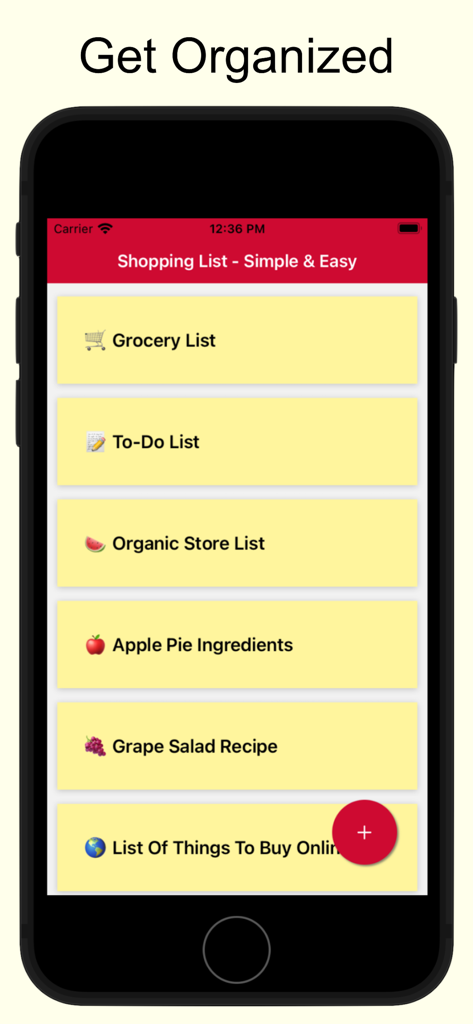
Home screen of the Shopping List app showing multiple organized lists for groceries and recipes

Home screen of the Shopping List app showing multiple organized lists for groceries and recipes

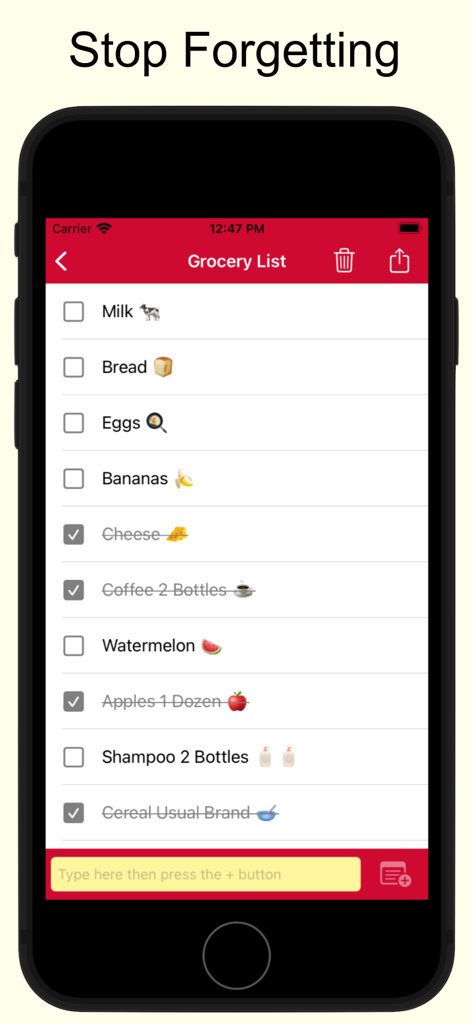
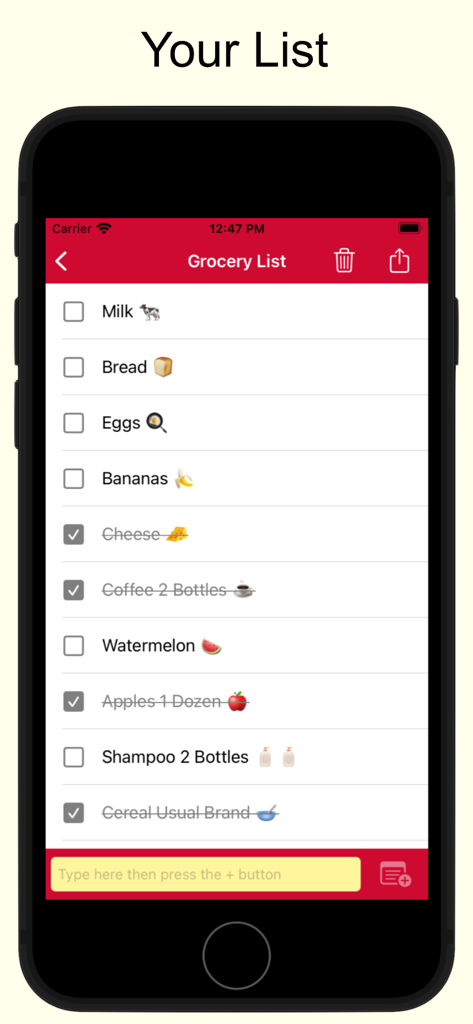
An iPhone screen displaying a grocery shopping list with items like milk and bread, some crossed out, under the header Stop Forgetting.

An iPhone screen displaying a grocery shopping list with items like milk and bread, some crossed out, under the header Stop Forgetting.

A simple mobile app interface showing a grocery shopping list with items like milk and bread and checkboxes to cross them off

A simple mobile app interface showing a grocery shopping list with items like milk and bread and checkboxes to cross them off

Simplify Your Shopping Routine

The tools that make this app stand out, trusted by 16K+ users.

🏬

A List for Every Store

Keep your Costco, Kroger, and Target trips organized separately. Switch between store-specific lists with a single tap to stay focused while you shop.

🔄

Reusable Lists, Zero Effort

Buying the same essentials every week? Simply uncheck items to reset your list. Save time by never having to re-type your staples ever again.

Tap, Cross, and Done

Experience the satisfaction of a paper list on your phone. Large, high-contrast text and a simple tap-to-cross design make it easy to use even in a crowded aisle.

About the app

Everything you need to know about Shopping List - Simple & Easy.

Description

This is a very simple shopping list app. Makes it very easy to create multiple lists. For example, you can create one for each store that you shop at. Use it for grocery shopping or any other listing needs that you may have. Here are the super simple instructions: * Click on the plus sign to create a new list. * Enter the items to buy in the yellow text box. * Tap to cross off the item when done. Some Helpful Tips * Lists are reusable. So for example, if you make a grocery list to shop for groceries at the local store, it can be reused over and over again. There is no need to keep making a new one each time. Just make it once, and after that just check and uncheck the items. It will be uniquely yours and will always have the items you buy. * Hit the trash icon to clean up and get rid of crossed items. * Emojis can be inserted using the built in function of your keyboard. This app contains ads. Ads can be removed with a premium subscription. Two options are available. A monthly subscription that bills once every month and a yearly subscription which bills once every year. Subscriptions renew automatically unless cancelled. Subscriptions can be cancelled under your Apple account's subscription settings. Terms of Use and Privacy Policy: https://opulogic.com/tos/tos.html

Latest Version

2.25

Size

19.0 MB

First Released

Jul 24, 2022

Ready to Simplify Your Next Shopping Trip?

Join over 16,000 people who have ditched the paper scraps. Create your store-specific lists in seconds and reuse them every week—no accounts, no clutter, just the easiest way to stay organized.

Download on App Store

App information, icons, screenshots, and descriptions displayed on this page are sourced from the Apple App Store and are the property of their respective developers. Download estimates and rankings are based on MWM's proprietary models and may not reflect actual figures. This page is provided for informational and analytical purposes only.

Believe this page infringes your intellectual property? File a dispute