
SMS360 My Forms


Streamline your compliance with professional offline form submission, integrated photo documentation, and automated synchronization for aviation and high-stakes industrial environments.
Publisher
Category
TravelDownloads
2K+User Rating
Total Ratings
0Locales
-Discover the interface used by 2K+ users.

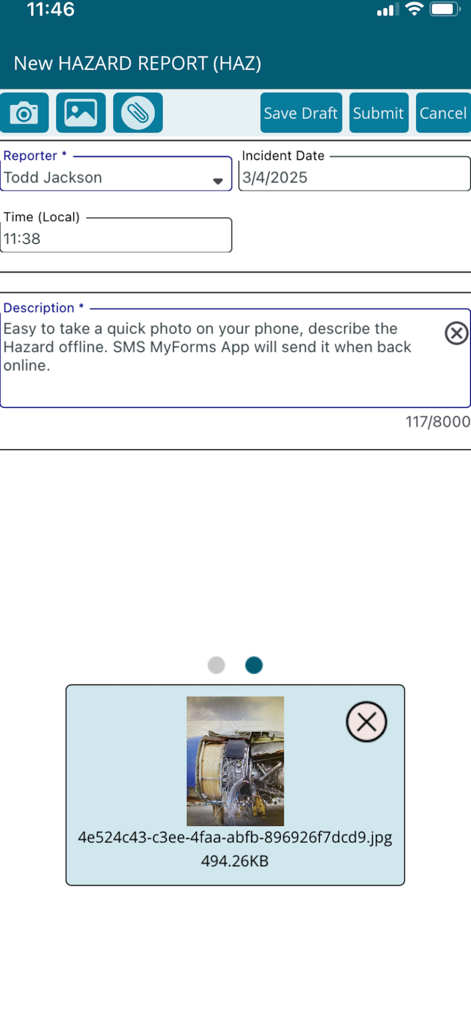
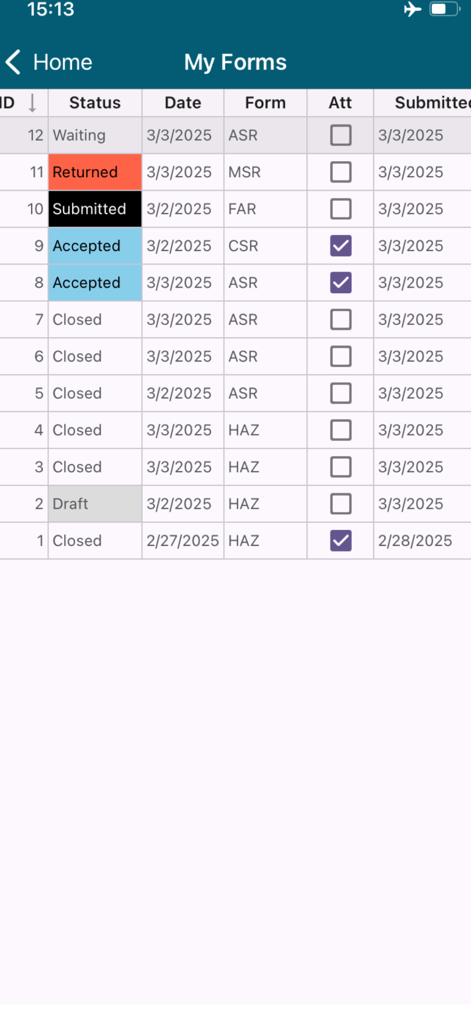
The tools that make this app stand out, trusted by 2K+ users.
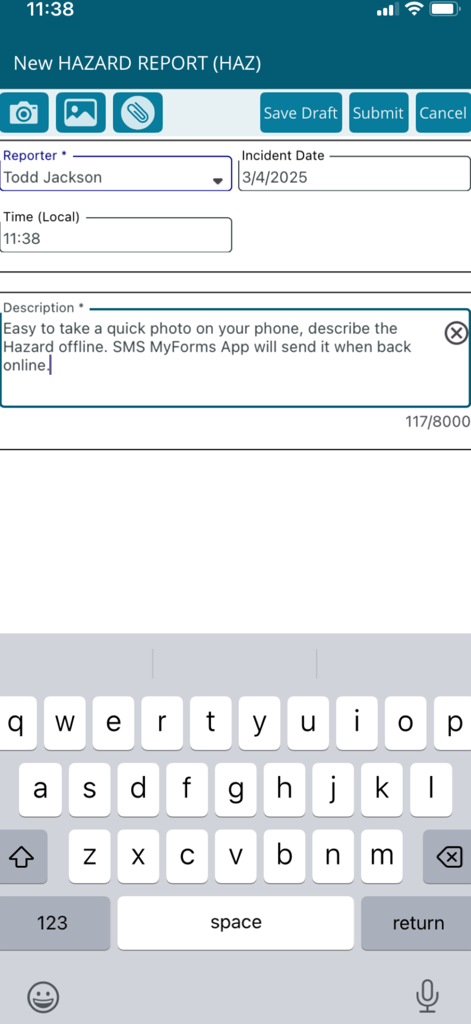
Capture critical data in hangars, tarmacs, or remote locations. Reports are securely saved and automatically uploaded once a connection is established.
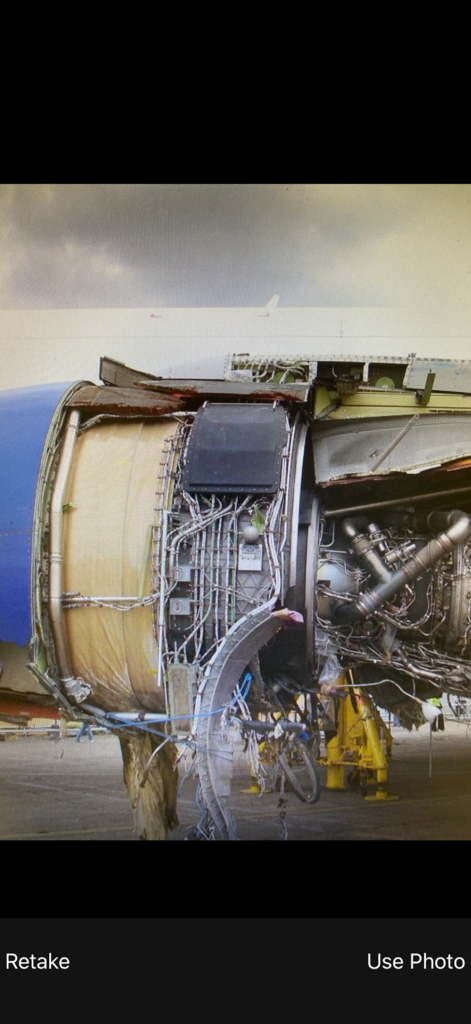
Enhance your reports with real-time photo attachments. Use your device camera to provide clear visual documentation for faster audit resolutions.
Ensure total visibility. Managers can return forms with specific feedback directly to the app, keeping your safety protocols accurate and responsive.
Everything you need to know about SMS360 My Forms.
Description
Latest Version
2.4
Size
103.7 MB
First Released
Mar 13, 2017
Equip your team with the industry-leading tool for seamless compliance. Submit forms, attach evidence, and sync automatically from any hangar, tarmac, or remote site.
Everything you need to know about SMS360 My Forms
Yes, the SMS360 My Forms App supports the offline submission of safety-related forms. Users can synchronize forms later when an internet connection becomes available.
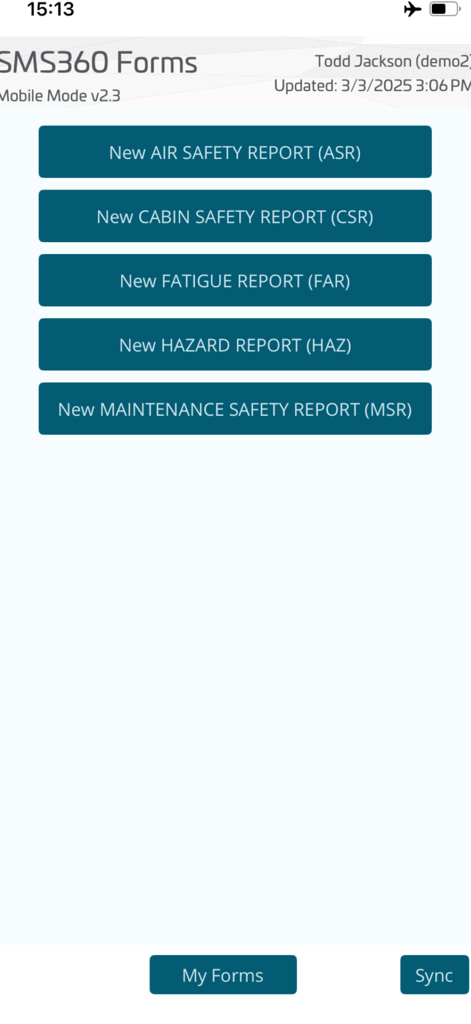
SMS360 My Forms utilizes the same form configurations established in the web-based SMS360 software. It supports safety-related form types like AIR SAFETY, CABIN SAFETY, FATIGUE, HAZARD, and MAINTENANCE SAFETY reports.
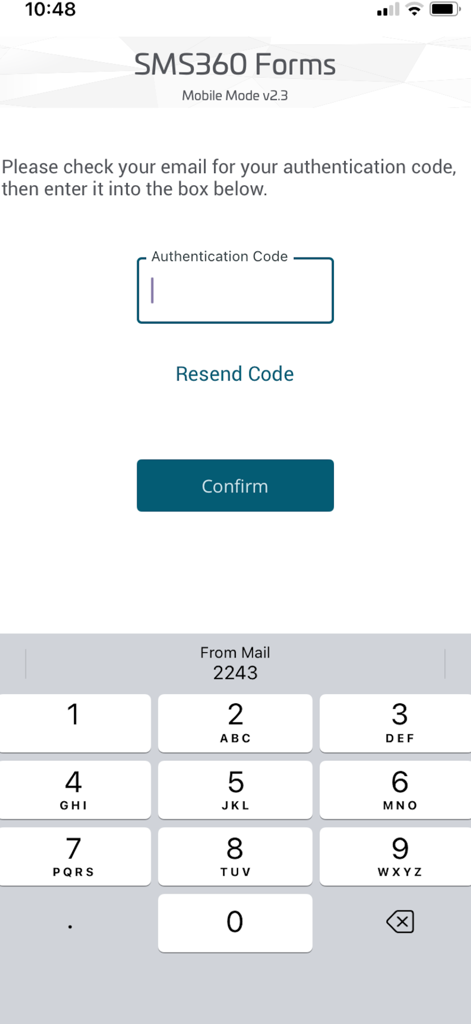
Yes, users log in to SMS360 My Forms by entering an authentication code. This code is sent to their email address for verification.
Yes, users can save incomplete occurrence forms as drafts within SMS360 My Forms. These drafts can be submitted at a later time.
Yes, the SMS360 My Forms App allows users to access the device camera to take new photos or add previously stored photos directly to their reports.
Form design changes made in the web-based SMS360 system are automatically downloaded to the SMS360 My Forms App when the device connects online.
SMS360 My Forms provides several status types for forms, including Waiting, Returned, Submitted, Accepted, Closed, and Draft. Users can view these statuses in the 'My Forms' section.
Top-ranked apps in the same category

Uber Technologies, Inc.

Airbnb, Inc.

ACADEMY OF RAILWAY SCIENCES CO., ltd.

Booking.com B.V.

GRABTAXI HOLDINGS PTE. LTD.

Trip.com Travel Singapore Pte. Ltd.

Didi Chuxing (Beijing) Network Platform Technology Co., Ltd

Beijing Qunar Information Technology Company Limit

BOLT TECHNOLOGY OU
App information, icons, screenshots, and descriptions displayed on this page are sourced from the Apple App Store and are the property of their respective developers. Download estimates and rankings are based on MWM's proprietary models and may not reflect actual figures. This page is provided for informational and analytical purposes only.
Believe this page infringes your intellectual property? File a dispute