SnapScan

SnapScan

Download on App Store
Logo of SnapScan

SnapScan: Your Seamless Bridge to Simple, Secure Payments

Whether you're settling bills back home or shopping on the go, manage your South African finances effortlessly with the trusted QR-code wallet powered by Standard Bank.

Download on App Store

Publisher

FireID (Pty) Ltd

Category

Finance

Downloads

532K+

User Rating

4.7/5

Total Ratings

1K+

Locales

1

Simplicity in Every Snap

Discover the interface used by 532K+ users.
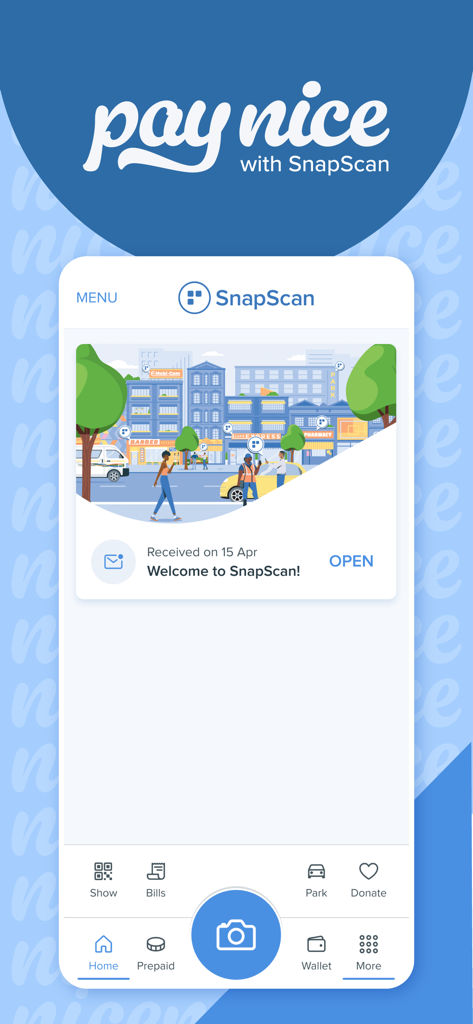
SnapScan mobile app home screen featuring a welcome message and various payment options

SnapScan mobile app home screen featuring a welcome message and various payment options

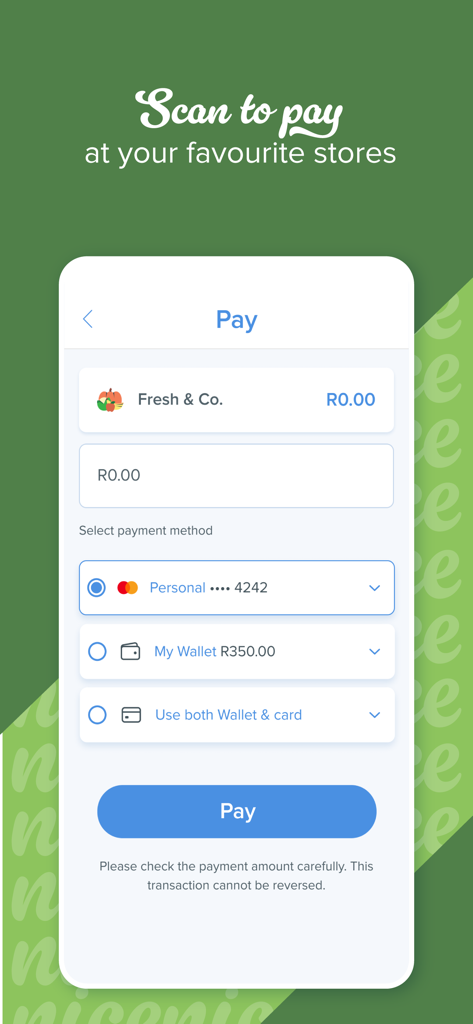
SnapScan app payment screen showing options to pay using a linked card or digital wallet balance

SnapScan app payment screen showing options to pay using a linked card or digital wallet balance

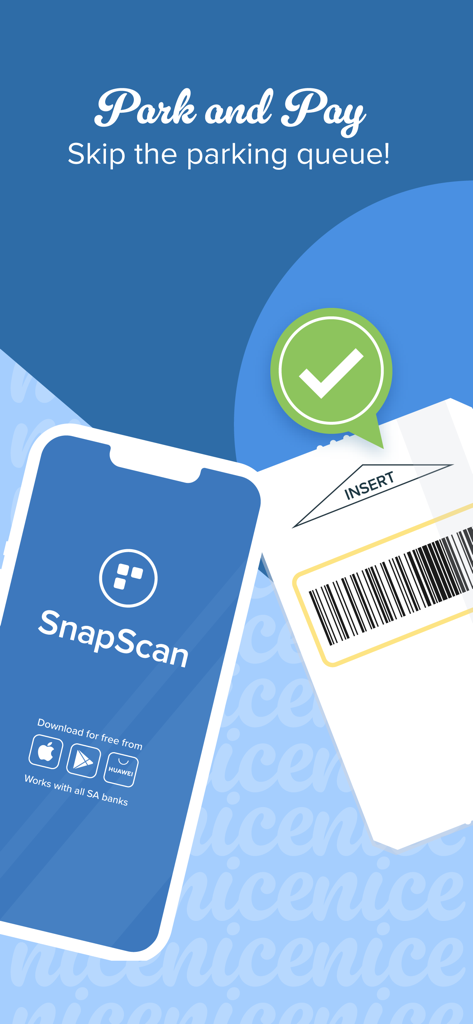
A smartphone displaying the SnapScan app alongside a parking ticket with a green checkmark indicating a successful mobile parking payment.

A smartphone displaying the SnapScan app alongside a parking ticket with a green checkmark indicating a successful mobile parking payment.

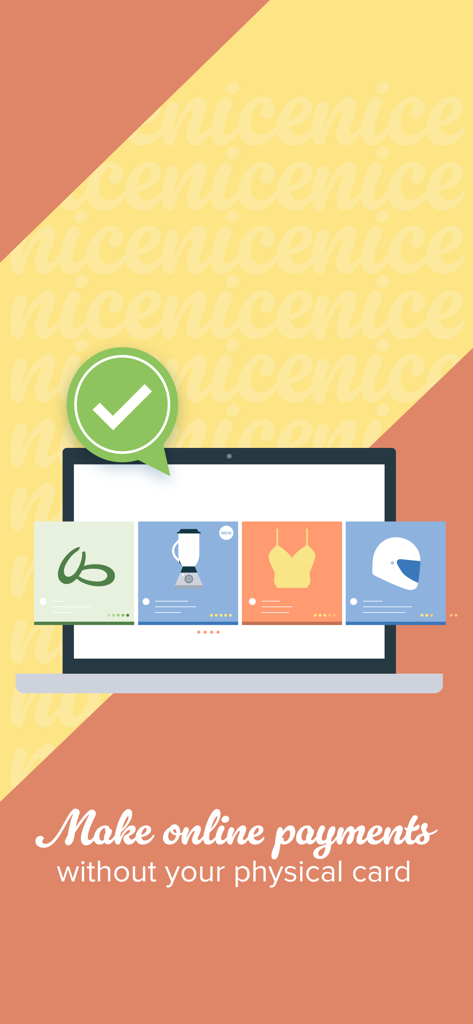
Illustration of making online payments with SnapScan on a laptop

Illustration of making online payments with SnapScan on a laptop

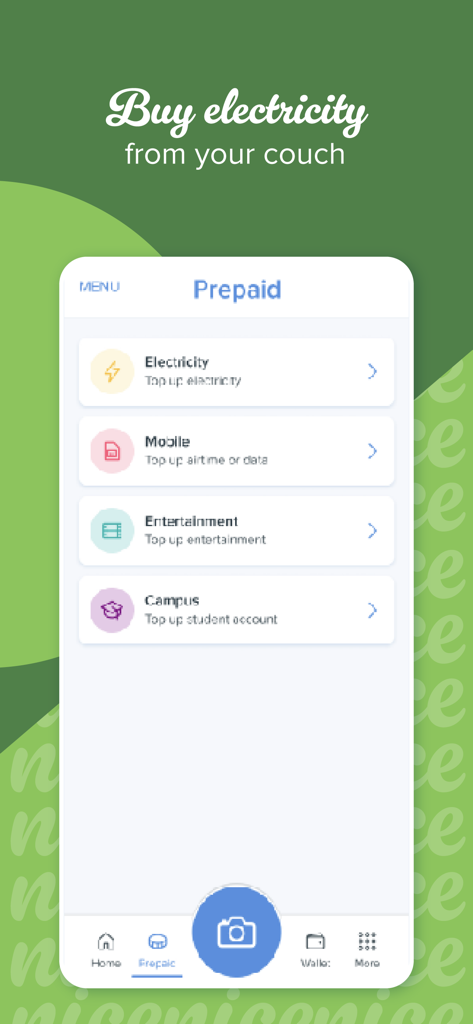
SnapScan app prepaid menu showing options to top up electricity and mobile airtime

SnapScan app prepaid menu showing options to top up electricity and mobile airtime

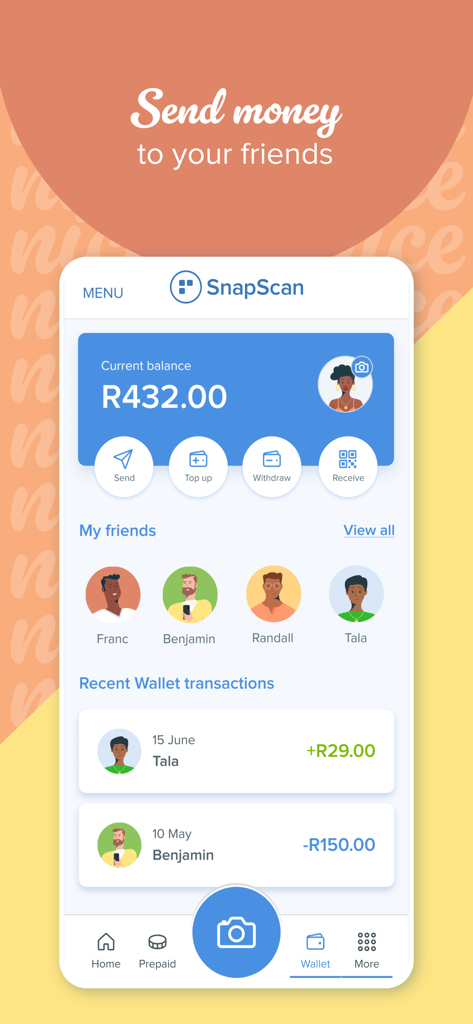
SnapScan mobile app interface showing wallet balance and options to send money to friends

SnapScan mobile app interface showing wallet balance and options to send money to friends

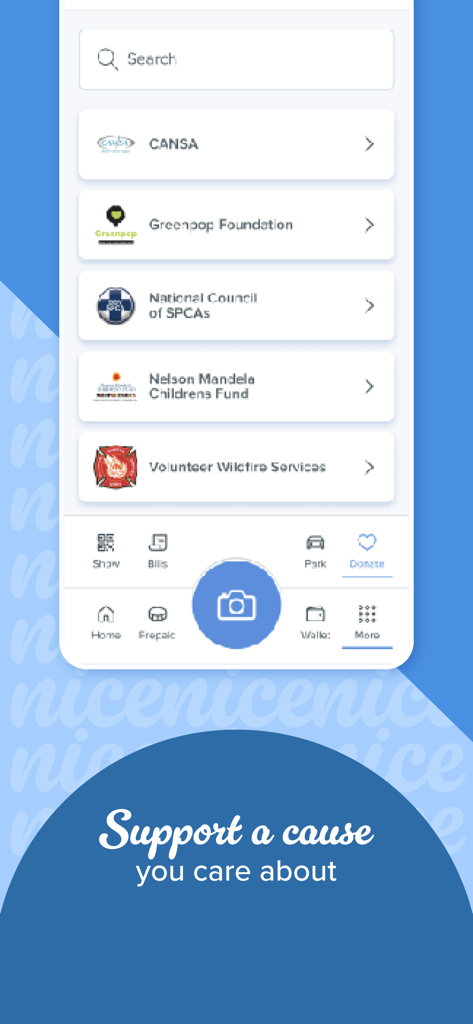
SnapScan mobile app screen showing a list of charities to support including the Nelson Mandela Childrens Fund

SnapScan mobile app screen showing a list of charities to support including the Nelson Mandela Childrens Fund

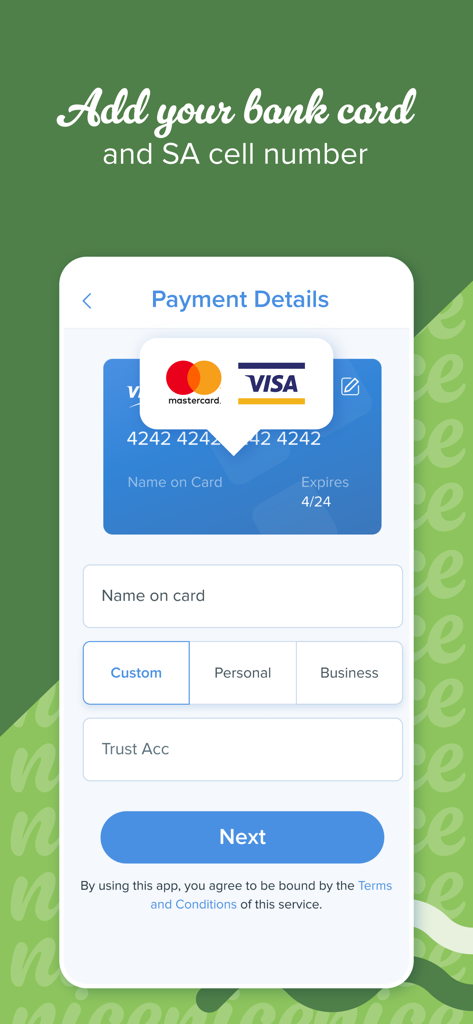
SnapScan mobile app interface showing the payment details screen to add a bank card and South African cell number.

SnapScan mobile app interface showing the payment details screen to add a bank card and South African cell number.

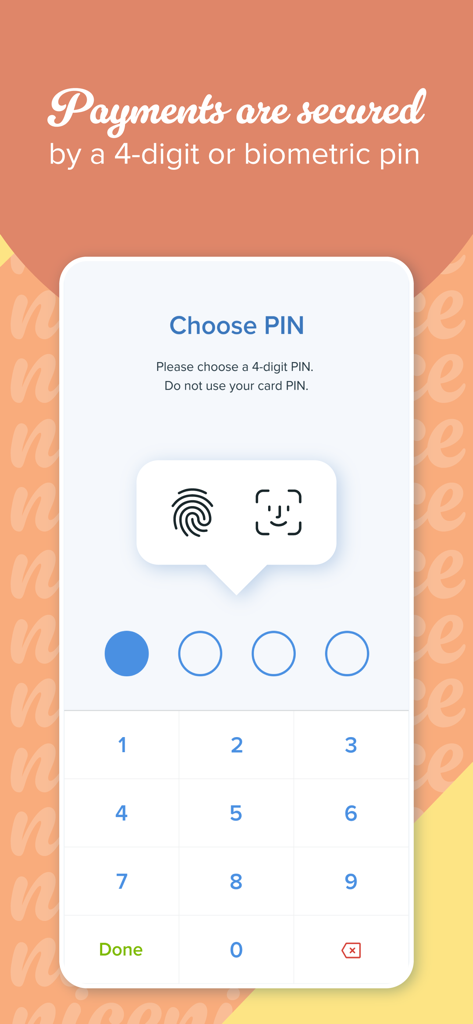
SnapScan app screen for setting up a 4-digit PIN and biometric authentication for secure payments.

SnapScan app screen for setting up a 4-digit PIN and biometric authentication for secure payments.

Fast, Secure, and Frictionless Payments

The tools that make this app stand out, trusted by 532K+ users.

Instant Scan & Pay

Breeze through checkouts at your favorite local spots or pay online without the hassle of entering card details every time.

🛡️

Advanced Security

Protect your transactions with industry-leading encryption and biometric authentication, all backed by the trust of Standard Bank.

🇿🇦

Stay Connected Home

The ultimate tool for expats. Easily pay South African utility bills, buy prepaid data, or send money to friends from across the globe.

About the app

Everything you need to know about SnapScan.

Description

Payments shouldn’t disrupt the joy of simple pleasures. Whether you’re on the go or on the couch, SnapScan allows you to make quick and easy payments. After installing the app, simply load your bank card and add a secure PIN or enable biometric authentication. It’s as simple as that. Pay nice: - Shop in-store and online - Pay for parking at various locations - Send money to friends - Buy prepaid electricity, airtime and data - Settle bills (via invoices and in the app) - Donate to charities, and set up recurring monthly donations Manage your account: - Load up to three cards to use for payments - Add a nickname for each card so you always know which card you’re using - Top up your SnapScan Wallet and make payments using the funds you loaded - Authenticate your payments with a 4-digit PIN or biometrics - Verify your account to withdraw money from your Wallet to your linked bank account, or send money in your Wallet to a friend What you need: A valid credit or eCommerce-enabled debit card (SnapScan works with all South African banks and most international credit cards). A South African cellphone number Need help? Our team is here for you at help@snapscan.co.za For additional information or to sign up as a merchant, visit our website: www.snapscan.co.za Powered by Standard Bank

Latest Version

3.7.16

Size

44.2 MB

First Released

Feb 11, 2013

Ready to Pay Nice?

Join over 500,000 users who have traded their bulky wallets for the speed and security of SnapScan. Download now and start enjoying the joy of simple, frictionless payments.

Download on App Store
FAQ

Frequently Asked Questions

Everything you need to know about SnapScan

What is SnapScan?

SnapScan is a mobile payment app designed for quick and easy transactions. It allows users to make in-store and online payments, pay for services, and manage funds directly from their mobile device.

How do I set up my SnapScan account for payments?

To set up SnapScan, install the app, load your bank card, and add a secure PIN. You can also enable biometric authentication for secure payments.

What payment options does SnapScan offer?

SnapScan enables payments for in-store and online shopping, parking, sending money to friends, purchasing prepaid electricity and airtime, settling bills, and donating to charities.

Can I send money to friends using SnapScan?

Yes, SnapScan allows you to send money to friends directly through the app's Wallet feature. This simplifies person-to-person transfers.

Which bank cards are compatible with SnapScan?

SnapScan accepts valid credit cards and eCommerce-enabled debit cards. It integrates with all South African banks and supports most international credit cards.

How does SnapScan ensure payment security?

SnapScan secures payments through a mandatory 4-digit PIN or biometric authentication. This security measure protects all transactions within the app.

Can I use SnapScan for online purchases?

Yes, SnapScan supports online payments, enabling users to complete transactions digitally without requiring a physical card.

What is the maximum number of bank cards I can add to SnapScan?

You can load up to three bank cards into your SnapScan account. Each card can be customized with a nickname for easy management.

Is a South African cellphone number required for SnapScan?

Yes, a valid South African cellphone number is a mandatory requirement to register and fully utilize the SnapScan app.

Can I withdraw funds from my SnapScan Wallet?

Yes, you can withdraw money from your SnapScan Wallet. Account verification is necessary to transfer these funds to your linked bank account.

App information, icons, screenshots, and descriptions displayed on this page are sourced from the Apple App Store and are the property of their respective developers. Download estimates and rankings are based on MWM's proprietary models and may not reflect actual figures. This page is provided for informational and analytical purposes only.

Believe this page infringes your intellectual property? File a dispute