
Solitaire by Staple Games

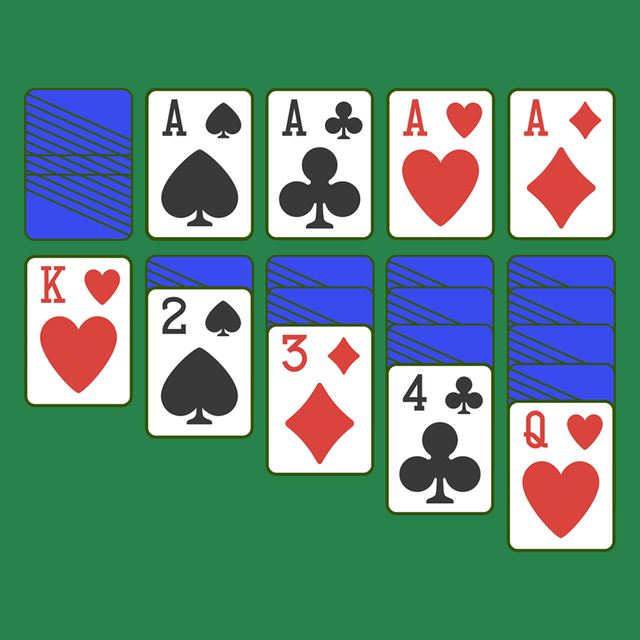
Experience the straightforward card game designed for clarity and focus. No distractions or unnecessary fluff—just intuitive gameplay and easy-to-read cards for a relaxing mental workout.
Publisher
Category
GamesDownloads
8M+User Rating
Total Ratings
708K+Locales
22Discover the interface used by 8M+ users.
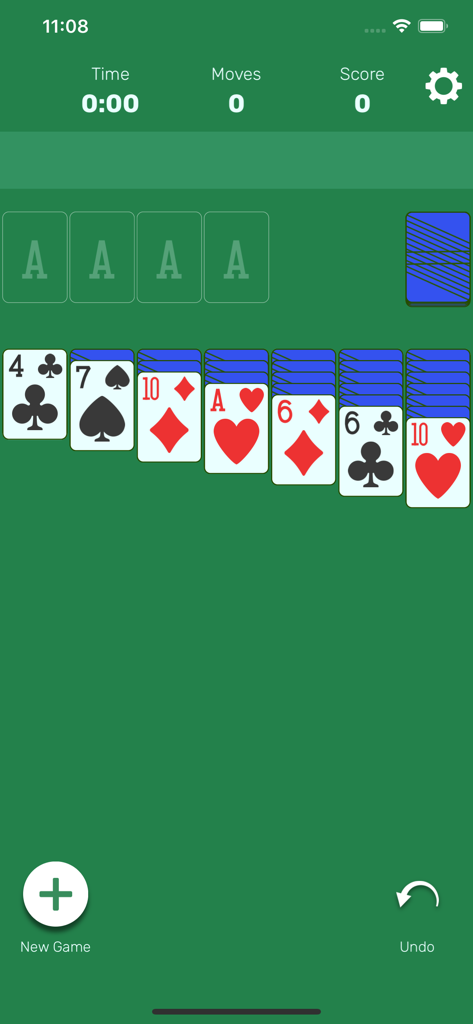
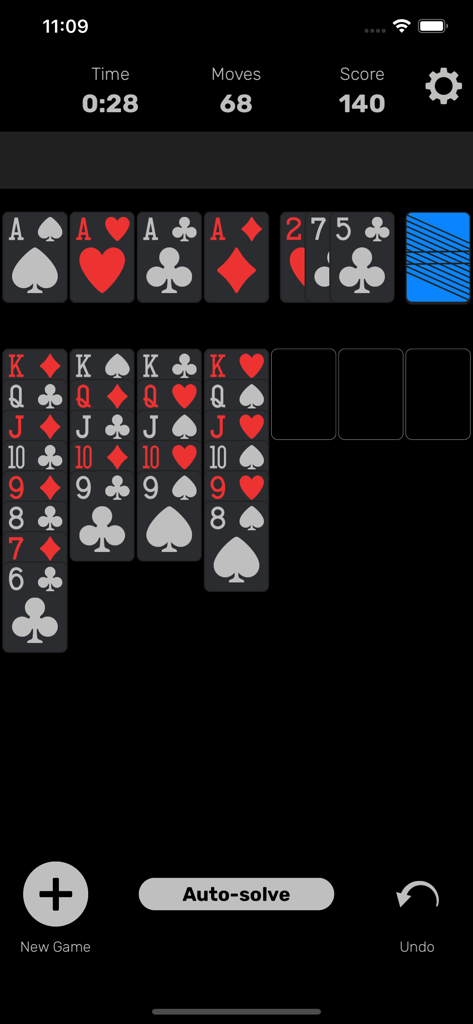
The tools that make this app stand out, trusted by 8M+ users.
Train your cognitive skills with a daily dose of Klondike, designed to keep your memory and logic sharp through every move.
Enjoy a clutter-free interface with large, easy-to-read cards and a soothing dark mode designed for comfort and focus.
With auto-save, unlimited undo, and intelligent hints, you can play at your own pace without any friction or frustration.
Everything you need to know about Solitaire by Staple Games.
Description
Latest Version
3.9
Size
50.8 MB
First Released
Mar 10, 2019
Join over 8 million players who trust us for a clean, distraction-free Solitaire experience. Start your daily brain training today.
Everything you need to know about Solitaire by Staple Games
Solitaire by Staple Games is a straightforward, minimalistic Klondike Solitaire card game app designed to train your brain without distractions. It focuses on intuitive gameplay with essential features.
Solitaire by Staple Games features include Draw 1 or 3 cards, easy-to-read cards, intuitive tap-to-play, intelligent auto-complete, right or left-handed play, auto-save, unlimited undo, statistics, Auto Helper, and Dark Mode.
Yes, Solitaire by Staple Games includes a Dark Mode feature. This allows users to switch to a darker theme for improved viewing comfort, as observed in the app's user interface.
To win in Solitaire by Staple Games, you must move all 52 cards to the four foundations. Cards must be placed in sequential order, from Ace to King, for each of the four suits.
Yes, Solitaire by Staple Games supports right or left-handed play. This feature provides flexibility for users to customize the gameplay experience to their preference, enhancing usability.
The "Auto Helper" in Solitaire by Staple Games assists players by making a valid move automatically if one exists. Users can activate this feature by tapping on any card when they are stuck.
Yes, Solitaire by Staple Games offers unlimited undo functionality. This allows players to reverse any number of previous moves without penalty, as indicated by the "Undo" button in the interface.
Yes, Solitaire by Staple Games includes an auto-save feature. This ensures that players never lose their progress, allowing them to resume games exactly where they left off at any time.
Klondike rules in Solitaire by Staple Games involve moving cards on Tableaus in descending order of alternating colors and filling empty columns with Kings. Cards move from Stock/Tableaus to Foundations (Ace to King).
Yes, Solitaire by Staple Games allows players to choose whether to pull 1 card or 3 cards at a time from the Stock/Deck. This setting can be adjusted within the app's options for customized gameplay.
Top-ranked apps in the same category

ARETIS LIMITED

XD Entertainment Co., Ltd.

Hitapps Games LTD

Roblox Corporation

Microfun Limited

Lessmore UG haftungsbeschraenkt

PLR Worldwide Sales Limited

FUNFLY PTE. LTD.

VITA STUDIO PTE. LTD.
App information, icons, screenshots, and descriptions displayed on this page are sourced from the Apple App Store and are the property of their respective developers. Download estimates and rankings are based on MWM's proprietary models and may not reflect actual figures. This page is provided for informational and analytical purposes only.
Believe this page infringes your intellectual property? File a dispute