Sonance - Visual Music Player

Sonance - Visual Music Player

Download on App Store
Logo of Sonance - Visual Music Player

Sonance - See Every Beat with Professional Audio Visualizations

The ultimate dashboard for audiophiles: a high-performance music player, spectrum analyzer, and decibel meter in one. Elevate your local library with stunning waveforms and a gesture-controlled UI optimized for safe driving and home mirroring.

Download on App Store

Publisher

Rare Works, LLC

Category

Entertainment

Downloads

239K+

User Rating

1.6/5

Total Ratings

0

Locales

1

See Every Beat

Discover the interface used by 239K+ users.
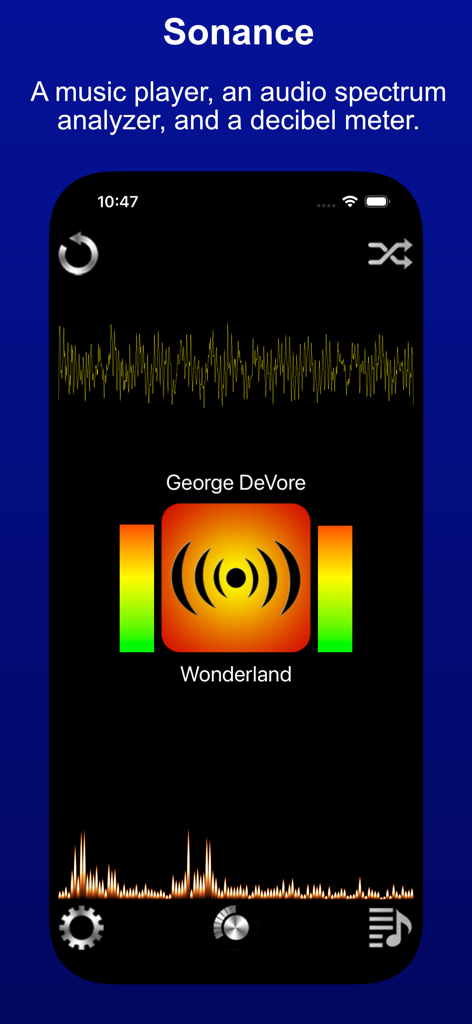
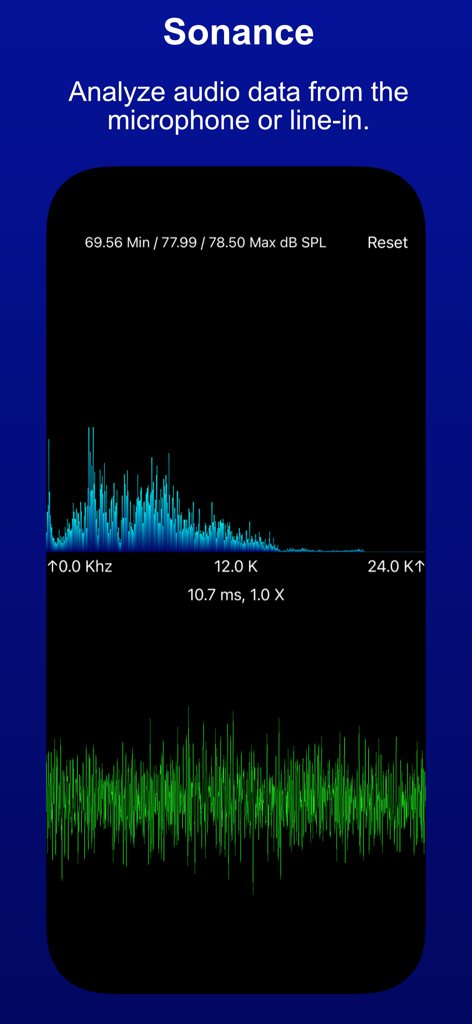
Sonance app interface showing audio waveform and spectrum analyzer

Sonance app interface showing audio waveform and spectrum analyzer

Sonance visual music player displaying audio spectrum and waveform analysis

Sonance visual music player displaying audio spectrum and waveform analysis

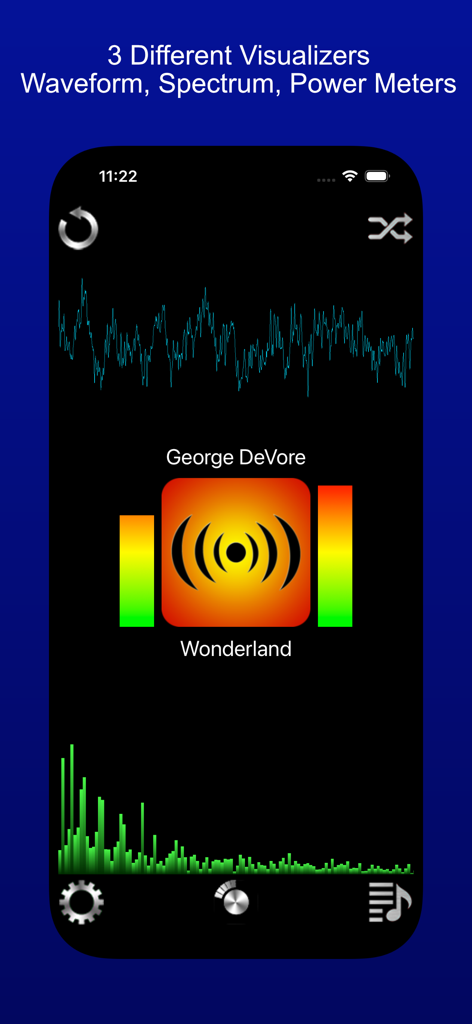
Sonance app interface showing waveform spectrum analyzer and power meter visualizers

Sonance app interface showing waveform spectrum analyzer and power meter visualizers

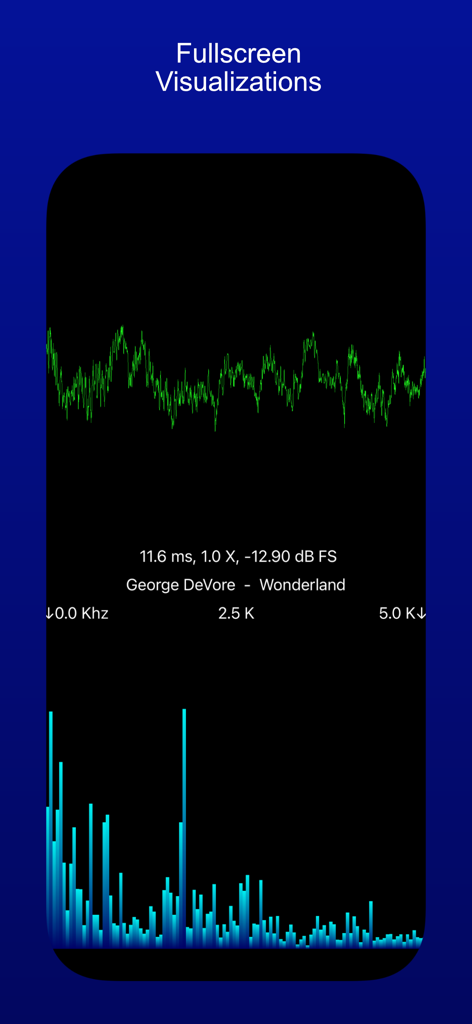
Fullscreen audio visualization showing a green waveform and blue frequency spectrum bars for a music track

Fullscreen audio visualization showing a green waveform and blue frequency spectrum bars for a music track

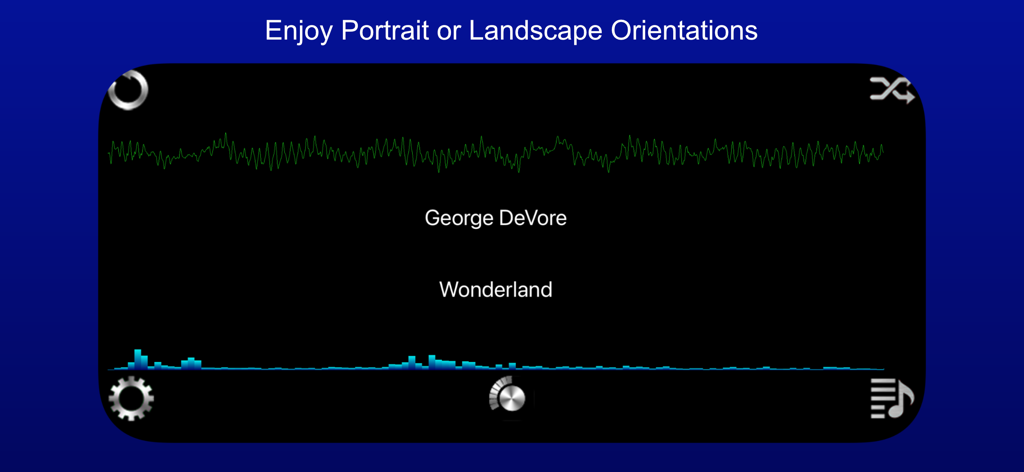
Sonance app interface in landscape orientation displaying music visualizations with a waveform and spectrum analyzer

Sonance app interface in landscape orientation displaying music visualizations with a waveform and spectrum analyzer

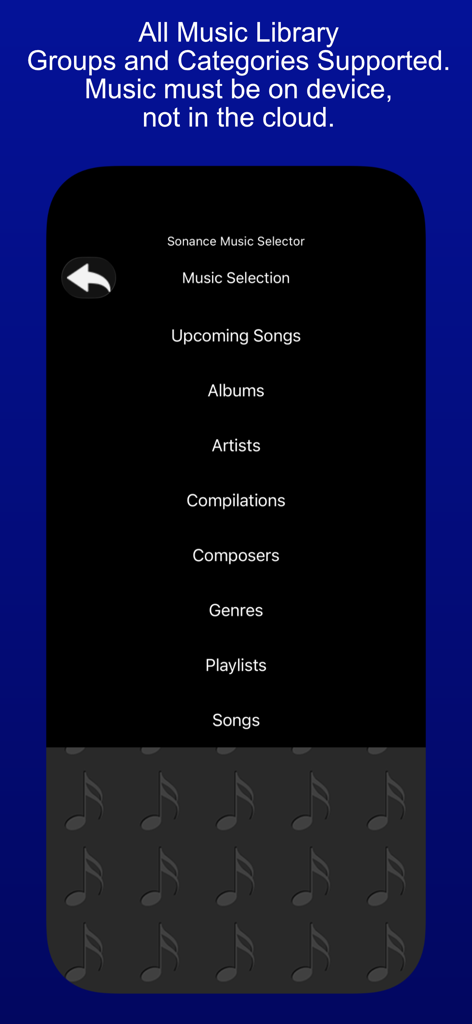
The music selector menu in the Sonance app showing categories like albums and artists for local music files

The music selector menu in the Sonance app showing categories like albums and artists for local music files

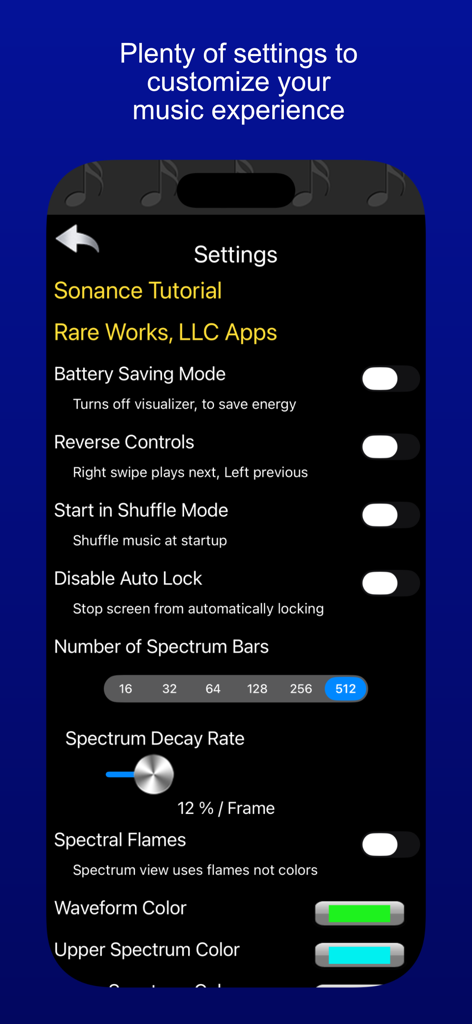
Settings menu of Sonance app showing visualizer and playback customization options

Settings menu of Sonance app showing visualizer and playback customization options

Elevate Your Audio Journey

The tools that make this app stand out, trusted by 239K+ users.

Stunning Visualizations

See the beat with real-time spectrum analysis and customizable waveforms that turn your music library into a dynamic digital art show.

🚘

Designed for the Road

Navigate your library safely with a specialized in-car UI featuring oversized buttons and intuitive swipe gestures for distraction-free control.

📏

Pro-Grade Audio Monitoring

Track decibel levels and analyze environmental frequencies from 0 to 24kHz with precision tools built for the tech-savvy enthusiast.

About the app

Everything you need to know about Sonance - Visual Music Player.

Description

Sonance - A music player, an audio spectrum analyzer, and a decibel meter. Sonance plays music that is on your device, and displays waveform and audio spectrum visualizations, plus power level meters. You can see the beat ! Sonance has an in-car user interface, with large buttons, and swipe gestures to move between songs. It's good to use while driving, since you don't have to focus much on it to make a desired change, yet it also has entertaining visualizations to enhance the musical experience, when you can focus on it. Sonance has an easy to use shuffle mode, as well as the ability to repeat one, or a queue of chosen songs. It has a variety of settings allowing personal customization of startup, user interface, and visualizer settings. The visualizer has a full screen mode, that allows for all manner of customization, via pinch and swipe gestures. Sonance also works well with AirPlay, and the visualizers look great when Mirroring your device. Sonance also has the ability to visualize input from the microphone. This allows you to have fun with sound ! It analyzes sound from the built in microphone, or from an attached external microphone, and displays both the audio input signal, and the "frequency bars", which are the results of the spectrum analysis. The audio input signal is displayed in the lower view as a waveform and the spectrum is displayed in the upper view as bars indicating the strength of that frequency within the audio input signal. Frequencies range from 0 hertz to 24000 Hertz or 24K, this is the range of the iPhone and iPad microphone, and also the general range of human hearing. The decibel meter shows audio levels in two metrics. Recorded audio levels are shown as dB FS ( Full Scale ), -120 db to 0 db. Where 0 db is the highest possible level. For audio levels from the microphone or line-in device, the levels are shown as dB SPL ( Sound Pressure Level ), 0 db to 100 db. 120 db can cause pain, 140 db can cause damage. You can use a horizontal and vertical pinches on either display to zoom in/out of the visualization. On the Spectrum display you can also use a slide gesture, to move the display left and right, allowing you to see specific frequencies in detail. Pinches are cumulative, so keep pinching. The settings panel allows you to reset the app to default settings, so have fun exploring sound !

Latest Version

3.3

Size

11.4 MB

First Released

Jul 9, 2010

Experience Your Music in Full Spectrum

Join over 239,000 audiophiles. Download the ultimate 3-in-1 visualizer, professional spectrum analyzer, and decibel meter to transform how you hear and see your music today.

Download on App Store

App information, icons, screenshots, and descriptions displayed on this page are sourced from the Apple App Store and are the property of their respective developers. Download estimates and rankings are based on MWM's proprietary models and may not reflect actual figures. This page is provided for informational and analytical purposes only.

Believe this page infringes your intellectual property? File a dispute