STEPS - MIDI Sequencer

STEPS - MIDI Sequencer


Download on App Store
Logo of STEPS - MIDI Sequencer

STEPS - MIDI Sequencer: Elevate Your Groove with Tactile Dial-Based Control

Break free from the piano roll. Sequence your apps and analog gear with an inspiring, performance-ready interface featuring Ableton Link, Bluetooth MIDI, and analog sync for your Korg Volcas and Pocket Operators.

Download on App Store

Publisher

Reactable Systems SL

Category

Music

Downloads

87K+

User Rating

3.9/5

Total Ratings

0

Locales

1

Beyond the Grid

Discover the interface used by 87K+ users.
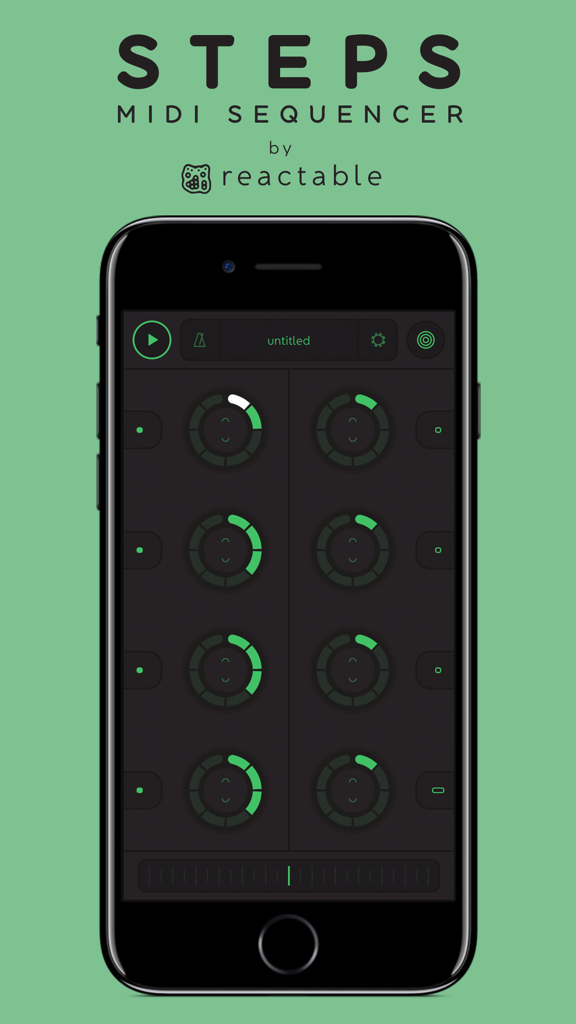
STEPS MIDI Sequencer app on a smartphone showing circular dials for music production.

STEPS MIDI Sequencer app on a smartphone showing circular dials for music production.

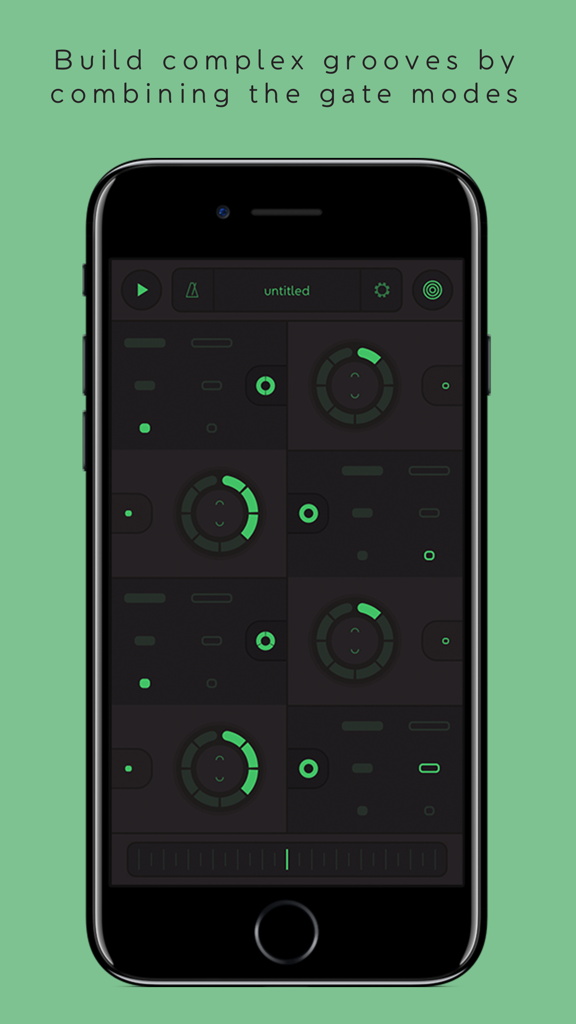
iPhone screen displaying the STEPS MIDI Sequencer app interface with dials for building complex grooves.

iPhone screen displaying the STEPS MIDI Sequencer app interface with dials for building complex grooves.

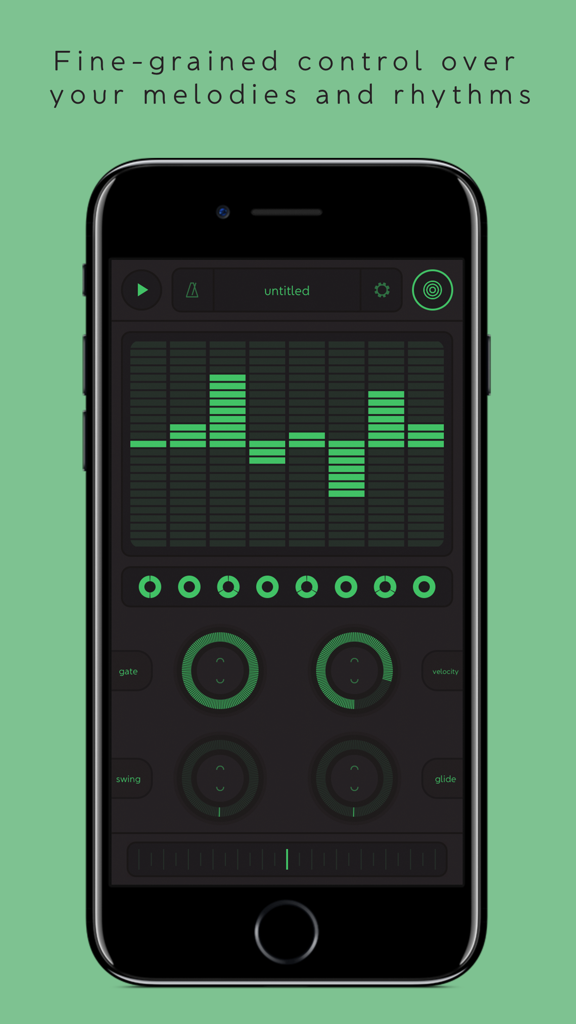
Mobile screen of STEPS MIDI Sequencer showing green dial controls for melodies and rhythms

Mobile screen of STEPS MIDI Sequencer showing green dial controls for melodies and rhythms

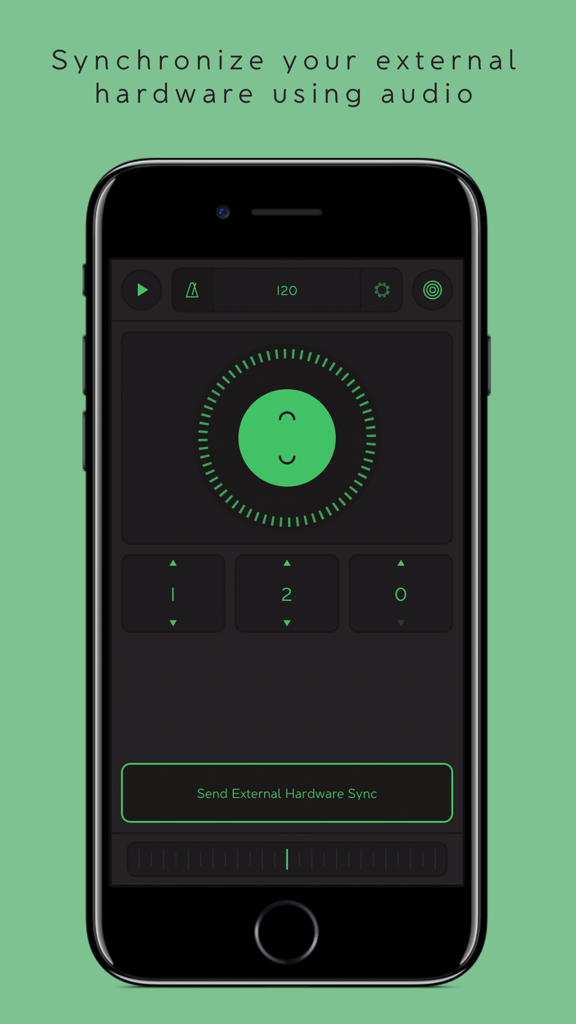
STEPS app interface showing the configuration for synchronizing external hardware via audio signals.

STEPS app interface showing the configuration for synchronizing external hardware via audio signals.

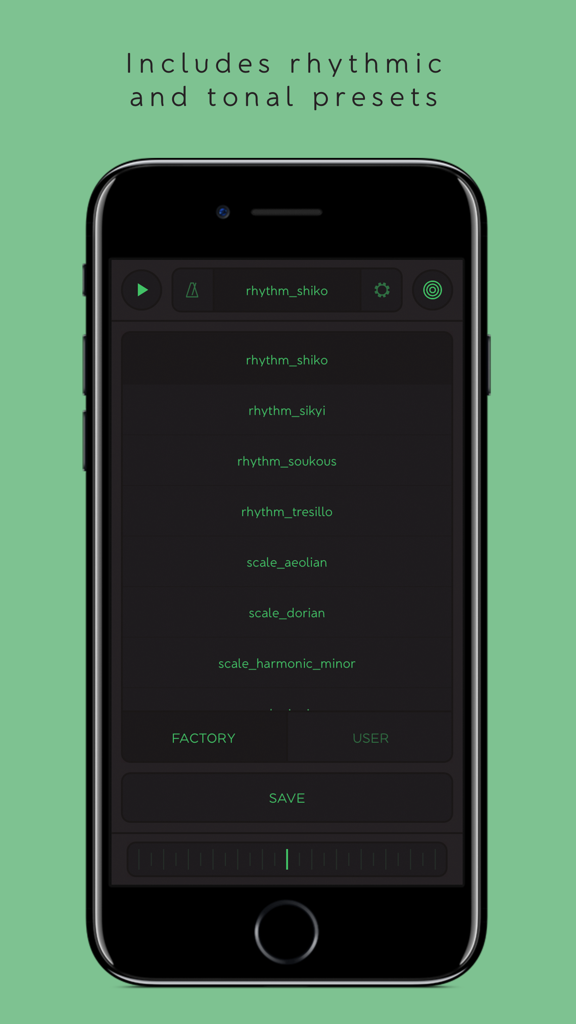
STEPS MIDI sequencer mobile interface displaying rhythmic and tonal presets.

STEPS MIDI sequencer mobile interface displaying rhythmic and tonal presets.

Master the Art of the Sequence

The tools that make this app stand out, trusted by 87K+ users.

🎛️

Tactile Dial Interface

Replace the friction of piano rolls with inspiring dials. Experience a fluid, non-linear workflow that prioritizes creative exploration and happy accidents.

🔗

Universal Studio Sync

Connect everything. From Bluetooth MIDI to analog gear like Korg Volcas via audio cable, plus Ableton Link for rock-solid timing across all your devices.

Pro-Grade Performance

Shape your sound live with global swing, gate, and glide controls. Designed for instant transitions from deep studio editing to high-energy stage performances.

About the app

Everything you need to know about STEPS - MIDI Sequencer.

Description

Steps by Reactable is a small yet powerful MIDI sequencer that allows you to create complex rhythmic patterns in a surprising new way. Forget piano rolls and experiment with Steps’ inspiring dials. With Steps you can control any MIDI compatible app, send MIDI over network to your laptop or any other compatible device, and even synchronize external hardware analog synths such as Korg Volcas or Pocket Operators via an audio cable. Features: - Plug and play MIDI-out system automatically sends to all available MIDI input ports and our own virtual port. - Bluetooth LE MIDI support - Audiobus 3 Support as MIDI and Audio Sender - Connect your iDevice with an external MIDI interface and control MIDI hardware. - Synchronize external hardware synths such as Korg Volca or Pocket operators via the audio output. - A carefully designed user interface that allows you to quickly switch between performance to editing mode. - Play together with Ableton Link and sync multiple apps and devices over WiFi. - Global Swing function (50% - 75%) - applied automatically to eight and sixteenth notes. - Save and recall sequences, seamlessly during playback. - Global bpm control ranging from 20 to 999 BPM. - Global Gate level allows global control of note duration. - Global MIDI velocity control. - Global Glide function applies pitch bend to small distances between adjacent steps (if the synth being controlled supports pitch bend). - Global transpose ribbon allows for easy transposition of the entire pattern. - Step pitch preview function (available while transport is stopped).

Latest Version

1.4

Size

7.5 MB

First Released

Apr 25, 2017

Break the Grid and Command Your Gear

Download STEPS to transform your mobile device into a tactile MIDI powerhouse. Seamlessly sync your hardware, master complex rhythms, and evolve your sound today.

Download on App Store

App information, icons, screenshots, and descriptions displayed on this page are sourced from the Apple App Store and are the property of their respective developers. Download estimates and rankings are based on MWM's proprietary models and may not reflect actual figures. This page is provided for informational and analytical purposes only.

Believe this page infringes your intellectual property? File a dispute