Sudoku 16x16

Sudoku 16x16

Download on App Store
Logo of Sudoku 16x16

Sudoku 16x16: The Ultimate Logic Challenge for True Experts

Step up to the massive 256-cell grid with 66,000 puzzles and professional tools designed for serious brain training and deep cognitive focus.

Download on App Store

Publisher

Vladimir Kussakov

Category

Games

Downloads

17K+

User Rating

4.1/5

Total Ratings

0

Locales

1

Master the Giant Grid

Discover the interface used by 17K+ users.
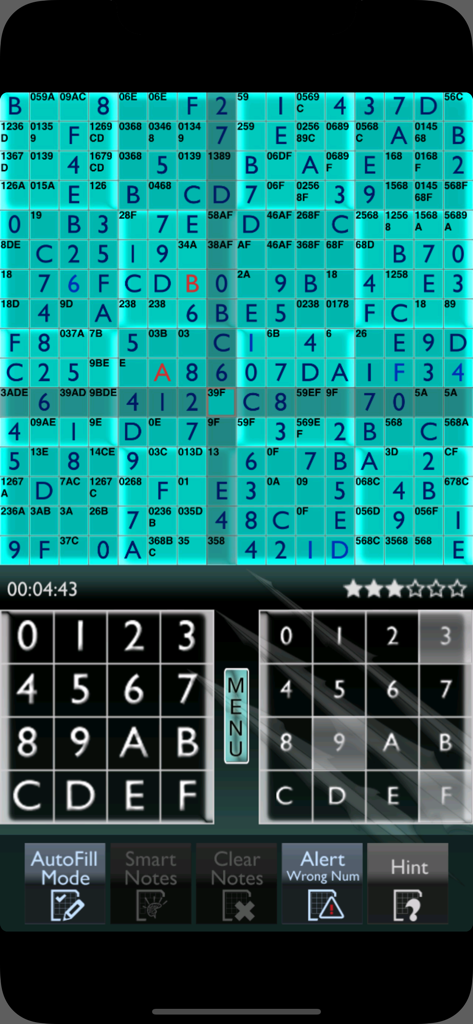
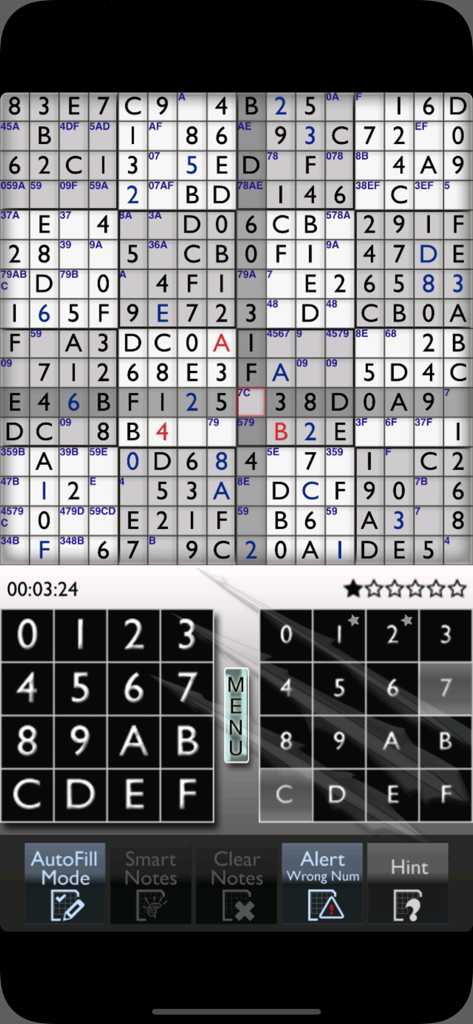
Mobile interface of a Sudoku 16x16 puzzle showing a large cyan grid with numbers and letters and expert gameplay controls

Mobile interface of a Sudoku 16x16 puzzle showing a large cyan grid with numbers and letters and expert gameplay controls

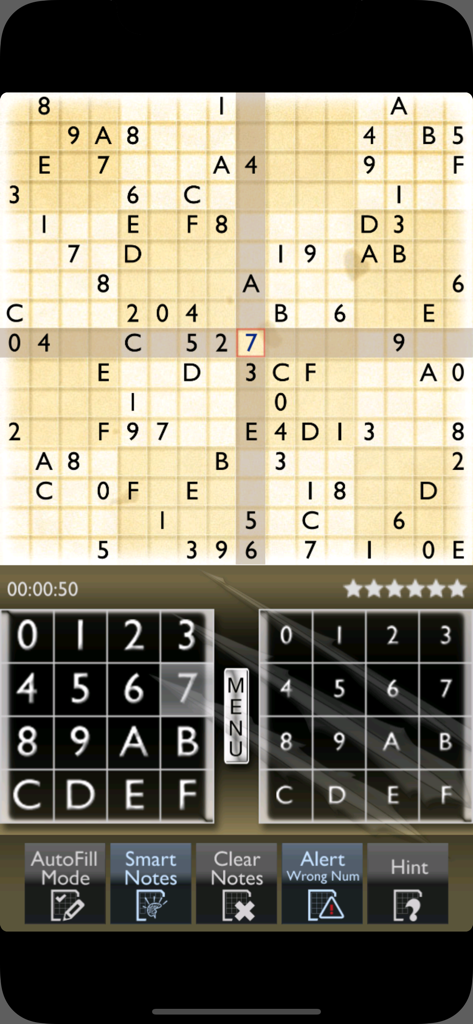
A 16x16 Sudoku grid with hexadecimal numbers and game controls on a mobile screen

A 16x16 Sudoku grid with hexadecimal numbers and game controls on a mobile screen

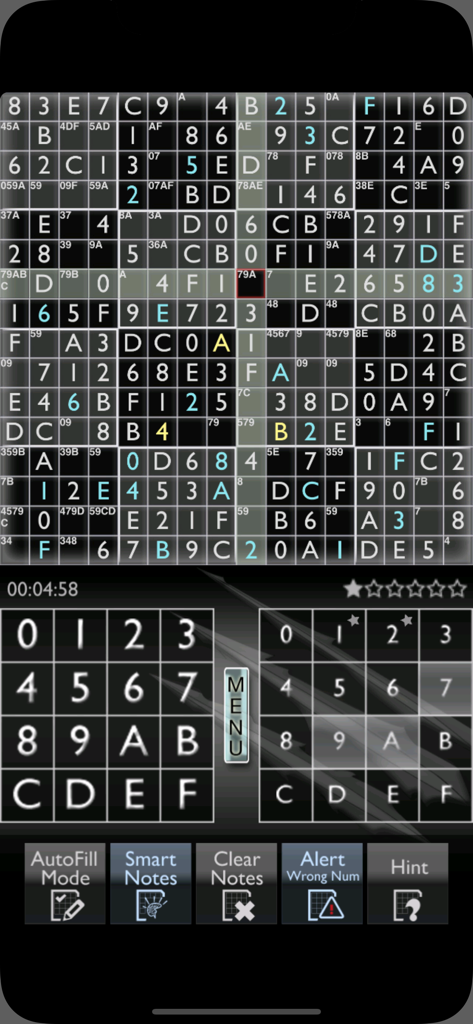
Interface of a 16x16 Sudoku puzzle with alphanumeric cells and expert logic features

Interface of a 16x16 Sudoku puzzle with alphanumeric cells and expert logic features

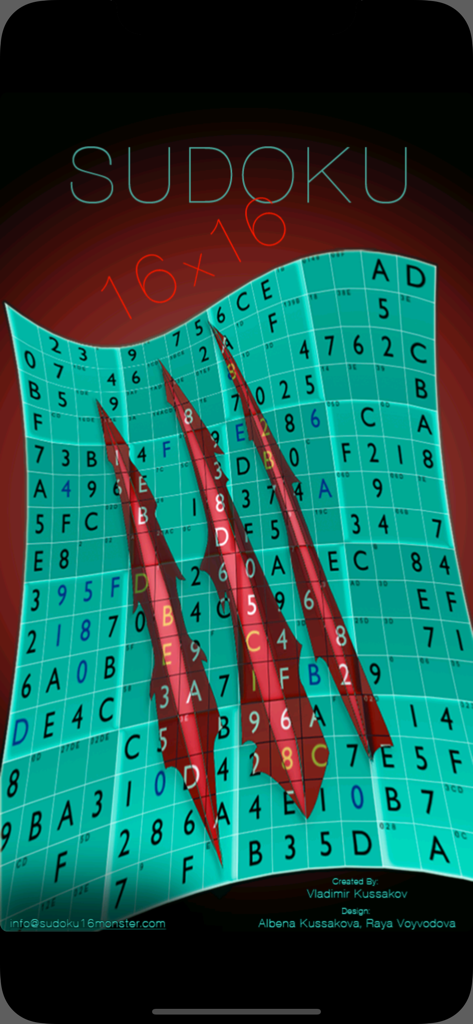
Title screen for Sudoku 16x16 showing a curved puzzle grid with large red claw marks

Title screen for Sudoku 16x16 showing a curved puzzle grid with large red claw marks

Gameplay screen of a 16x16 Sudoku puzzle featuring a large grid with numbers and letters and a control panel at the bottom

Gameplay screen of a 16x16 Sudoku puzzle featuring a large grid with numbers and letters and a control panel at the bottom

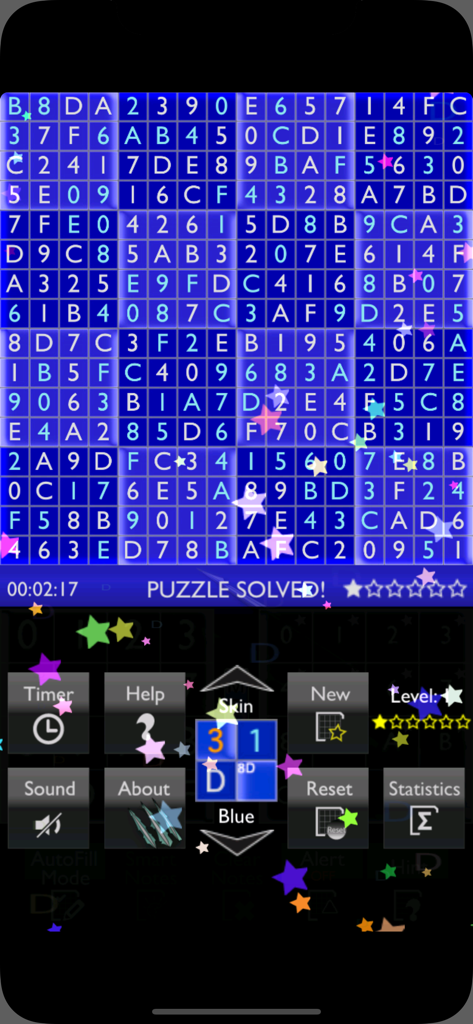
A solved 16x16 Sudoku puzzle grid with the message puzzle solved on a blue background

A solved 16x16 Sudoku puzzle grid with the message puzzle solved on a blue background

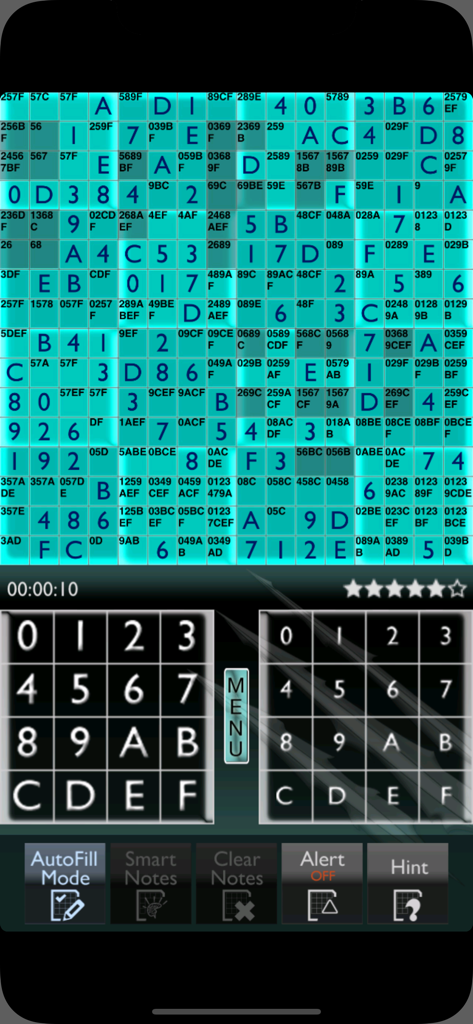
A large 16x16 teal Sudoku puzzle grid with numbers and letters on a mobile screen

A large 16x16 teal Sudoku puzzle grid with numbers and letters on a mobile screen

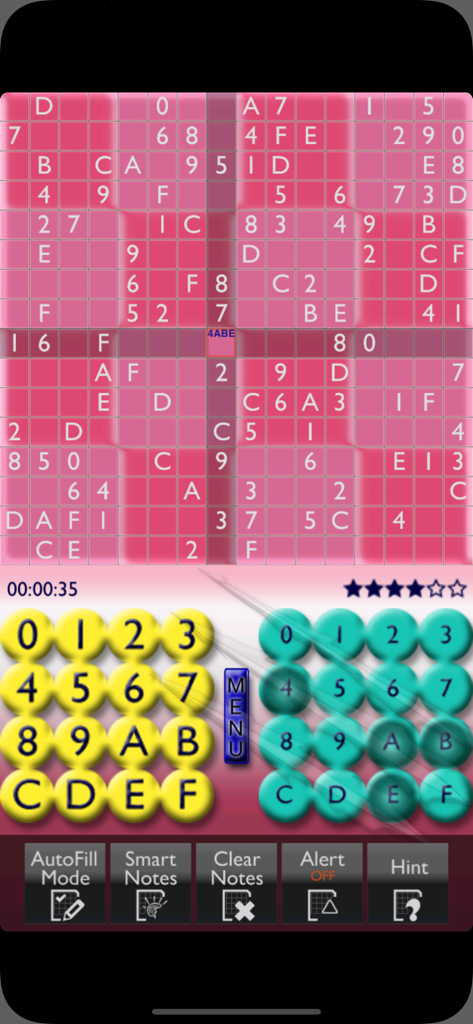
A pink 16x16 Sudoku puzzle grid with numbers and letters, featuring a yellow and teal input keypad at the bottom.

A pink 16x16 Sudoku puzzle grid with numbers and letters, featuring a yellow and teal input keypad at the bottom.

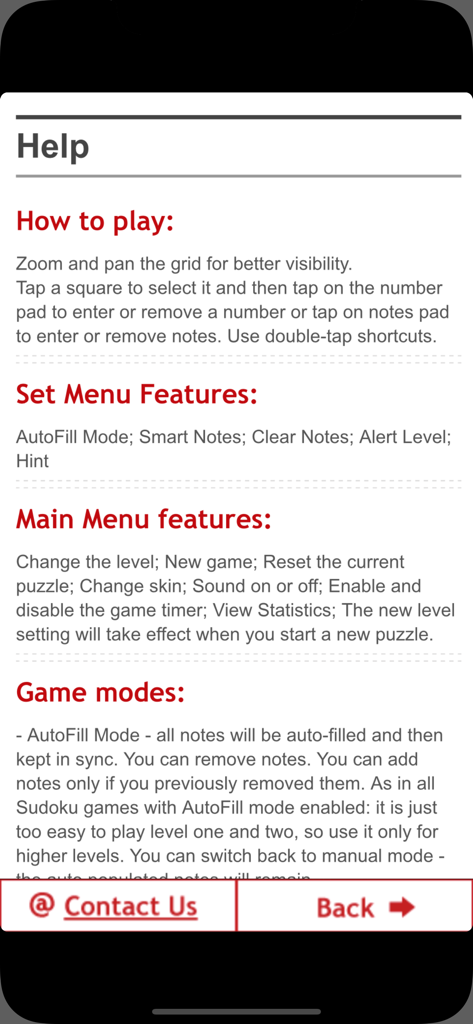
Help menu of the Sudoku 16x16 app showing instructions and game features

Help menu of the Sudoku 16x16 app showing instructions and game features

In-game manual for Sudoku 16x16 explaining puzzle notes and strategy instructions

In-game manual for Sudoku 16x16 explaining puzzle notes and strategy instructions

Master the Ultimate Logic Challenge

The tools that make this app stand out, trusted by 17K+ users.

🧠

Massive 256-Cell Complexity

Move beyond standard 9x9 puzzles with 66,000 grids across 6 difficulty levels, specifically crafted to push your focus and deductive reasoning to the limit.

āš™ļø

Pro-Grade Efficiency Tools

Focus on high-level strategy rather than tedious pencil work. Use Smart Notes, AutoFill, and Double-Tap shortcuts to streamline your solving experience.

šŸŽÆ

Precision Error Tracking

Stay in the zone with customizable alert levels. Toggle Conflict and Wrong Number warnings to match your preferred level of assistance or go full purist.

About the app

Everything you need to know about Sudoku 16x16.

Description

16x16 Sudoku! 66,000 puzzles, 6 levels, 6 color skins, Notes, AutoFill mode, Alerts, Helpers, Smart shortcuts and much more! Designed for iPhone and iPod. iPad users - please use the iPad version of the game specifically designed for iPad. Sudoku 16x16 MANUAL included - you think it is too hard for you - no such thing - read the manual and you will be ready. FEATURES AND OPTIONS: • 60,000 puzzles • 6 difficulty levels • 6 color skins for every taste • Sudoku 16x16 manual • Zoom and Pan grid for better visibility on smaller screens • 3 smart double-tap shortcuts • AutoFill mode • Manual mode • Manual mode with Smart Notes • Conflict alert (With hidden conflicts warning) • Wrong Number Alert • Number-Finder feature • Mark-Completed feature • Show all notes in manual mode feature • Hint feature • Clear notes and reset features • Game statistics • Timer FEATURES EXPLAINED: • AutoFill Mode - all notes will be automatically populated and then kept in sync with the numbers you enter. You can remove notes. You can add notes only if you previously removed them. In this mode the game does everything for you and lets you do the thinking. You can switch back to manual mode - the auto-populated notes will remain. • Manual Mode - you are responsible for adding/removing notes. No restrictions. • Manual Mode with "smart notes" - you are responsible for adding/removing notes, but the game will auto cleanup the corresponding notes when you enter a new number. If you change your mind and remove the number the game will put them back. In manual mode you can use the "Clear Notes" button to clear all notes. • Clear notes - in manual mode clears all notes • Hint - press the "Hint" button and one unknown number will be revealed ALERT LEVELS: • OFF - No alerts • Conflicts Alert - When the entered number conflicts with another number on the same row, column or box it will be colored in red and you will hear an alert sound. Hidden conflicts warning. • Wrong Number alert - When the entered number doesn't match the real number it will be colored in red and you will hear an alert sound. DOUBLE-TAP SHORTCUTS - very convenient for this type of big puzzle: 1. If you want to quickly remove a number you entered - just double-tap it 2. When there is only one note in a certain square - double tap it and the note will become the number 3. If a row, column or sub-square is populated with unique numbers and there is only one number left - double-tap the square - the remaining number will appear Double-tap shortcuts reduce the solving time by 10 - 20%. NUMBER-FINDER FEATURE: When nothing is selected tap a number in the notes pad or in the number pad. All squares containing this note or this number will be highlighted; This feature will allow you to solve the puzzle much faster: 50% in AutoFill mode and 20% in Manual mode. For some players it is half of the fun to find the correct notes by themselves and solve it without any extra help. Don't use the feature if you are one of those players. APPROXIMATE SOLVING TIMES (without number finder feature): Level 6 - AutoFill:60 min; Manual: ... well it depends Level 5 - AutoFill:30 min; Manual: 2 hours Level 4 - AutoFill:20 min; Manual: 1.5 hours Level 3 - AutoFill:10 min; Manual: 1 hour Level 2 - AutoFill: 5 min; Manual: 40 min Level 1 - AutoFill: 2 min; Manual: 20 min NOTE: Solving times of advanced Sudoku players. As in all Sudoku games with AutoFill notes mode enabled - it is just too easy to play levels 1 and 2, so use it for higher levels. You can solve it about 10% faster using the iPad version. **** NOTE **** If it looks like you have solved the puzzle, but nothing happens or the numbers don't make sense - please don't write a bad review, but set the alert level to "Wrong Number" to see what is wrong. CONTACT US Tap the email address on the Help or About screen - we will give you hints and directions of how to resolve any problem. Enjoy :-)

Latest Version

2.2

Size

34.3 MB

First Released

Feb 2, 2011

Master the World’s Most Demanding Logic Test

Join 17,000+ dedicated solvers and dive into 66,000 massive 16x16 puzzles. From AutoFill efficiency to pure manual mastery, give your brain the professional-grade workout it deserves.

Download on App Store

App information, icons, screenshots, and descriptions displayed on this page are sourced from the Apple App Store and are the property of their respective developers. Download estimates and rankings are based on MWM's proprietary models and may not reflect actual figures. This page is provided for informational and analytical purposes only.

Believe this page infringes your intellectual property? File a dispute