
Tattoo Stencil Lab


Stop wasting hours on manual tracing. Get total control over your line work with adjustable edge detection and custom presets. 100% private, works offline, and zero subscriptions—built specifically for the modern tattooer’s workflow.
Publisher
Category
Graphics & DesignDownloads
0User Rating
Total Ratings
0Locales
1Discover the interface used by 0 users.
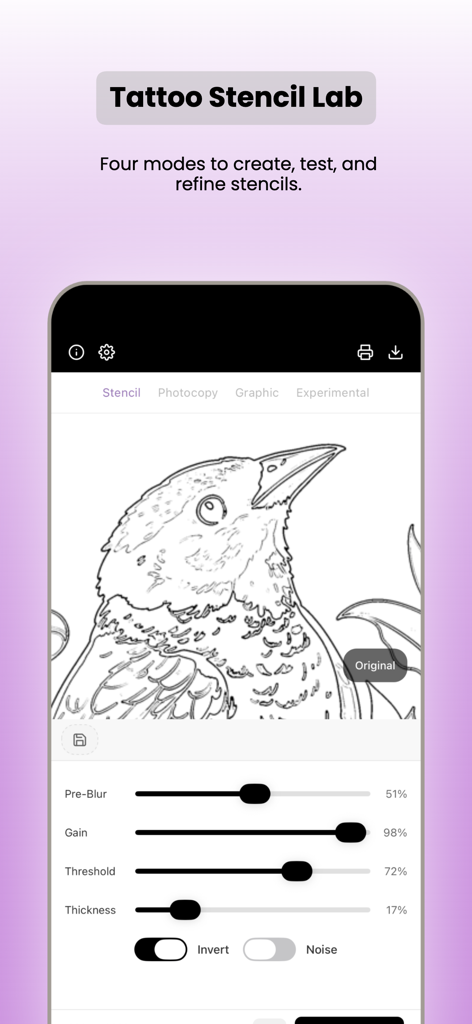
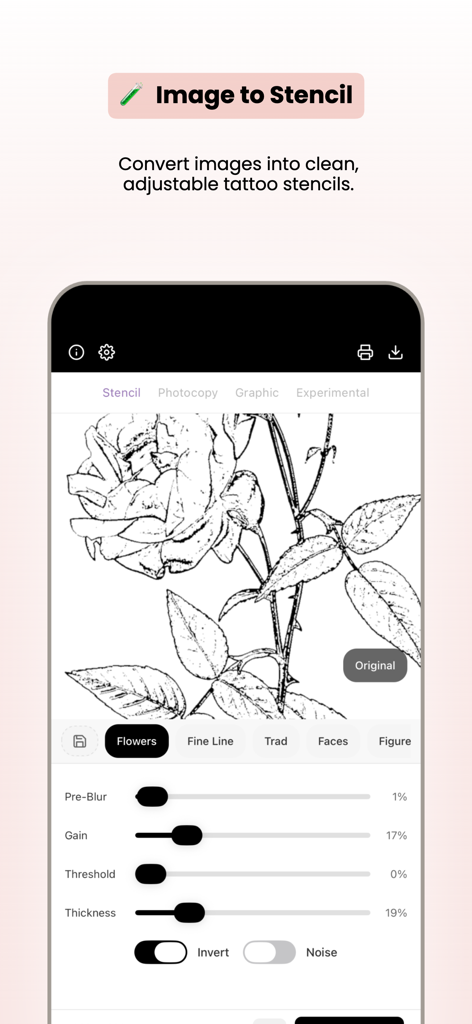
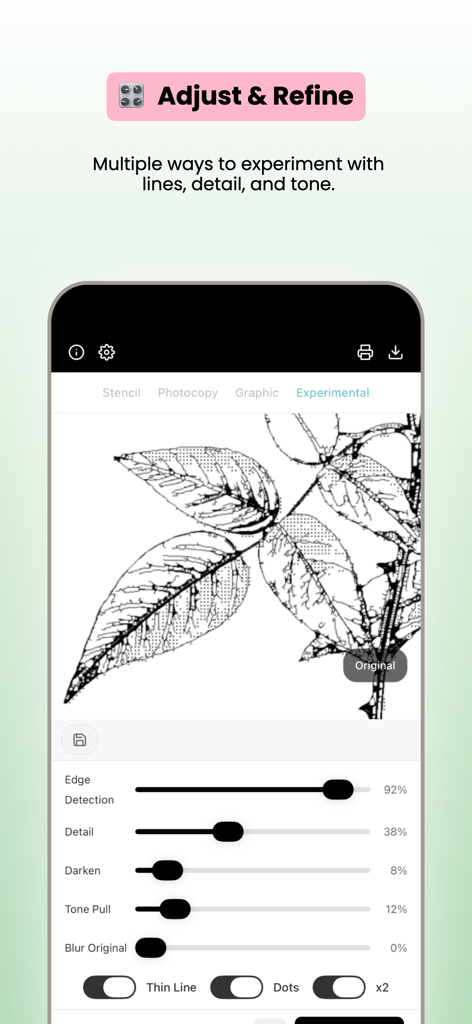
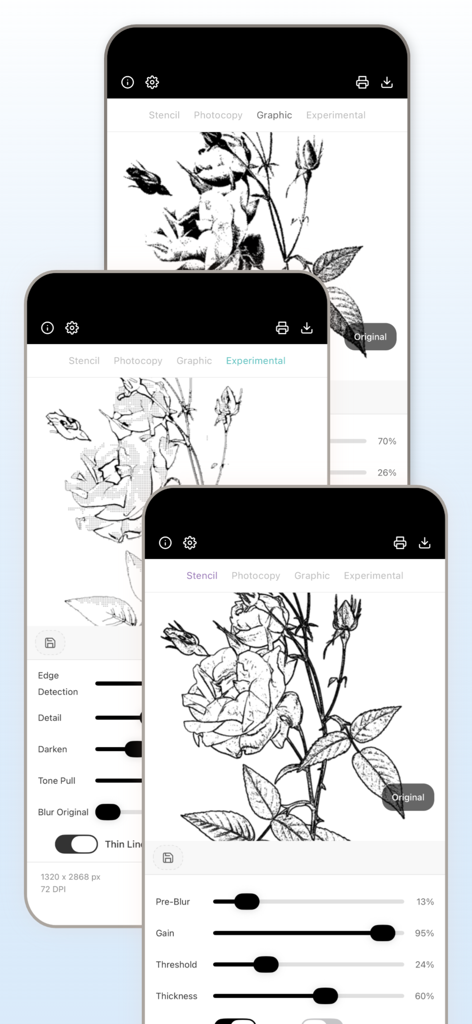
The tools that make this app stand out, trusted by 0 users.
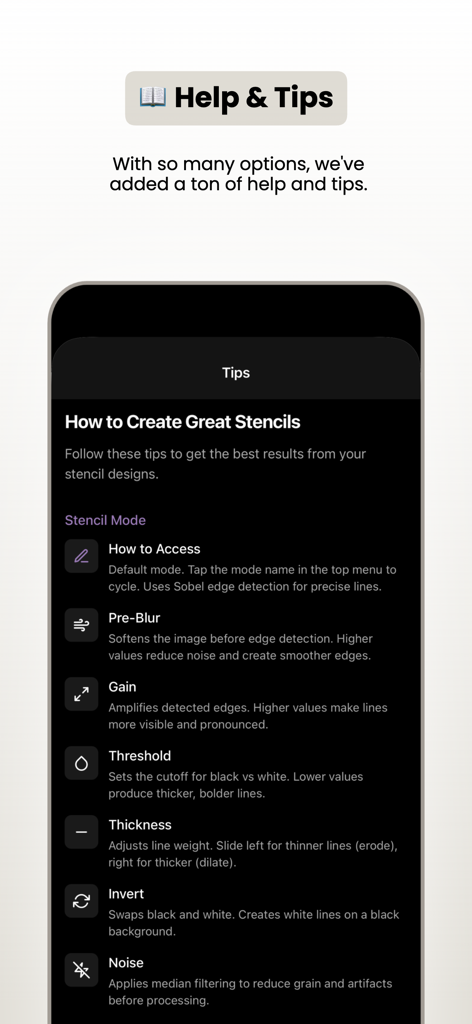
Dial in edge detection and line thickness to ensure a perfect transfer that won't smudge or disappear during your session.
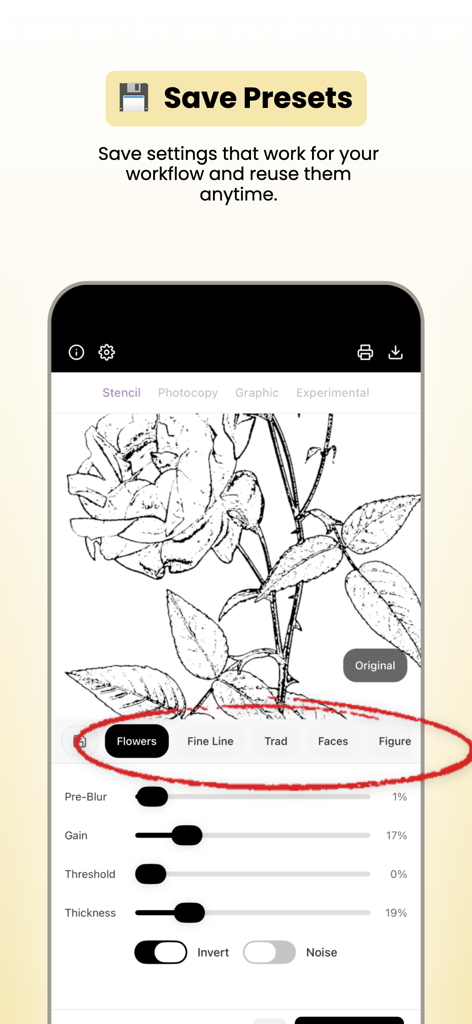
Save your favorite settings for different styles and printers to slash prep time and maintain consistent quality every time.
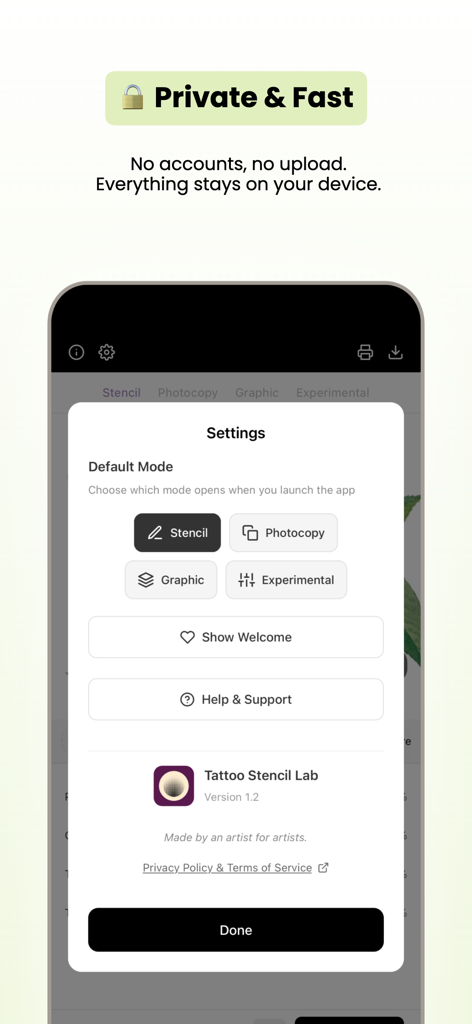
No accounts, no subscriptions, and zero image uploads. Your clients' photos stay on your device—perfect for busy shops or conventions.
Everything you need to know about Tattoo Stencil Lab.
Description
Latest Version
1.2
Size
35.6 MB
First Released
Feb 3, 2026
Stop fighting with filters and start creating professional-grade stencils. No subscriptions, no cloud uploads, and total control over every line. Download Tattoo Stencil Lab today.
Everything you need to know about Tattoo Stencil Lab
Tattoo Stencil Lab is a professional stencil maker designed for tattooers, painters, and graphic designers. It creates clean, black-and-white stencils from photos with precise control over details and tone.
Tattoo Stencil Lab allows users to create stencils from photos, adjust edge detection, control fine detail, thicken/thin lines, add tonal information, blur images, save presets, and export stencil-ready images.
No, Tattoo Stencil Lab does not require accounts, subscriptions, or image uploads. All images remain on your device, and the app works offline for privacy and speed.
Yes, users can save and reuse custom stencil presets in Tattoo Stencil Lab. This feature allows artists to apply proven settings anytime, optimizing their workflow.
Tattoo Stencil Lab provides adjustable edge detection for clean outlines and features to thicken or thin lines. Users can precisely control line work for better stencil transfer.
Tattoo Stencil Lab offers four distinct modes for creating and refining stencils: Stencil, Xerox, Graphic, and Tones. These modes provide various tools for experimentation.
Yes, Tattoo Stencil Lab allows users to manually adjust up to six separate areas within an image. This "Selective Mode" provides precise control over specific spots.
Yes, Tattoo Stencil Lab supports both light and dark mode appearances. Users can choose the environment that best suits their preferences or working conditions.
Tattoo Stencil Lab is designed for tattooers, painters, designers, and all artists who seek greater control over their stencil process. It aims to improve final product quality.
Tattoo Stencil Lab can pull in tonal information from the original image to provide a shading reference. This helps artists create more detailed and nuanced stencils.
Top-ranked apps in the same category

LOHAS GAMES PTE. LTD.

Xiamen ShenZhuo Information Technology Co., Ltd.

BYTEDANCE PTE. LTD.

HUBX YAZILIM HIZMETLERI ANONIM SIRKETI

ibis inc.

Woohoo Tech. Ltd.

Sketchbook, Inc.

Guangzhou ZHIFENG Information Technology Co.,Ltd.

GM UniverseApps Limited
App information, icons, screenshots, and descriptions displayed on this page are sourced from the Apple App Store and are the property of their respective developers. Download estimates and rankings are based on MWM's proprietary models and may not reflect actual figures. This page is provided for informational and analytical purposes only.
Believe this page infringes your intellectual property? File a dispute