
TestMaker: make your own quiz


The ultimate active recall tool for students and professionals. Build personalized quizzes, import from your PC, and ace your exams with custom practice available anywhere, anytime.
Publisher
Category
EducationDownloads
614K+User Rating
Total Ratings
11K+Locales
30Discover the interface used by 614K+ users.
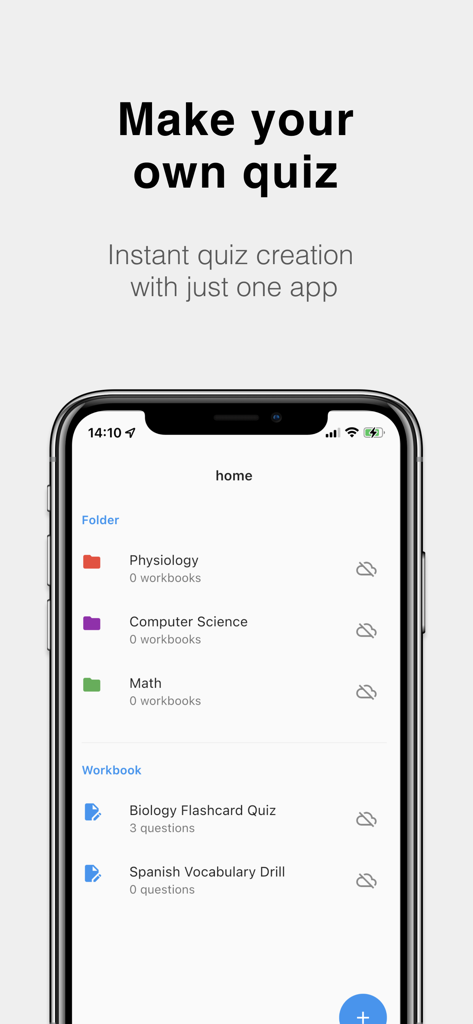
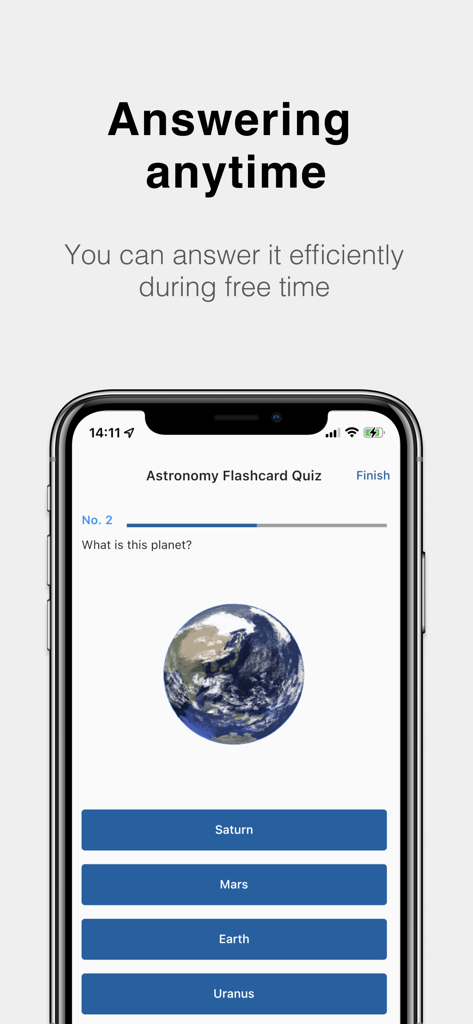
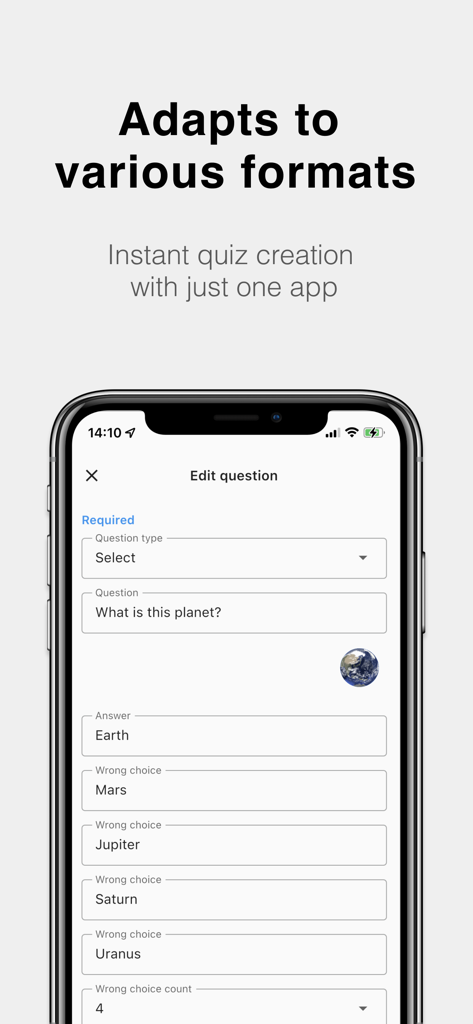
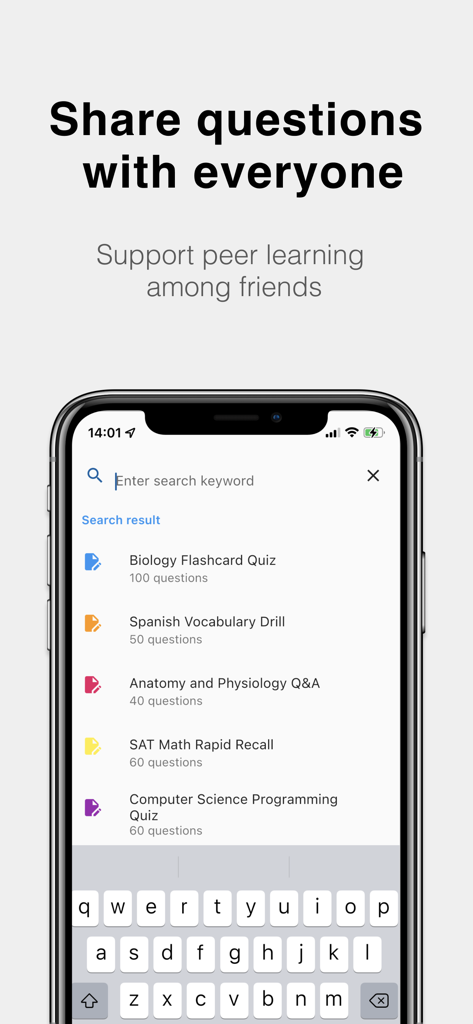
The tools that make this app stand out, trusted by 614K+ users.
Skip the tiny keyboard. Convert text files from your laptop into mobile quizzes instantly for a seamless, professional workflow.
Master any subject with multiple-choice or short-answer modes. Add images to your questions to conquer complex diagrams or flashcards.
Export and share your quiz sets with classmates or students. Perfect for quick review sessions during your commute or between classes.
Everything you need to know about TestMaker: make your own quiz.
Description
Latest Version
11.2.9
Size
103.8 MB
First Released
Feb 7, 2017
Join over 614,000 students and professionals who turn their notes into custom quizzes. Download TestMaker today and start practicing active recall on the go.
Everything you need to know about TestMaker: make your own quiz
TestMaker allows users to create their own quizzes by making a collection of questions. The app supports instant quiz creation with various formats, including short questions and selection questions.
TestMaker supports two primary question types: short questions and selection questions. Users can also paste images into question statements and customize choices, including automatic generation for selection questions.
Yes, TestMaker enables users to share tests with friends. It also features a text file-test conversion function, allowing editing questions on a PC and sending them to others.
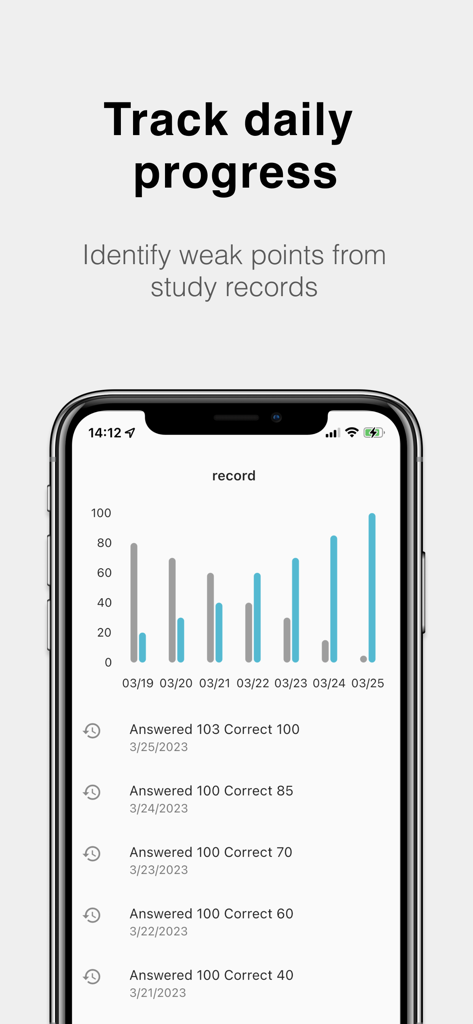
Yes, TestMaker includes a feature to track daily progress. This allows users to identify their weak points from study records, providing a clear overview of their learning performance over time.
TestMaker is used for memorization of foreign languages, archaic terms, official information, history, and test preparation for various exams. It also supports creating custom memorization books.
Yes, users can purchase a "removeAd function" within the TestMaker app. This allows for an ad-free experience while creating and taking quizzes.
Yes, TestMaker allows users to paste images directly into question statements. This feature enhances the customization options for creating diverse and engaging quiz content.
Apps with similar features and user experience

MaiMemo Inc.

Apeiro Corp.

Kenhub GmbH Mobile

Beijing Shark Pioneer Network Technology Co.,Ltd

Atlas Educational Software

yangtuo education technology Co. Ltd.

HappyBit Tech Co., Ltd.

Artem Sysoev

LEE YONGHEE
App information, icons, screenshots, and descriptions displayed on this page are sourced from the Apple App Store and are the property of their respective developers. Download estimates and rankings are based on MWM's proprietary models and may not reflect actual figures. This page is provided for informational and analytical purposes only.
Believe this page infringes your intellectual property? File a dispute