
Thesys


Master your studio and stage with precision sequencing, organic pattern mutation, and seamless AUv3 integration for the ultimate mobile workflow.
Publisher
Category
MusicDownloads
15K+User Rating
Total Ratings
100Locales
1Discover the interface used by 15K+ users.
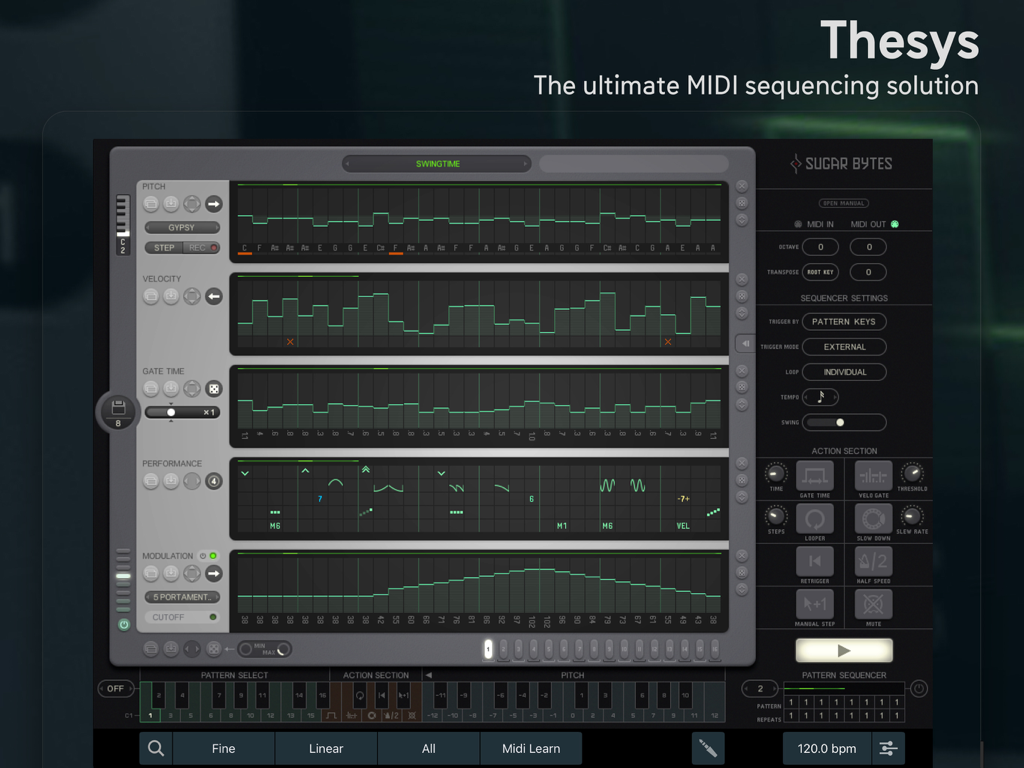
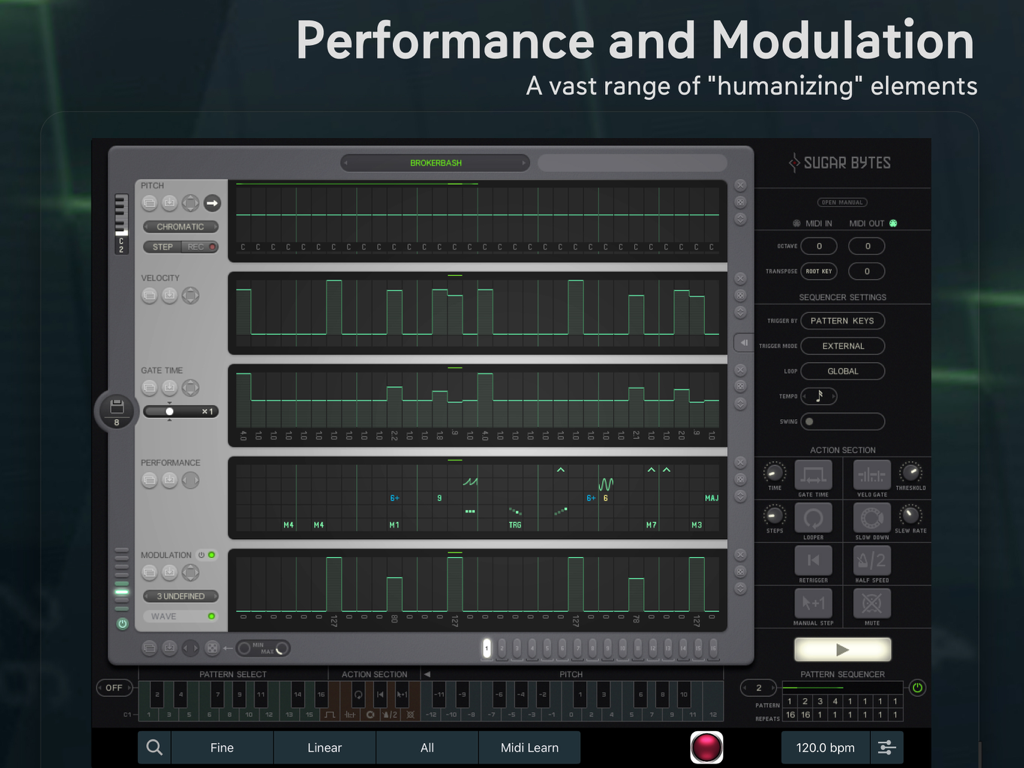
The tools that make this app stand out, trusted by 15K+ users.
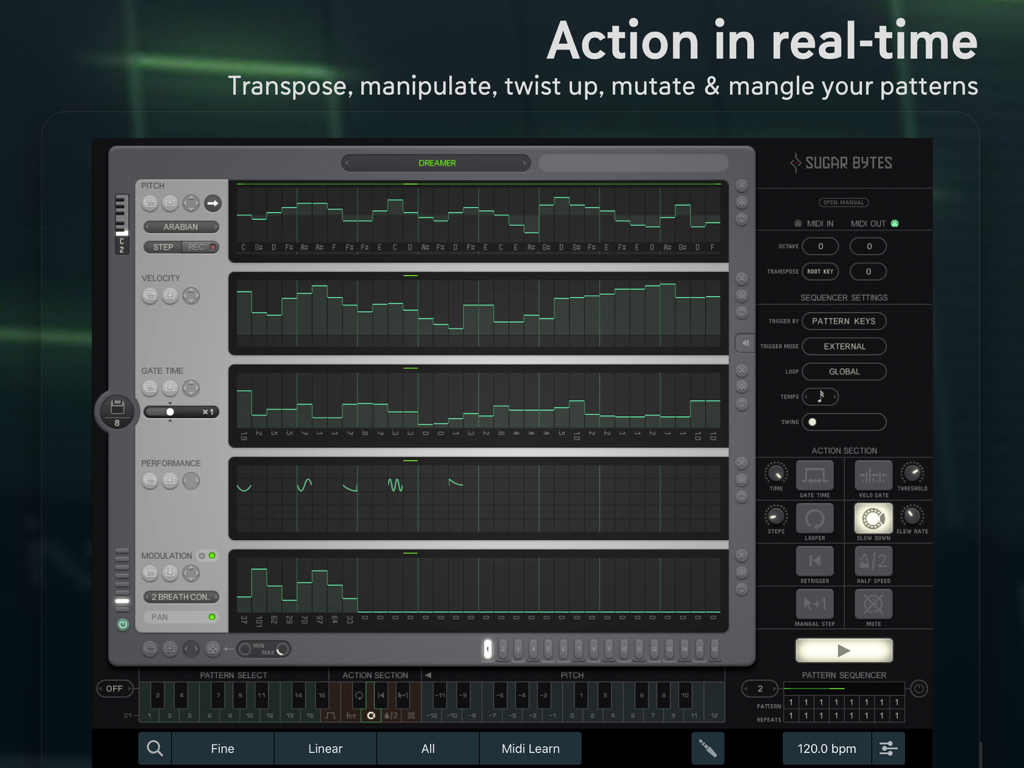
Trigger the Action Section directly from your MIDI keyboard to transpose, loop, and mangle patterns in real-time for expressive live sets.
Break through creative blocks using powerful randomization and mutation tools to craft unique basslines and complex lead sequences.
Seamlessly integrate into your workflow with AUv3 support, Ableton Link, and full MIDI compliance for hardware and software rigs.
Everything you need to know about Thesys.
Description
Latest Version
1.5.0
Size
30.0 MB
First Released
Jun 26, 2013
Join thousands of prosumers who trust Thesys for deep pattern manipulation and organic sound design. Download the ultimate iPad sequencer today and transform your mobile workflow into a professional powerhouse.
Everything you need to know about Thesys
Thesys is a powerful MIDI Step Sequencer app for iPad. It offers comprehensive control over MIDI devices to create varied musical patterns, including bass lines, leads, chords, and pad sounds, both in the studio and on stage.
Thesys features an integrated synth, Action Section for real-time manipulation, Pattern Sequencer, Standalone & Audio Unit v3 support, Ableton Link, MIDI file export, extensive MIDI support, MIDI Clock Sync, Preset iCloud Sync, Preset Share, and Zoom functionality.
Yes, Thesys is 100% MIDI compliant. It supports Virtual, Netzwerk, Extern, and Bluetooth MIDI connections, along with MIDI Learn, Host Automation, and MIDI Clock Sync (Master & Slave), offering ultimate MIDI sequencing solutions.
Yes, Thesys fully supports Ableton Link. This feature enables seamless synchronization with other Ableton Link-enabled applications and hardware, facilitating synchronized performances and collaborative music production across devices.
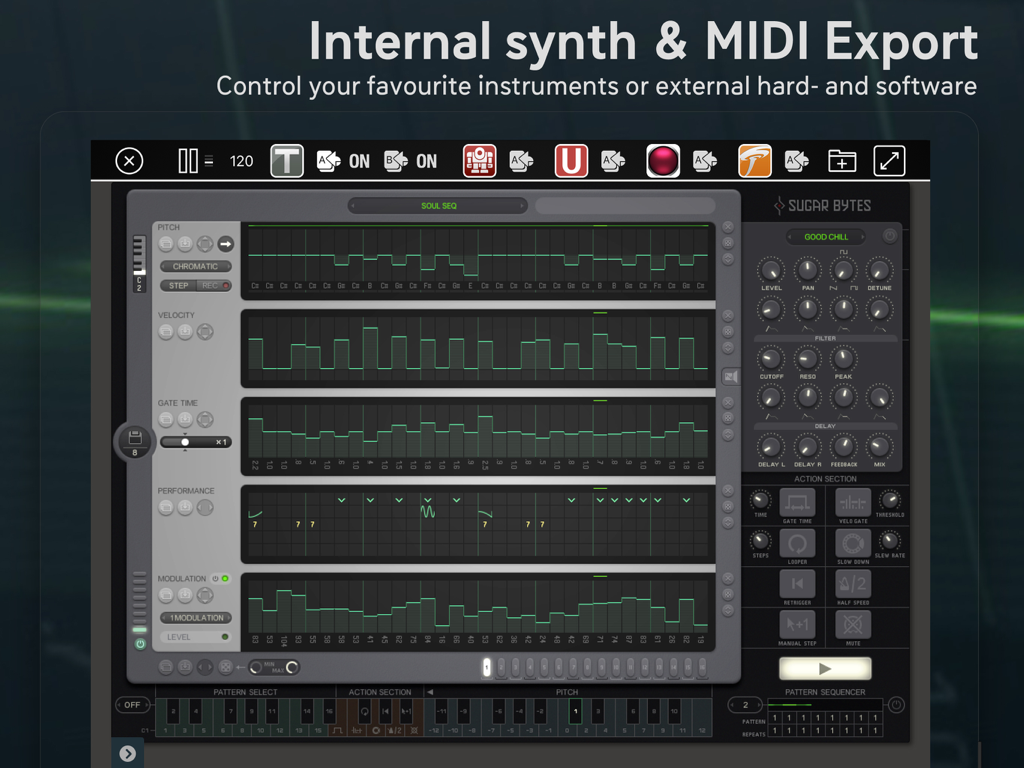
Yes, Thesys includes an integrated synth. This allows users to control instruments directly within the app or utilize it to manage external hardware and software instruments, enhancing its versatility as a MIDI sequencer.
The Action Section in Thesys offers real-time performance options such as Gatetime, Looper, and Slowdown. It empowers live musicians to transpose, manipulate, twist, mutate, and mangle patterns directly from their MIDI keyboard.
Yes, Thesys supports MIDI file export. This functionality allows users to save and share their sequenced patterns and musical ideas as standard MIDI files, ensuring compatibility with other digital audio workstations and music software.
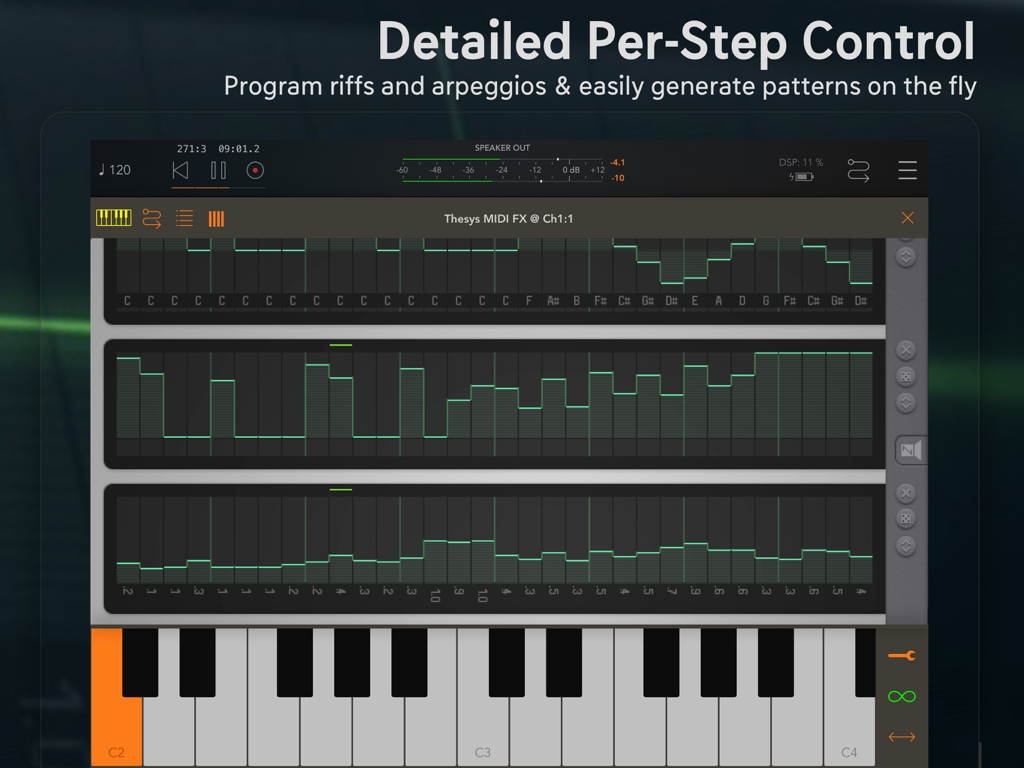
Yes, Thesys offers detailed per-step control. Users program riffs and arpeggios and generate patterns on the fly. This provides precise manipulation over every element of their MIDI sequences, optimizing creative freedom.
Thesys supports Preset iCloud Sync. This feature automatically synchronizes users' presets across all their iCloud-connected devices, providing consistent access to custom settings and ensuring continuity in their creative workflow.
Top-ranked apps in the same category

Spotify

Google LLC

Apple Inc.

SoundCloud Global Limited & Co KG

Suno Inc.

Tencent Technology (Shenzhen) Company Limited

Audiomack, Inc.

Yousician Ltd

BandLab Singapore Pte Ltd
App information, icons, screenshots, and descriptions displayed on this page are sourced from the Apple App Store and are the property of their respective developers. Download estimates and rankings are based on MWM's proprietary models and may not reflect actual figures. This page is provided for informational and analytical purposes only.
Believe this page infringes your intellectual property? File a dispute