Toolbox for MS PowerPoint

Toolbox for MS PowerPoint


Download on App Store
Logo of Toolbox for MS PowerPoint

Toolbox for MS PowerPoint: Create Professional Presentations in Minutes

Stop starting from scratch. Access thousands of designer-crafted templates, diagrams, and infographics to turn your ideas into polished, high-impact visuals across all your Apple devices.

Publisher

Jumsoft

Category

Graphics & Design

Downloads

171K+

User Rating

4.1/5

Total Ratings

100

Locales

1

Your Vision, Refined

Discover the interface used by 171K+ users.
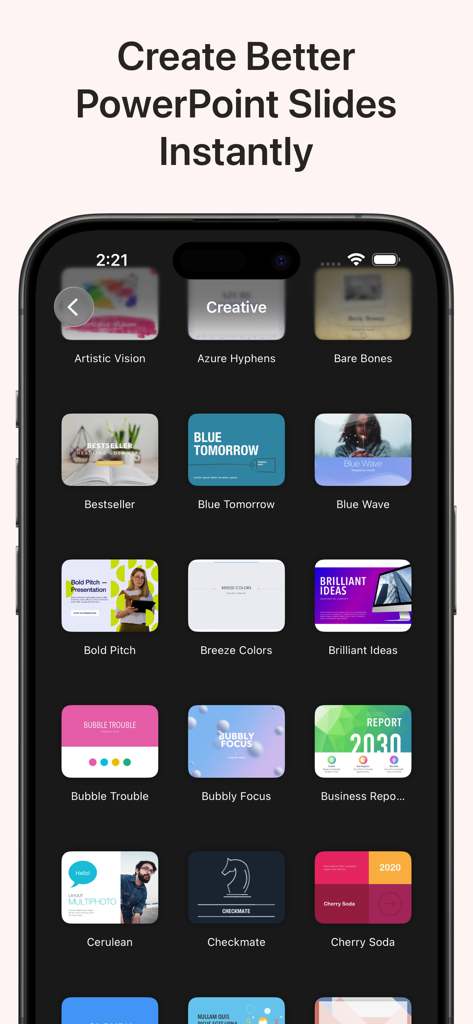
A mobile app interface displaying a collection of modern PowerPoint presentation templates.

A mobile app interface displaying a collection of modern PowerPoint presentation templates.

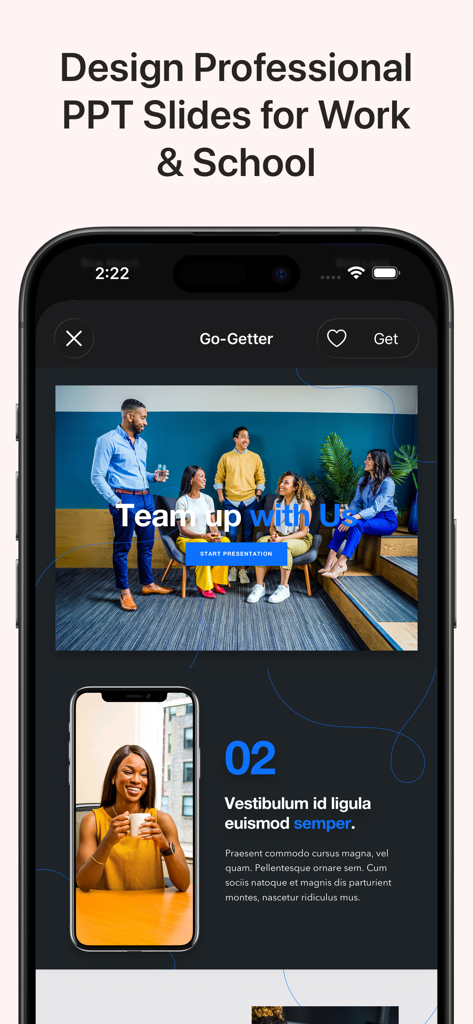
A mobile app interface displaying professional PowerPoint slide templates for work and school

A mobile app interface displaying professional PowerPoint slide templates for work and school

A preview of professional business report presentation themes and layouts for Microsoft PowerPoint on a mobile device.

A preview of professional business report presentation themes and layouts for Microsoft PowerPoint on a mobile device.

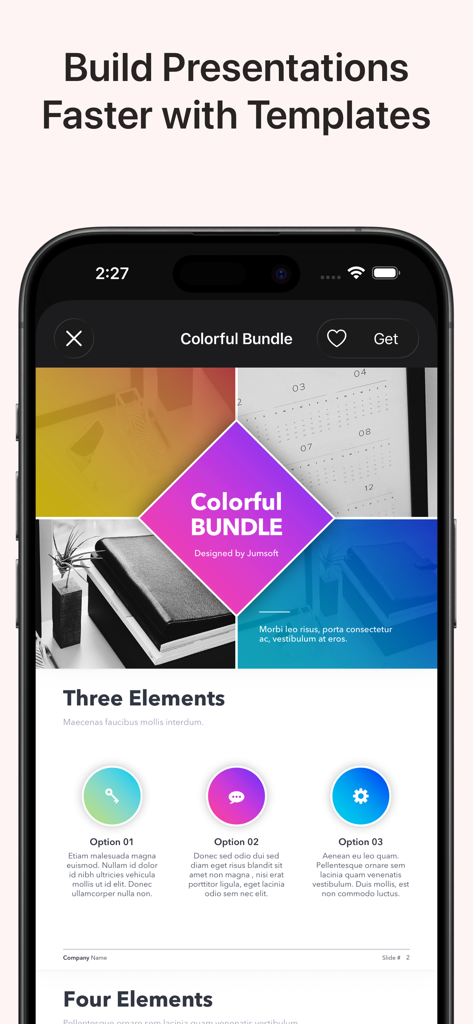
Mobile app interface displaying colorful presentation templates for Microsoft PowerPoint.

Mobile app interface displaying colorful presentation templates for Microsoft PowerPoint.

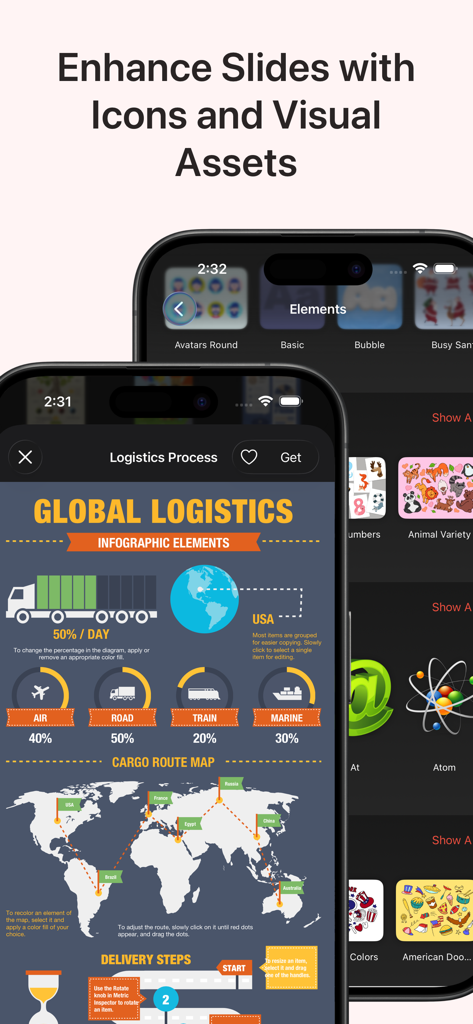
A display of logistics infographic templates and graphic icons for PowerPoint presentations.

A display of logistics infographic templates and graphic icons for PowerPoint presentations.

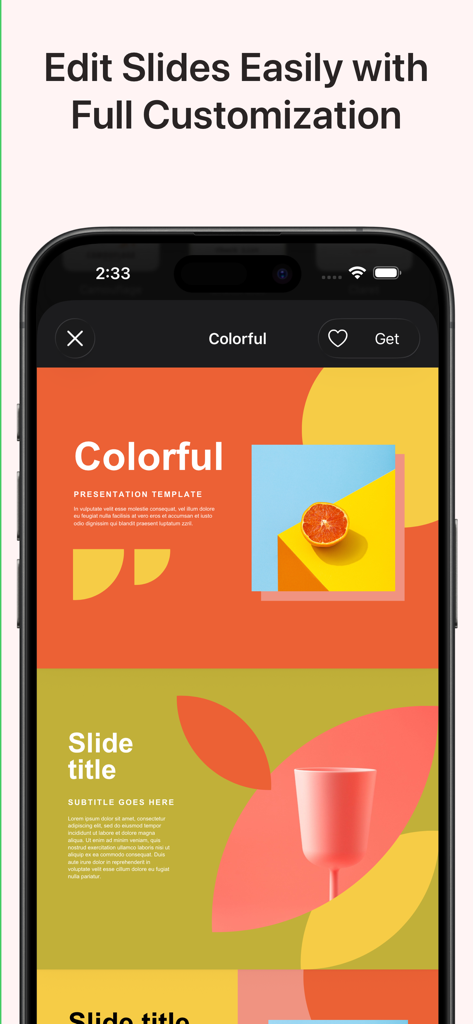
iPhone screen displaying a vibrant and customizable PowerPoint presentation template

iPhone screen displaying a vibrant and customizable PowerPoint presentation template

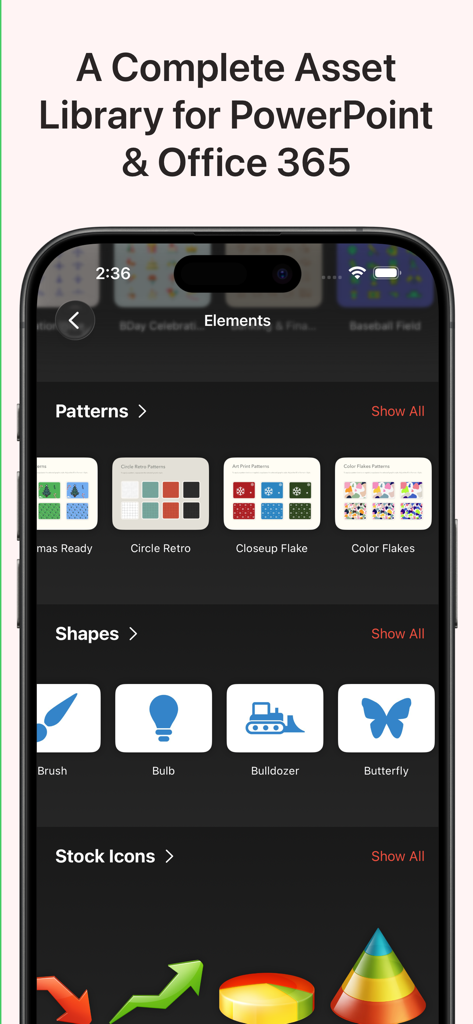
Mobile app interface showing design assets like patterns shapes and icons for PowerPoint presentations

Mobile app interface showing design assets like patterns shapes and icons for PowerPoint presentations

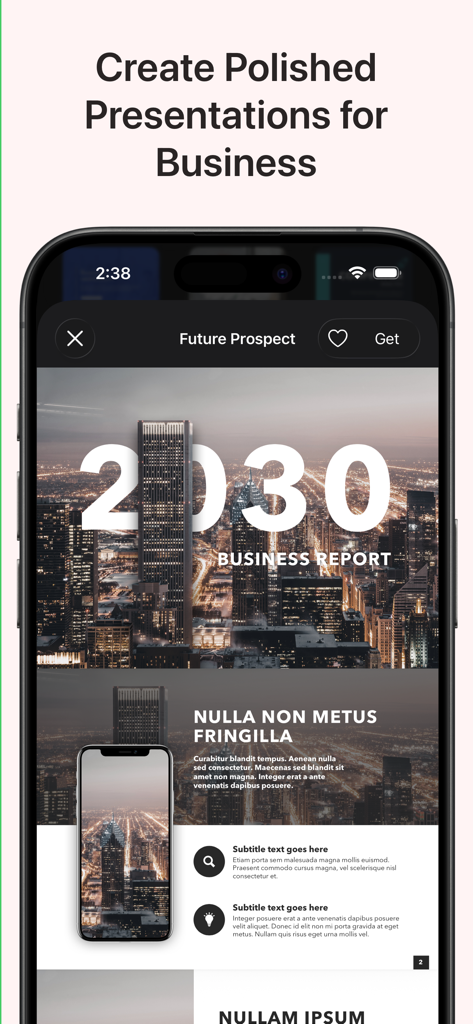
A business report presentation template displayed on a smartphone screen

A business report presentation template displayed on a smartphone screen

Mobile view of education-themed PowerPoint templates for students and teachers showing school supply illustrations

Mobile view of education-themed PowerPoint templates for students and teachers showing school supply illustrations

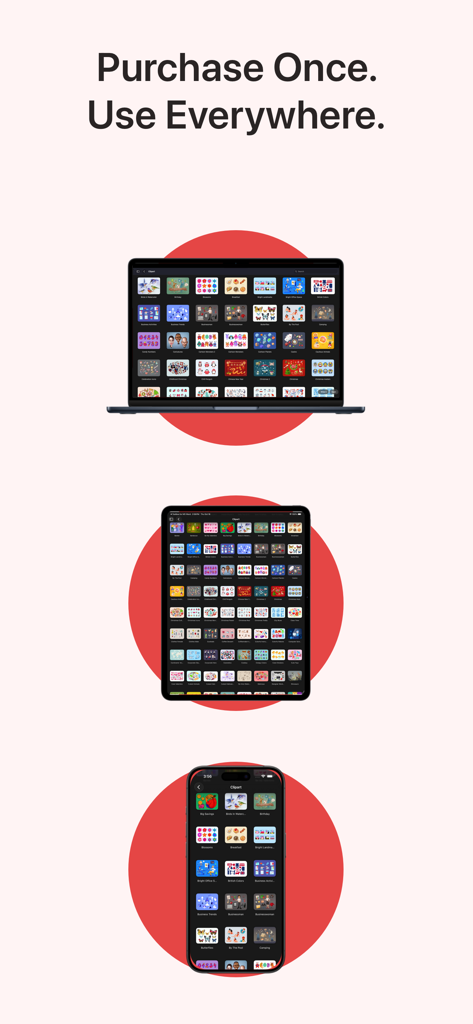
Toolbox for MS PowerPoint app shown on MacBook iPad and iPhone

Toolbox for MS PowerPoint app shown on MacBook iPad and iPhone

Design High-Stakes Presentations in Minutes

The tools that make this app stand out, trusted by 171K+ users.

🎨

Designer-Grade Templates

Access polished pitch decks and business reports that give you a competitive edge without needing design skills.

📊

Smart Data Visualization

Convert complex analytics into intuitive infographics and flowcharts to make your insights stand out to the C-suite.

📲

Fluid Cross-Device Workflow

Optimized for macOS and iOS, allowing you to refine your slides seamlessly between your office Mac and your mobile devices.

About the app

Everything you need to know about Toolbox for MS PowerPoint.

Description

Toolbox for MS PowerPoint is a complete design toolkit for creating polished, professional, and engaging presentations quickly and easily. With thousands of ready-made slides, templates, diagrams, charts, infographics, themes, icons, and graphics, the app gives you everything you need to upgrade your PowerPoint projects in minutes. Whether you are preparing a business pitch, marketing deck, educational presentation, company report, strategy overview, workshop slides, or promotional visuals, Toolbox for MS PowerPoint provides a fast, efficient, and visually impressive solution. Why it’s great: Thousands of professionally designed slides, layouts, diagrams, and infographics Perfect for business, education, marketing, creative work, and training presentations Fresh content is added regularly by our design team One subscription across all your devices 3-day free trial to explore the full library What’s inside (detailed highlights): Presentation Templates and Slide Layouts: Pitch decks, business reports, analytics, strategy slides Marketing presentations, product overviews, campaign materials Educational slides, lessons, class materials, workshops Title slides, section dividers, quote slides, photo layouts Tables, lists, comparison layouts, dashboards Event slides, announcement pages, promo visuals Diagrams and Infographics: Bar, line, and pie charts Flowcharts, mind maps, decision diagrams Process charts, funnels, cycles, pyramids, hierarchies Timelines, milestones, roadmaps Geographic maps with countries, cities, and regions Visual elements for data analysis and corporate storytelling Graphics and Creative Elements: Icons, shapes, pictograms, symbols Backgrounds, gradients, textures Badges, labels, frames, decorative elements Clipart for business, tech, education, lifestyle topics Themes and Style Packs: Full presentation themes with consistent fonts and colors Coordinated styles for complete, unified slide decks Matching slide collections for larger presentations Perfect for: Business professionals preparing reports, pitches, and analytics Teachers and students creating lessons and classroom presentations Marketing teams designing product and campaign slides Trainers, speakers, and workshop facilitators Anyone who wants better-looking PowerPoint presentations in less time Fast and simple workflow: Download the app Browse categories or search Open a slide or theme in PowerPoint Customize text, colors, images, and layout Export or present immediately Always up to date: Our design team continually adds new slides, diagrams, graphics, and themes to ensure Toolbox for MS PowerPoint stays modern and complete. Support and feedback: If you experience issues or have suggestions, contact support@jumsoft.com. If you enjoy Toolbox for MS PowerPoint, please consider leaving a review. Your feedback helps others discover the app. Compatibility: Requires Microsoft PowerPoint. Optimized for macOS and iOS for seamless cross-device use.

Latest Version

9.0.3

Size

13.7 MB

First Released

May 15, 2020

Ready to Transform Your Next Presentation?

Join 171K+ professionals and start your 3-day free trial today. Access thousands of premium templates and infographics seamlessly across your Mac, iPad, and iPhone.

Download on App Store
FAQ

Frequently Asked Questions

Everything you need to know about Toolbox for MS PowerPoint

What is Toolbox for MS PowerPoint?

Toolbox for MS PowerPoint is a complete design toolkit providing thousands of ready-made slides, templates, diagrams, charts, infographics, themes, icons, and graphics. It helps users create polished, professional presentations quickly and easily.

What types of templates does Toolbox for MS PowerPoint offer?

Toolbox for MS PowerPoint offers diverse templates including pitch decks, business reports, marketing presentations, educational slides, and layouts for tables, lists, comparisons, dashboards, and event announcements.

Can users customize templates in Toolbox for MS PowerPoint?

Yes, users can easily customize text, colors, images, and layouts of the templates and slides within Toolbox for MS PowerPoint after opening them in PowerPoint.

Is a free trial available for Toolbox for MS PowerPoint?

Yes, Toolbox for MS PowerPoint offers a 3-day free trial to explore its full library of design assets and features before committing to a subscription.

What visual assets are included in Toolbox for MS PowerPoint?

Toolbox for MS PowerPoint includes diagrams, infographics, graphics (icons, shapes, pictograms, backgrounds, badges), and full presentation themes with consistent fonts and colors for unified slide decks.

Does Toolbox for MS PowerPoint receive regular content updates?

Yes, the design team for Toolbox for MS PowerPoint continually adds new slides, diagrams, graphics, and themes to ensure the content remains modern and comprehensive.

Is Toolbox for MS PowerPoint compatible with multiple devices?

Yes, Toolbox for MS PowerPoint supports one subscription across all your devices and is optimized for seamless cross-device use on macOS and iOS.

Who is the target audience for Toolbox for MS PowerPoint?

Toolbox for MS PowerPoint targets business professionals, teachers, students, marketing teams, trainers, speakers, and anyone needing to create professional PowerPoint presentations faster.

App information, icons, screenshots, and descriptions displayed on this page are sourced from the Apple App Store and are the property of their respective developers. Download estimates and rankings are based on MWM's proprietary models and may not reflect actual figures. This page is provided for informational and analytical purposes only.

Believe this page infringes your intellectual property? File a dispute