Transparent App Icons

Transparent App Icons

Download on App Store
Logo of Transparent App Icons

Transparent App Icons: Your Home Screen, Reimagined.

Achieve the perfect aesthetic with seamless, simulated transparent icons that blend perfectly into your wallpaper. No subscriptions, no ads, and no data tracking—just a one-time tool for the ultimate minimalist setup on iOS 18.

Publisher

Noah Gilmore

Category

Graphics & Design

Downloads

231K+

User Rating

3.5/5

Total Ratings

300

Locales

1

Aesthetic at a Glance

Discover the interface used by 231K+ users.
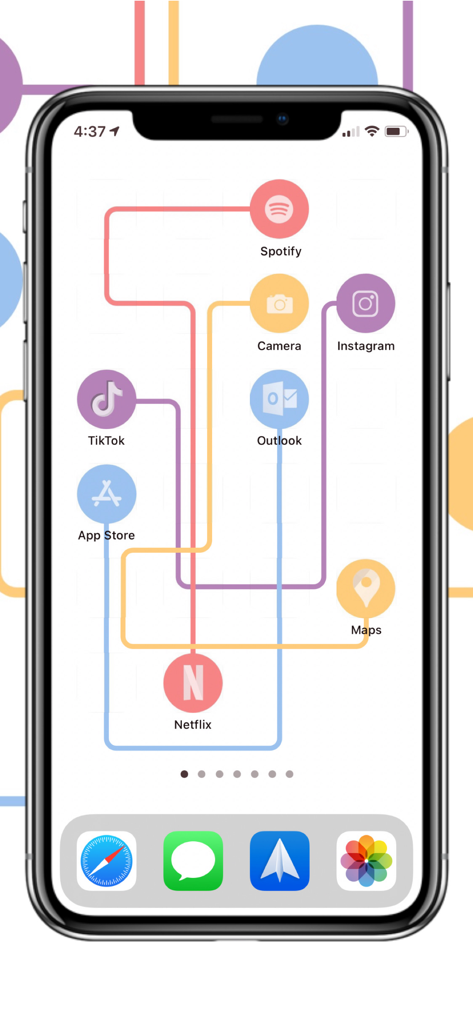
A customized iPhone home screen showing transparent app icons and a creative layout

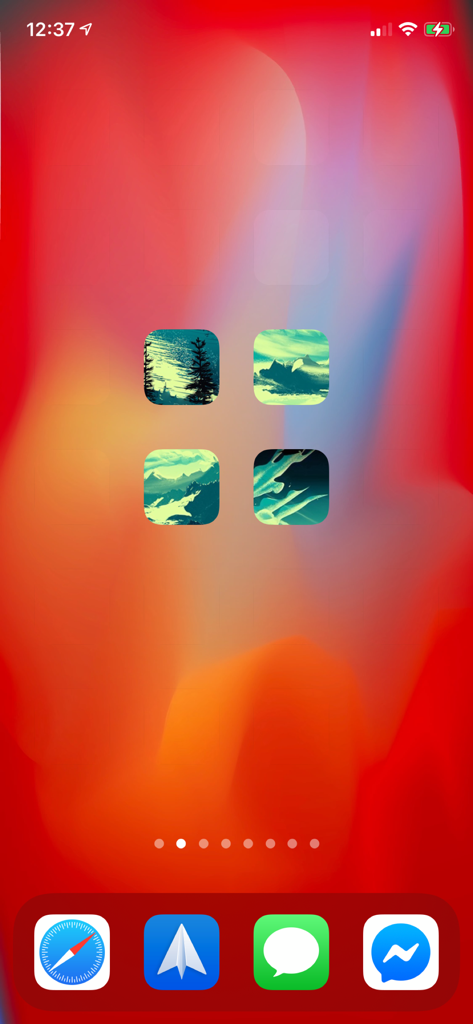
A customized iPhone home screen showing transparent app icons and a creative layout

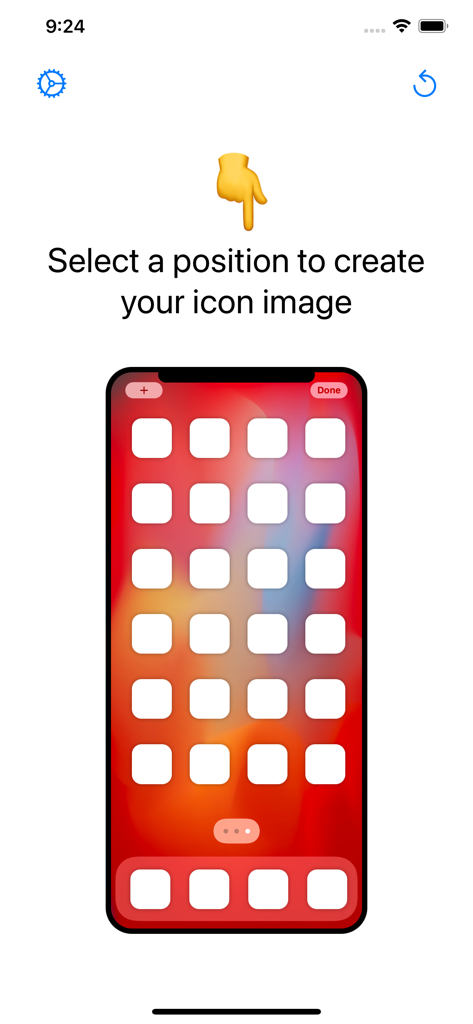
A mobile screen showing a grid layout to select an icon position for a transparent background

A mobile screen showing a grid layout to select an icon position for a transparent background

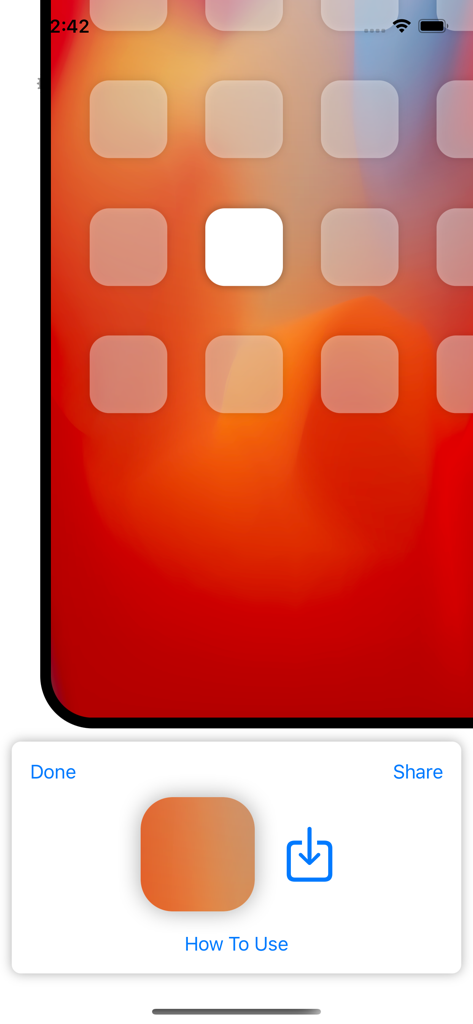
A mobile interface showing an aesthetic iPhone home screen with transparent icons and a wallpaper cutout tool.

A mobile interface showing an aesthetic iPhone home screen with transparent icons and a wallpaper cutout tool.

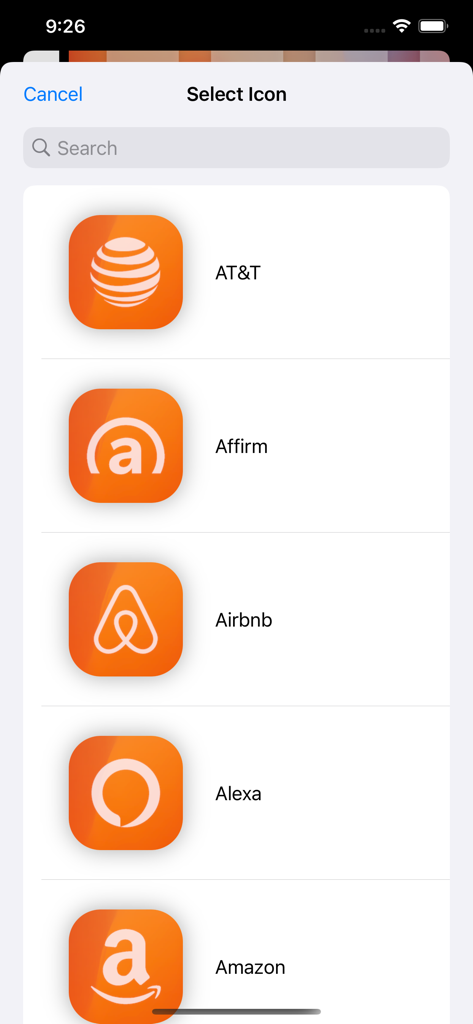
A list of popular app icons like AT&T and Airbnb with customized orange backgrounds in the icon selection menu.

A list of popular app icons like AT&T and Airbnb with customized orange backgrounds in the icon selection menu.

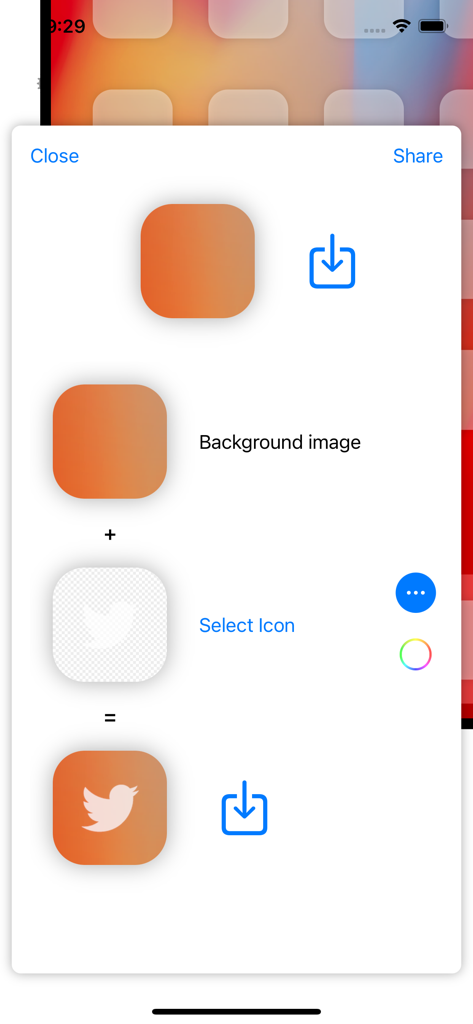
Interface for creating a custom app icon with a transparent background effect

Interface for creating a custom app icon with a transparent background effect

Custom iPhone home screen with aesthetic icons and a minimalist layout

Custom iPhone home screen with aesthetic icons and a minimalist layout

Design Your Dream Home Screen

The tools that make this app stand out, trusted by 231K+ users.

Seamless Wallpaper Blending

Stop wasting time with manual cropping. Upload your wallpaper and our smart tool automatically creates icons that blend perfectly for a truly invisible look.

🎨

Creative Layout Freedom

Achieve impossible home screen layouts with custom spacing and over 2,200 included symbols to craft a unique aesthetic that matches your personal vibe.

🔒

One-Time Purchase, Total Privacy

No subscriptions, no ads, and no data tracking. Support an indie developer and enjoy a premium, secure experience without any recurring monthly fees.

About the app

Everything you need to know about Transparent App Icons.

Description

Updated for iPhone 16 and iOS 18.1 with support for large icons mode! Transparent App Icons is the easiest, simplest way to customize your iOS 14+ Home Screen with icons that are set against the background wallpaper to look like they’re transparent. Transparent App Icons lets you create images to use as Shortcuts and bookmarks on your Home Screen, so you can achieve previously impossible Home Screen layouts and custom icon spacing, using a simulated transparent background. Features: - Upload wallpaper images and automatically create icons with the correct cut-out so that icons blend with the wallpaper seamlessly - Automatically crop uploaded images to your phone’s wallpaper size - Quickly create icon images for entire home screen pages - Overlay transparent images to create a see-through logo effect: 2200+ logos and symbols included in the app - Transparent App Icons is a one time purchase, paid up front: no subscriptions, no selling data, no need to log in - Absolutely never, ever, ever any ads There’s no corporation trying to extract ad dollars here - I’m just one developer, and I hope Transparent App Icons can help you create creative and aesthetic iOS 14 home screen layouts! If you have any questions, feel free to reach out at support@transparenticons.app, or on Twitter at @TransparentIcns - thank you!

Latest Version

1.7.3

Size

16.9 MB

First Released

Sep 24, 2020

Your iPhone, Finally Uncluttered.

Join over 230,000 users creating the perfect minimalist layout. One-time purchase, no ads, and no subscriptions—just pure aesthetic freedom.

Download on App Store

App information, icons, screenshots, and descriptions displayed on this page are sourced from the Apple App Store and are the property of their respective developers. Download estimates and rankings are based on MWM's proprietary models and may not reflect actual figures. This page is provided for informational and analytical purposes only.

Believe this page infringes your intellectual property? File a dispute