Turbo VPN Private Browser

Turbo VPN Private Browser


Download on App Store
Logo of Turbo VPN Private Browser

Turbo VPN Private Browser: Secure Your Online World in One Tap

Join over 46 million users protecting their digital privacy. Experience ultra-fast streaming and total anonymity on any public Wi-Fi with 10,000+ global servers.

Publisher

INNOVATIVE CONNECTING PTE.LIMITED

Category

Productivity

Downloads

46M+

User Rating

4.7/5

Total Ratings

883K+

Locales

22

Privacy at a Glance

Discover the interface used by 46M+ users.
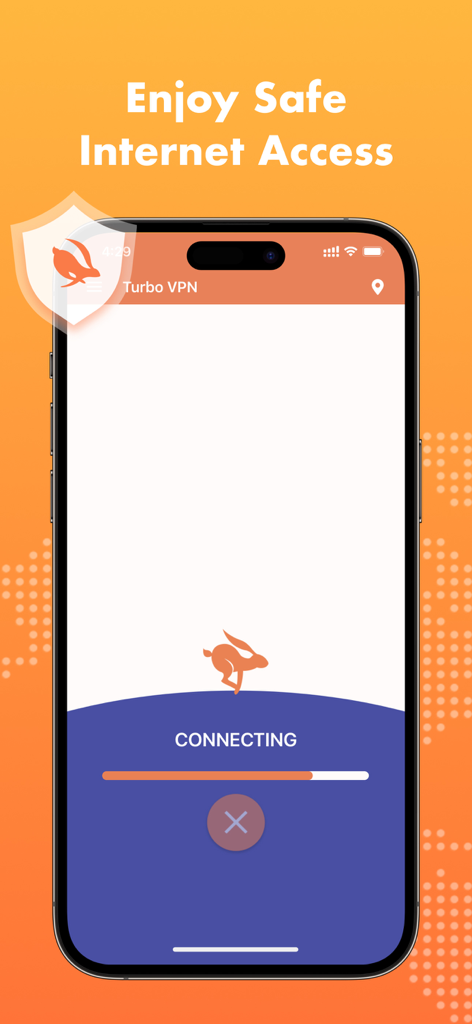
Turbo VPN mobile app screen showing the connecting status with a rabbit logo and safe internet access message

Turbo VPN mobile app screen showing the connecting status with a rabbit logo and safe internet access message

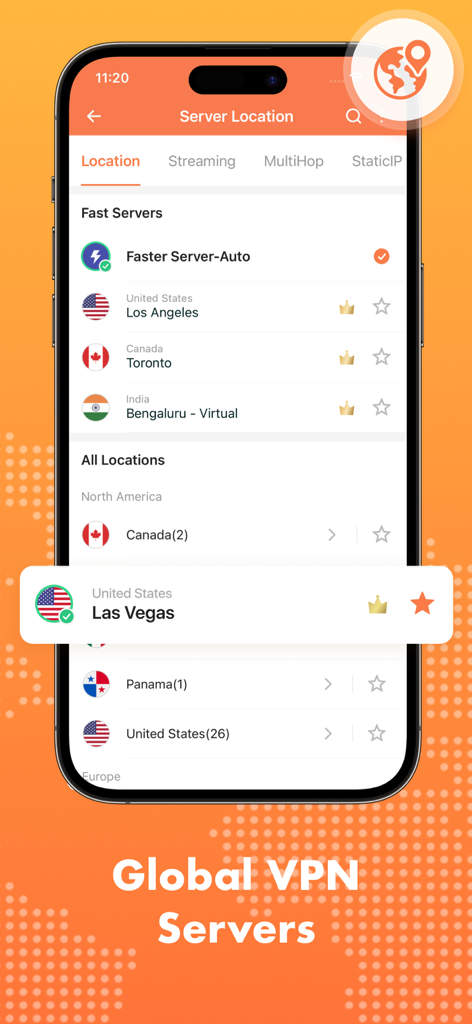
Turbo VPN app interface displaying a list of global server locations for secure browsing.

Turbo VPN app interface displaying a list of global server locations for secure browsing.

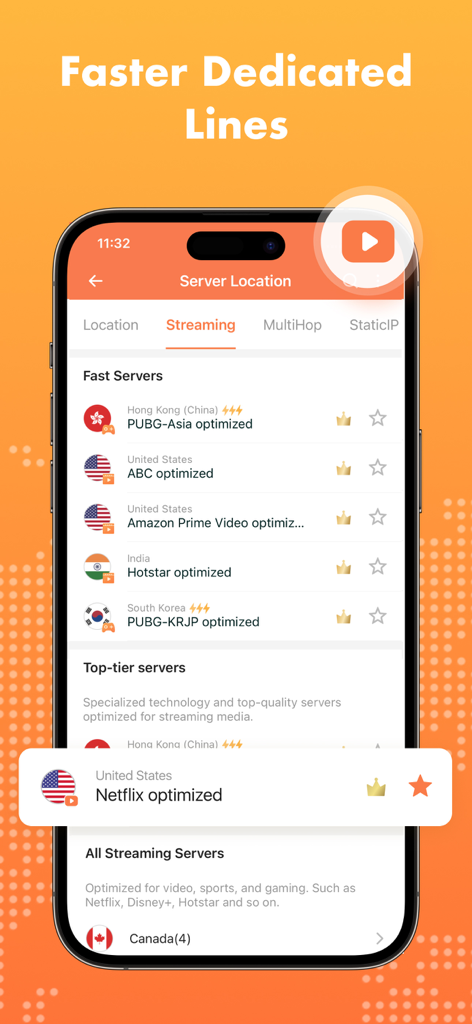
Turbo VPN interface showing a list of optimized servers for streaming platforms and mobile games

Turbo VPN interface showing a list of optimized servers for streaming platforms and mobile games

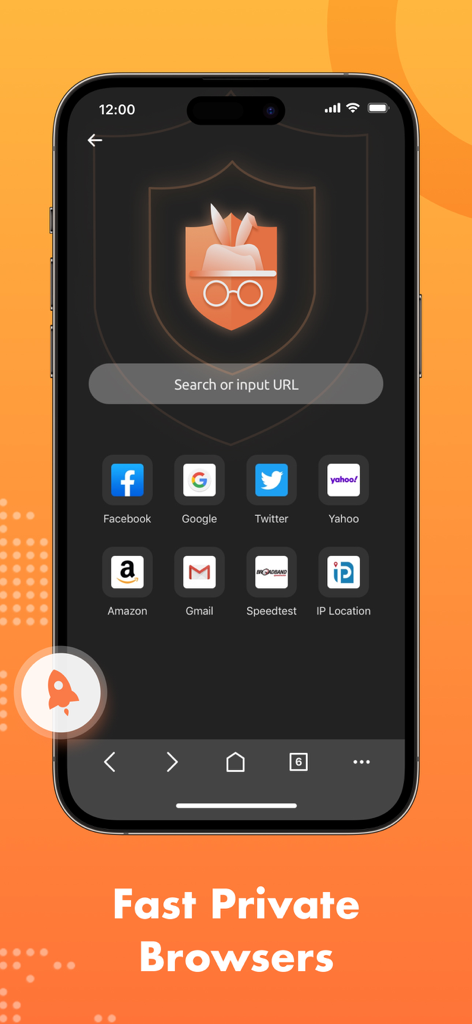
Turbo VPN Private Browser interface with quick access shortcuts to popular websites

Turbo VPN Private Browser interface with quick access shortcuts to popular websites

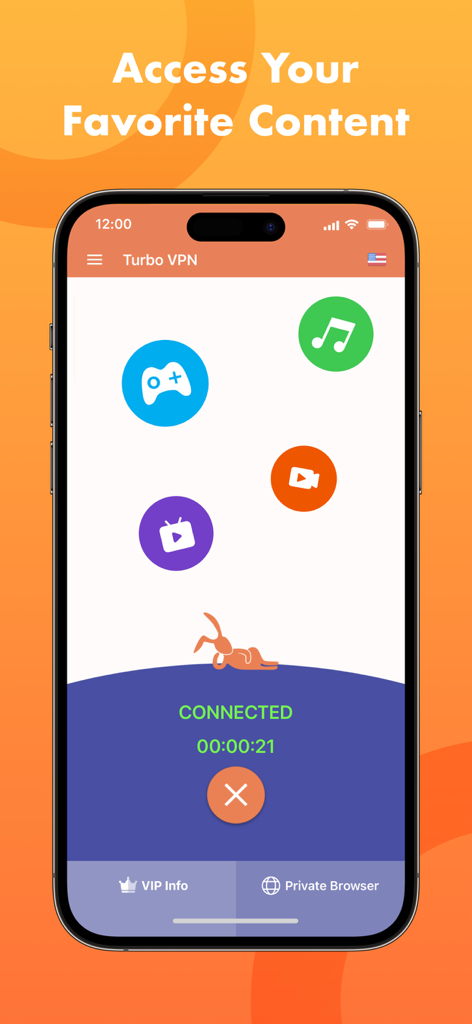
Turbo VPN app interface on an iPhone showing a connected status and icons for gaming music and video streaming

Turbo VPN app interface on an iPhone showing a connected status and icons for gaming music and video streaming

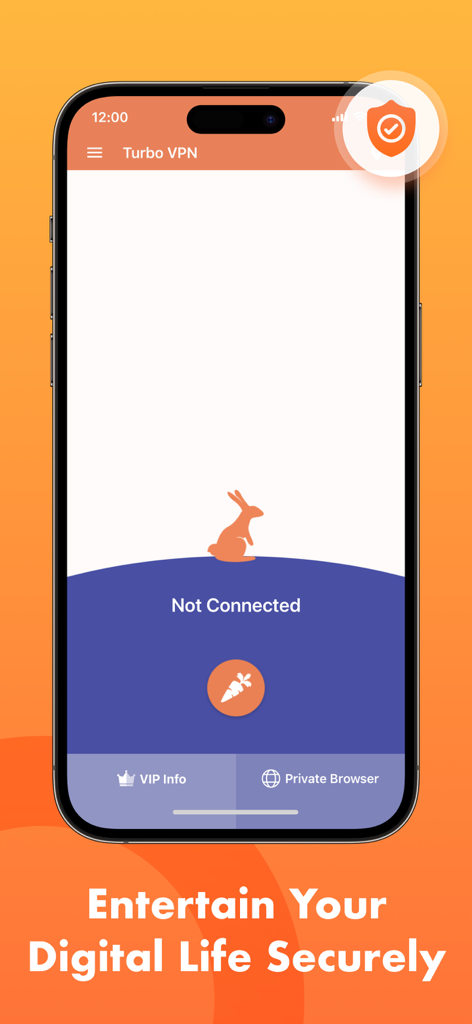
Turbo VPN app home screen on iPhone showing not connected status and rabbit icon

Turbo VPN app home screen on iPhone showing not connected status and rabbit icon

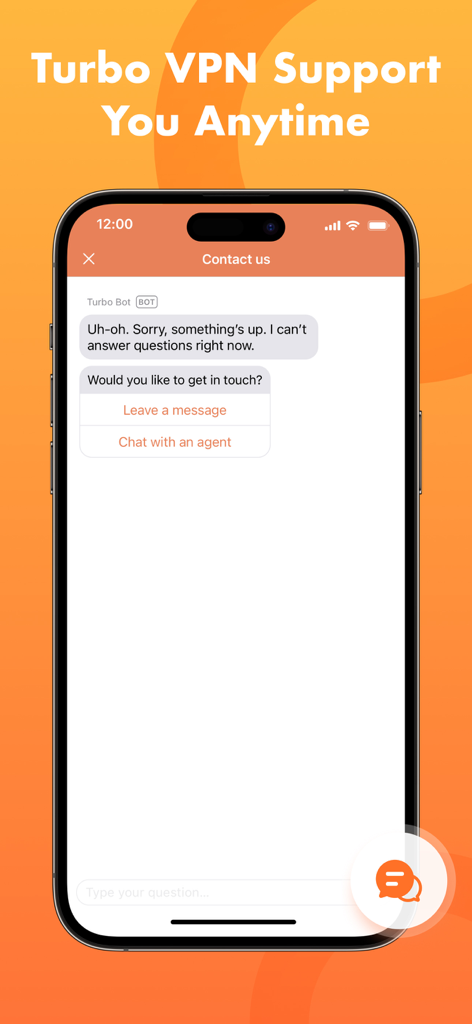
Turbo VPN customer support chat interface on a mobile phone showing contact options

Turbo VPN customer support chat interface on a mobile phone showing contact options

Experience True Online Freedom

The tools that make this app stand out, trusted by 46M+ users.

🎬

Stream Without Borders

Access your favorite shows and global streaming libraries from anywhere with ultra-fast servers designed for entertainment.

🛡️

Public Wi-Fi Protection

Keep your banking info and personal data safe with bank-grade encryption while browsing in cafes, airports, or hotels.

One-Tap Turbo Speed

Connect instantly to 10,000+ servers worldwide for a seamless, high-speed browsing experience without the lag.

About the app

Everything you need to know about Turbo VPN Private Browser.

Description

Want to protect online privacy and secure iPhone data? Try Turbo VPN global servers now! Surf privately and securely, encrypt your traffic, and enjoy a fast online experience. Turbo VPN Features: Surf the web privately Turbo VPN hides your true IP address and is fully committed to your digital privacy. We follow a strict no-log policy. Stay secure on Wi-Fi hotspots Secure your internet connection anytime, anywhere with our stable vpn servers. Rest assured when you connect to a Wi-Fi hotspot next time. Access your favorite content Ultra-fast vpn servers let you browse different sites and stream the world freely no matter where you are. Worldwide VPN servers We have more than 10000 servers located across 40+ countries. Connect to any servers you like and anonymize your online activity straight away. With the new search feature, you can easily find and enjoy your favorite server. Stable and fast connection A large amount of VPN servers to ensure you a better private web browsing experience. Easy to use Turbo VPN brings you a one tap VPN solution where it only takes one tap to set up a secure connection. For policy reason, this service is not available in China. We apologize for any inconvenience caused. Additional Subscription Information - Subscription may be cancelled at any time within the iTunes and App Store Apple ID Settings. All prices include applicable local sales taxes. - Payment will be charged to iTunes Account at confirmation of purchase. - Subscription automatically renews unless auto-renew is turned off at least 24-hours before the end of the current period. - Account will be charged for renewal within 24-hours prior to the end of the current period, and identify the cost of the renewal. - Subscriptions may be managed by the user and auto-renewal may be turned off by going to the user's Account Settings after purchase. - Any unused portion of a free trial period, if offered, will be forfeited when the user purchases a subscription to that publication, where applicable. - Offer limited to one 3 day trial per user. After the first 3 days, subscription renews automatically unless cancelled before the end of the 3 day trial. Privacy Policy & Terms of Use Privacy Policy: https://turbovpn.com/ios/privacy_policy.html Terms of Use: https://turbovpn.com/terms-of-service ______________________ Download Turbo VPN Private Browser! Enjoy fast and private browsing at your fingertips! Protect your online privacy and surf anonymously now! We never store or share your IP address.

Latest Version

4.2.3

Size

185.4 MB

First Released

Apr 10, 2018

Ready to Browse Without Limits?

Join 46 million users who trust Turbo VPN for ultra-fast, one-tap security. Secure your iPhone today and experience the web with total privacy and no borders.

Download on App Store
FAQ

Frequently Asked Questions

Everything you need to know about Turbo VPN Private Browser

What is Turbo VPN Private Browser?

Turbo VPN Private Browser is an application that protects online privacy and secures iPhone data. It encrypts traffic, hides the true IP address, and allows private browsing with a strict no-log policy for a fast online experience.

Does Turbo VPN Private Browser keep logs of my online activity?

No, Turbo VPN Private Browser follows a strict no-log policy. It is fully committed to your digital privacy and never stores or shares your IP address, ensuring private and anonymous browsing.

How does Turbo VPN Private Browser protect my internet connection?

Turbo VPN Private Browser protects your connection by hiding your true IP address and encrypting your traffic. It secures internet usage, especially on Wi-Fi hotspots, ensuring stable and private web browsing with its VPN servers.

Can I access streaming content with Turbo VPN Private Browser?

Yes, Turbo VPN Private Browser allows access to your favorite content. Its ultra-fast VPN servers enable browsing different sites and streaming the world freely, including optimized servers for services like Netflix, Amazon Prime Video, and Hotstar.

How many servers does Turbo VPN Private Browser offer?

Turbo VPN Private Browser provides more than 10,000 servers located across 40+ countries. Users can connect to any server they like to anonymize their online activity and ensure a better private web browsing experience.

Is Turbo VPN Private Browser easy to use?

Yes, Turbo VPN Private Browser offers a one-tap VPN solution. It only takes one tap to set up a secure connection, making it easy to protect your online privacy and surf anonymously.

How do I manage my Turbo VPN Private Browser subscription?

Users manage subscriptions within the iTunes and App Store Apple ID Settings. Auto-renewal may be turned off by going to Account Settings after purchase, and cancellations are possible at any time within these settings.

Does Turbo VPN Private Browser offer a free trial?

Yes, Turbo VPN Private Browser offers a free trial period. It is limited to one 3-day trial per user. The subscription automatically renews unless cancelled before the end of the 3-day trial.

Can I use Turbo VPN Private Browser in China?

No, for policy reasons, the Turbo VPN Private Browser service is not available in China. The developer apologizes for any inconvenience caused by this restriction.

Does Turbo VPN Private Browser include a private browser function?

Yes, Turbo VPN Private Browser includes a private browser function. Users can enjoy fast and private browsing directly within the app, allowing anonymous surfing without storing or sharing their IP address.

App information, icons, screenshots, and descriptions displayed on this page are sourced from the Apple App Store and are the property of their respective developers. Download estimates and rankings are based on MWM's proprietary models and may not reflect actual figures. This page is provided for informational and analytical purposes only.

Believe this page infringes your intellectual property? File a dispute