TV Assist


Break through the AirPlay limits. Effortlessly play your photos, videos, and music on Samsung, LG, Sony, or Xbox with one tap. The ultimate media hub for your heterogeneous smart home.
Publisher
Category
Photo & VideoDownloads
8M+User Rating
Total Ratings
43K+Locales
13Discover the interface used by 8M+ users.
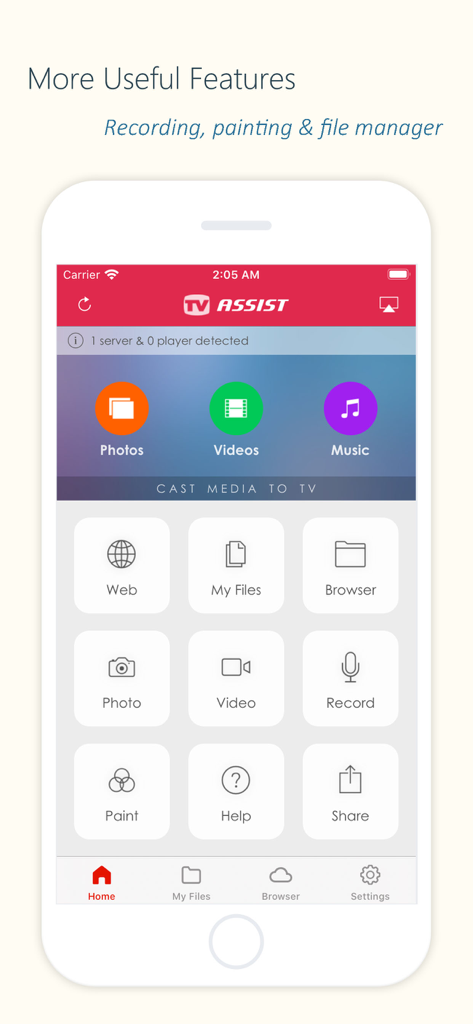
The tools that make this app stand out, trusted by 8M+ users.
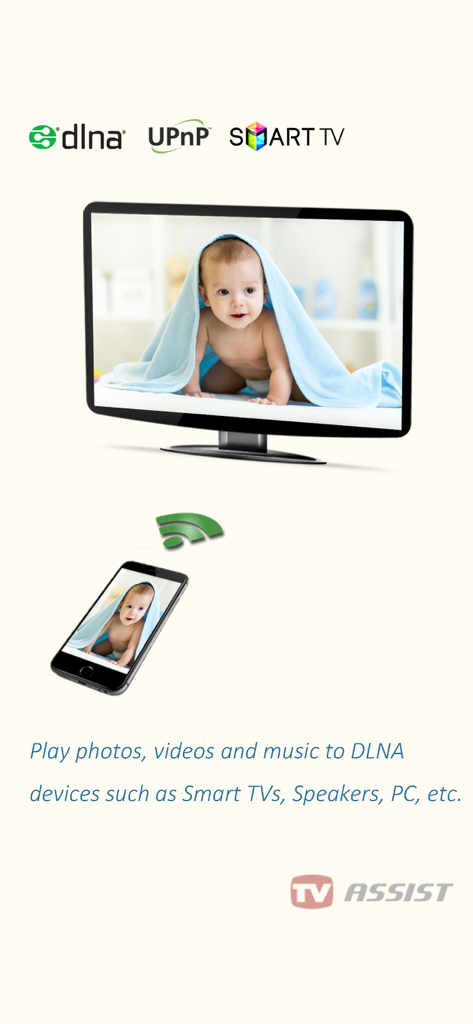
Break out of the Apple ecosystem. Seamlessly stream 4K video and music to Samsung, LG, Sony, Panasonic, and even game consoles like Xbox—no extra cables or Apple TV box required.
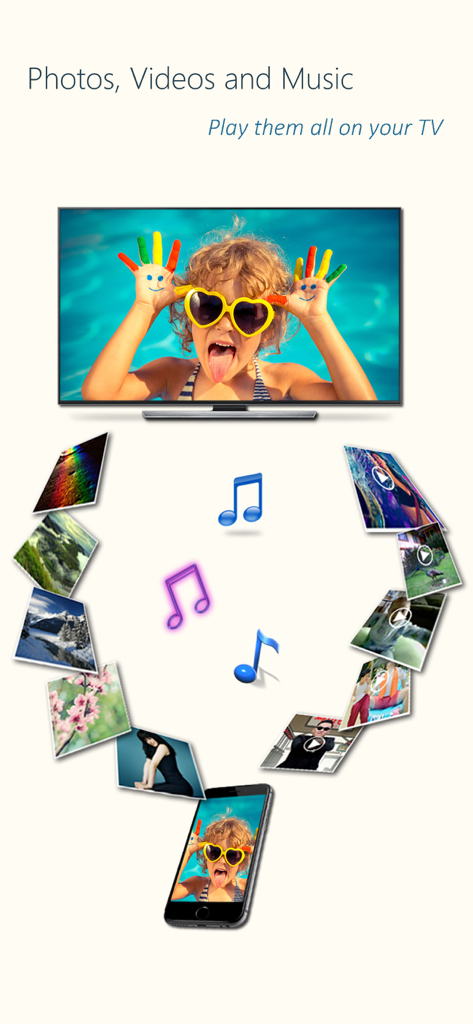
Stop huddling around a small phone. Cast your high-resolution vacation photos and family videos to the living room TV instantly, providing a theatrical viewing experience for everyone.
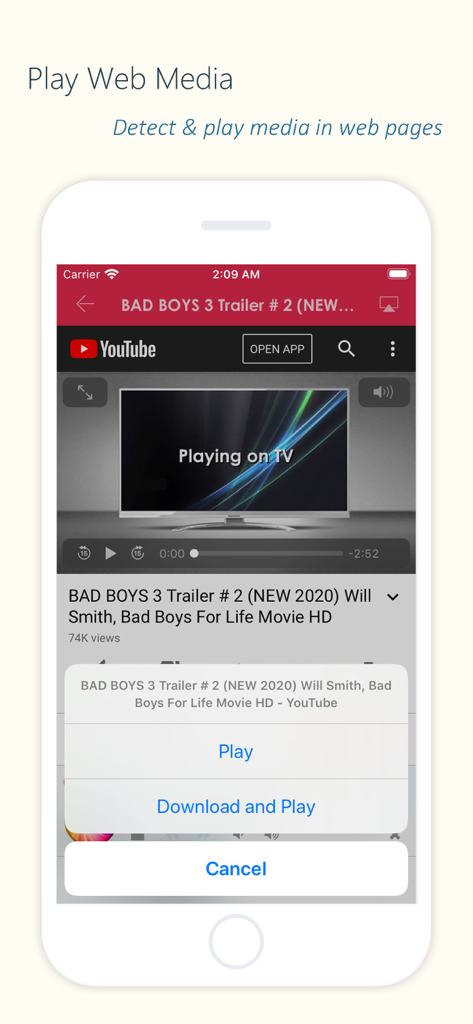
Found a great video online? Our app automatically detects media content from web pages and lets you beam it directly to your TV for a distraction-free, full-screen experience.
Everything you need to know about TV Assist.
Description
Latest Version
8.2
Size
42.0 MB
First Released
Mar 13, 2014
Join over 8 million users who bridge the gap between their iPhone and any Smart TV. Download TV Assist now and start streaming your favorite memories in seconds.
Everything you need to know about TV Assist
TV Assist plays photos, videos, and music from your iPhone/iPad to DLNA-compatible devices. These include smart TVs, AV systems, speakers, PCs, and other mobile devices.
TV Assist relies on DLNA technology and requires a WiFi connection. Both your iPhone/iPad and the DLNA-compatible TV or device must be connected to the same local network.
TV Assist supports DLNA/UPnP-certified devices like Samsung, LG, Sony TVs, DENON and Onkyo AV systems, Xbox 360, PlayStation 3, Apple TV, Sony Blu-ray players, and PCs running Plex or Windows Media Player.
Yes, TV Assist can detect and play media content directly from web pages. This feature allows users to stream online videos or audio to their DLNA-compatible devices.
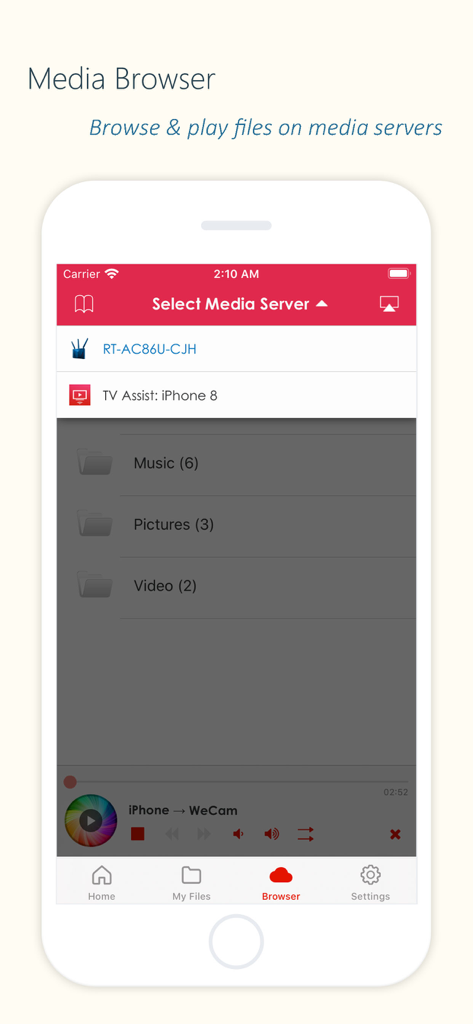
Yes, TV Assist enables browsing and playing media files stored on other DLNA devices. Users can access these files and play them on their iPhone/iPad or another compatible device.
Yes, TV Assist functions as a media receiver (renderer). It accepts media streamed from other DLNA devices, such as another iPhone/iPad running the TV Assist app.
Yes, TV Assist allows users to record videos or audio within the app. These recorded contents can then be streamed directly to a TV or other DLNA-compatible device.
Yes, TV Assist includes an interactive drawing feature. Users can draw directly on their TV screen through the app, offering a unique interactive element.
No, TV Assist cannot access media from other iOS apps like the native Videos app. Users must upload files directly to TV Assist for playback within the app.
Apps with similar features and user experience
App information, icons, screenshots, and descriptions displayed on this page are sourced from the Apple App Store and are the property of their respective developers. Download estimates and rankings are based on MWM's proprietary models and may not reflect actual figures. This page is provided for informational and analytical purposes only.
Believe this page infringes your intellectual property? File a dispute