
Typing Land


Master touch-typing with 81 free lessons, 150 collectable badges, and zero ads. The safe, gamified, and offline way for kids and students to build lifelong skills using a physical keyboard.
Publisher
Category
EducationDownloads
451K+User Rating
Total Ratings
300Locales
1Discover the interface used by 451K+ users.
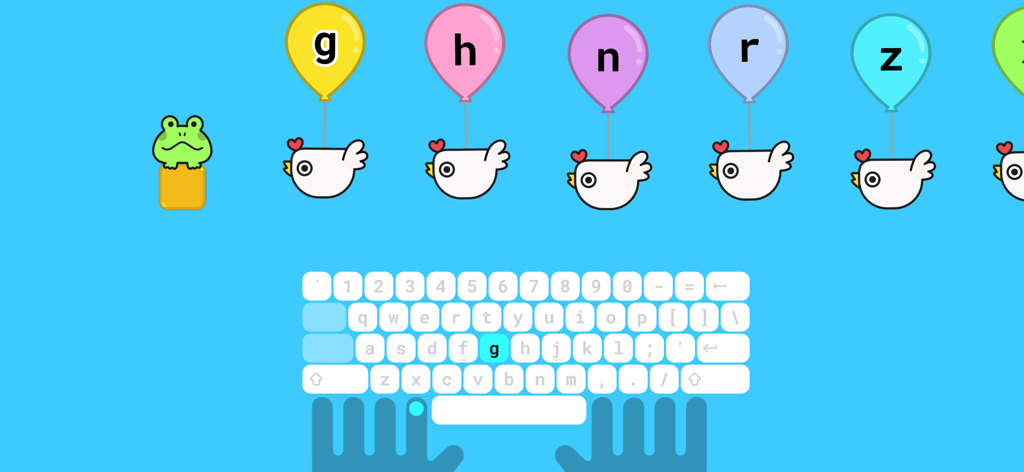
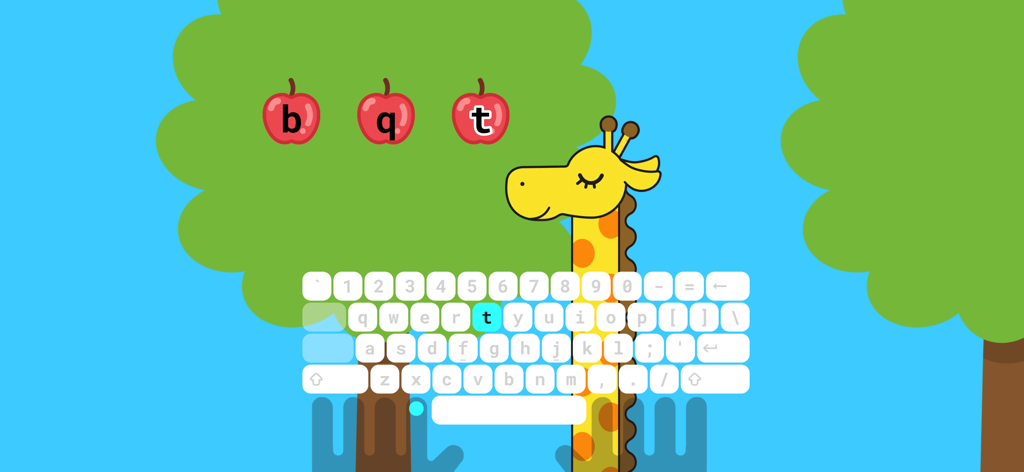
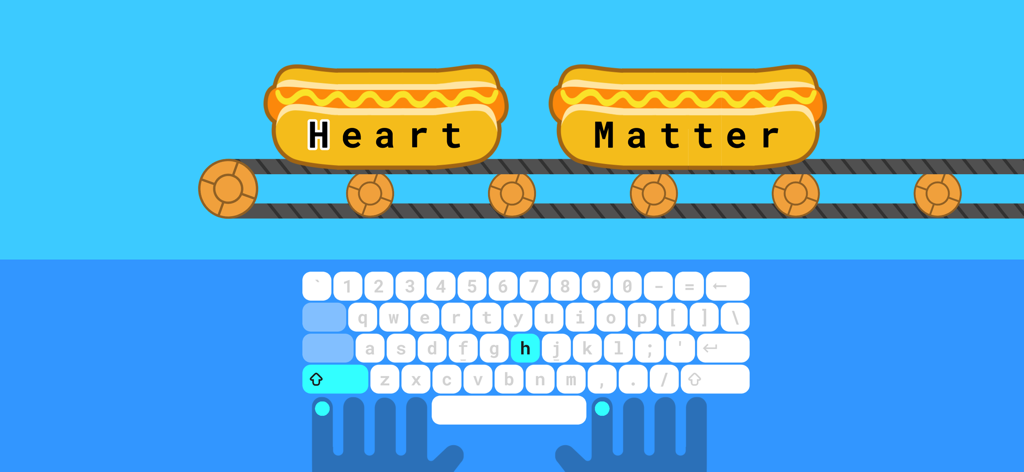
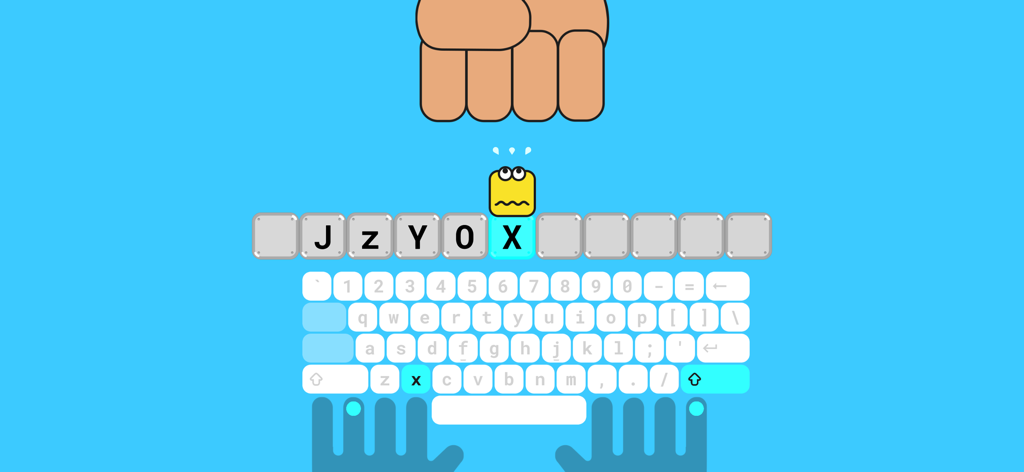
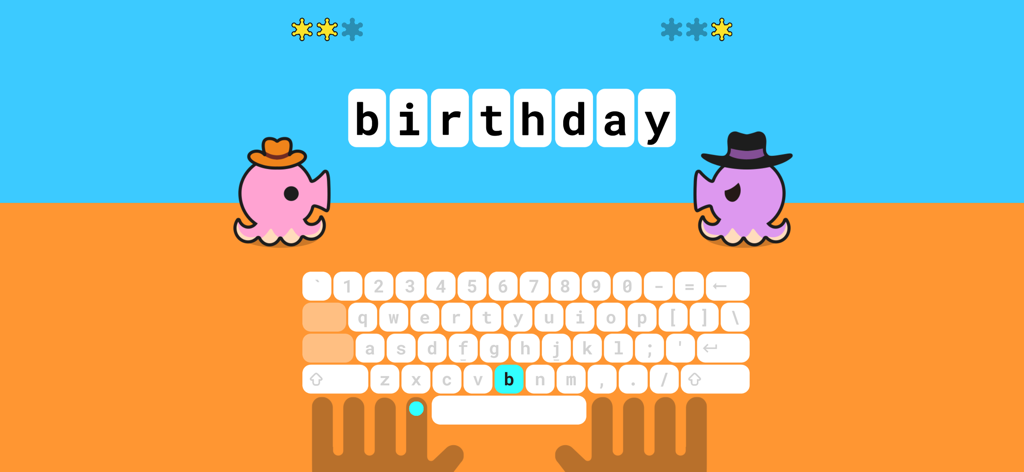
The tools that make this app stand out, trusted by 451K+ users.
Swap boring drills for 40 diverse mini-games. Your child earns 150 unique badges as they level up their speed and accuracy.
A distraction-free 'walled garden' with no advertisements and no tracking. Perfect for school-safe use and offline practice.
81 free lessons cover everything from initial finger placement to advanced challenges using physical keyboards on iPad or Mac.
Everything you need to know about Typing Land.
Description
Latest Version
1.2.0
Size
113.8 MB
First Released
Oct 27, 2021
Join over 451,000 learners on a safe, ad-free adventure. Connect your physical keyboard and start collecting your first badges for free!
Everything you need to know about Typing Land
Typing Land is an app that teaches typing skills through 40 mini-games. It requires a physical keyboard and offers 81 free lessons covering finger placement, speed, and accuracy for users.
Yes, Typing Land requires a physical keyboard for operation. The app is specifically designed for interaction with an external keyboard.
Yes, all 81 lessons in Typing Land are entirely free to play. Users can access the complete set of lessons without any cost.
Yes, Typing Land is completely ads-free. The app is designed to be kids-friendly and provides an environment without any advertisements.
Yes, Typing Land can be played offline. Once installed, all games are accessible without an internet connection.
Typing Land offers finger placement training, 81 free lessons, 40 mini-games, and a Challenge-mode for speed and accuracy. Users can also collect 150 badges.
Typing Land provides 40 different kinds of mini-games. These games are designed to facilitate learning how to type effectively and engagingly.
Users earn badges in Typing Land by achieving lesson goals. There are 150 unique badges available for collection, which can also be used as profile icons.
The exclusive mini-game 'Typing Sword' in Typing Land is unlocked by making a donation to the developer. Donations support the app's ongoing development.
Yes, Typing Land is suitable for educational settings. The developer states it is a great tool for use in companies or classrooms, designed as a safe platform.
Apps with similar features and user experience

GeoGuessr AB

THETYS LAB

Kinnu Limited

Chengdu Black Collar Technology Co., Ltd.

True Wine, Inc.

PENALVER GOMEZ CAMILO STARLING
Zogo, Inc.

DEEPSTASH SRL
NOERDEN
App information, icons, screenshots, and descriptions displayed on this page are sourced from the Apple App Store and are the property of their respective developers. Download estimates and rankings are based on MWM's proprietary models and may not reflect actual figures. This page is provided for informational and analytical purposes only.
Believe this page infringes your intellectual property? File a dispute