UNFCU Digital Banking

UNFCU Digital Banking


Download on App Store
Logo of UNFCU Digital Banking

UNFCU Digital Banking: Financial Security for the Global Citizen

Securely manage your international accounts, transfer funds globally—including Kenya M-Pesa—and control your finances from anywhere your mission takes you.

Publisher

United Nations Federal Credit Union

Category

Finance

Downloads

140K+

User Rating

4.0/5

Total Ratings

0

Locales

1

Global Financial Control at a Glance

Discover the interface used by 140K+ users.
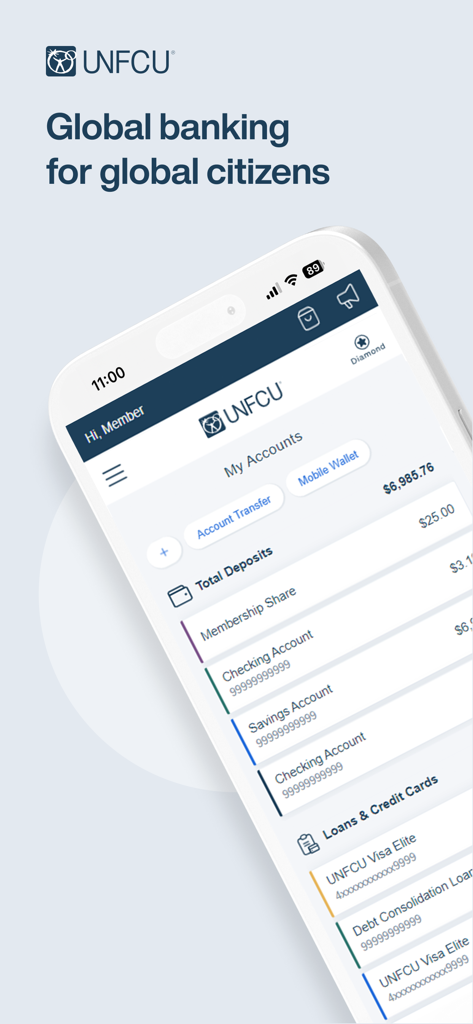
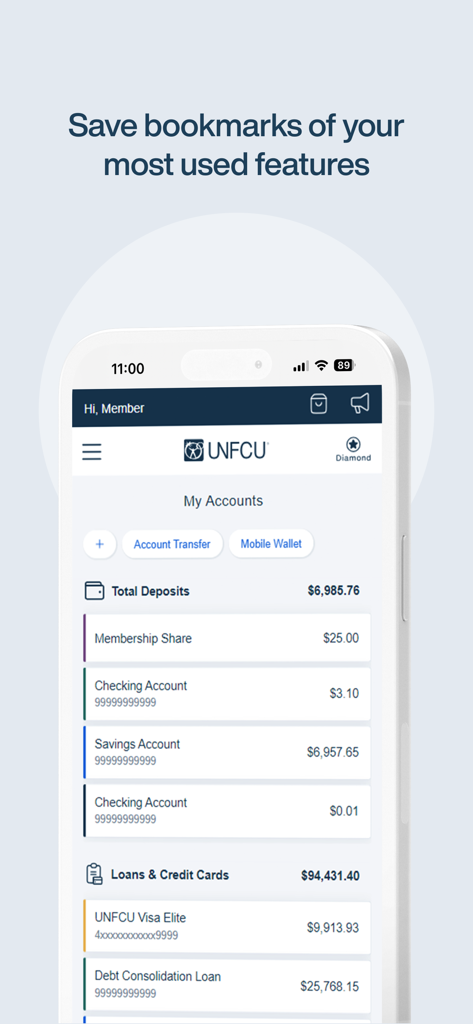
The UNFCU Digital Banking mobile app dashboard showing account totals and loan lists.

The UNFCU Digital Banking mobile app dashboard showing account totals and loan lists.

UNFCU Digital Banking mobile app interface highlighting account view and navigation features

UNFCU Digital Banking mobile app interface highlighting account view and navigation features

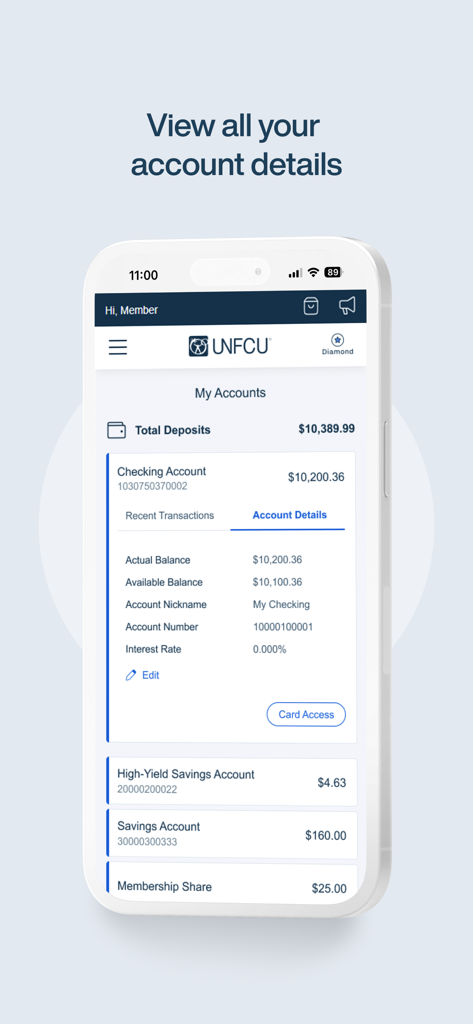
Mobile screen of the UNFCU Digital Banking app displaying an overview of accounts including checking and high yield savings balances.

Mobile screen of the UNFCU Digital Banking app displaying an overview of accounts including checking and high yield savings balances.

UNFCU mobile app dashboard showing savings checking and loan account balances

UNFCU mobile app dashboard showing savings checking and loan account balances

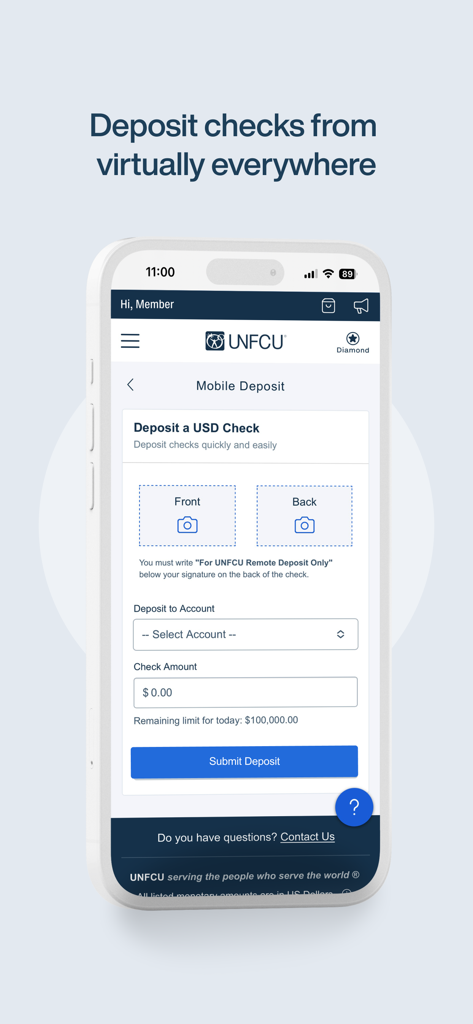
UNFCU Digital Banking app interface for remote mobile check deposits on a smartphone.

UNFCU Digital Banking app interface for remote mobile check deposits on a smartphone.

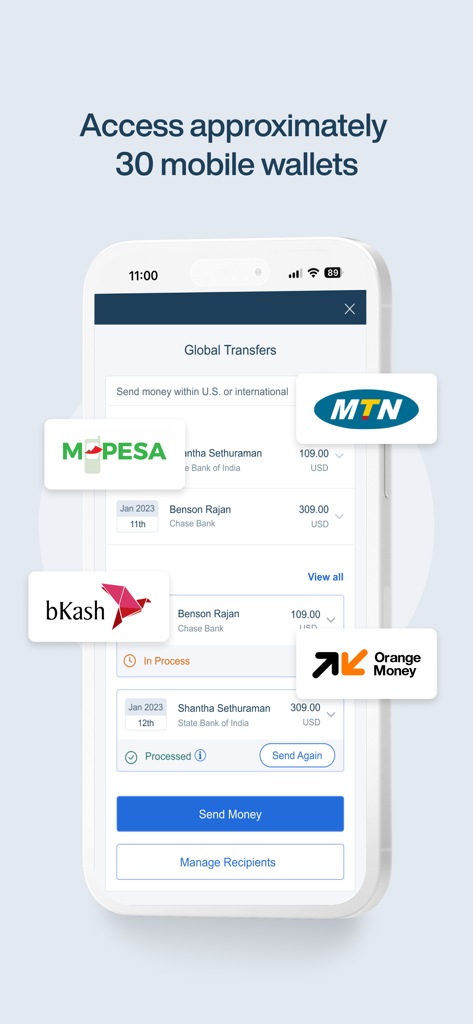
UNFCU Digital Banking interface for international transfers to global mobile wallets like M-Pesa and MTN.

UNFCU Digital Banking interface for international transfers to global mobile wallets like M-Pesa and MTN.

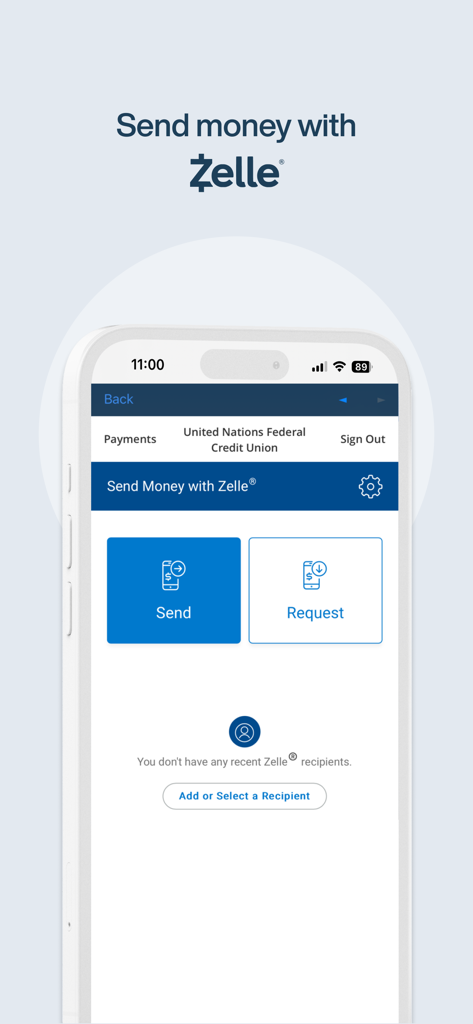
Interface of the UNFCU Digital Banking app showing options to send or request money via Zelle

Interface of the UNFCU Digital Banking app showing options to send or request money via Zelle

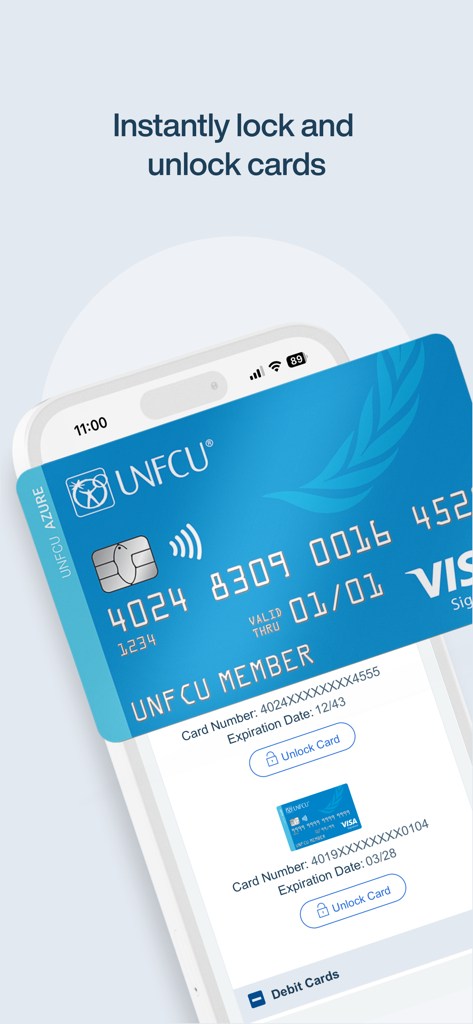
A smartphone interface showing the UNFCU Digital Banking app feature to instantly lock and unlock debit and credit cards for enhanced security.

A smartphone interface showing the UNFCU Digital Banking app feature to instantly lock and unlock debit and credit cards for enhanced security.

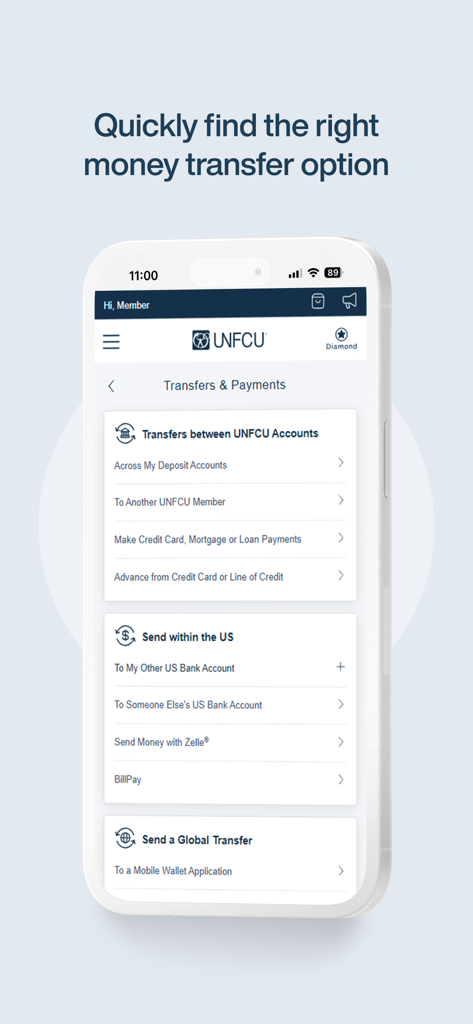
UNFCU mobile app screen showing options for transfers between accounts within the US and global transfers

UNFCU mobile app screen showing options for transfers between accounts within the US and global transfers

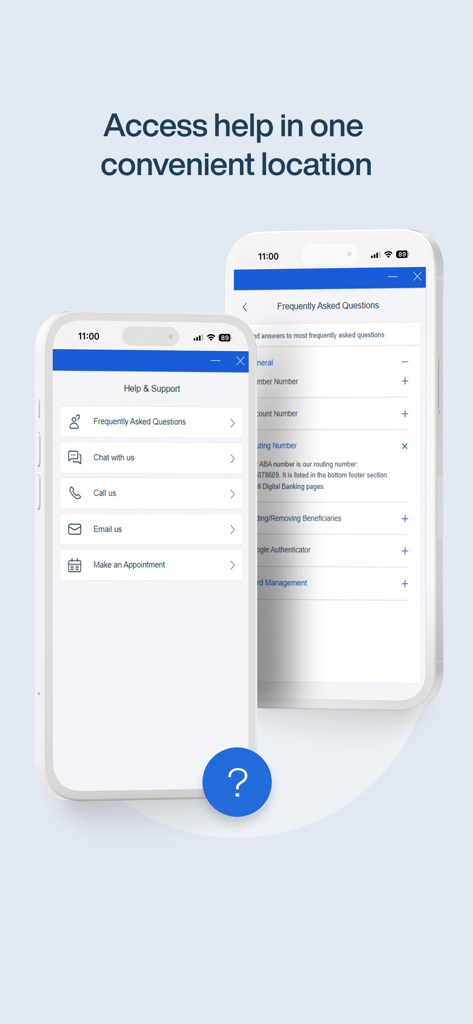
Help and support interface of the UNFCU Digital Banking app showing customer service contact options and FAQ section

Help and support interface of the UNFCU Digital Banking app showing customer service contact options and FAQ section

Banking Built for Your Global Mission

The tools that make this app stand out, trusted by 140K+ users.

🌍

Seamless Global Transfers

Send funds instantly to international accounts and M-Pesa, keeping your finances connected across borders.

🛡️

On-the-Go Account Security

Protect your assets while traveling by instantly locking cards or depositing checks securely from any location.

💼

Comprehensive Wealth Management

Monitor your global portfolio, from checking accounts to mortgages, with deep transaction history and loan tracking.

About the app

Everything you need to know about UNFCU Digital Banking.

Description

The UNFCU Digital Banking mobile app allows you to securely manage your UNFCU accounts from your smartphone or tablet. • View the current balance and transactions conducted in the last three years for each of your UNFCU savings and checking accounts, credit cards, loans, and mortgages. • Make UNFCU loan, credit card, and mortgage payments. • Borrow against your line(s) of credit. • Transfer funds to other accounts at UNFCU, other financial institutions, and registered Kenya M-Pesa* accounts. • Apply for a new loan or track the status of an existing application. • Securely deposit checks with a picture using Remote Check Deposit. • Temporarily lock or unlock your debit or credit card. To access your UNFCU accounts on the mobile app you must first enroll in Digital Banking at www.unfcu.org. You can then log in using the username and password that you create.

Latest Version

2.6.1

Size

73.1 MB

First Released

May 4, 2017

Banking Designed for Your Global Mission

Join thousands of UN professionals managing their finances securely from anywhere in the world. Download the app today to access your accounts, transfer funds via M-Pesa, and bank with total peace of mind.

Download on App Store

App information, icons, screenshots, and descriptions displayed on this page are sourced from the Apple App Store and are the property of their respective developers. Download estimates and rankings are based on MWM's proprietary models and may not reflect actual figures. This page is provided for informational and analytical purposes only.

Believe this page infringes your intellectual property? File a dispute