
Vconsol iMeet


Host secure, enterprise-grade meetings for up to 100 people. Experience seamless collaboration with HD audio and video that stays crystal clear, even on low-speed connections.
Publisher
Category
BusinessDownloads
100User Rating
Total Ratings
0Locales
1Discover the interface used by 100 users.
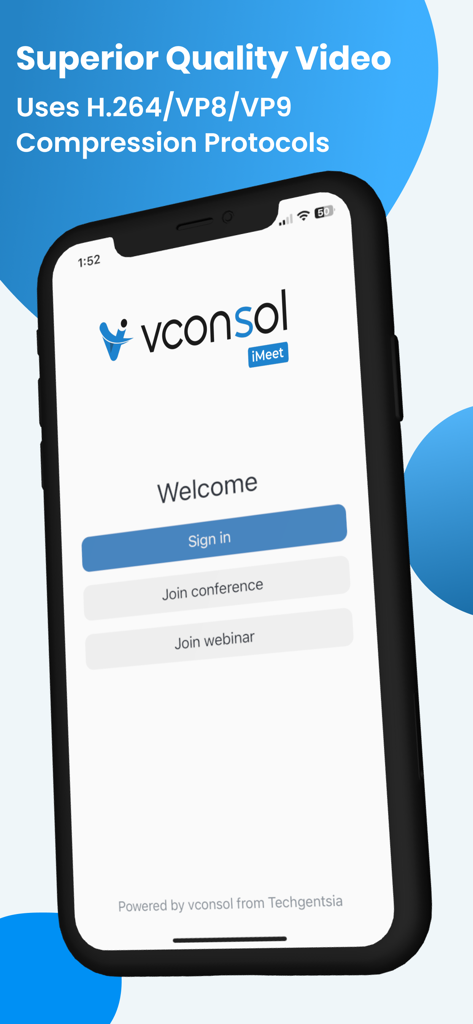
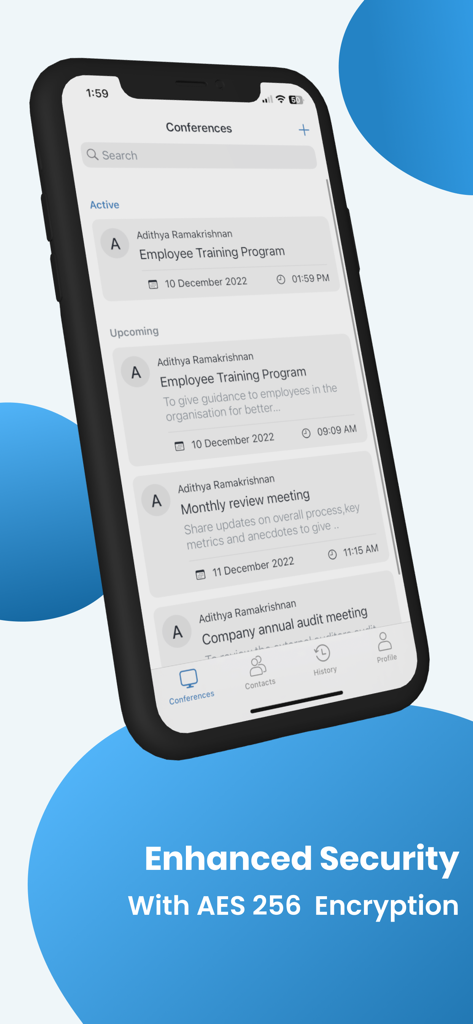
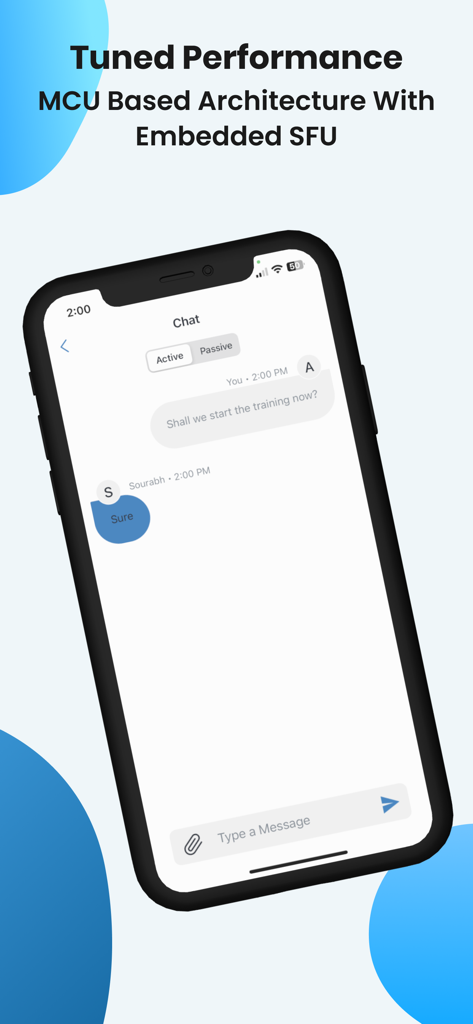
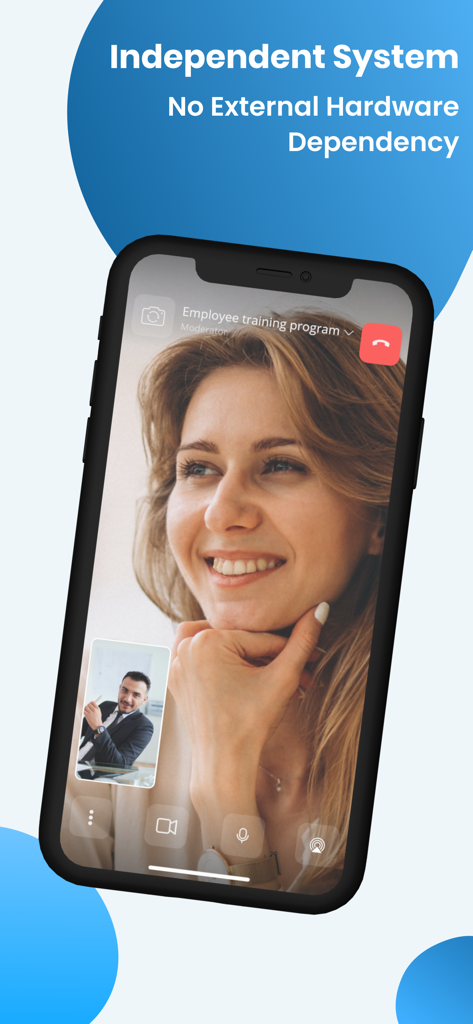
The tools that make this app stand out, trusted by 100 users.
Host up to 100 participants in HD quality without worrying about lag or dropouts, even on limited or rural internet connections.
Keep your sensitive business discussions private with robust, worry-free encryption designed for legal, medical, and financial professionals.
Connect seamlessly to existing H.323/SIP room systems or share your screen via AirPlay and HDMI without any extra hardware costs.
Everything you need to know about Vconsol iMeet.
Description
Latest Version
1.4.9
Size
20.4 MB
First Released
Jan 24, 2024
Get enterprise-grade encryption and HD video that works even on low bandwidth. Join 100+ participants for free and keep your business moving from anywhere.
Everything you need to know about Vconsol iMeet
Vconsol iMeet supports high-quality video meetings with more than 100 people, even at lower internet bandwidths.
Yes, Vconsol iMeet is secure, offering enterprise-grade encryption. It features AES 256 encryption for worry-free video conferencing.
Yes, Vconsol iMeet provides HD-quality audio and video for face-to-face team collaboration.
Users can connect with Vconsol iMeet from all mobile and tablet platforms, PCs, and H.323/SIP room systems.
Yes, Vconsol iMeet supports screen sharing from participating PCs or external devices via Wireless, Airplay, or HDMI connection.
No, Vconsol iMeet is a software-based video conferencing solution that does not require any additional hardware.
Yes, Vconsol iMeet allows users to schedule meetings with calendar integration.
Yes, Vconsol iMeet allows users to create and host video meetings for free. Free group meetings have a 40-minute limit.
Vconsol iMeet uses H.264, VP8, and VP9 compression protocols for superior quality video.
Yes, Vconsol iMeet provides an option to join webinars directly from its interface.
Yes, Vconsol iMeet includes a chat function for active and passive conversations during meetings.
Vconsol iMeet employs an MCU Based Architecture with Embedded SFU for tuned performance during video conferences.
Top-ranked apps in the same category

Microsoft Corporation

Zoom Communications, Inc.

WhatsApp Inc.

Indeed Inc.

LinkedIn Corporation

Adobe Inc.

DingTalk Technology Co., Ltd.

Tencent Technology (Shenzhen) Company Limited

Beijing China Product Bo Farce Network Technology Co., Ltd.
App information, icons, screenshots, and descriptions displayed on this page are sourced from the Apple App Store and are the property of their respective developers. Download estimates and rankings are based on MWM's proprietary models and may not reflect actual figures. This page is provided for informational and analytical purposes only.
Believe this page infringes your intellectual property? File a dispute