Visma M2

Visma M2

Download on App StoreDownload on Google Play
Logo of Visma M2

Visma M2: Smart Expense and Mileage Tracking for Professionals on the Go

Stop wasting time on manual paperwork. Capture receipts, track mileage with GPS, and manage approvals instantly—all from the palm of your hand.

Publisher

Visma Aquila Oy

Category

Business

Downloads

34K+

User Rating

1.7/5

Total Ratings

0

Locales

3

Efficiency in Every Snap

Discover the interface used by 34K+ users.
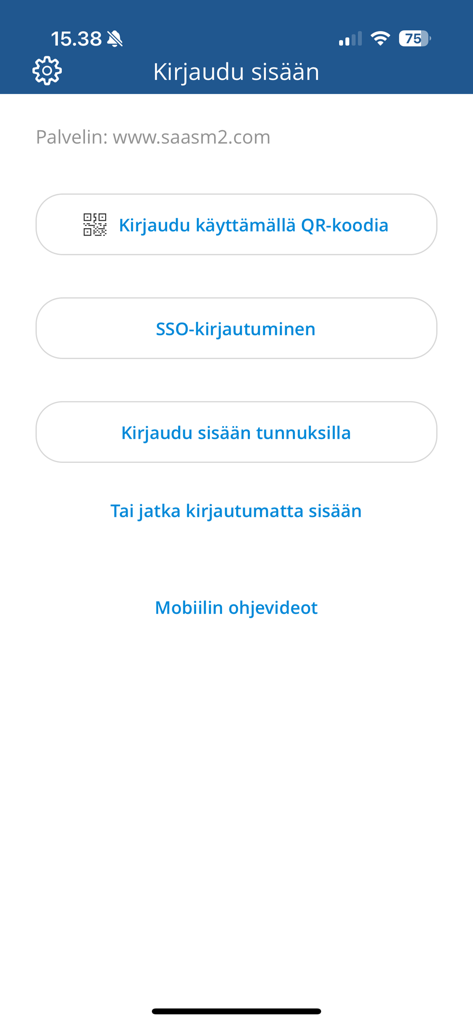
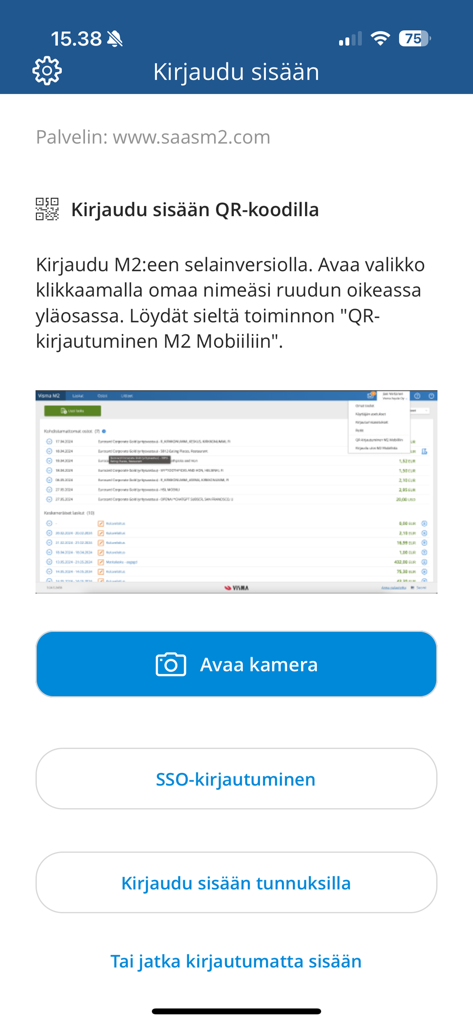
Login screen of the Visma M2 mobile app displaying options for QR code, SSO, and credential login

Login screen of the Visma M2 mobile app displaying options for QR code, SSO, and credential login

Login screen of the Visma M2 app featuring multiple login options including QR code scanning and SSO.

Login screen of the Visma M2 app featuring multiple login options including QR code scanning and SSO.

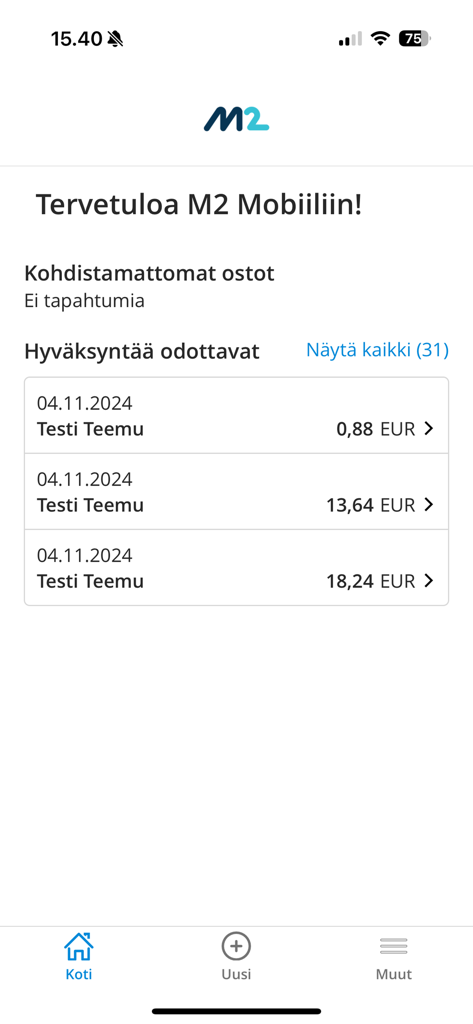
Visma M2 mobile app interface showing a list of pending business expense approvals with names and amounts

Visma M2 mobile app interface showing a list of pending business expense approvals with names and amounts

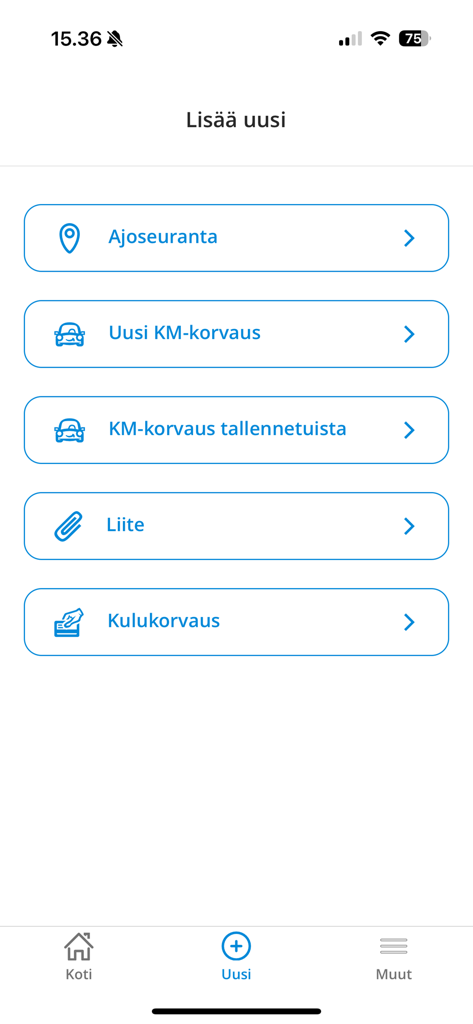
Visma M2 mobile app interface showing options for adding new mileage tracking and expense claims

Visma M2 mobile app interface showing options for adding new mileage tracking and expense claims

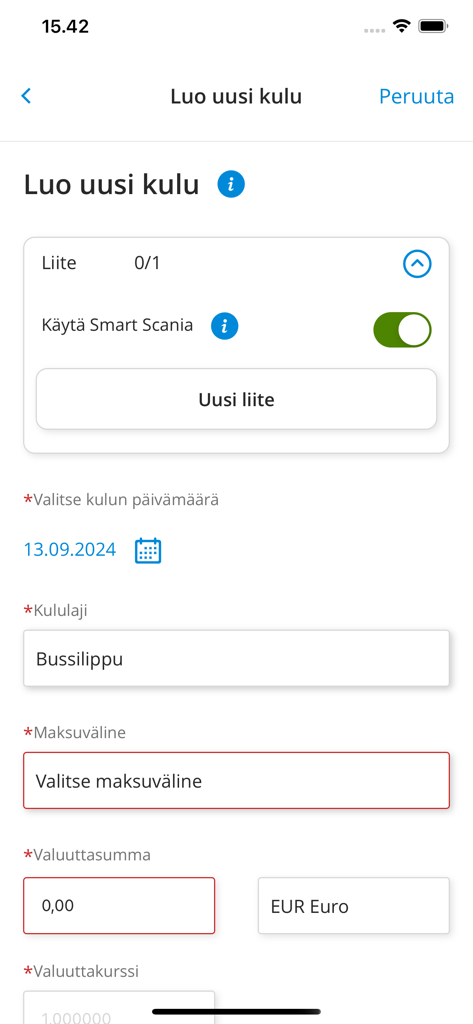
Interface of the Visma M2 app showing the create new expense form with fields for receipt attachments and expense details.

Interface of the Visma M2 app showing the create new expense form with fields for receipt attachments and expense details.

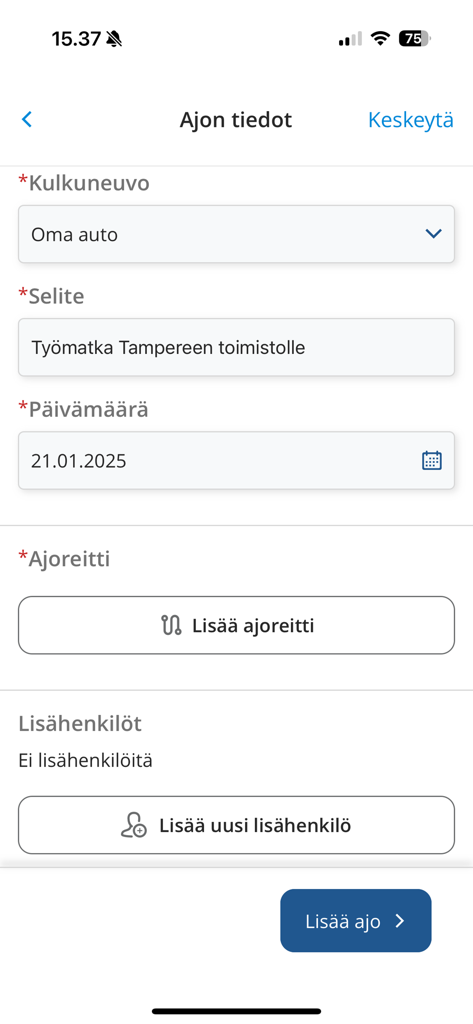
Visma M2 mobile app interface showing a form to enter business driving details including vehicle type and route

Visma M2 mobile app interface showing a form to enter business driving details including vehicle type and route

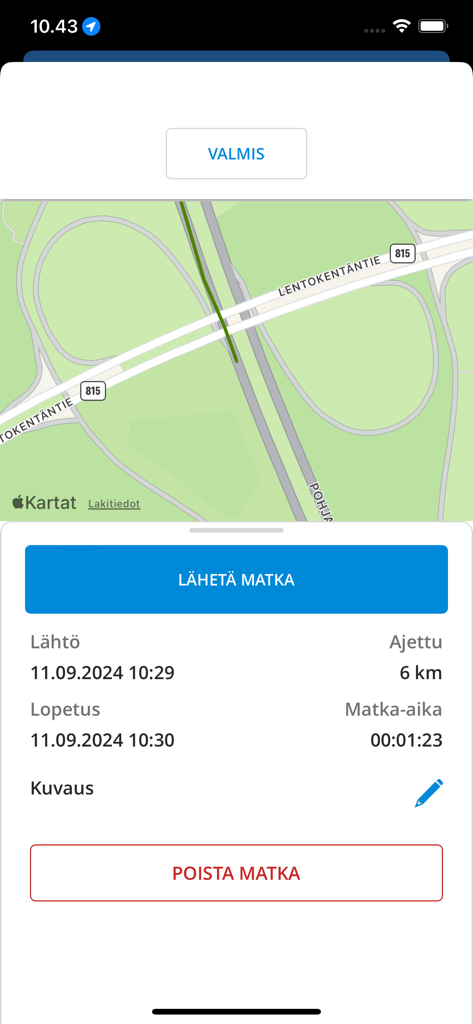
Visma M2 app interface showing a business trip summary with route map and mileage data

Visma M2 app interface showing a business trip summary with route map and mileage data

Expense Management Made Effortless

The tools that make this app stand out, trusted by 34K+ users.

📸

Instant Receipt Capture

Snap a photo of any receipt on the go. Our digital scanning ensures you never lose a reimbursement or misplace a paper slip again.

🚗

Smart GPS Mileage Tracking

Automatically log your business trips with high-precision GPS. Generate accurate mileage claims effortlessly and ensure full compliance.

Rapid Mobile Approvals

Review and approve expense reports or travel plans with a single tap. Keep your team moving and your budget on track from anywhere.

About the app

Everything you need to know about Visma M2.

Description

With M2 Mobile, you can photograph receipts and collect driving data via GPS, and send them to M2 (web service) for further processing, or make a kilometre claim directly in Mobile. You can manage costs and purchases including receipts conveniently anywhere you like, directly in the M2 Mobile and send them for approval. If you have approval responsibilities for claims or plans, you can approve almost all of these transactions directly in Mobile. If necessary, you can also use the M2 Blue user interface through the Mobile. Using M2 Mobile requires that you have personal credentials for the M2 SaaS service and that your organisation has enabled mobile functions. Some of M2 Mobile's functionalities are optional (on / off) depending on the customer. You can download the user manual for M2 Mobile from the help menu of the M2 browser interface. If necessary, ask your organisation's M2 Administrator for more information. Thank you for using M2 Mobile.

Latest Version

1.5.0

Size

35.0 MB

First Released

May 15, 2020

Stop Chasing Receipts. Start Getting Reimbursed.

Join thousands of professionals who automate their expense reports and mileage tracking on the go. Download Visma M2 today and turn your paperwork into productivity.

Download on App StoreDownload on Google Play

App information, icons, screenshots, and descriptions displayed on this page are sourced from the Apple App Store and are the property of their respective developers. Download estimates and rankings are based on MWM's proprietary models and may not reflect actual figures. This page is provided for informational and analytical purposes only.

Believe this page infringes your intellectual property? File a dispute