VocaLive CS for iPad

VocaLive CS for iPad


Download on App Store
Logo of VocaLive CS for iPad

VocaLive CS for iPad: Your Professional Studio and Live Vocal Rig

Transform your voice with 12 pro-grade effects, 20 legendary mic emulations, and a powerful multi-track studio designed for the modern creator and performer.

Download on App Store

Publisher

IK Multimedia US, LLC

Category

Music

Downloads

222K+

User Rating

3.3/5

Total Ratings

800

Locales

6

The Interface of Inspiration

Discover the interface used by 222K+ users.
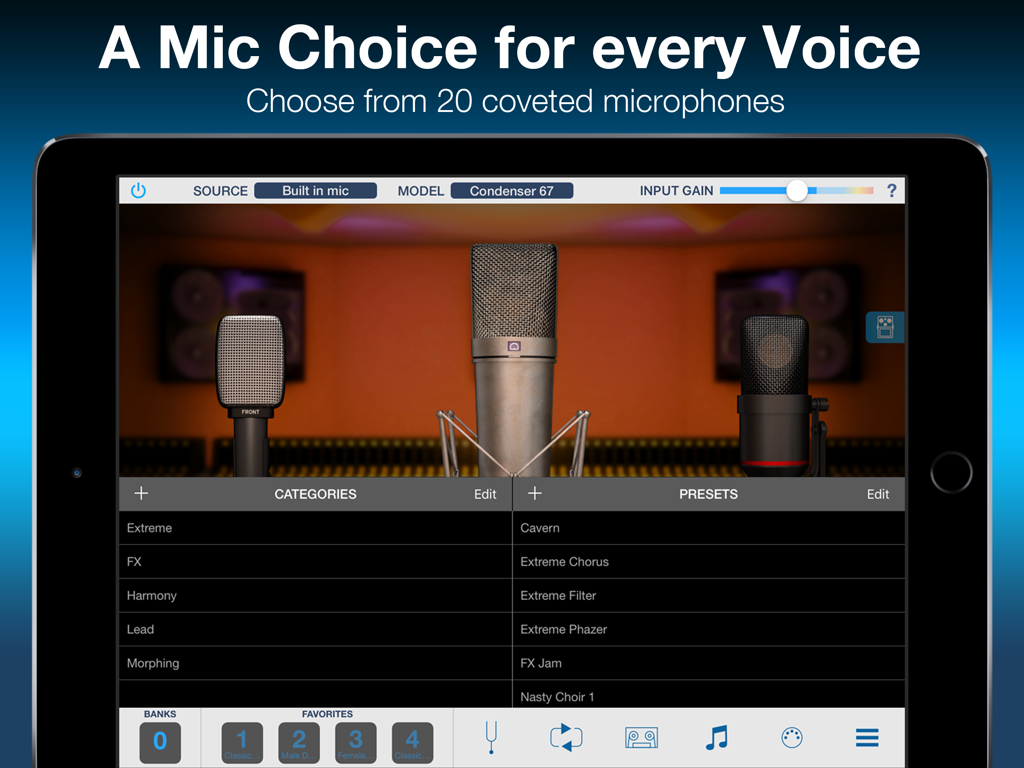
VocaLive CS for iPad showing the Mic Room interface with professional microphone emulations and vocal effect presets

VocaLive CS for iPad showing the Mic Room interface with professional microphone emulations and vocal effect presets

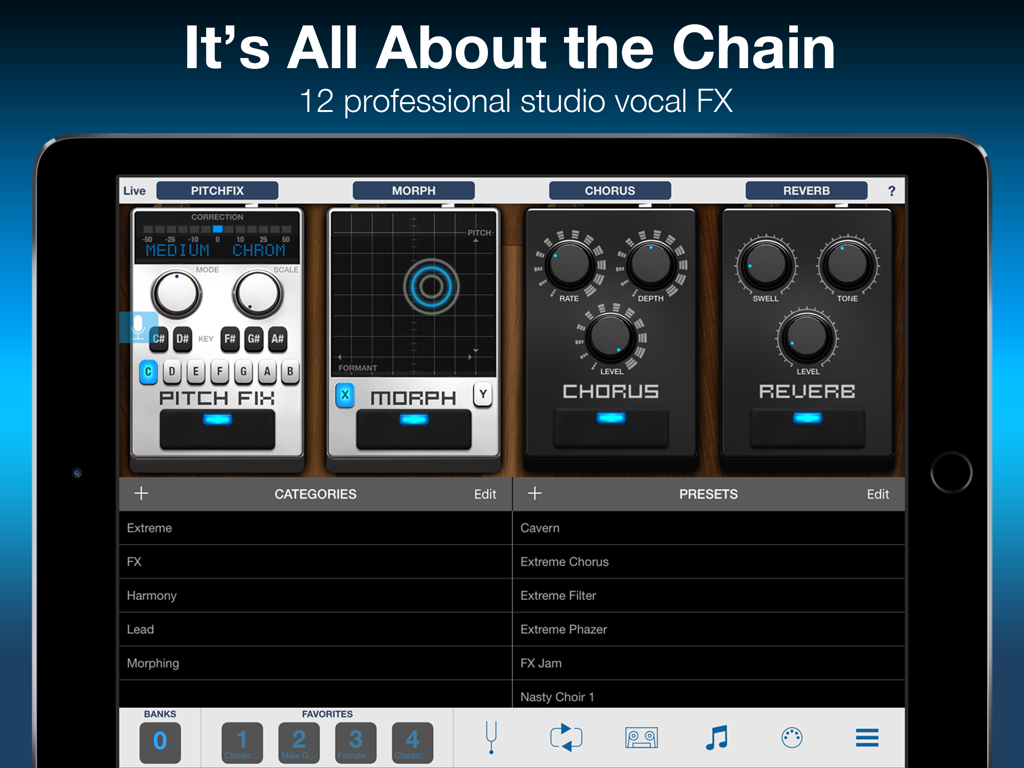
VocaLive CS for iPad interface displaying a chain of professional vocal effects

VocaLive CS for iPad interface displaying a chain of professional vocal effects

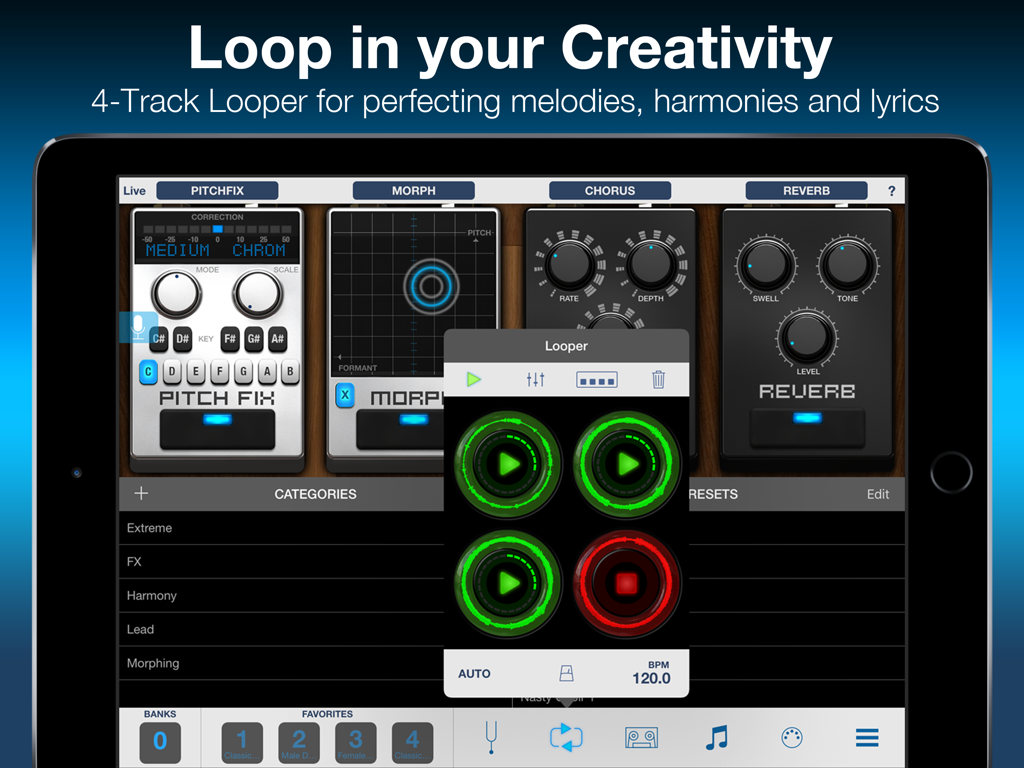
VocaLive CS for iPad interface showing the 4-track looper overlay and vocal effect pedals like Pitch Fix and Reverb

VocaLive CS for iPad interface showing the 4-track looper overlay and vocal effect pedals like Pitch Fix and Reverb

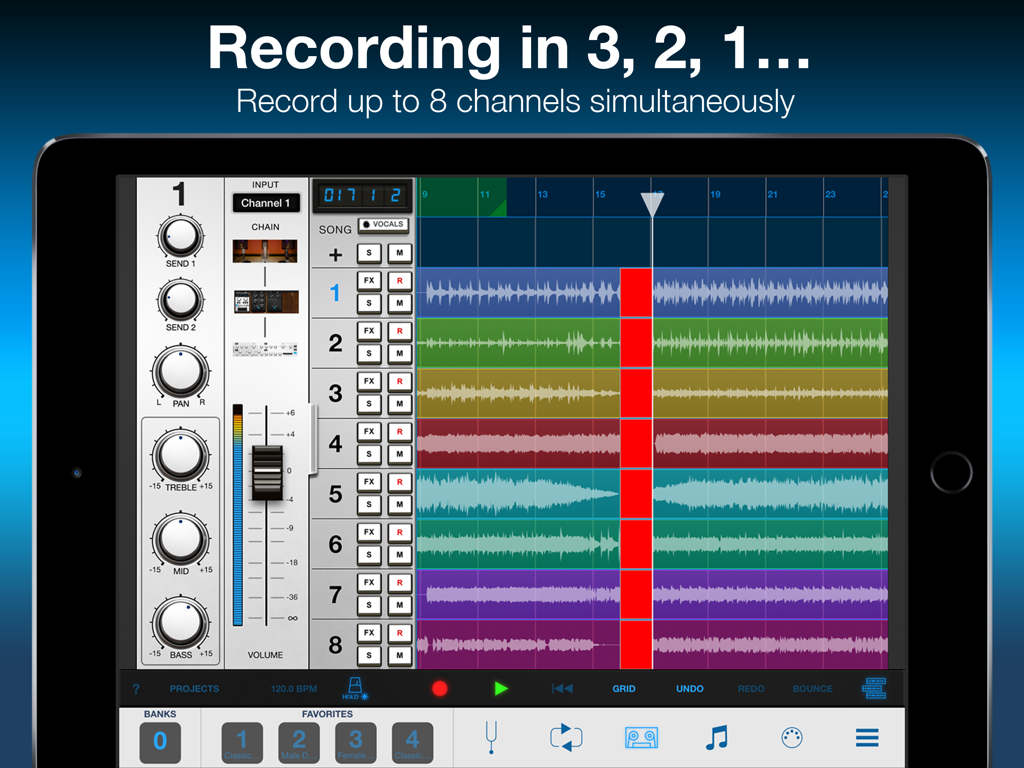
Interface of VocaLive CS for iPad showing eight tracks of simultaneous recording and mixer controls

Interface of VocaLive CS for iPad showing eight tracks of simultaneous recording and mixer controls

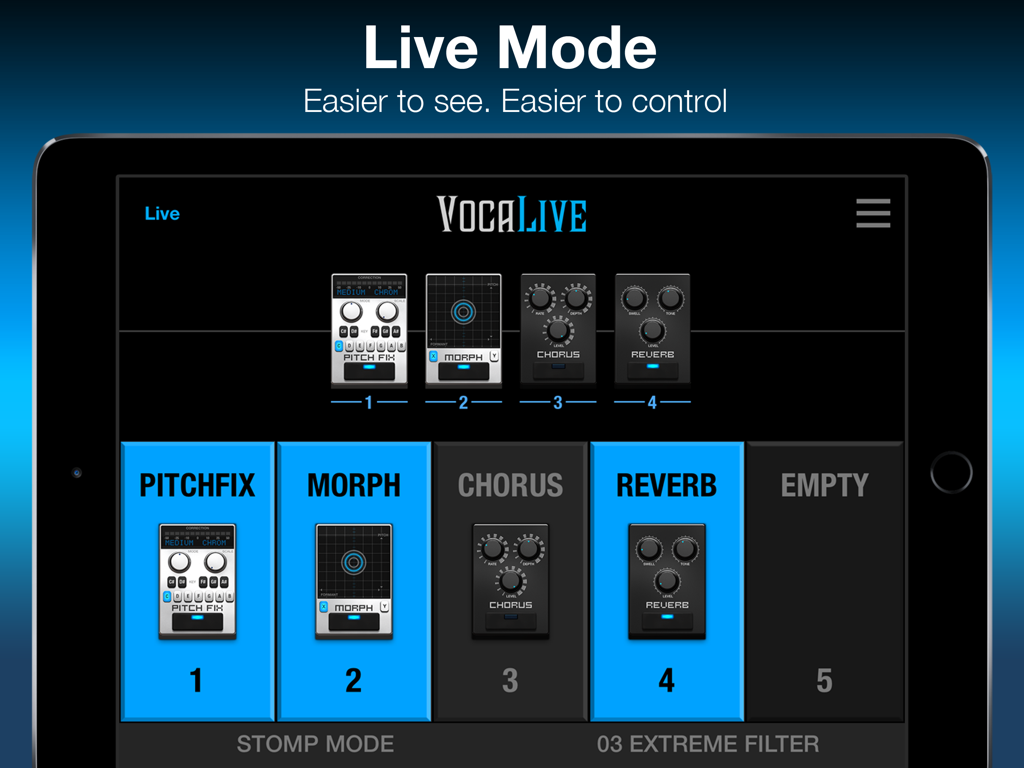
Live Mode interface of the VocaLive CS for iPad app displaying vocal effects pedals like Pitch Fix and Reverb.

Live Mode interface of the VocaLive CS for iPad app displaying vocal effects pedals like Pitch Fix and Reverb.

Your Pro-Vocal Studio Anywhere

The tools that make this app stand out, trusted by 222K+ users.

🎤

Radio-Ready Vocal Effects

Chain up to 4 studio-grade processors like Pitch Fix and Reverb to get that polished, professional sound for your recordings and covers.

🏟️

Built for the Stage

Command the spotlight with a dedicated Live Mode and MIDI support, allowing you to control your entire vocal rig hands-free during performances.

🎙️

Iconic Mic Modeling

Instantly access the sound and color of 20 legendary studio microphones with Mic Room, giving your iPad the power of a high-end vocal booth.

Review Analysis

Insights from user reviews.

Sentiment Score

28%
Negative

Summary

The VocaLivePadF app receives overwhelmingly negative feedback, with numerous users reporting critical issues such as app crashes and complete non-functionality, particularly after iOS updates (v3.1.2 on iOS 12.5.7, iOS 15, iOS 16, iOS 14.3, iOS 13.2.3). Many expressed frustration over an aggressive in-app purchase model, often requiring re-buying previously owned content or making the "free" version unusable. Complaints also highlight a severe lack of developer updates and unresponsive customer support, leading to costly purchases becoming defunct. While some acknowledged the app's potential as a "full-featured vocal recorder and live performance app" in the past, its current state is widely considered unreliable and disappointing.

Common Themes

iOS Compatibility / Crashes(22)
In-App Purchases / Value(19)
App Updates & Support(13)
Core Vocal Features(7)
Integration Issues(7)
Audio Performance(4)

About the app

Everything you need to know about VocaLive CS for iPad.

Description

VocaLive provides singers and vocalists with a suite of 12 real-time professional vocal effects, along with a range of tools to help you practice, sing and record. The effects can be combined into a chain of 4 processors and saved as presets. A collection of 55 presets is included to get you up and running immediately. VocaLive CS for iPad comes with the Reverb effect, and upon registration the Double effect is unlocked. You can add 10 additional effects à la carte from a selection that includes Pitch Fix (for tuning or stylized FX), Choir, Morph, De-Esser, Delay, Parametric EQ, Compressor, Chorus, Phazer and Envelope Filter. Together these effects provide unparalleled creative processing power. With VocaLive you can process your voice, sing along to any song in your iTunes Music library — its Voice Cancel feature lets you remove existing vocals — and warm up with helpful vocal warm-up tools. Use the new 2-track recorder to sing over backing tracks, or expand the studio section (available via in-app purchase) to record whole songs. With the optional Mic Room feature, VocaLive also gives you the sound and color of 20 classic and modern studio microphone emulations, for even more control over your vocal tone. Ready to perform? VocaLive’s new Live Mode offers an optimized GUI specifically for live. See your entire chain at a glance, with all the settings and controls you need in an easy-to-read format designed for the stage. Plus VocaLive offers an optional 4-track looper to easily create songs, harmonies and more on the fly. For best quality, use VocaLive with IK’s iRig Mic range of microphones, from handheld to studio condenser mic. Or connect your favorite 3rd party mic using our iRig Pre interfaces. But you can also have fun with it and record quick ideas using the built-in microphone on your iPad or earbuds. Control your virtual rig just as easily as you would a traditional vocal multiFX with new iRig Stomp I/O integration, so you can change presets, control effects and more right from your feet. Or go wireless with iRig Blueboard, a wireless Bluetooth controller for basic control on the go. VocaLive also supports Core Audio and Core MIDI so you can use any compatible third-party interface or MIDI controller, and Audiobus and Inter-App Audio compatible, letting you use it alongside your favorite recording or songwriting apps. VocaLive CS for iPad features: • Real time vocal processor + recording app • 4-processor vocal effects chain • 12 professional studio-quality effects available - 2 included • Mic Room microphone with 20 classic and modern studio mic emulations* • Includes metronome and vocal warm-up tools • 4-track looper section* • 2-track recorder (expandable to a full 8-track recording studio*) • Import and play songs directly from your Music library or computer • Voice Cancel lets you create sing-along backing tracks by removing the vocal track from existing recordings • Simultaneous multi-track recording • Studio section (included with Recorder) with waveform visualization and editing, touch-and-drag looping, normalization, punch-in/punch-out recording, simultaneous multi-track recording support and more • AutoFreeze (allows each track to have its own full effects chain) • Live Mode shows you your entire rig at a glance, with all the parameters you need on stage easily accessible • 55 presets included with 4 Favorites for fast recall • MIDI controllable and with built-in integration for iRig Stomp I/O, iRig Blueboard and other controllers • Audiobus & Inter-App Audio support • Full version available * available via in-app purchase IMPORTANT: AmpliTube users can add the effects processors from VocaLive to their AmpliTube app using the “Restore my purchases” option in the in-app menu. For more information: www.ikmultimedia.com/vocaliveipad Accessories information: www.ikmultimedia.com

Latest Version

3.1.3

Size

186.0 MB

First Released

Nov 9, 2011

Transform Your iPad Into a Professional Vocal Studio

Join 220,000+ creators and performers. Download VocaLive CS for free and start crafting your signature sound with studio-grade effects today.

Download on App Store

App information, icons, screenshots, and descriptions displayed on this page are sourced from the Apple App Store and are the property of their respective developers. Download estimates and rankings are based on MWM's proprietary models and may not reflect actual figures. This page is provided for informational and analytical purposes only.

Believe this page infringes your intellectual property? File a dispute