
Watch Try-On


Stop guessing and start wearing. Upload any watch and strap to see a realistic preview on your own wrist before you buy. The essential fitting room for the modern collector.
Publisher
Category
ShoppingDownloads
200User Rating
Total Ratings
0Locales
1Discover the interface used by 200 users.
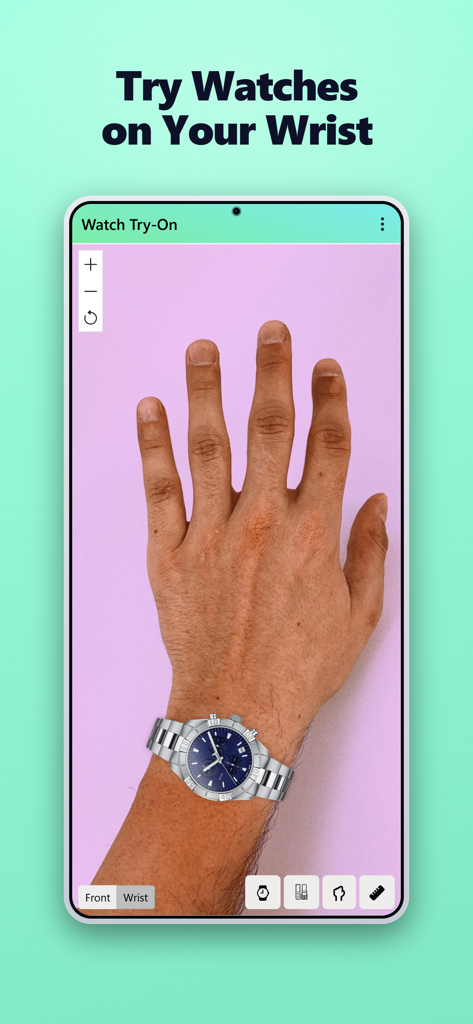
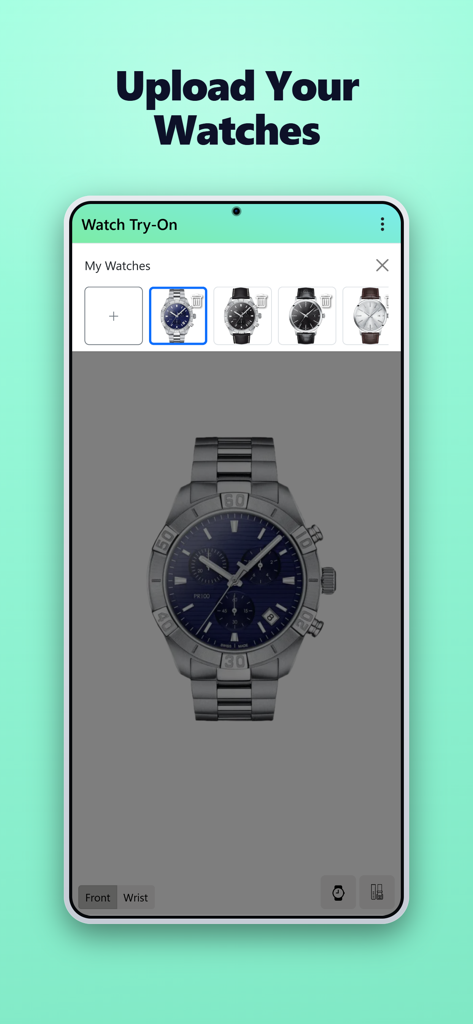
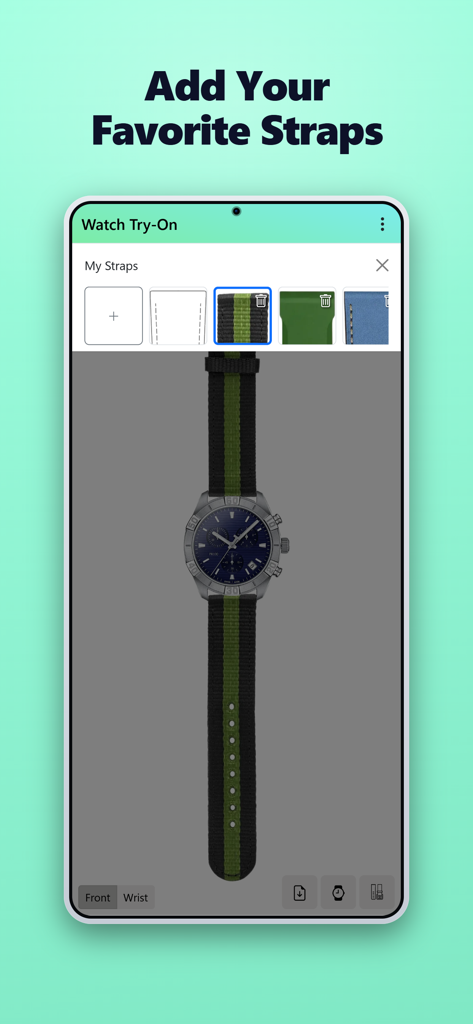
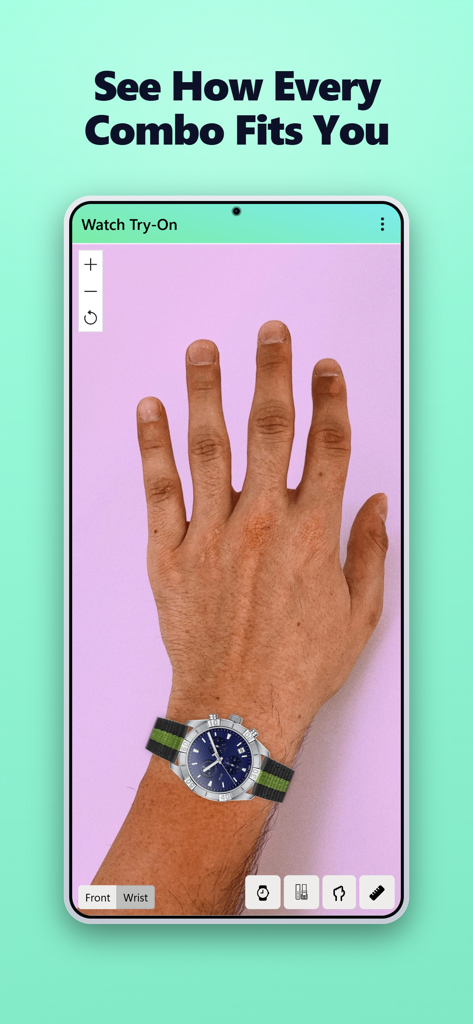
The tools that make this app stand out, trusted by 200 users.
Stop worrying about case sizes. See exactly how a watch sits on your specific wrist size to avoid the disappointment of an oversized or tiny timepiece.
Virtually swap between leather, NATO, and steel bands. Preview how different textures and colors complement your watch head before you buy.
Move beyond generic stock photos. Upload a picture of your own wrist to see a realistic 2D preview tailored to your skin tone and personal style.
Everything you need to know about Watch Try-On.
Description
Latest Version
1.1.7
Size
34.4 MB
First Released
Dec 4, 2025
Stop the guesswork of online shopping. Download Watch Try-On to virtually test any watch and strap combination on your own wrist before you buy.
Everything you need to know about Watch Try-On
Watch Try-On creates 2D visualizations of watches and straps on your wrist. Users upload images of watches, straps, and their wrist to visualize different combinations.
The Watch Try-On app allows users to virtually try on watches and straps on their wrist before purchasing. It creates a 2D visualization, enabling confident decisions on how combinations fit and look.
Yes, Watch Try-On allows users to upload their own watch images. The app displays these uploaded watches in a gallery, ready for virtual try-on with a user's wrist image.
Yes, Watch Try-On supports adding various watch straps. Users upload images of their preferred straps, which the app then integrates into virtual try-on visualizations alongside chosen watches and wrists.
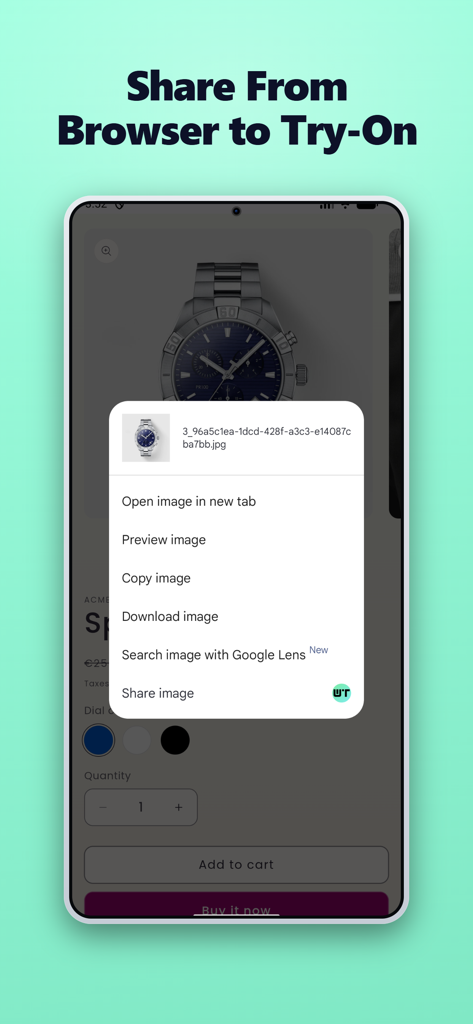
Users share images to Watch Try-On directly from their browser. The app integrates with the browser's 'Share image' context menu, allowing easy import of watch or strap pictures.
No, Watch Try-On creates 2D visualizations. The app generates a flat image by combining uploaded pictures of watches, straps, and a user's wrist, not a three-dimensional model.
Top-ranked apps in the same category

Whaleco Inc.

ROADGET BUSINESS PTE. LTD.

Beijing Jingdong Century Trading Co., Ltd.

Zhejiang Alibaba Xianyu Network Technology Co., Ltd.

Shanghai Xunmeng Information Technology Co., Ltd.

Zhejiang Taobao Network Co.,Ltd

MercadoLibre S.A.

Shopify Inc.

AMZN Mobile LLC
App information, icons, screenshots, and descriptions displayed on this page are sourced from the Apple App Store and are the property of their respective developers. Download estimates and rankings are based on MWM's proprietary models and may not reflect actual figures. This page is provided for informational and analytical purposes only.
Believe this page infringes your intellectual property? File a dispute