
Web - Workspace ONE


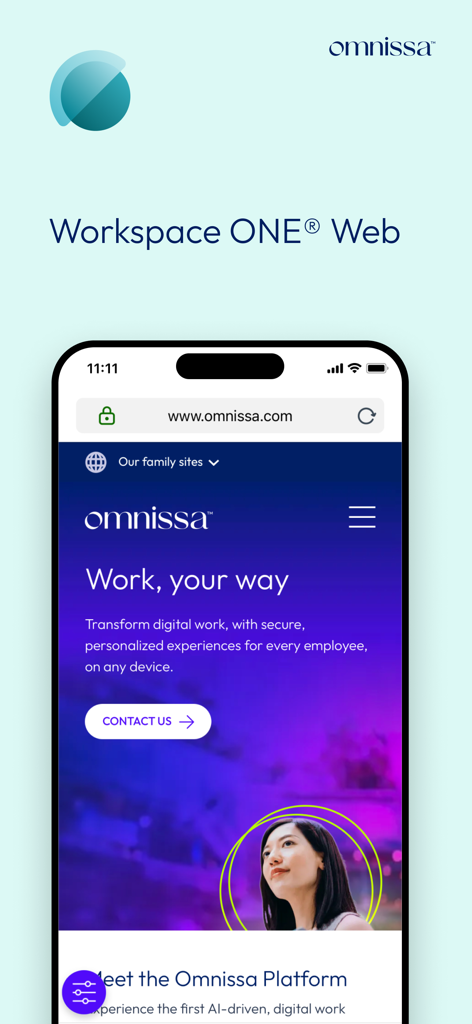
Access your company intranet and internal apps instantly from your iPhone or iPad. Experience frictionless, professional-grade mobile productivity designed for the modern hybrid worker.
Publisher
Category
BusinessDownloads
3M+User Rating
Total Ratings
24K+Locales
18Discover the interface used by 3M+ users.
The tools that make this app stand out, trusted by 3M+ users.
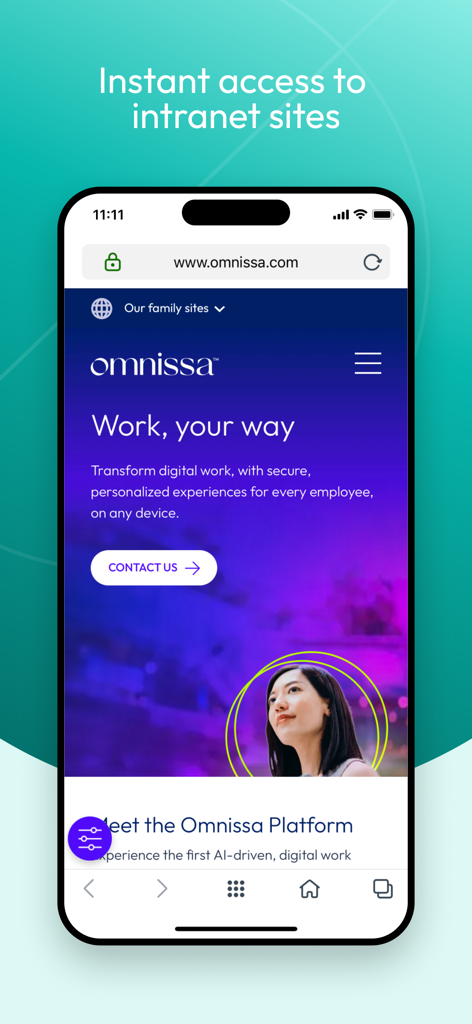
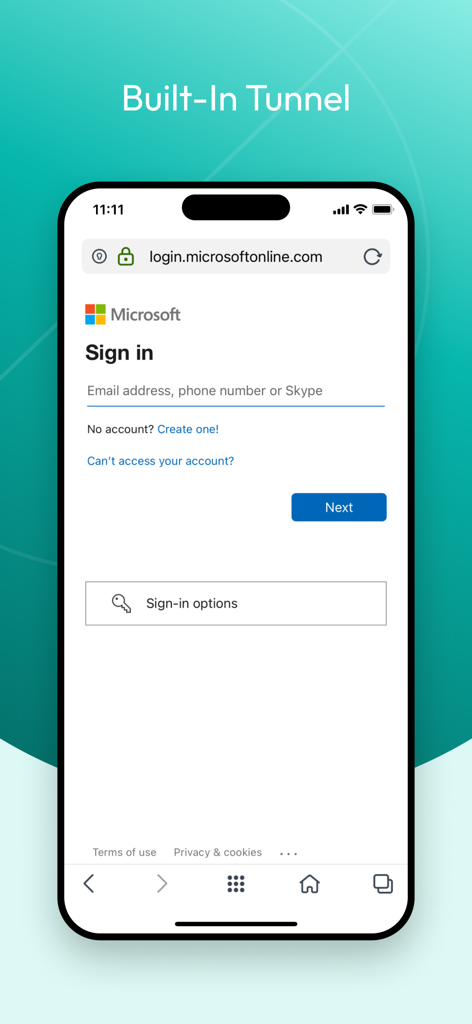
Skip the manual VPN login. Get straight to your company’s internal network and websites with secure, automatic connectivity that saves you time.
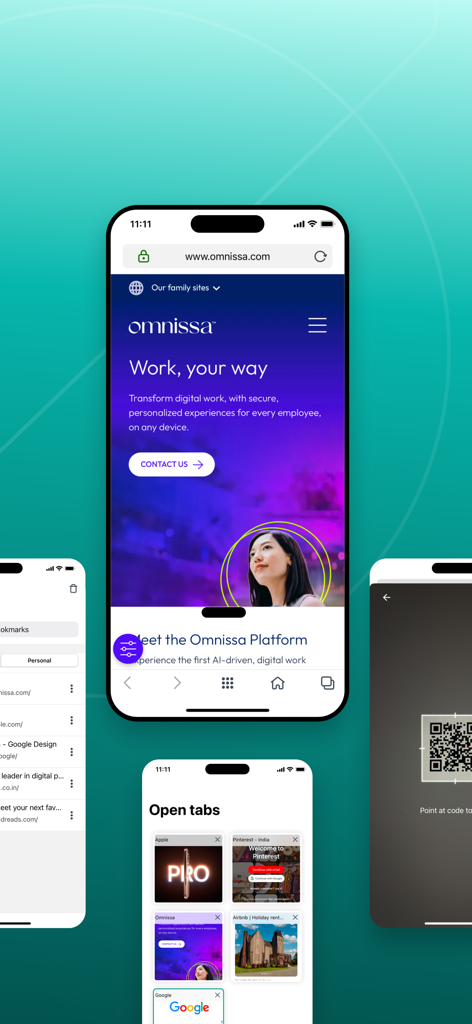
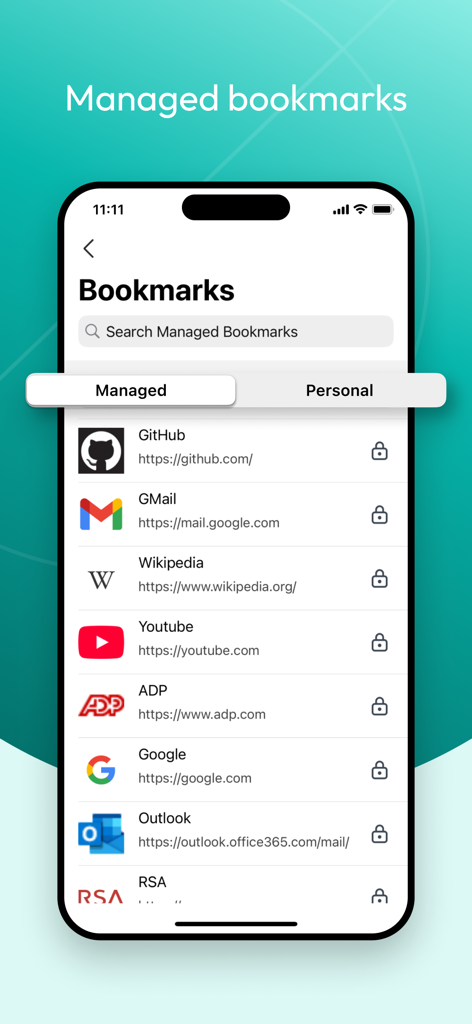
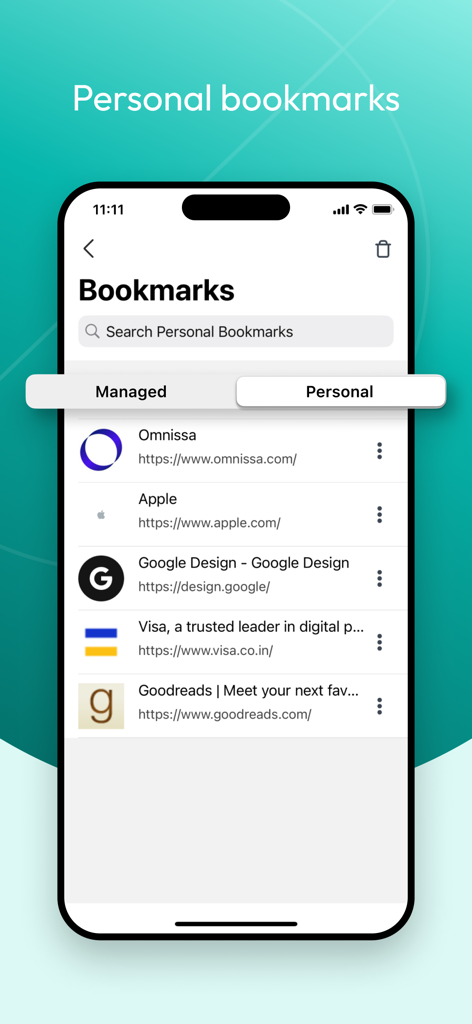
Access company-pushed links and manage your own professional bookmarks in one unified grid, ensuring your essential tools are always one tap away.
Protect sensitive corporate data with a secure browsing container that meets strict compliance standards without compromising your mobile experience.
Insights from user reviews.
Sentiment Score
Summary
This app receives overwhelmingly negative feedback, with users frequently reporting severe bugs, crashes, and general instability that render it unusable. Many struggle to access corporate intranets or load web pages, and note issues such as slow performance, a confusing user interface, and a cumbersome login process. Critically, some updates have introduced new problems, breaking previously functional access. The app's core purpose of intranet access is occasionally achieved, as noted in a rare positive review, but for most, it fails to deliver.
Common Themes
Everything you need to know about Web - Workspace ONE.
Description
Latest Version
25.11
Size
96.2 MB
First Released
Oct 15, 2012
Join over 3 million professionals who enjoy secure, frictionless access to company sites and internal apps on the go. Experience the speed of your office, anywhere.
Everything you need to know about Web - Workspace ONE
Workspace ONE Web provides instant, secure access to your company's internal network sites. It eliminates the need for manual VPN configuration for on-the-go browsing.
Yes, Workspace ONE Web allows you to manage bookmarks. You can add, edit, or remove your own bookmarks. Your company can also push specific bookmarks to your app.
To locate your bookmarks in Workspace ONE Web, tap the action grid at the bottom of the browser interface, then tap 'Bookmarks.'
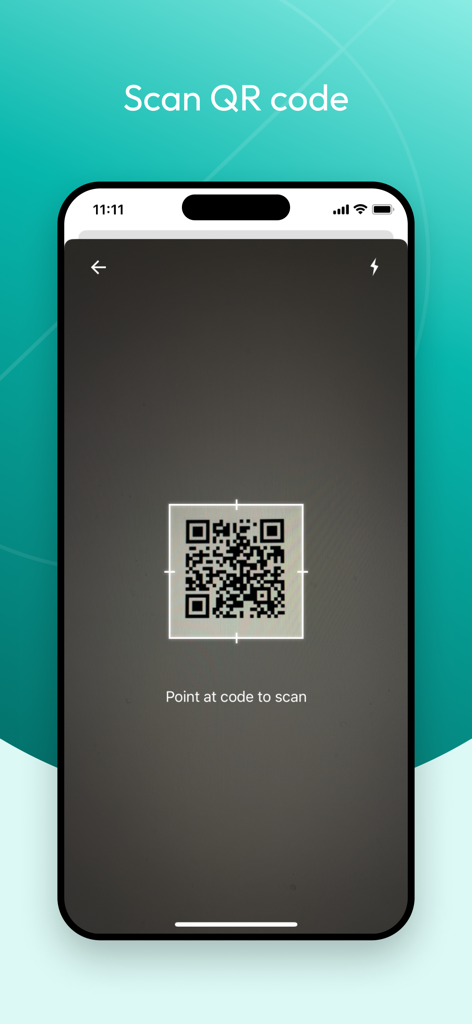
Yes, Workspace ONE Web supports QR code scanning. Navigate to the browser's URL address bar, tap the code icon on the right, and enable camera access to scan.
Omnissa collects device identity information for security and productivity, including Phone Number, Serial Number, UDID, IMEI, SIM Card Identifier, Mac Address, and Currently Connected SSID.
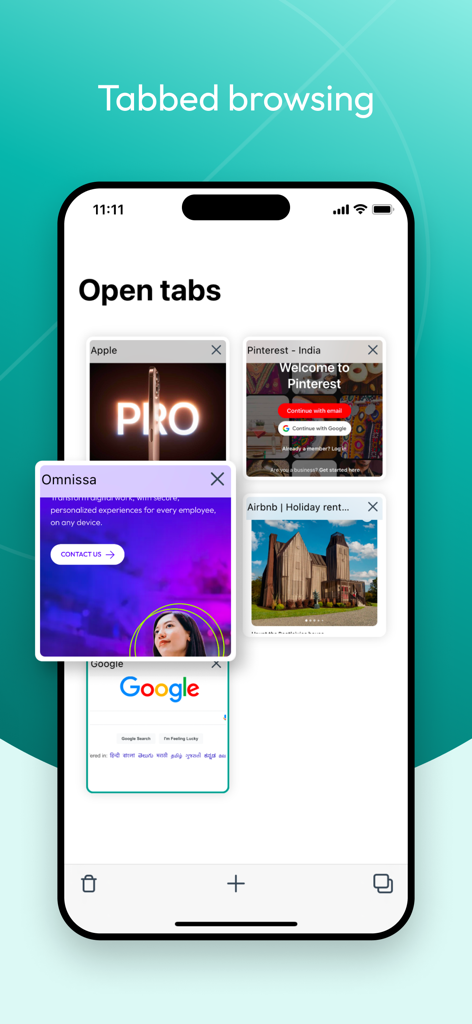
Yes, Workspace ONE Web features tabbed browsing. Users can open and manage multiple web pages concurrently, enhancing navigation and workflow efficiency.
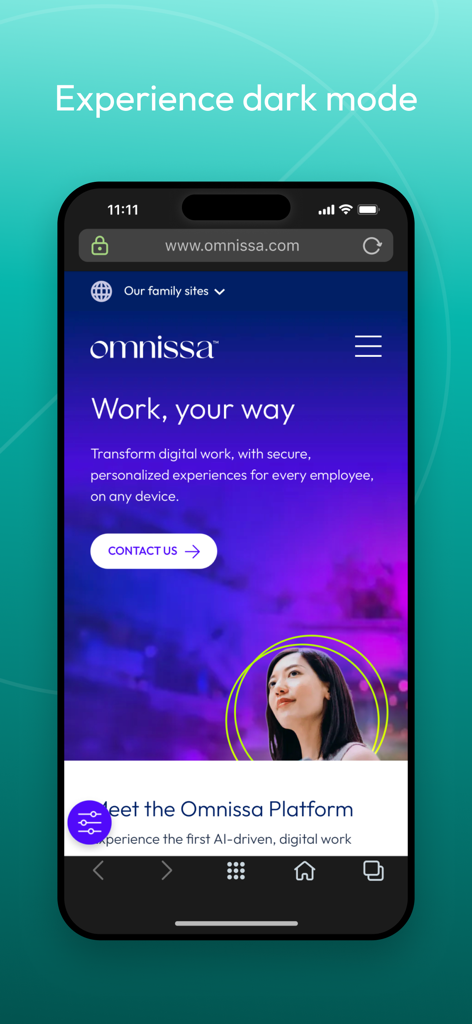
Yes, Workspace ONE Web supports a dark mode experience. This feature adjusts the app's interface colors, providing improved viewing comfort in low-light environments.
Top-ranked apps in the same category

Microsoft Corporation

Zoom Communications, Inc.

WhatsApp Inc.

Indeed Inc.

LinkedIn Corporation

Adobe Inc.

Tencent Technology (Shenzhen) Company Limited

Beijing China Product Bo Farce Network Technology Co., Ltd.

DingTalk Technology Co., Ltd.
App information, icons, screenshots, and descriptions displayed on this page are sourced from the Apple App Store and are the property of their respective developers. Download estimates and rankings are based on MWM's proprietary models and may not reflect actual figures. This page is provided for informational and analytical purposes only.
Believe this page infringes your intellectual property? File a dispute