Week Calendar +

Stop wrestling with clunky default calendars. Experience lightning-fast event entry, intuitive swiping, and a powerful visual overview designed for the efficiency-driven professional.
Publisher
Category
ProductivityDownloads
253K+User Rating
Total Ratings
9K+Locales
2Discover the interface used by 253K+ users.
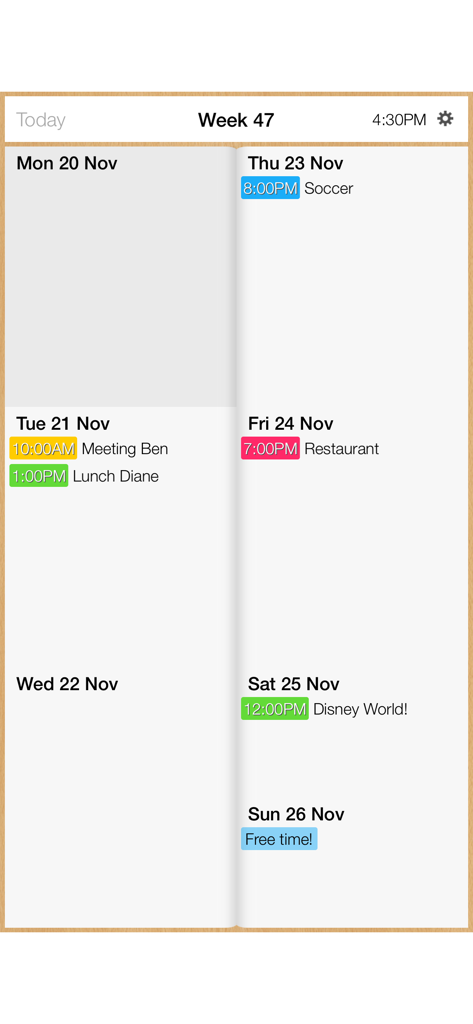
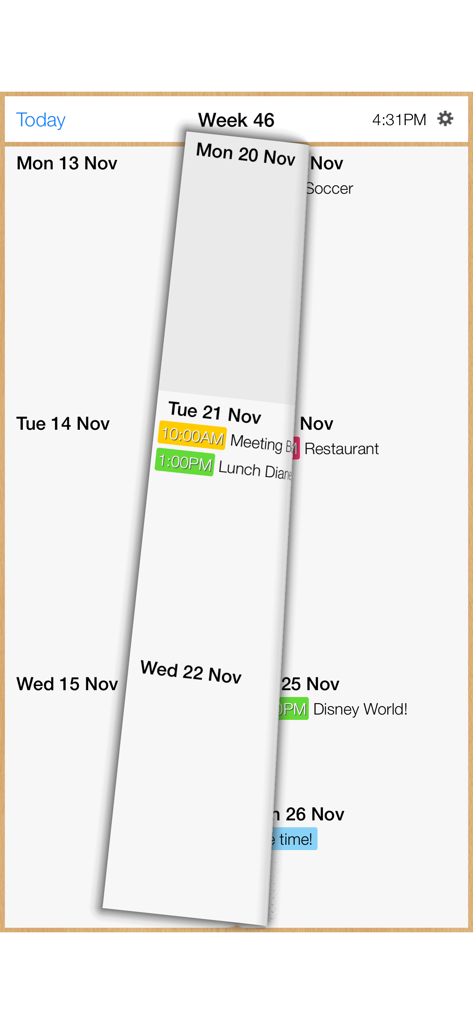
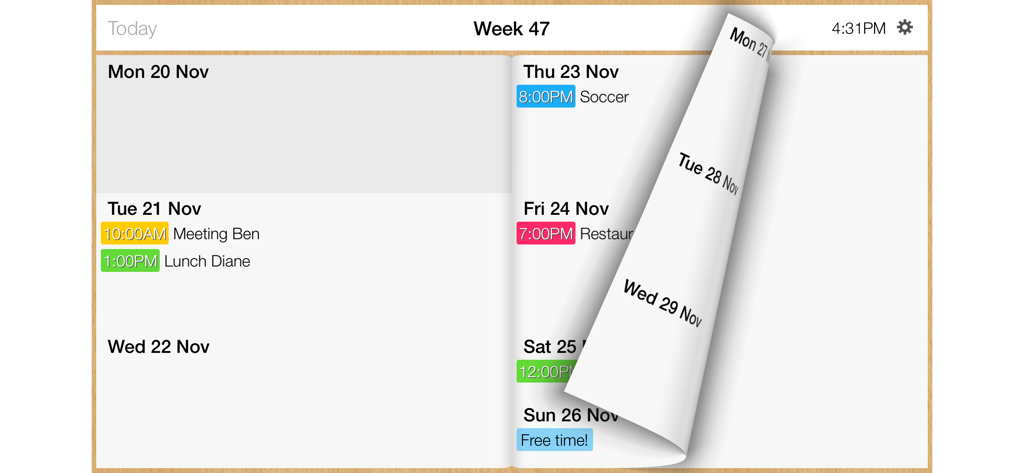
The tools that make this app stand out, trusted by 253K+ users.
Add events in seconds by entering just a name and time. Eliminate the friction of the default calendar and stay in your flow while on the go.
See your entire schedule at a glance with high-density layouts. Use swift swiping and intuitive gestures to navigate your busiest weeks effortlessly.
Instantly connects with iCloud, Google Agenda, and iCal. Whether in Portrait or Landscape, your data is always synced across your professional life.
Everything you need to know about Week Calendar +.
Description
Latest Version
1.1.4
Size
10.5 MB
First Released
Jun 11, 2014
Join over 250,000 efficiency-driven professionals who have ditched the friction of default calendars. Download Week Calendar + now and reclaim your time with the fastest scheduling experience on iOS.
Apps with similar features and user experience
App information, icons, screenshots, and descriptions displayed on this page are sourced from the Apple App Store and are the property of their respective developers. Download estimates and rankings are based on MWM's proprietary models and may not reflect actual figures. This page is provided for informational and analytical purposes only.
Believe this page infringes your intellectual property? File a dispute