
워드마스터 통합 학습앱


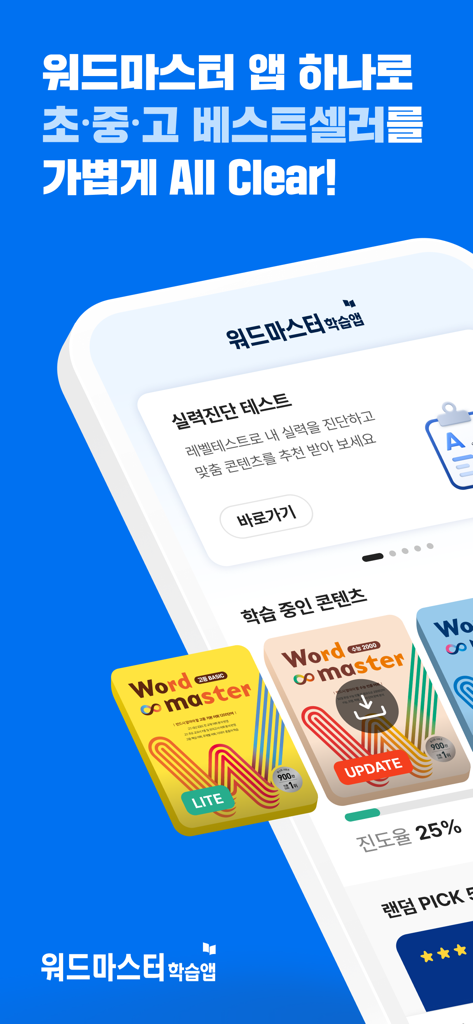
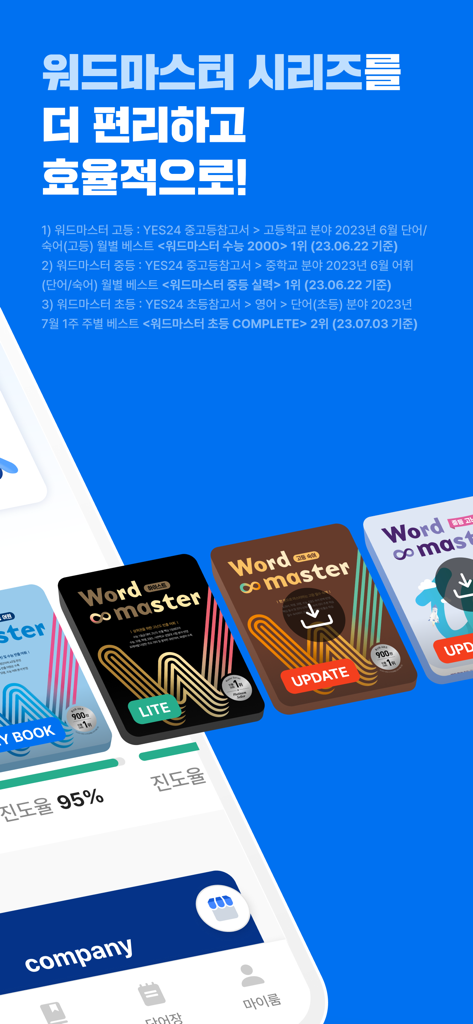
From elementary to high school, conquer the entire Word Master series with our proven 'Yes I Know' system. Perfect for Korean students aiming for academic excellence through systematic testing and smart audio learning.
Publisher
Category
EducationDownloads
88K+User Rating
Total Ratings
800Locales
1Discover the interface used by 88K+ users.
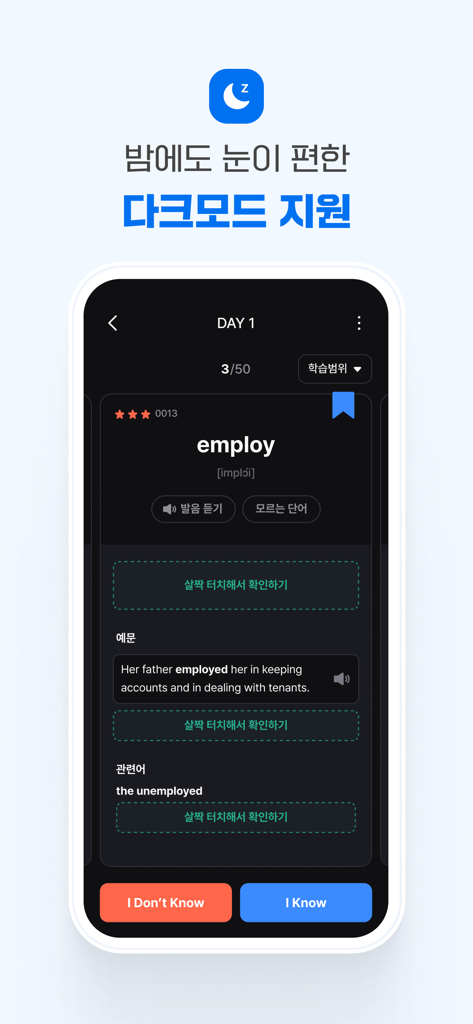
The tools that make this app stand out, trusted by 88K+ users.
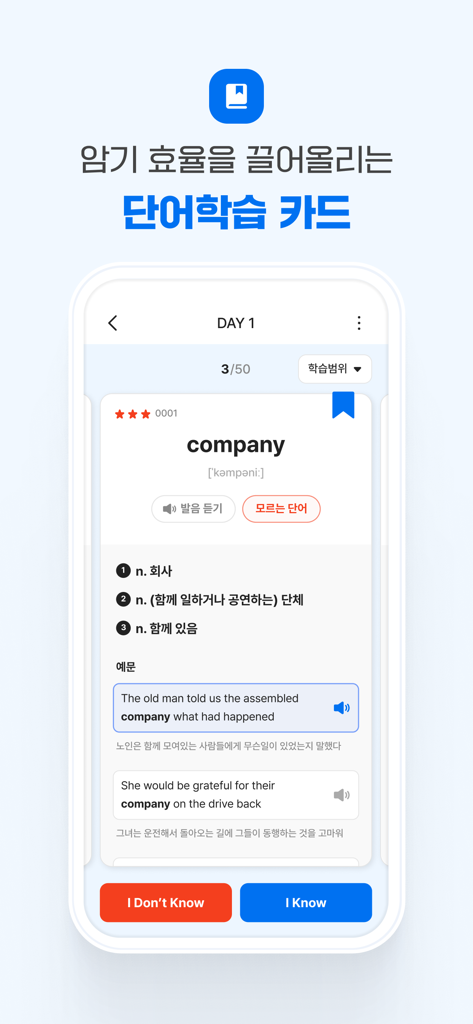
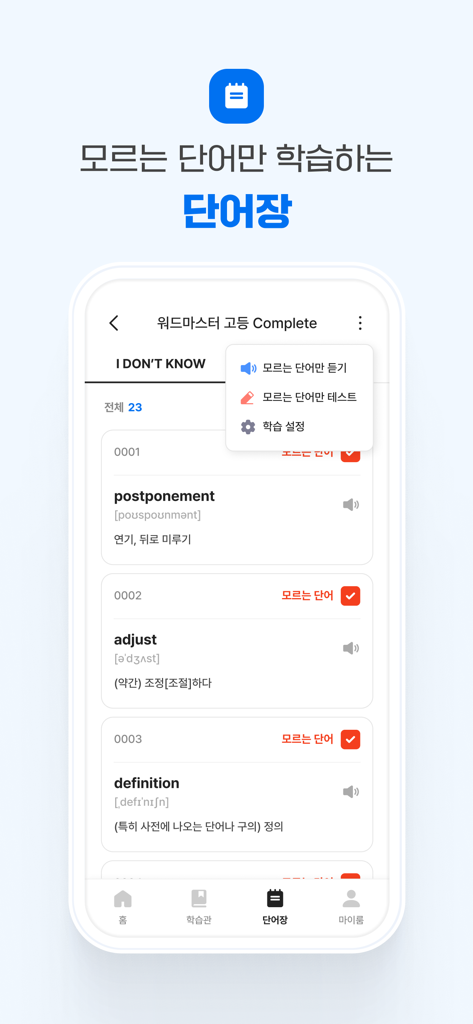
Maximize your study time by focusing only on words you haven't mastered yet. Our proven system separates known words from the ones that need more work.
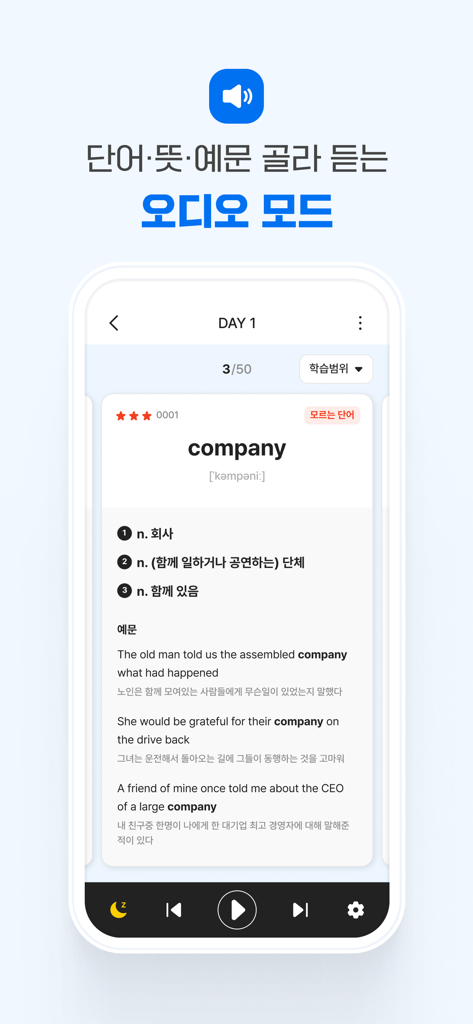
Turn your commute or downtime into learning opportunities. Listen to native pronunciations and use the Sleep Timer to keep learning while you rest.
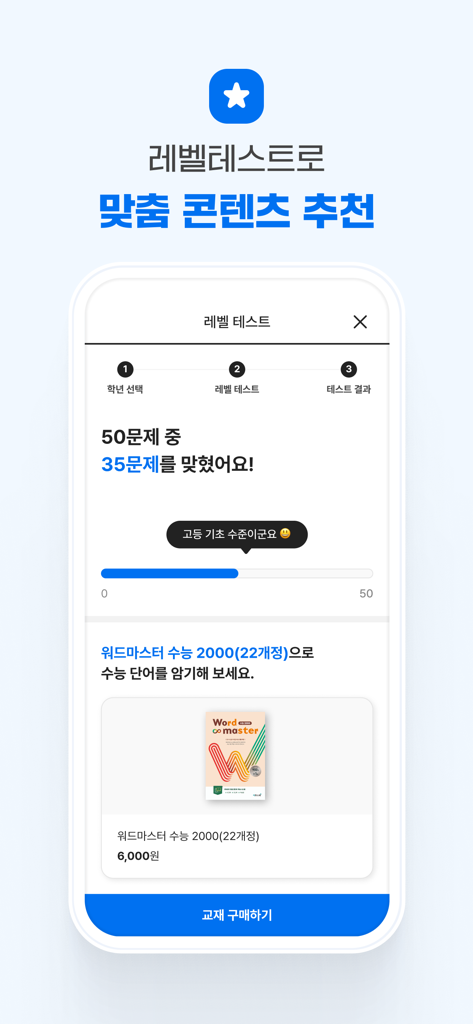
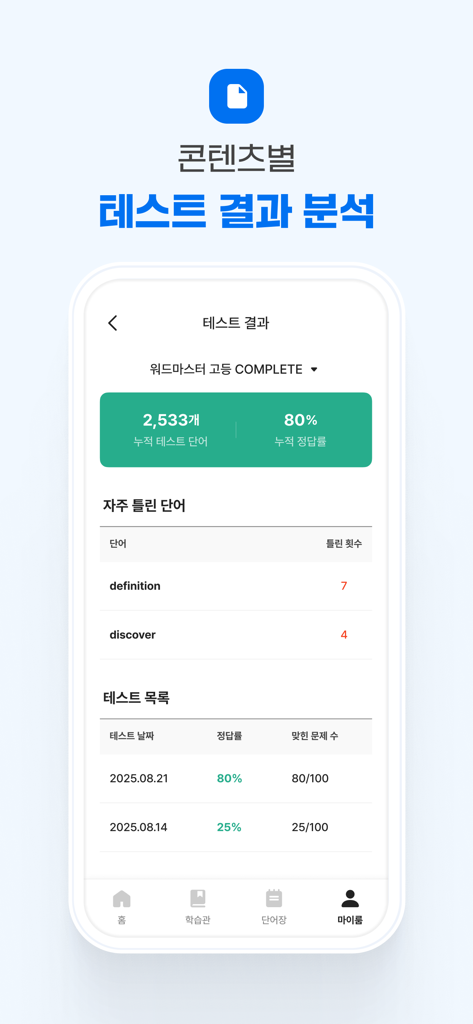
Take a level test to receive personalized content recommendations and sync your entire learning history across all your devices for a seamless experience.
Insights from user reviews.
Sentiment Score
Summary
The recent update for this mobile app has been met with overwhelmingly negative feedback, primarily due to severe login issues where existing users cannot access their accounts and are often redirected to signup pages. Many users also report critical problems with wordbook and data downloads, frequently getting stuck at specific percentages or suffering from extremely slow progress, sometimes for hours. Furthermore, users are frustrated by the loss of previously enjoyed features, such as hiding word meanings and reviewing only unknown words, as well as instances of lost account progress and purchased content, leading to significant disruption in their studies and calls for refunds. While a few users appreciate the app's convenience for word review and its potential as a learning aid, these positive aspects are largely overshadowed by the widespread technical difficulties.
Common Themes
Everything you need to know about 워드마스터 통합 학습앱.
Description
Latest Version
1.0.8
Size
70.4 MB
First Released
Aug 11, 2025
Join thousands of students using the Word Master system to achieve academic success. Download now and start your 'All Clear' journey today!
Everything you need to know about 워드마스터 통합 학습앱
The Word Master Integrated Learning App helps users efficiently study the entire Word Master series. It functions as a smart vocabulary memorization tool, providing various learning and testing features.
The Word Master app utilizes "Yes I Know" word cards for efficient learning. It offers random word order, bookmarking, example sentence audio, related words, and the option to hide meanings for self-testing.
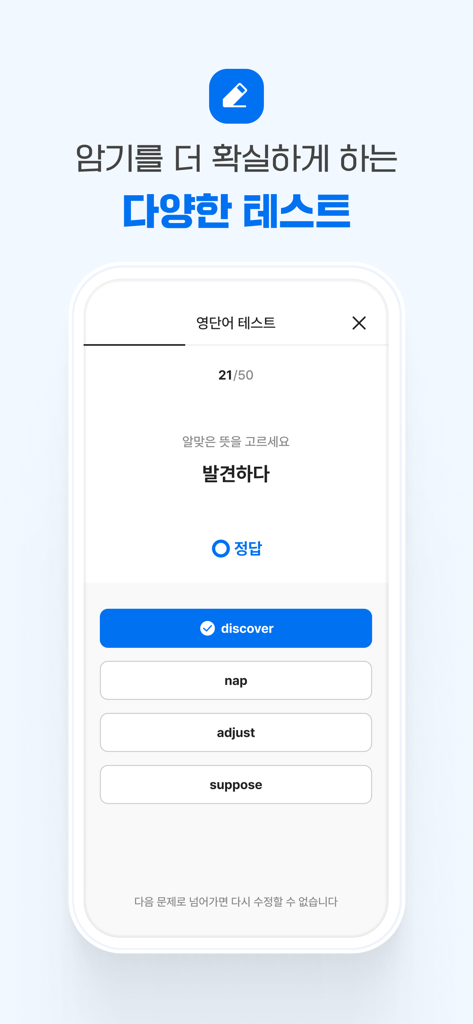
The Word Master app provides four distinct test types: matching Korean meaning, matching English words, English word input, and Korean meaning input. These options ensure comprehensive vocabulary assessment.
Yes, the Word Master learning app includes an audio mode. Users can repeatedly listen to words, meanings, and example sentences. It also features a "Sleep Mode" with an automatic timer.
The Word Master app offers a "Level Test" function that accurately diagnoses the user's proficiency. Based on the test results, it recommends tailored content to support their skill improvement.
Yes, the Word Master learning app syncs learning data to your account. This ensures that your progress and words saved in the wordbook are consistently maintained across different devices.
The Word Master app requires storage permission for content downloads and sending images during inquiries. It also needs phone permission for device identification and unique information verification.
Yes, if you own a Word Master series designed for dual online/offline learning, you can use the provided app code. This code enables access to the textbook's content within the Word Master learning app.
Yes, the Word Master app supports a dark mode. This feature helps reduce eye strain and provides a comfortable visual experience, especially during nighttime study sessions.
The Word Master app features a dedicated wordbook that automatically categorizes words as 'I Don't Know' or 'I Know' based on learning outcomes. This allows targeted study and testing of challenging vocabulary.
Apps with similar features and user experience

Books of Discovery

McGraw-Hill Higher Education

Gakken CO.,LTD

Muhammet Karakok

Cornelsen Verlag GmbH

Jiangxi Doubanjiang Technology Co., Ltd

Beijing Xueersi Education Technology Co., Ltd.

FERNUS BILISIM HIZMETLERI EGI.DAN. ve TIC.LTD.STI.
PEP Digital Publishing Corporation Limited
App information, icons, screenshots, and descriptions displayed on this page are sourced from the Apple App Store and are the property of their respective developers. Download estimates and rankings are based on MWM's proprietary models and may not reflect actual figures. This page is provided for informational and analytical purposes only.
Believe this page infringes your intellectual property? File a dispute