Windows Service Monitor

Windows Service Monitor


Download on App Store
Logo of Windows Service Monitor

Windows Service Monitor: Enterprise-Grade Server Management in Your Pocket

Stop, start, and restart Windows services or servers instantly from your iPhone. Ensure 24/7 uptime and manage Active Directory environments without ever needing to open your laptop.

Download on App Store

Publisher

Zoho Corporation

Category

Business

Downloads

5K+

User Rating

5.0/5

Total Ratings

0

Locales

1

Command Your Infrastructure

Discover the interface used by 5K+ users.
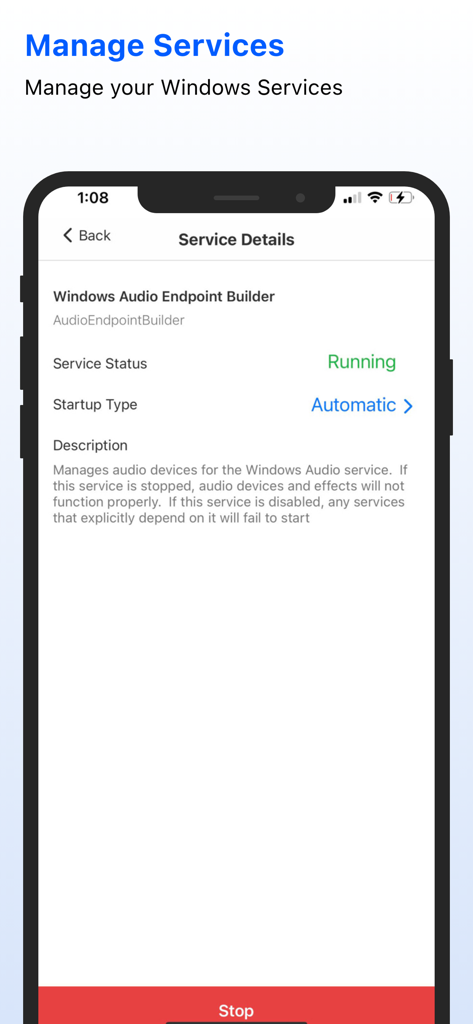
A mobile screen showing the details and status of a Windows service in the monitor app.

A mobile screen showing the details and status of a Windows service in the monitor app.

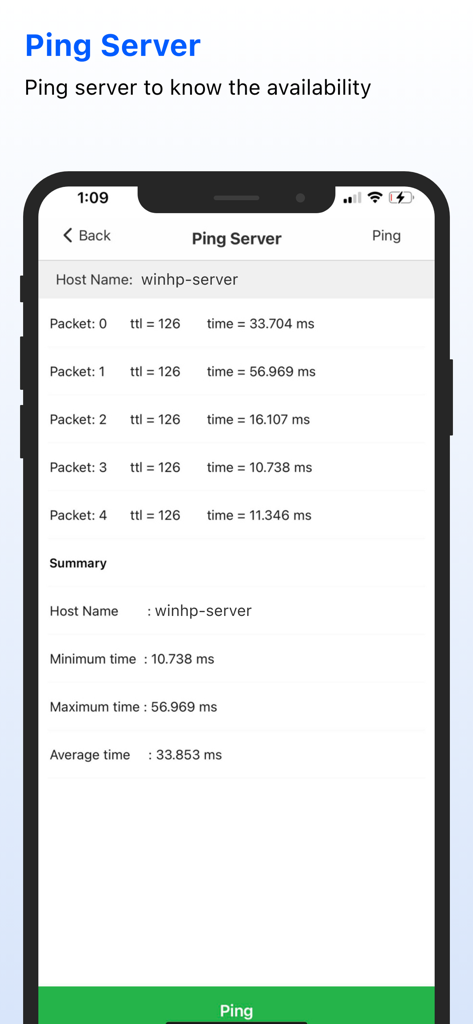
Windows Service Monitor app displaying server ping results and response times.

Windows Service Monitor app displaying server ping results and response times.

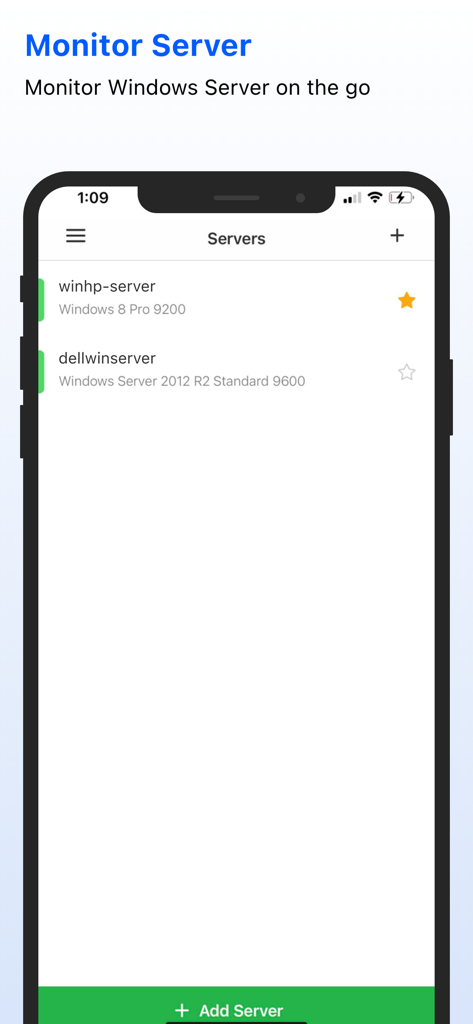
Mobile interface showing a list of monitored Windows servers with OS versions.

Mobile interface showing a list of monitored Windows servers with OS versions.

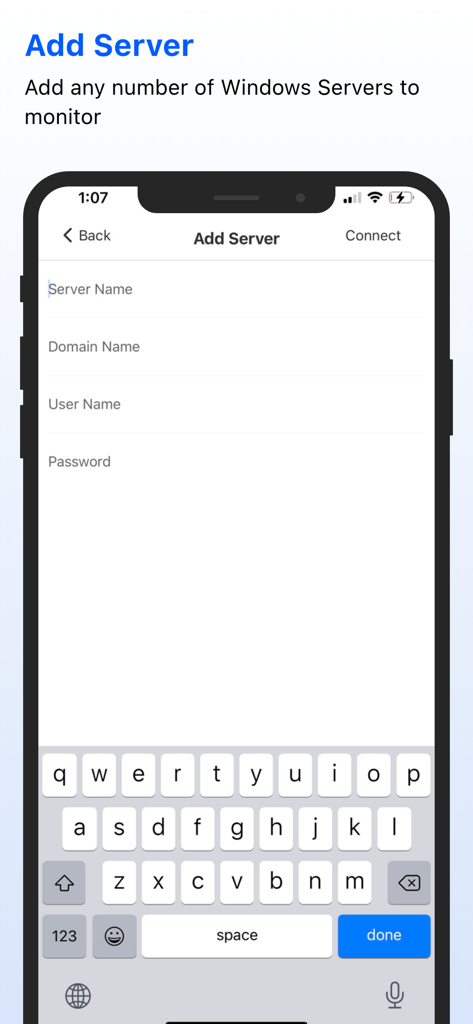
Interface for adding a new Windows server with fields for name domain and credentials

Interface for adding a new Windows server with fields for name domain and credentials

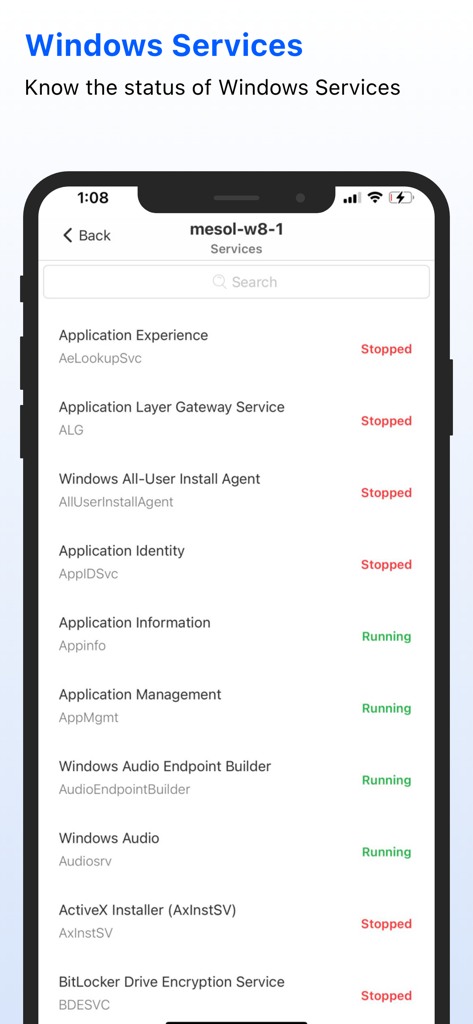
Screenshot of the Windows Service Monitor app showing a list of Windows services and their current running or stopped status on a mobile device

Screenshot of the Windows Service Monitor app showing a list of Windows services and their current running or stopped status on a mobile device

Enterprise Control in Your Pocket

The tools that make this app stand out, trusted by 5K+ users.

Immediate Issue Resolution

Start, stop, or restart hung services in seconds. Fix critical issues from your phone without needing to find a laptop or log into a full VPN.

🔍

Live Infrastructure Monitoring

Get real-time status updates on service health and server availability across Active Directory and Workgroup environments at a single glance.

🔄

Remote Power Management

Perform essential server reboots or shutdowns remotely. Take full command of Windows 7, 8, and 10 servers to maintain maximum system uptime.

About the app

Everything you need to know about Windows Service Monitor.

Description

Windows Service Monitor app offers Windows services management capability from your iPhone. IT administrator can monitor and manage Windows services. The users can Start, Stop Windows services and also Shutdown, Restart windows servers from their mobile. App Features: Monitors server availability. Monitors services and its status in windows servers. Know the status of the services like Running, Stopped, Stop Pending and Start Pending. Start and Stop the windows services. Change Service Type like Automatic, Manual and Disabled. Ping the server and know its availability. Shutdown Windows server from your mobile. Restart Windows Server from your mobile. Monitors servers running in Active Directory and WorkGroup environment. Support for Windows 7, Windows 8 and Windows 10 servers. Note: The Port 445 should be opened in Windows server which we are monitoring.

Latest Version

2.5.7

Size

16.5 MB

First Released

Nov 6, 2013

Master Your Server Infrastructure from Anywhere

Stop driving back to the office for simple service restarts. Manage, restart, and monitor your Windows servers instantly from your iPhone—no laptop required.

Download on App Store

App information, icons, screenshots, and descriptions displayed on this page are sourced from the Apple App Store and are the property of their respective developers. Download estimates and rankings are based on MWM's proprietary models and may not reflect actual figures. This page is provided for informational and analytical purposes only.

Believe this page infringes your intellectual property? File a dispute