Worklinq App

Worklinq App

Logo of Worklinq App

Worklinq App: Your Entire Workday, Simplified

The ultimate mobile companion for the deskless workforce. Clock in, swap shifts, and track your leave balances in real-time—giving you total control over your schedule and peace of mind wherever you are.

Publisher

Worklinq A/S

Category

Business

Downloads

1K+

User Rating

1.0/5

Total Ratings

0

Locales

1

Your Workspace in Action

Discover the interface used by 1K+ users.
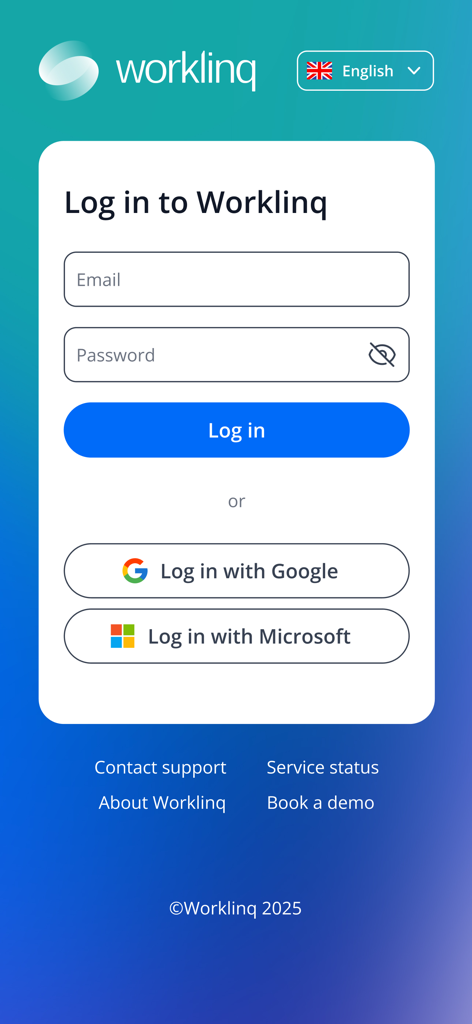
Worklinq login screen showing email password and social sign in options

Worklinq login screen showing email password and social sign in options

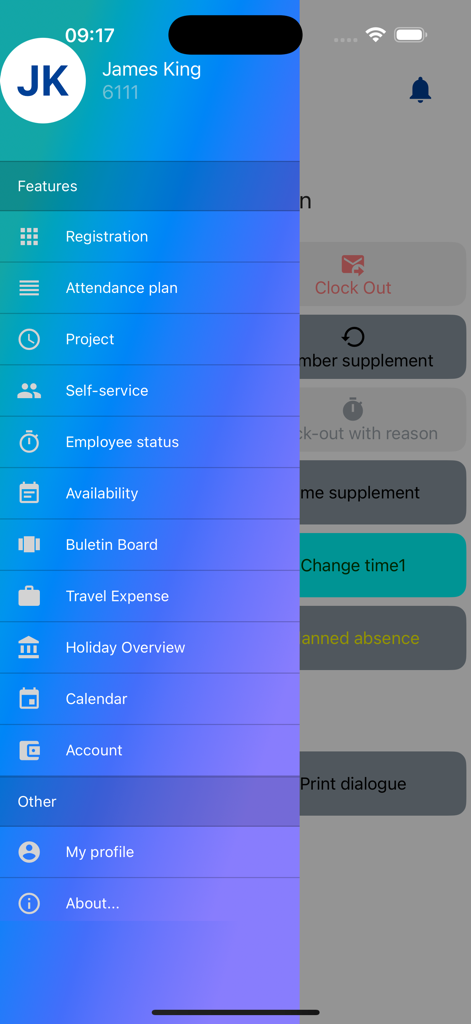
Sidebar navigation menu in the Worklinq app showing features like registration and attendance plan

Sidebar navigation menu in the Worklinq app showing features like registration and attendance plan

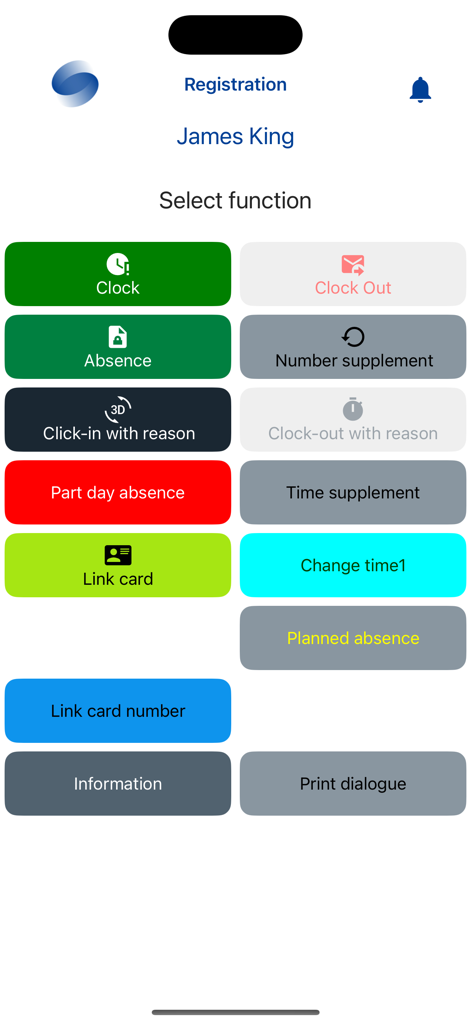
Worklinq app registration dashboard with clock in and absence management buttons

Worklinq app registration dashboard with clock in and absence management buttons

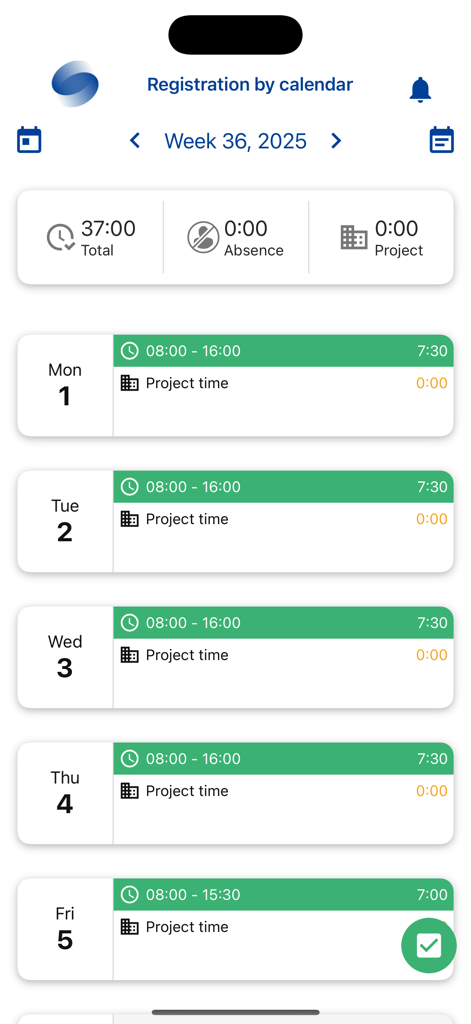
Worklinq app screen displaying a weekly work schedule and registered shift hours

Worklinq app screen displaying a weekly work schedule and registered shift hours

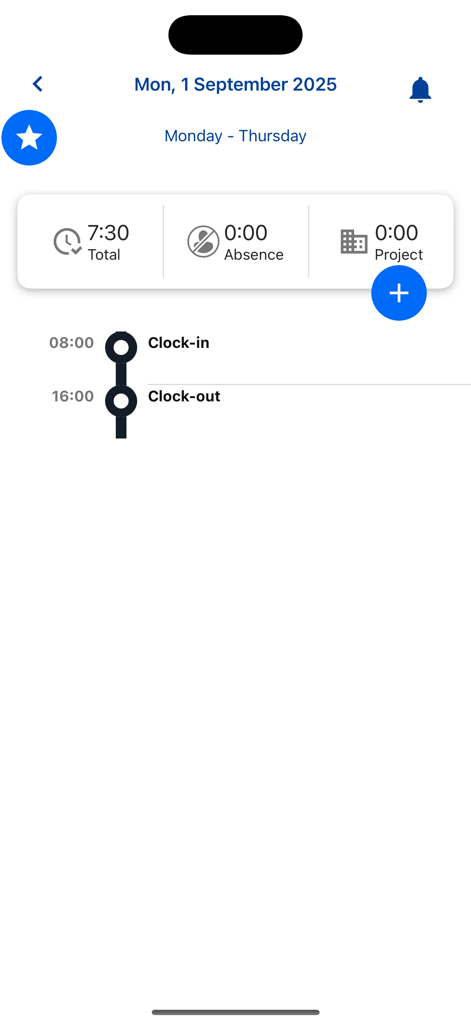
Daily attendance overview in the Worklinq app showing work hours and clock timestamps.

Daily attendance overview in the Worklinq app showing work hours and clock timestamps.

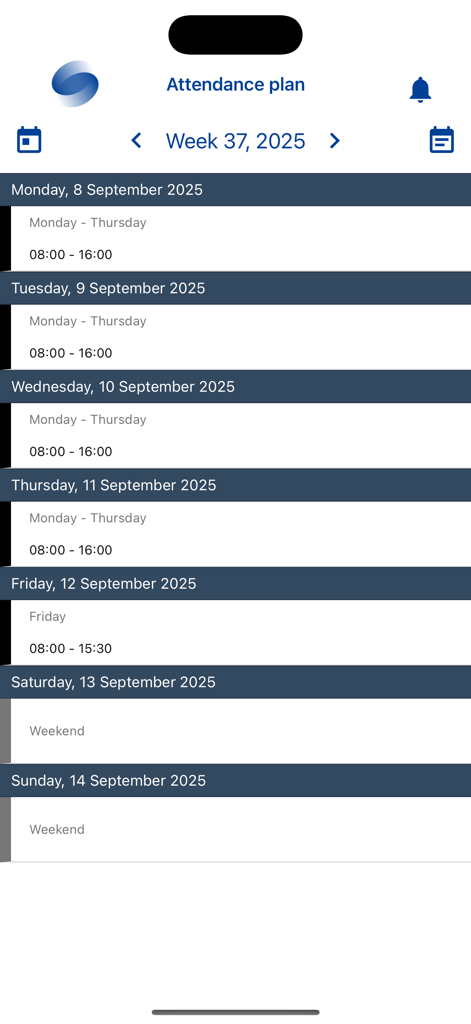
Worklinq app interface displaying a weekly work attendance plan and shift schedule

Worklinq app interface displaying a weekly work attendance plan and shift schedule

Empower Your Frontline Workflow

The tools that make this app stand out, trusted by 1K+ users.

⏱️

Precision Time Tracking

Clock in and track breaks with a tap. Monitor your overtime and flexitime balances in real-time for total paycheck transparency.

🔄

Flexible Shift Management

Swap, sell, or apply for vacant shifts instantly. Take control of your schedule without the friction of endless phone calls.

📱

Real-Time Manager Tools

Stay ahead with instant attendance overviews. Approve leave requests and manage team coverage on the go with smart push notifications.

About the app

Everything you need to know about Worklinq App.

Description

Built to enable organisations streamline operations and stay compliant, the Worklinq app provides employees and managers quick and secure access to the Worklinq solution on their mobile phones. With the app, employees can among many things: • Clock in/out and register breaks • Register all types of absences • Apply for holiday and other leave • See balances on holiday, flexitime and overtime • View transaction reports • Register time spent on projects or job activities • View own work schedule • Specify availability (part-time employees) • Swap, sell or apply for vacant shifts • Receive push messages about missing registrations, approved/rejected days off, available shifts etc. • Switch language • Change password/pin code Managers have all the same features as the employees. On top of that, they can also among other things: • Get an attendance overview for their team members • Approve registrations, requests for leave and shift swaps • Receive push messages regarding e.g. approval of registrations and absence • See employee contact details and celebrations events Please note: Use of this app requires that your employer has a Worklinq subscription with support for mobile devices enabled and that your employer runs version 6.01.00 or later of Worklinq. Contact your employer about account details and access issues.

Latest Version

1.0.5

Size

98.2 MB

First Released

Nov 13, 2025

Put Your Workday in Your Pocket

Take control of your schedule, track your hours, and swap shifts with ease. Download the Worklinq app today for a smarter, more flexible way to work.

App information, icons, screenshots, and descriptions displayed on this page are sourced from the Apple App Store and are the property of their respective developers. Download estimates and rankings are based on MWM's proprietary models and may not reflect actual figures. This page is provided for informational and analytical purposes only.

Believe this page infringes your intellectual property? File a dispute